Thick-Texture Palette-Knife Oil Painting
Transform an uploaded photo into a square oil painting with bold, sculptural palette-knife strokes, a warm ivory background, and a subject-specific handwritten subtitle.
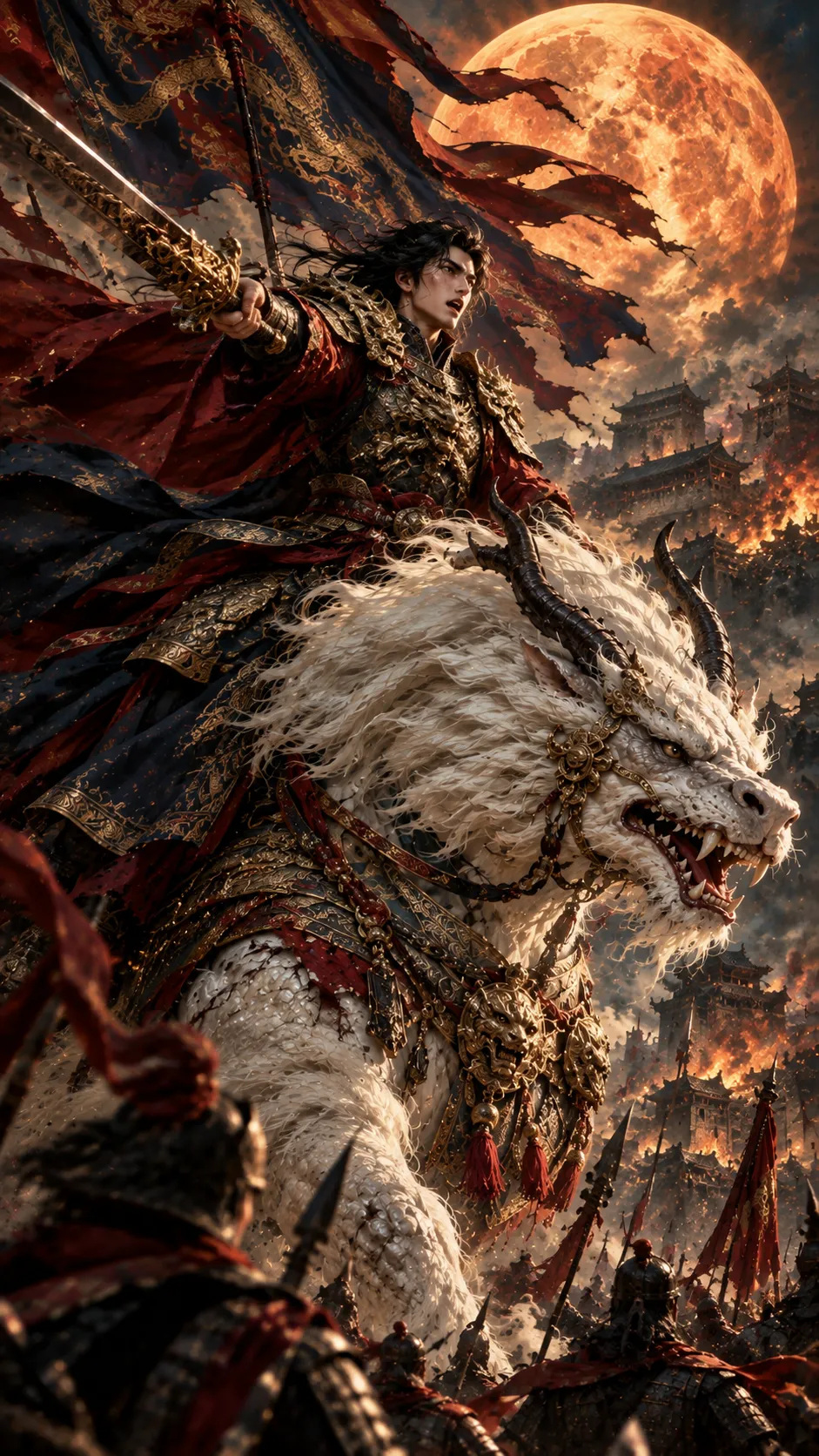
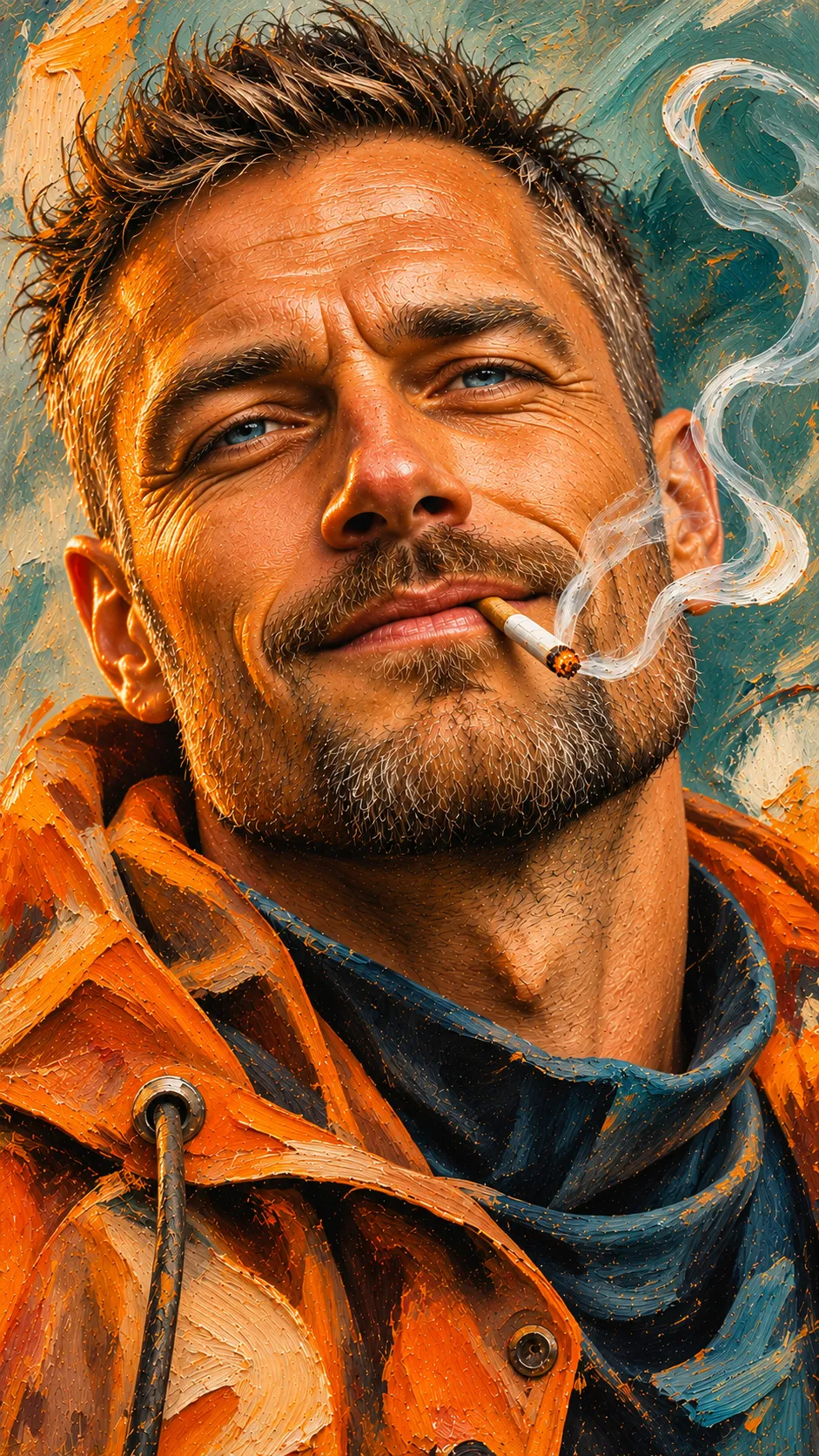
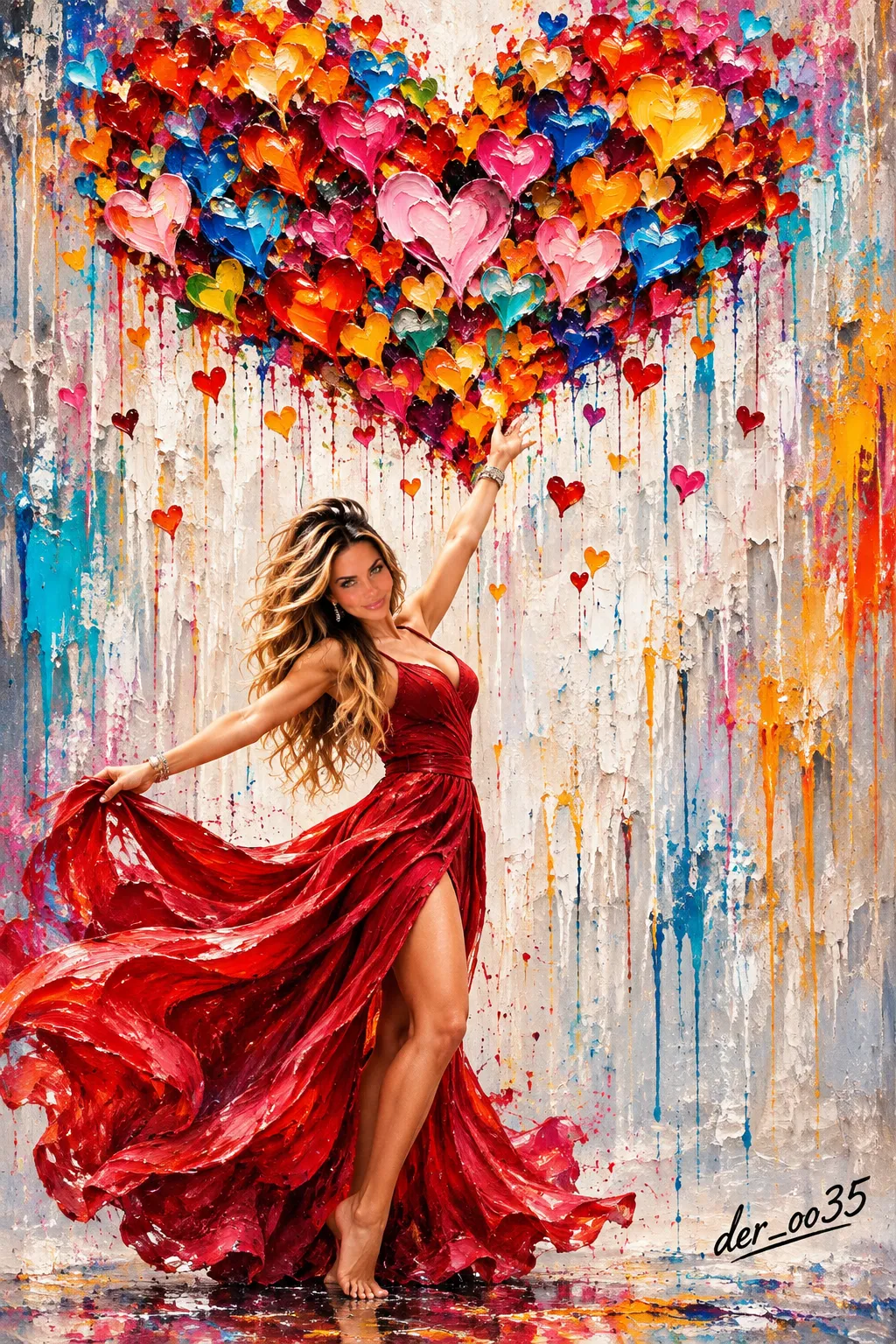
Example outputs
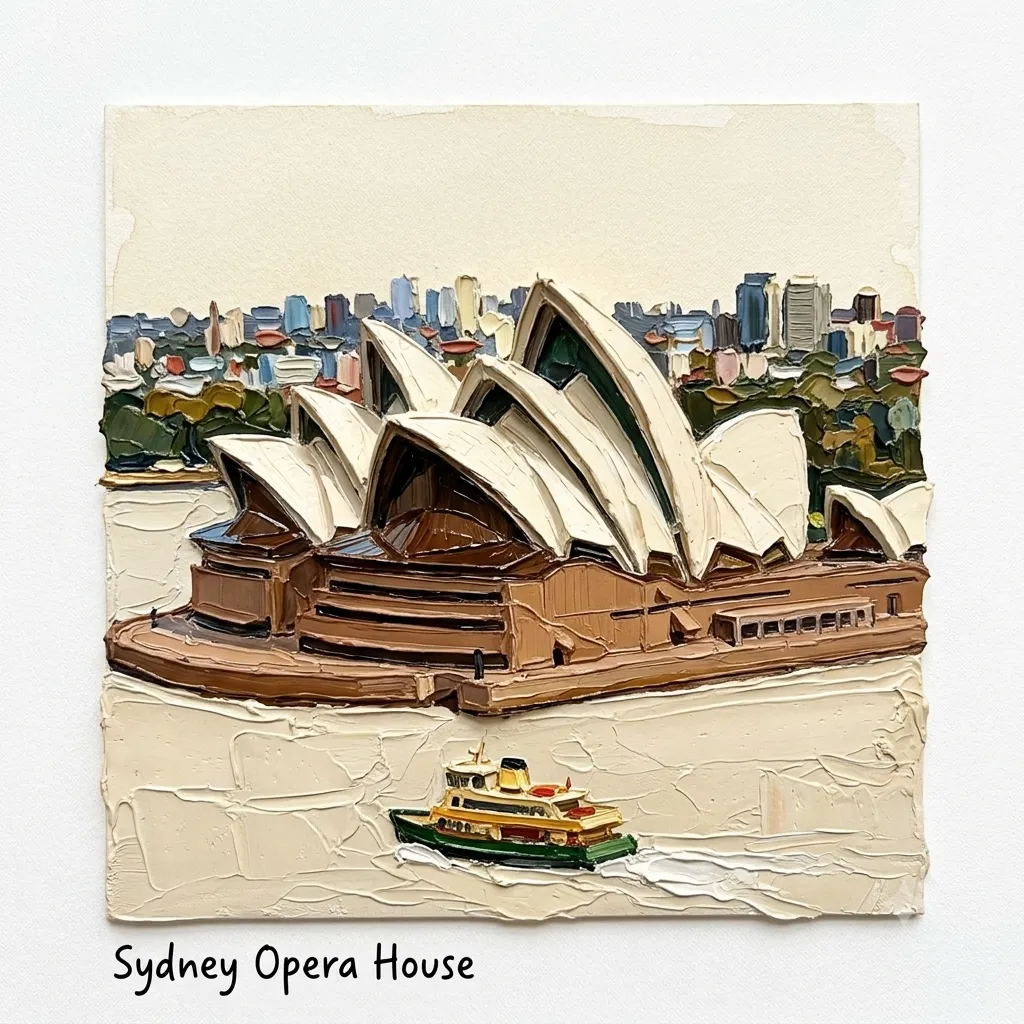
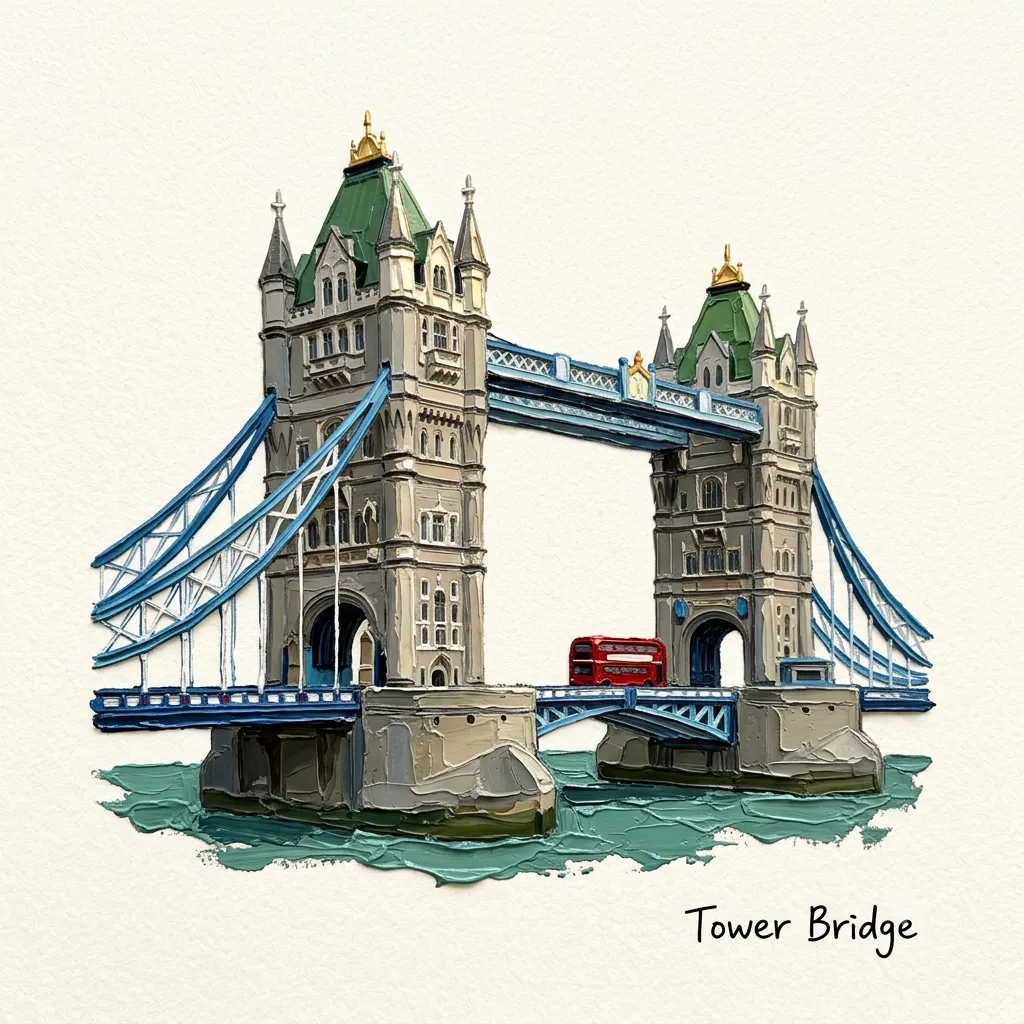
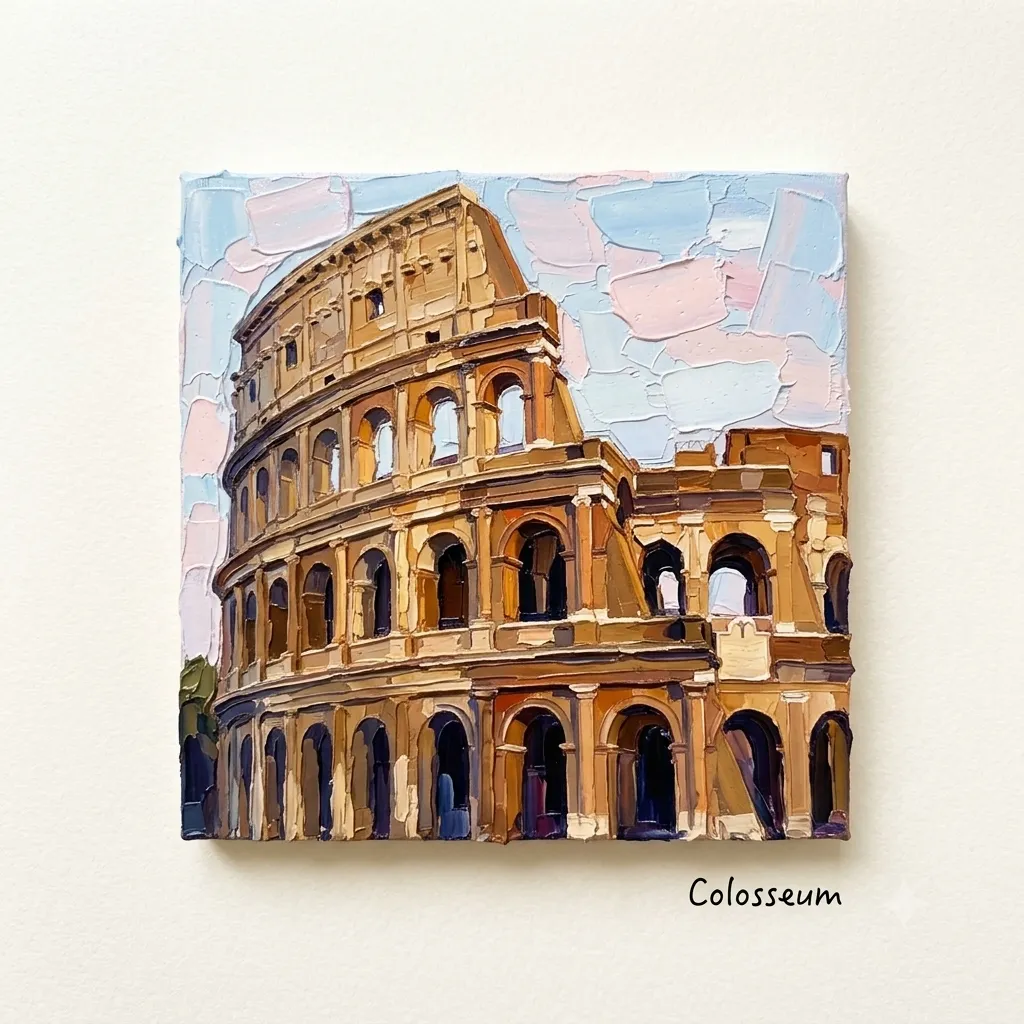
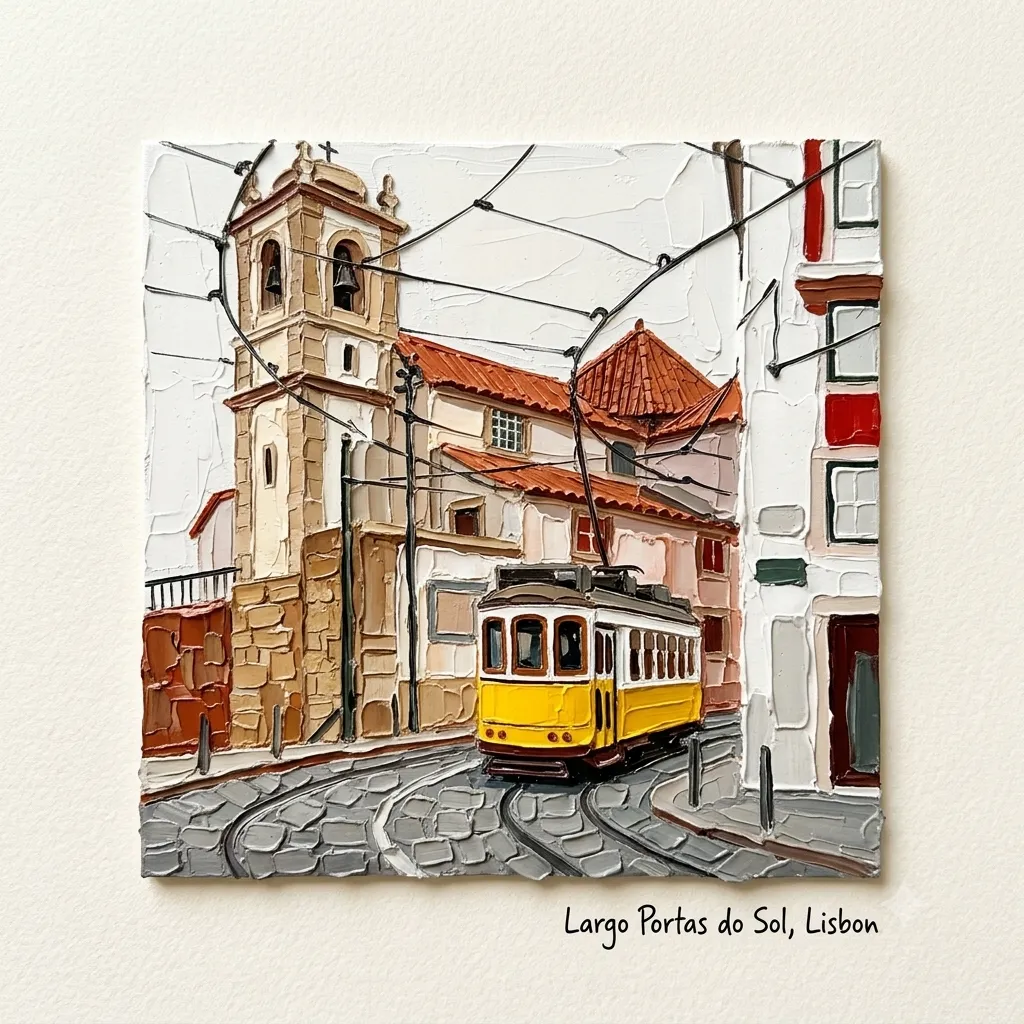
Prompt template
- Format
- Text
- Inputs
- Uploaded_photo (image) · Required
- Outputs
- Oil_painting (image)
Transform the subject in the uploaded photo into a square mini oil painting (1:1) using bold, richly textured palette-knife strokes.

Painting style and texture:
- Apply thick, layered oil paint with a raised, sculptural surface that appears to project 3–5 millimeters from the canvas.
- Keep the palette-knife marks, grooves, fine lines, and uneven pigment textures clear and visible.
- Add fine shadows along the pigment edges so each stroke appears individually stacked and layered.
- Assume the light source is at the upper left. Add bright highlights to raised pigment and deep shadows to dents and overlapping areas.
- Preserve the subject’s recognizable outline, main colors, and overall composition, but simplify its form into expressive, heavy color blocks rather than realistic photographic details. Avoid excessive detail, and keep the subject clearly recognizable at a glance.

Background:
Use a consistent warm ivory or milky-white watercolor background with a subtle, slightly rough texture. Keep it completely flat and understated so the subject’s three-dimensional paint texture stands out.

Subtitle:
Add a black, handwritten-style subtitle in a lower corner or in the area with the most white space. Identify the subject and generate an appropriate caption:
- Food or beverage: the name of the dish or beverage (for example, “Pancake” or “Earl Grey Cake”).
- Product: the product name or category.
- Character: the character’s name or a concise, expressive phrase representing the person.
- Animal: the animal’s name or species.
- Landscape: the location name or a short descriptive phrase.

Make the handwriting natural and slightly irregular; avoid overly neat or standardized lettering.
What you'll create
A photo subject becomes a heavily layered oil-style painting with clear grooves and stacked paint edges. Upper-left light reveals raised marks and deep pigment dents, while a natural handwritten caption responds to the subject.
Usage instructions
Provide the photo whose subject should be painted; the prompt uses its composition and main colors as a guide. The caption is generated from the identified subject, so adjust the requested caption placement or the balance of texture and visible detail if needed.
Frequently asked questions
How thick should the paint appear?
The prompt asks for a raised surface resembling three to five millimeters of paint.



Comments
Tried this prompt? Share what you made, compare results, or ask a question