Hyperrealistic Iris Macro from a Reference Photo
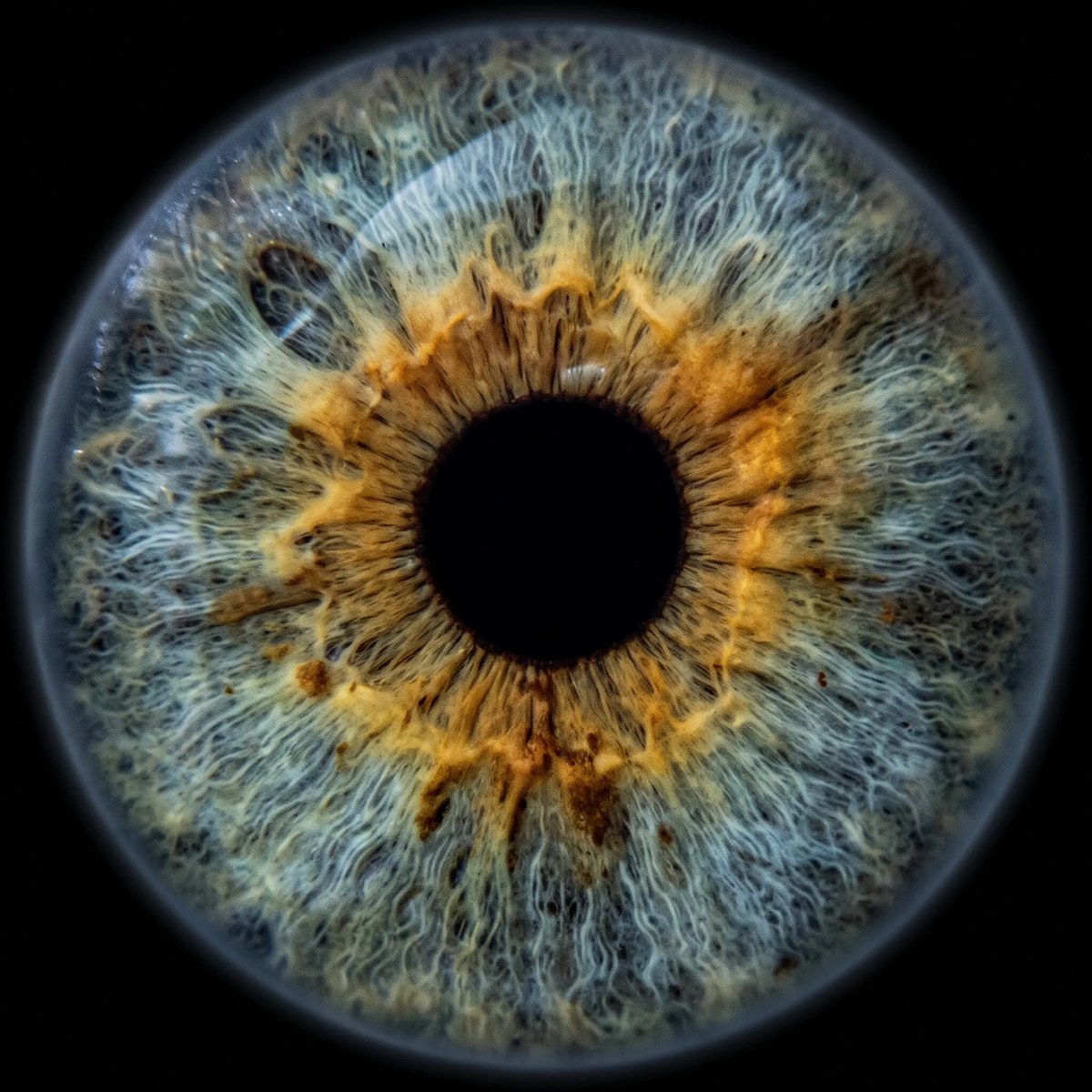
Create a centered, hyperrealistic macro image that faithfully preserves the iris in a supplied eye photo.
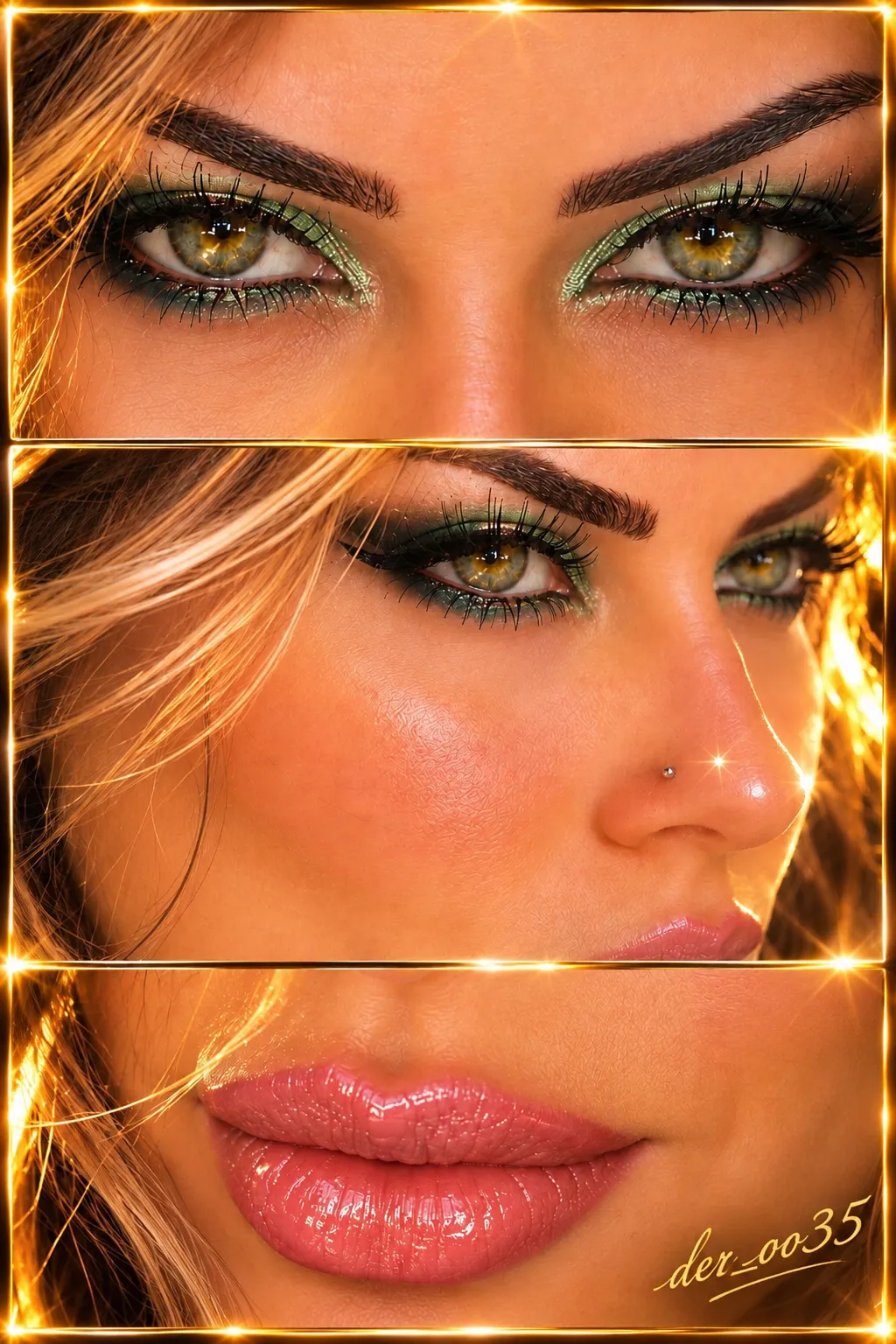
Example outputs
Prompt template
- Format
- Text
- Inputs
- Eye_reference_photo (image) · Required
- Outputs
- Iris_macro_image (image)
Use the attached photograph of my eye as an exact reference for the iris.
Create a hyperrealistic macro image showing only the iris and pupil, positioned precisely in the center against a completely black background.
CRITICAL: Preserve the individual iris from the original photo as accurately as possible. Do not invent a new iris or create an averaged eye pattern. Preserve its true color, shades, transitions, spots, rings, veins, radial fibers, and every unique feature.
What you'll create
The individual iris fills a centered isolated composition with its true colors and radial fibers. Spots, rings and transitions remain specific to the source eye.
Frequently asked questions
Should a generic iris pattern replace the source?
No. The original individual pattern remains.
Are eyelids and the full face shown?
No. Only iris and pupil appear.





Comments
Tried this prompt? Share what you made, compare results, or ask a question