Black-and-White Reflection in an Eye Pupil
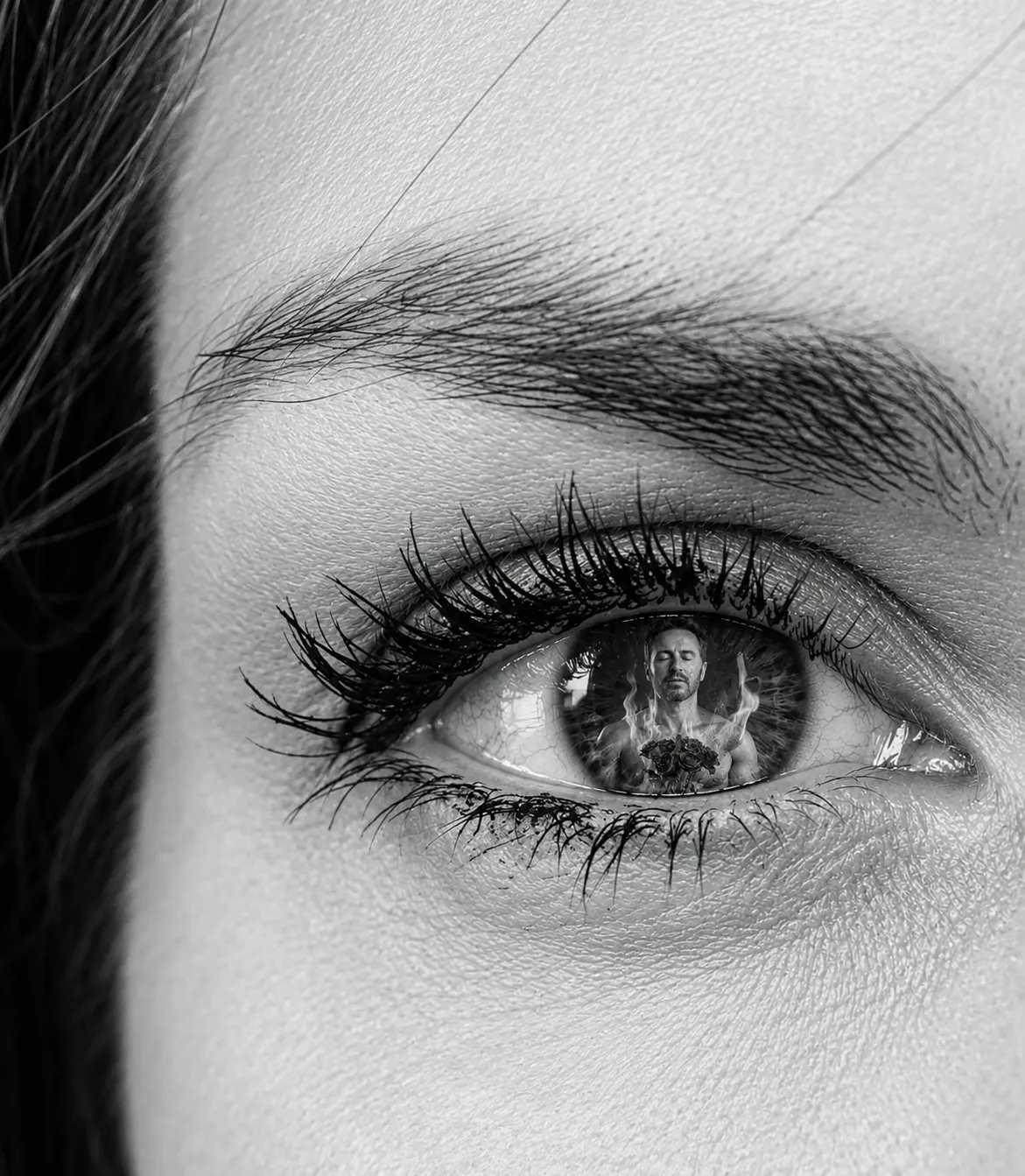
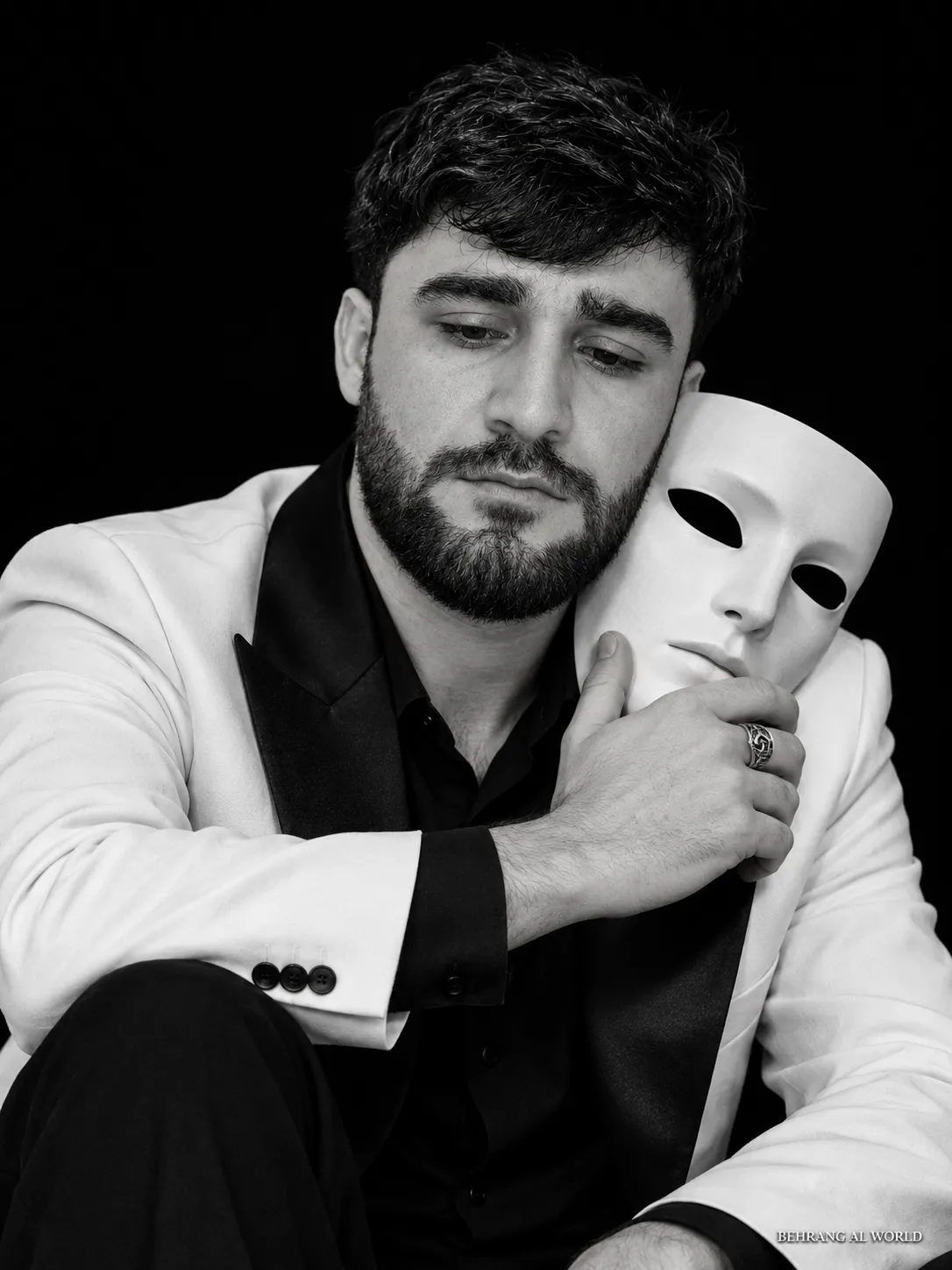
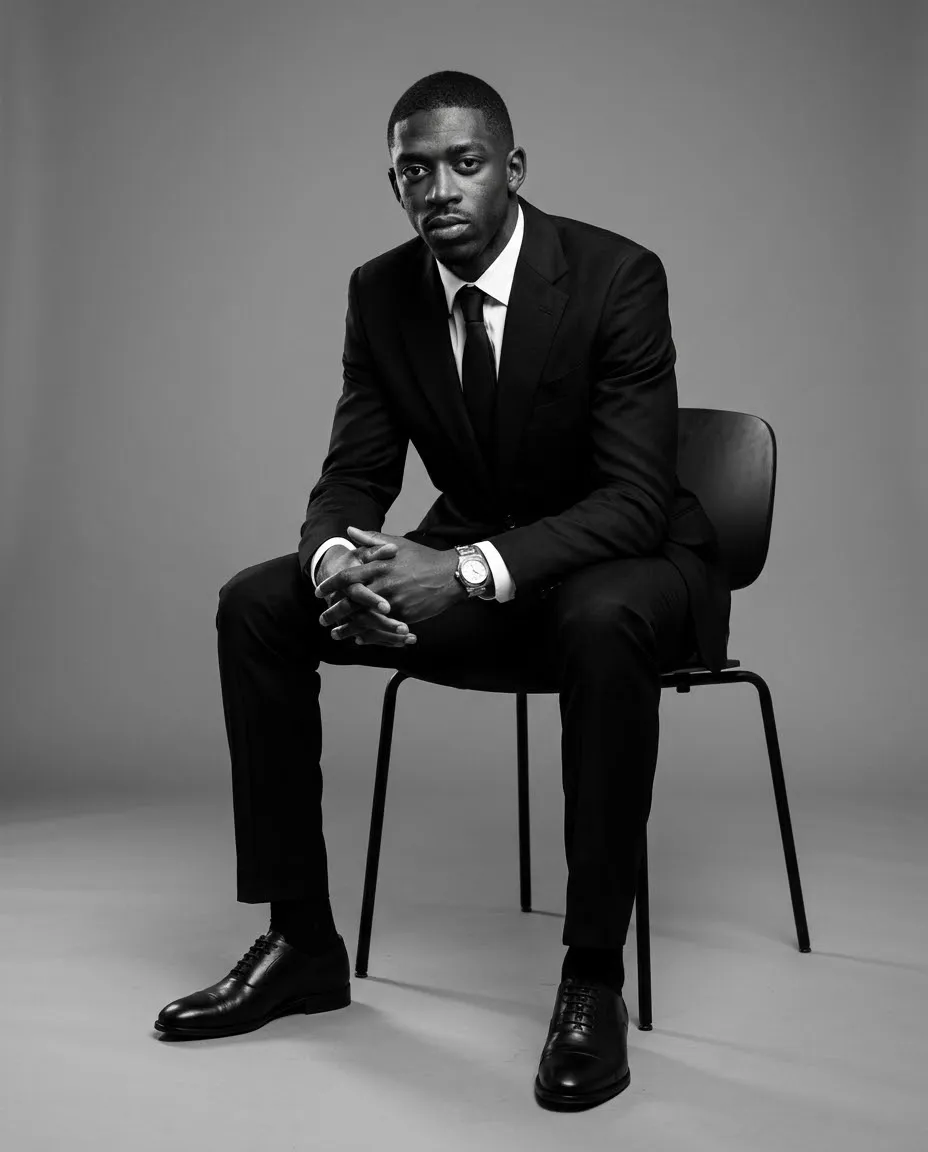
Add a clear black-and-white reflection of a second photo inside the pupil of an eye in the first photo.
Example outputs
Prompt template
- Format
- Text Parameterized
- Inputs
- first_photo (image) · Required second_photo (image) · Required
- Outputs
- edited_image (image)
Use the first photo as the base. In the pupil of the eye in the first photo, create a black-and-white reflection of the second photo. Create the image with the highest possible quality, resolution, and image depth so that the image inside the pupil can be seen clearly when zoomed in.

First photo: ${first-photo}
Second photo: ${second-photo}
Replace the ${…} placeholders with your values
before using this prompt. See parameters
and defaults below
Parameters
Replace each placeholder with your own value, or use its default when one is provided
${first-photo}
first-photo
Required
${second-photo}
second-photo
Required
What you'll create
The base eye retains its composition while a second image appears as a monochrome pupil reflection. Fine depth and high resolution are requested so the miniature reflected scene remains legible on enlargement.
Usage instructions
Provide both photos: the first supplies the eye, and the second supplies the reflected image. Choose a second photo with a clearly recognizable subject so its reflection remains legible when zoomed in.
Frequently asked questions
Where is the second image placed?
Inside the pupil.
Should the reflection stay in full color?
No. It is black and white.







Comments
Tried this prompt? Share what you made, compare results, or ask a question