High-Contrast Neo-Noir Pop-Art Portrait
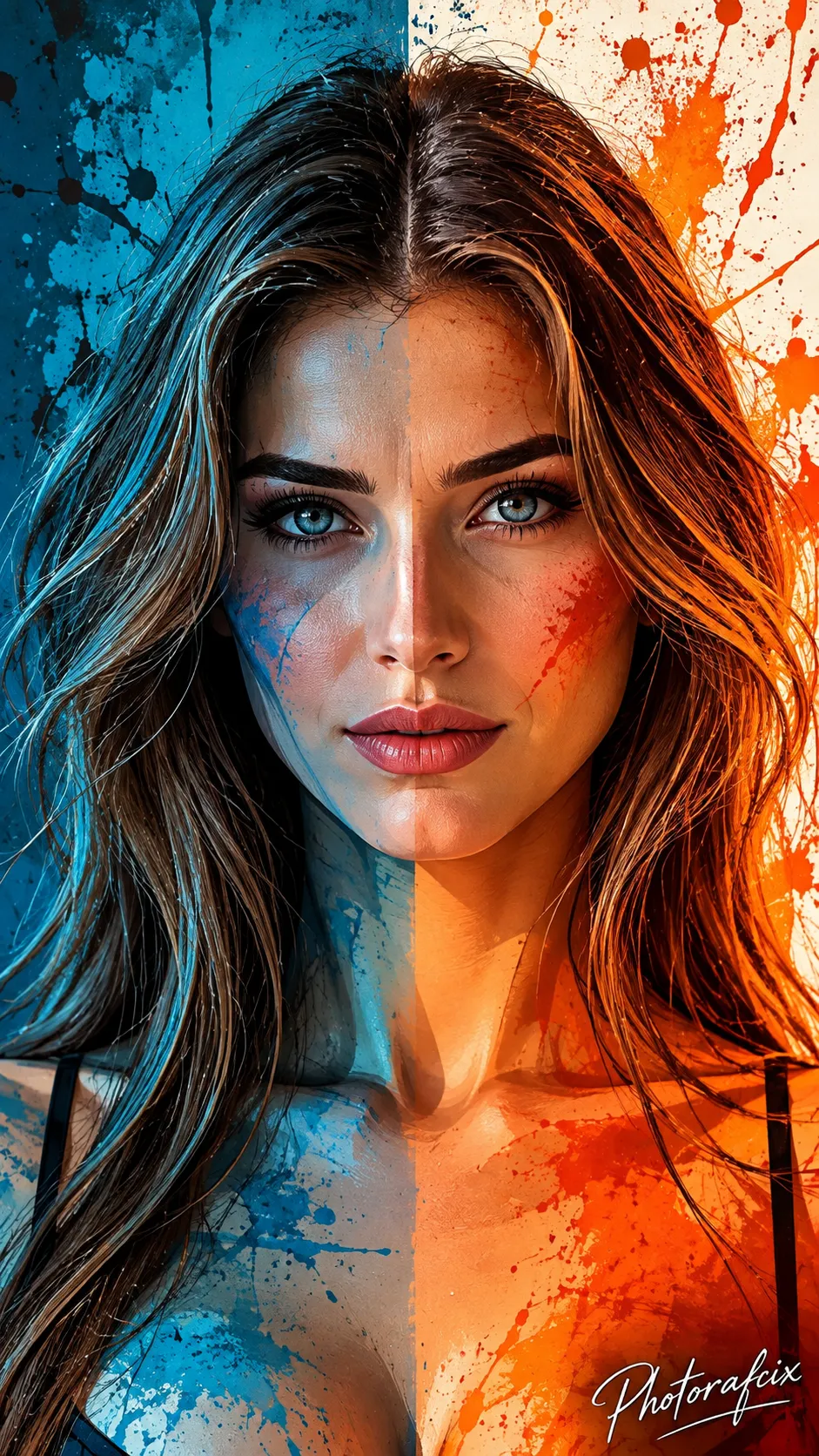
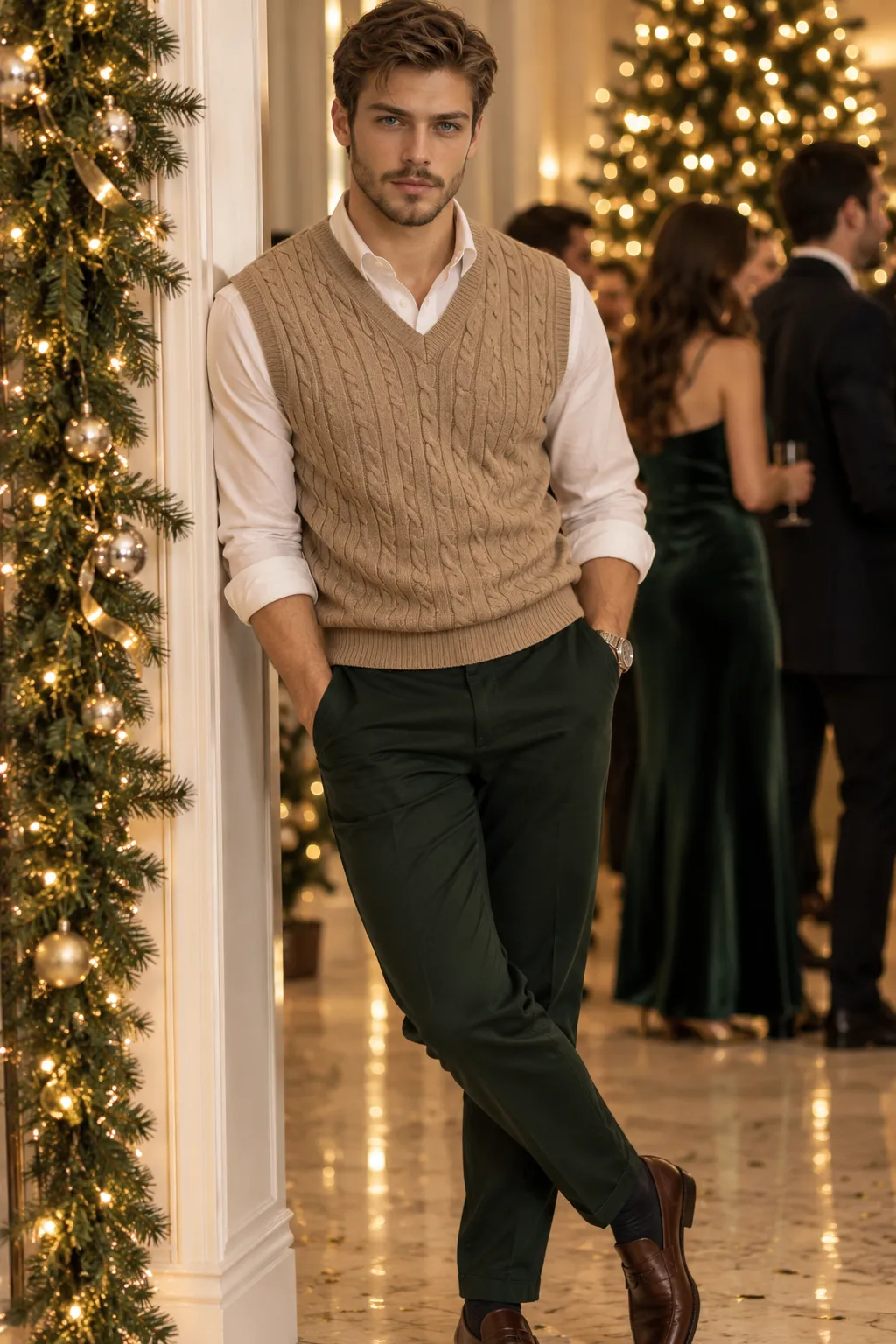
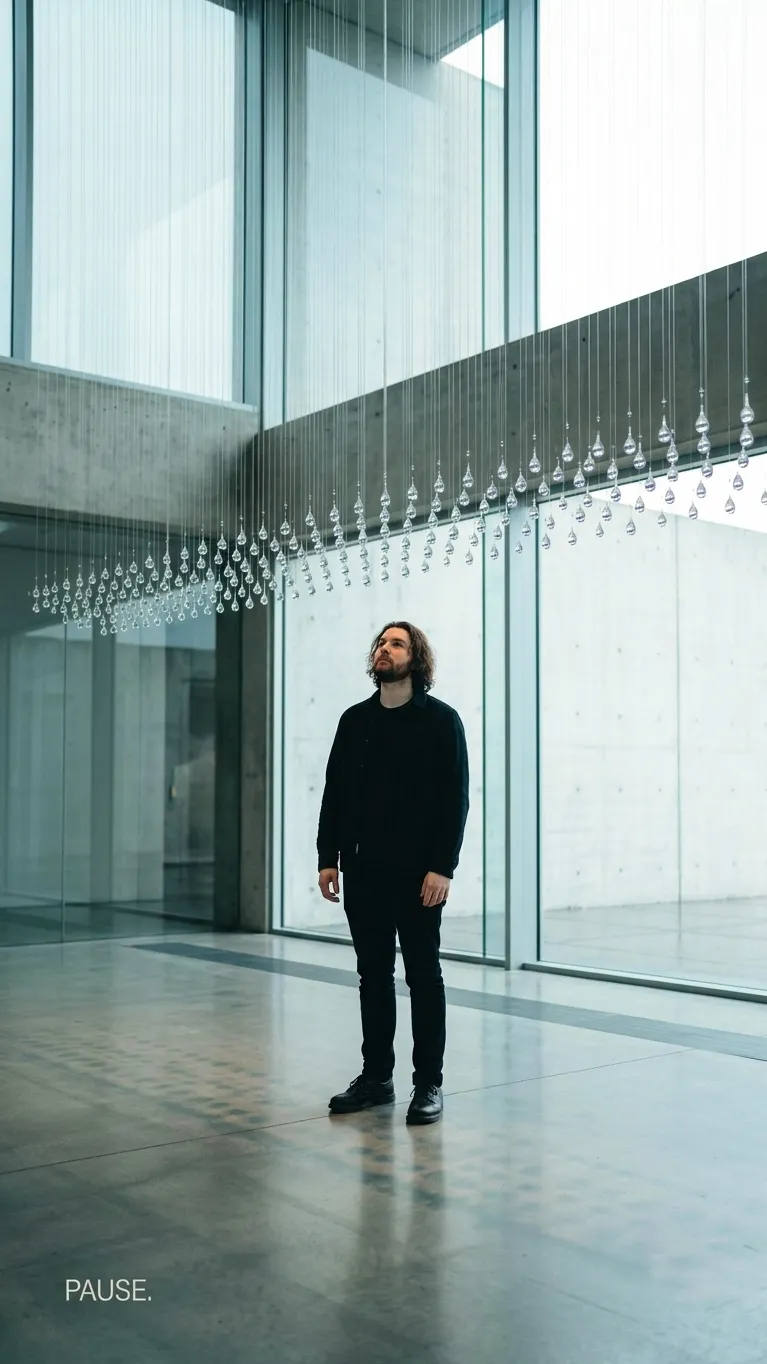
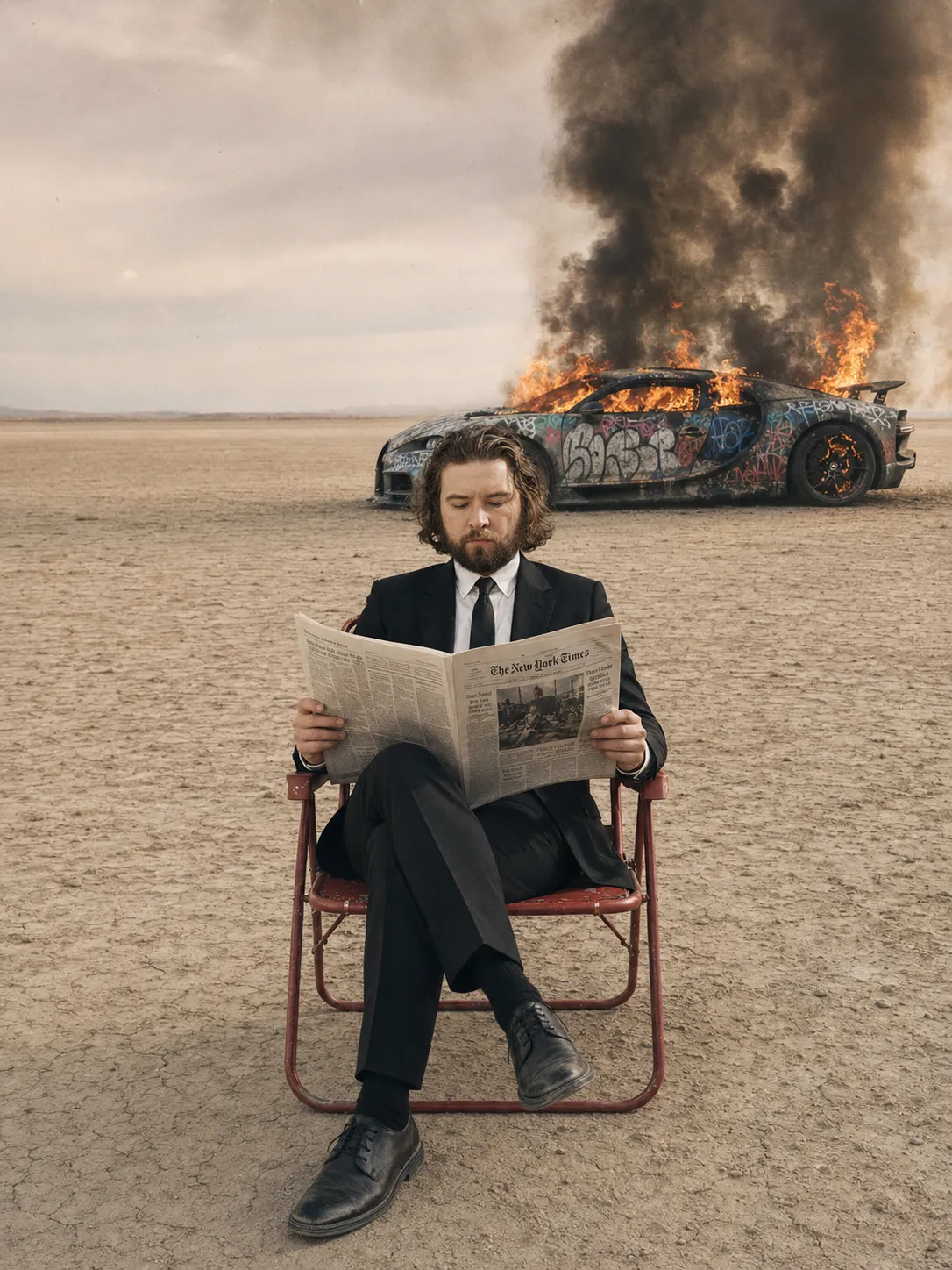
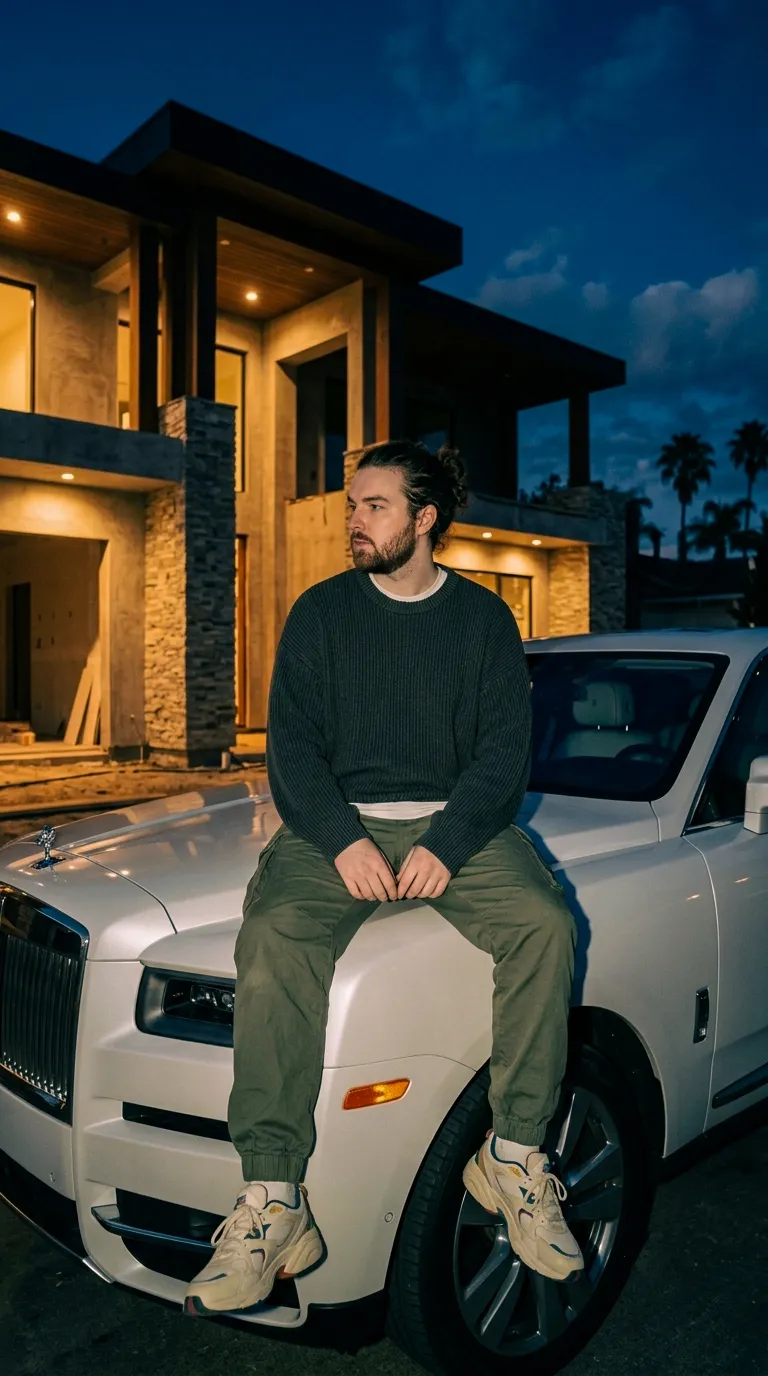
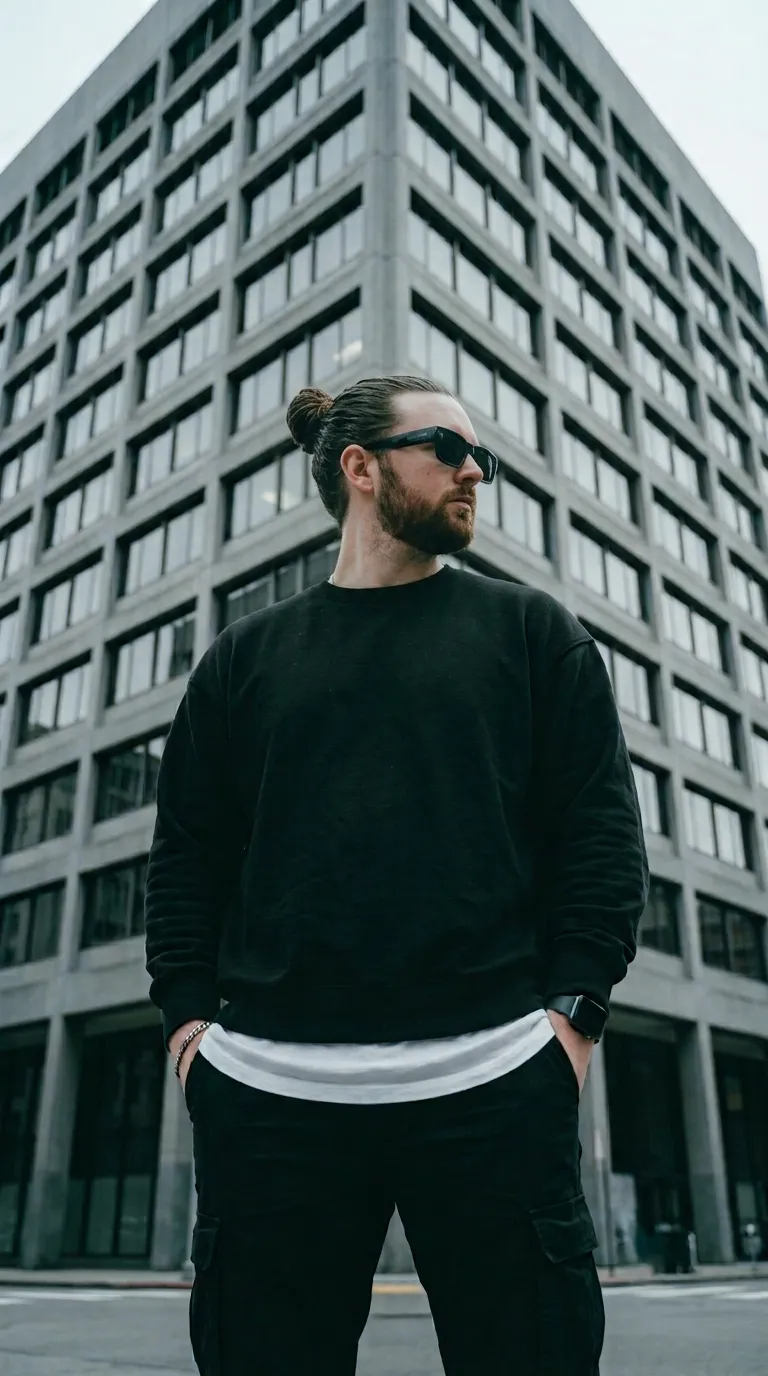
Transform a reference photo of a man into a centered, high-contrast pop-art portrait with a black background, vivid red accents, and a vertical poster composition. The accent color can be changed by updating the palette and corresponding lighting details
Example outputs
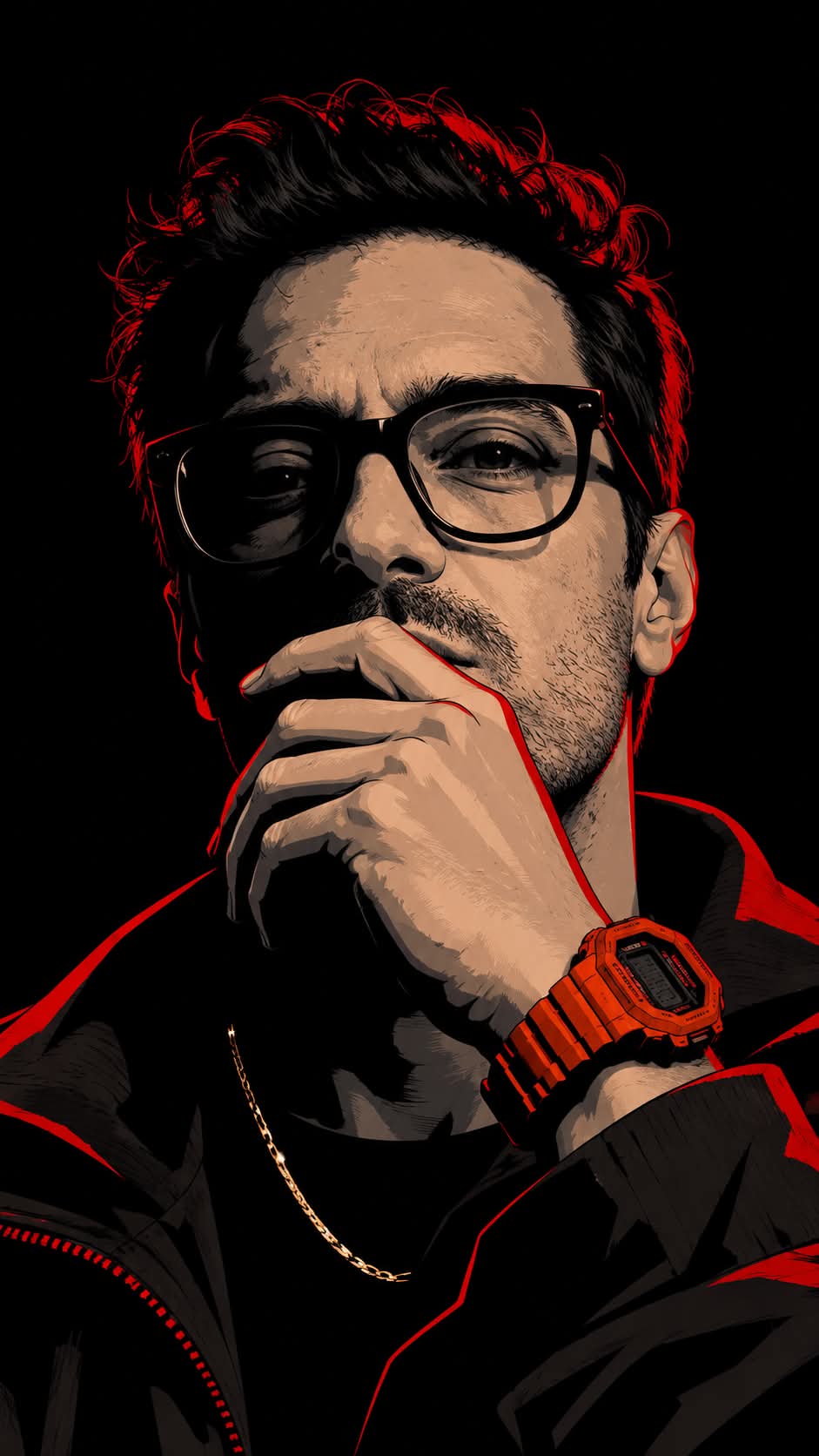
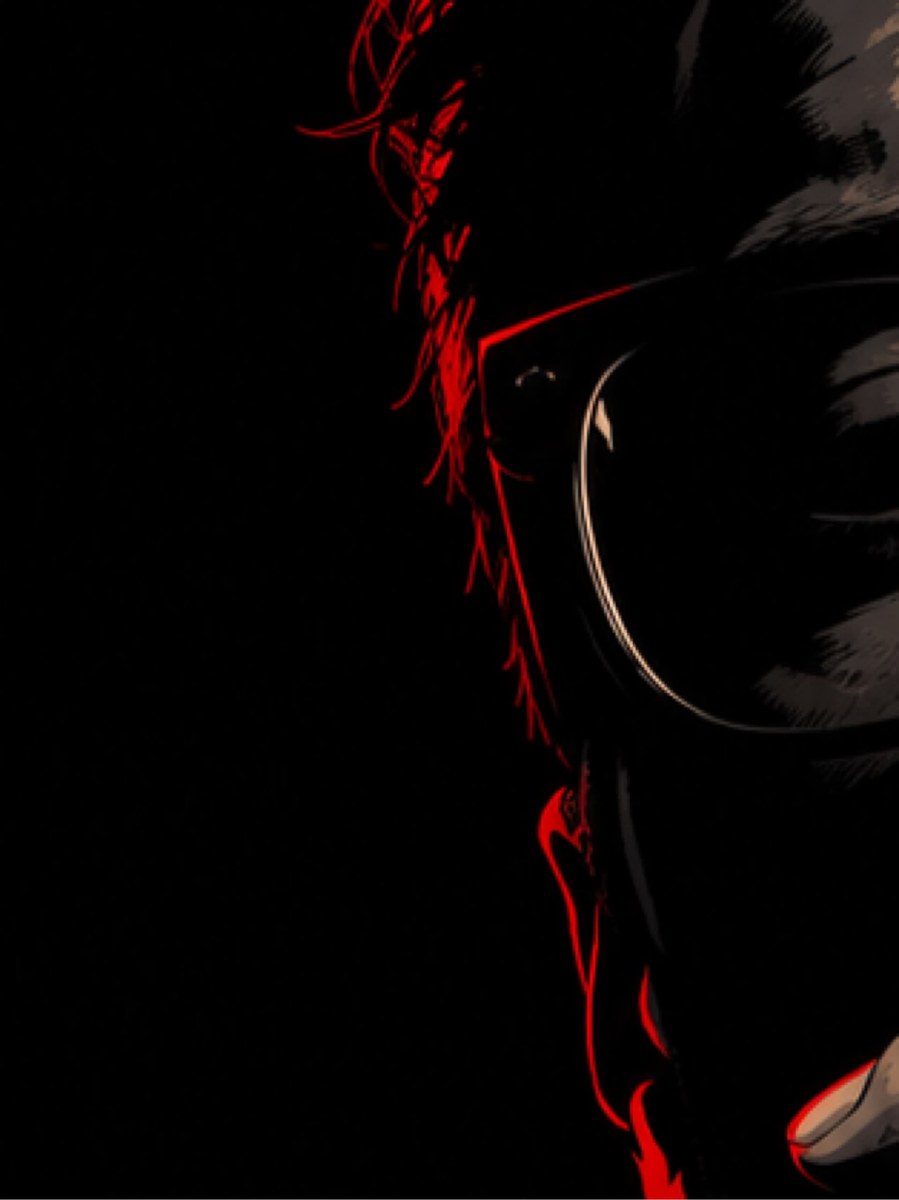
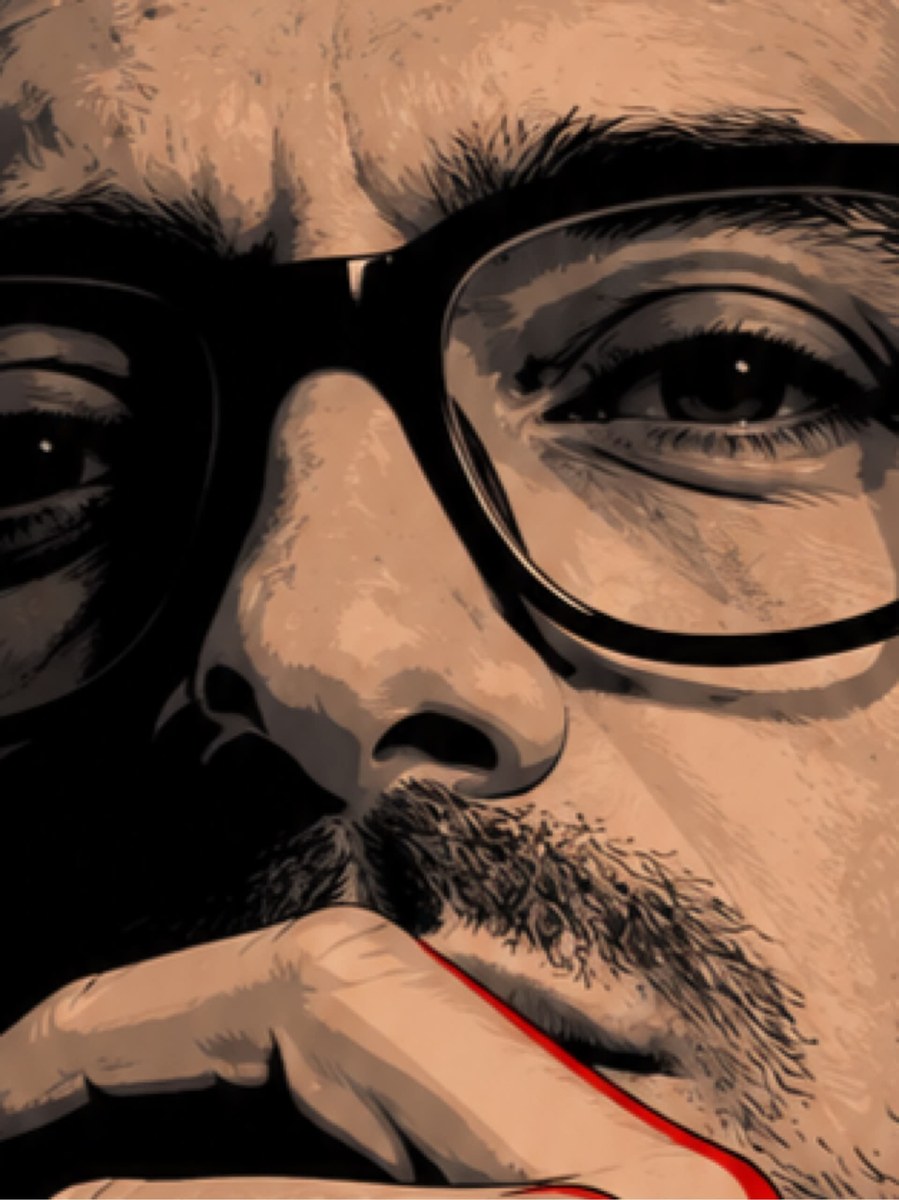
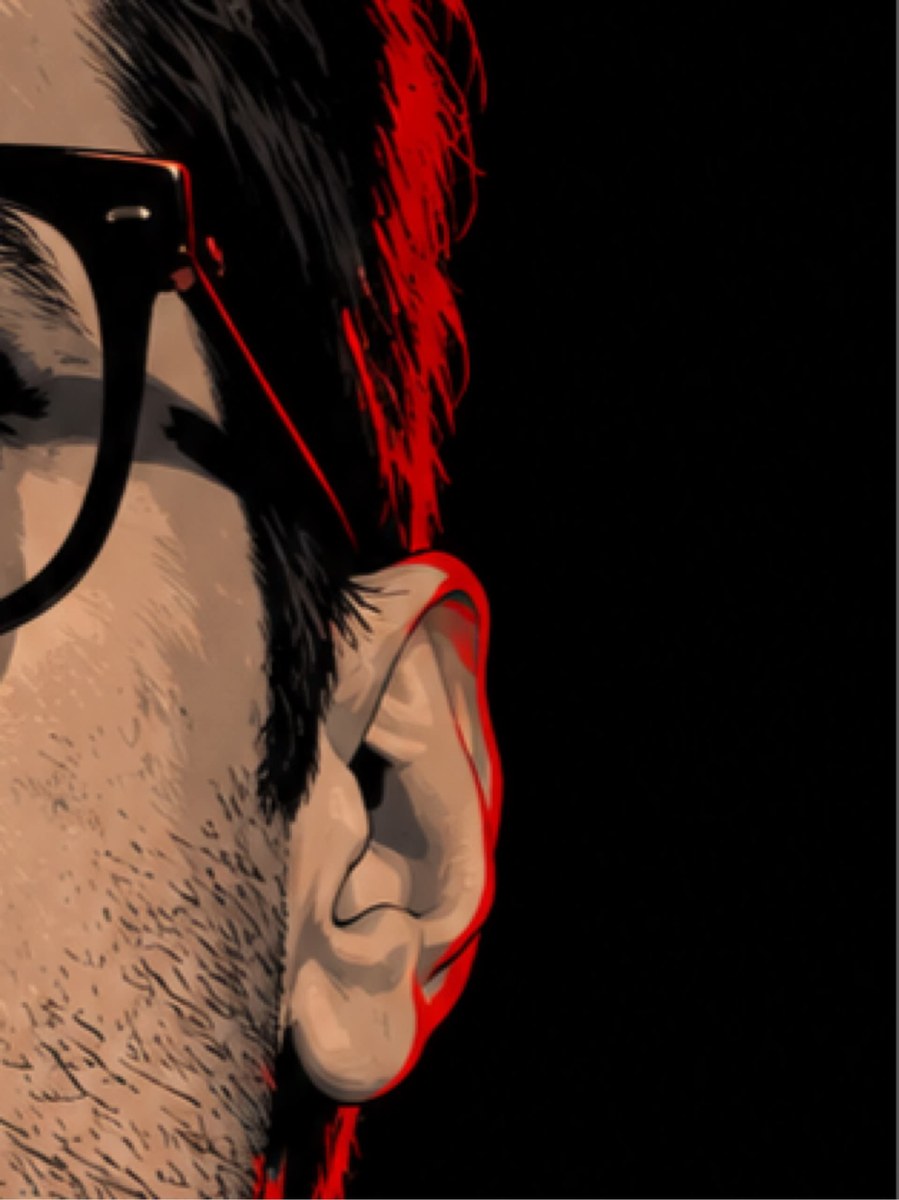
Prompt template
- Format
- Text
- Inputs
- Reference_image (image) · Required
- Outputs
- Portrait (image)
Create a high-contrast stylized portrait of a man based on the uploaded image, against a solid black background. Use a limited three-tone palette of deep black, slate gray, and vivid red, with soft beige highlights on the gold chain and subtle skin planes. Cast half the face in dramatic shadow, with one hand partially covering the mouth and an intense direct gaze. Give the hair texture and red rim lighting along its edges. Use bold graphic shapes, posterized shading, flat color blocks, and crisp vector-style outlines. Add cinematic rim light from the right, creating red accents on the hair, ear, collar, and wrist. Include a chunky orange-red digital watch on the wrist, a thin gold chain necklace catching a faint highlight, and a dark jacket or hoodie with red trim. Use a centered composition with ample negative space and a moody neo-noir pop-art aesthetic. Preserve high detail in facial planes and hair texture, smooth edges, and minimal gradients. Aim for a poster or album-cover feel with ultra-clean vector rendering. 4K quality, --ar 9:16What you'll create
This prompt creates a centered, high-contrast portrait of a man against a solid black background. Posterized shading, red rim lighting, and crisp vector-style outlines give the image a neo-noir pop-art poster aesthetic
Generation settings
Aspect ratio: 9:16
Usage instructions
Provide the image to use as the portrait reference. The prompt builds a centered graphic treatment around that reference; to change the accent color, update both the palette and the red lighting details
Frequently asked questions
Can I change the red accents?
Yes. Replace the vivid red accent color and update the related rim-lighting and palette details to match




Comments
Tried this prompt? Share what you made, compare results, or ask a question