Chiaroscuro Engraving Portrait
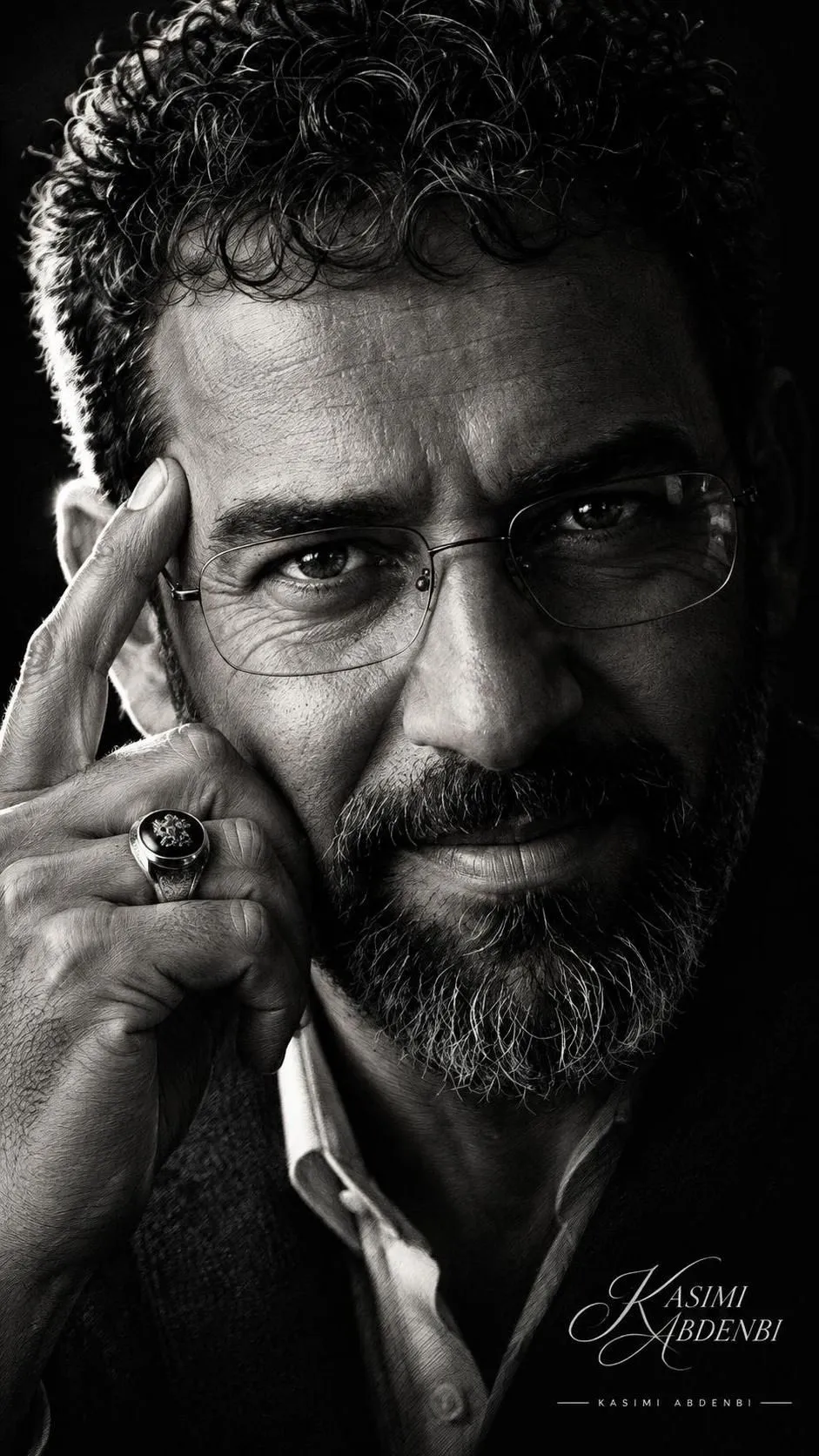
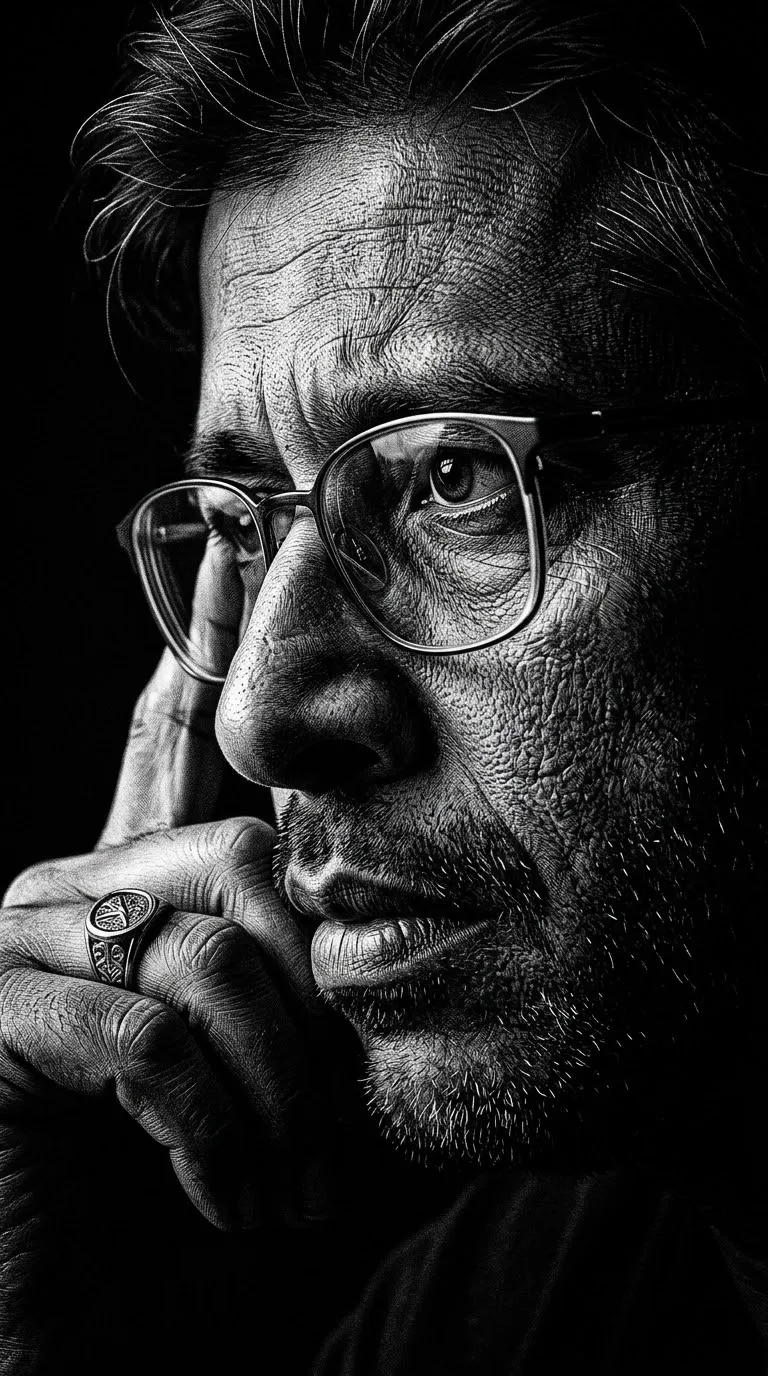
Create a dramatic close-up portrait of a mature man with stark black-and-white chiaroscuro lighting and a detailed engraving-inspired finish.
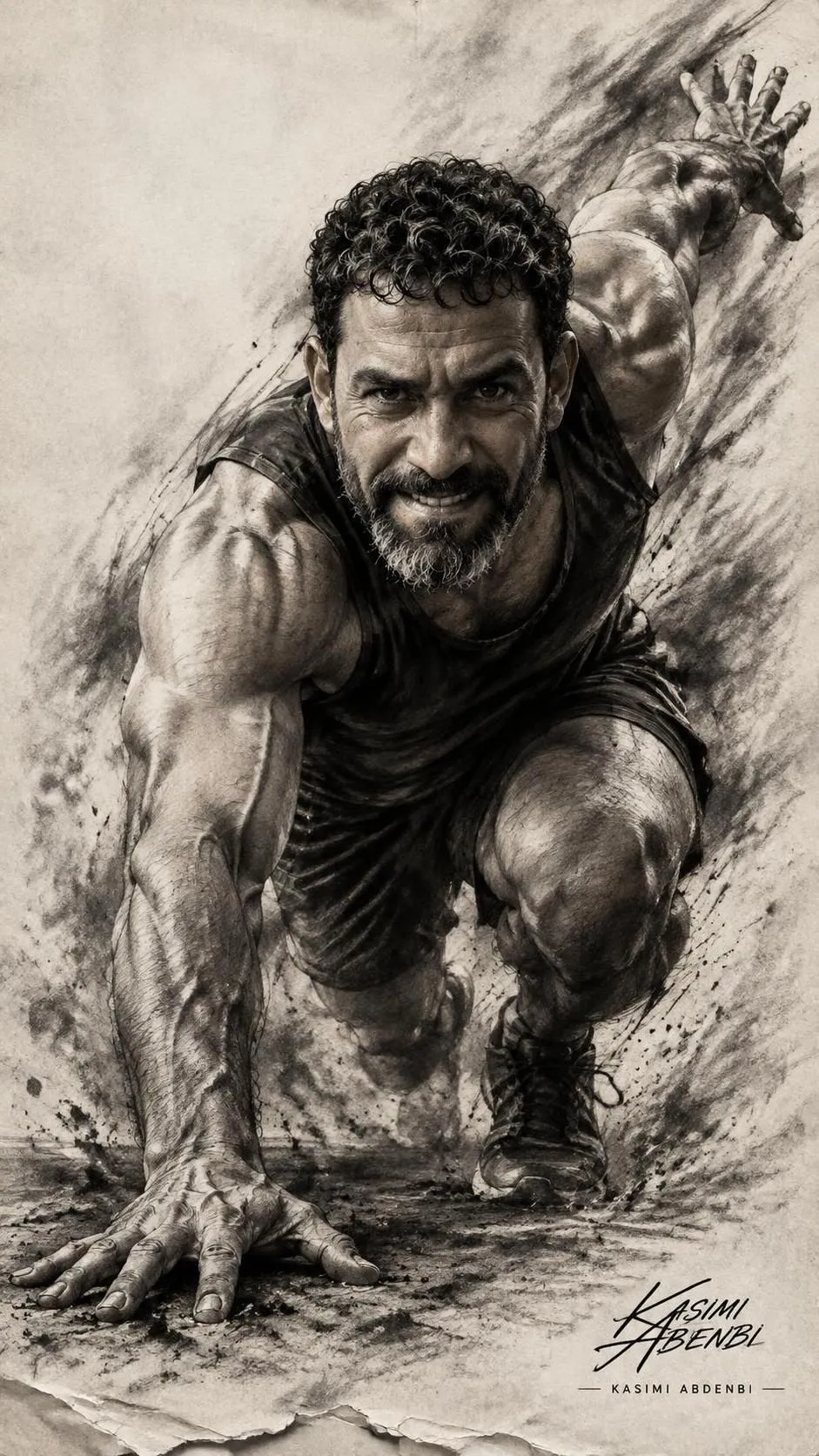
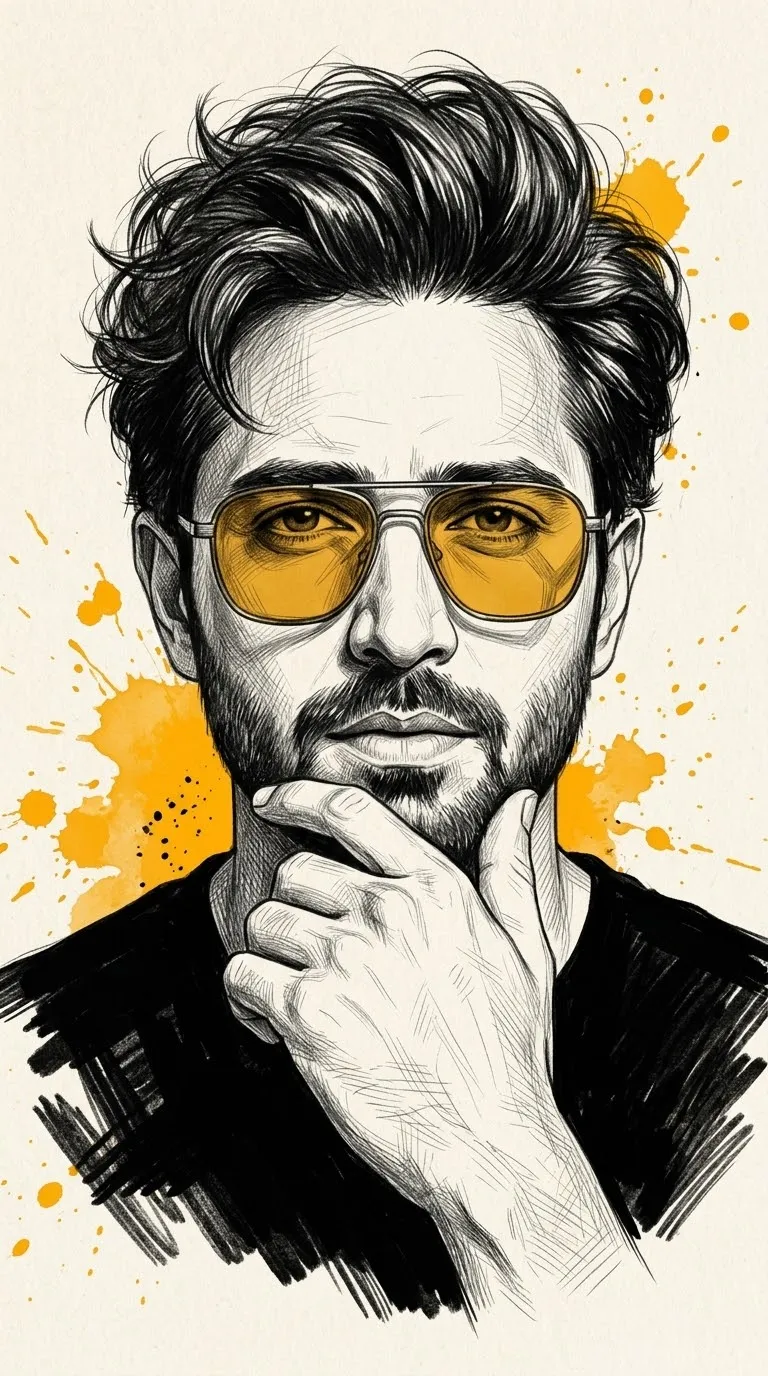
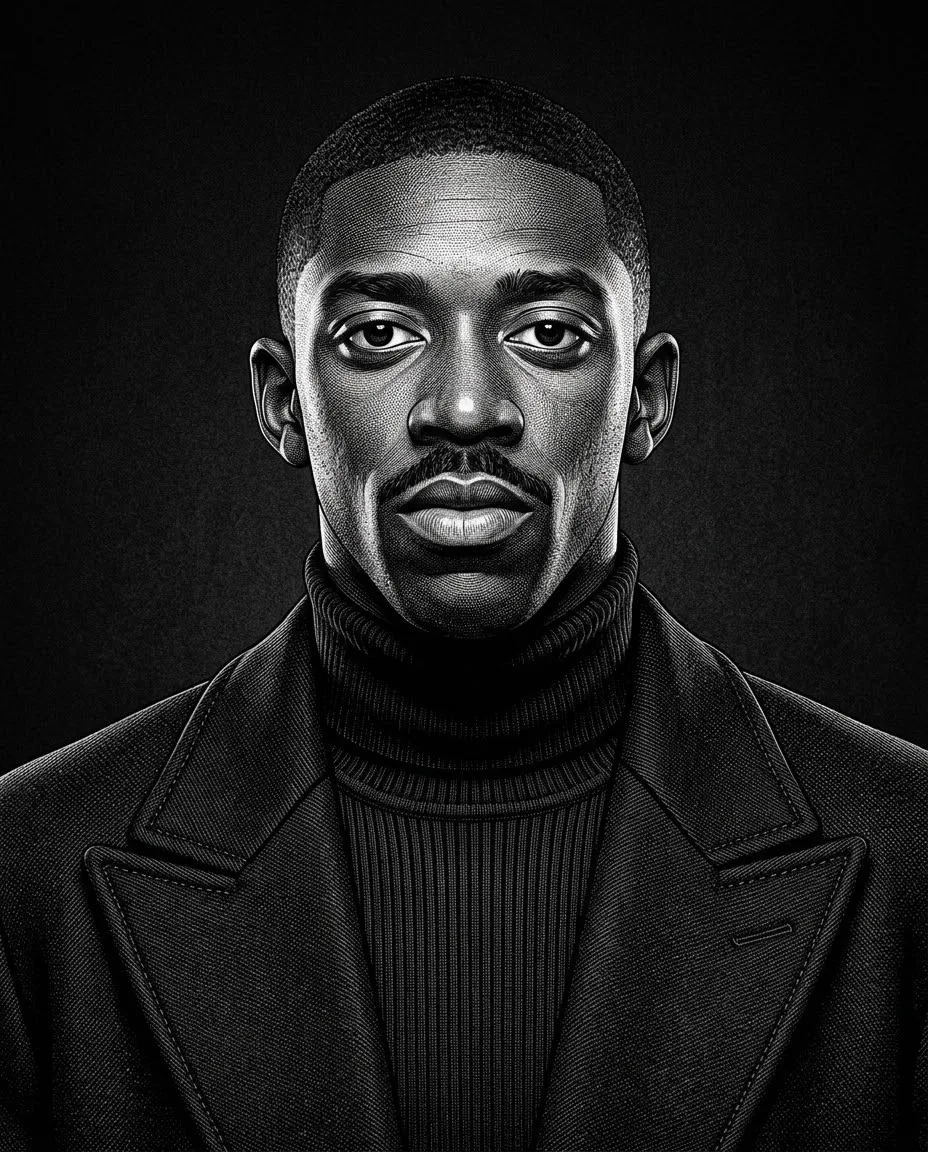
Example outputs
Prompt template
- Format
- Text Parameterized
- Inputs
- Reference_image (image) · Required Aspect_ratio (text) · Optional · Default: 9:16
- Outputs
- Portrait (image)
Create an extreme close-up, three-quarter portrait of a mature man using the uploaded image as a reference. Give him strong, weathered facial features, with one hand raised to his temple, thin-framed glasses, and a prominent signet ring. Use dramatic low-key, high-contrast black-and-white lighting with deep chiaroscuro; a rim light from the left should carve highlights into the skin texture, wrinkles, and stubble while casting the right side into profound shadow. Use a hyper-detailed, photorealistic engraving/scratchboard aesthetic with fine cross-hatching and subtle film grain. Include razor-sharp eye contact and reflective glasses, shallow depth of field, a cinematic, moody atmosphere, and a stark black background. Use a vertical composition and emphasize texture, mood, and an intimate, contemplative expression. High resolution, --ar ${aspect-ratio:9:16}Replace the ${…} placeholders with your values
before using this prompt. See parameters
and defaults below
Parameters
Replace each placeholder with your own value, or use its default when one is provided
${aspect-ratio:9:16}
aspect-ratio
Default: 9:16
What you'll create
A mature man raises a hand to his temple in an intimate three-quarter close-up. Fine cross-hatching traces wrinkles and stubble while left-side rim light cuts into a stark black background.
Generation settings
Aspect ratio: 9:16
Usage instructions
Provide the reference image of the man so the prompt can use it as a visual reference. Adjust the aspect ratio to change the vertical composition; the engraving-inspired treatment is combined with photorealistic detail and dramatic lighting.
Frequently asked questions
What ring is specified?
A prominent signet ring.
Which side falls into deeper shadow?
The right side.


Comments
Tried this prompt? Share what you made, compare results, or ask a question