Turn a Social Media Profile Screenshot into a Crayon Drawing
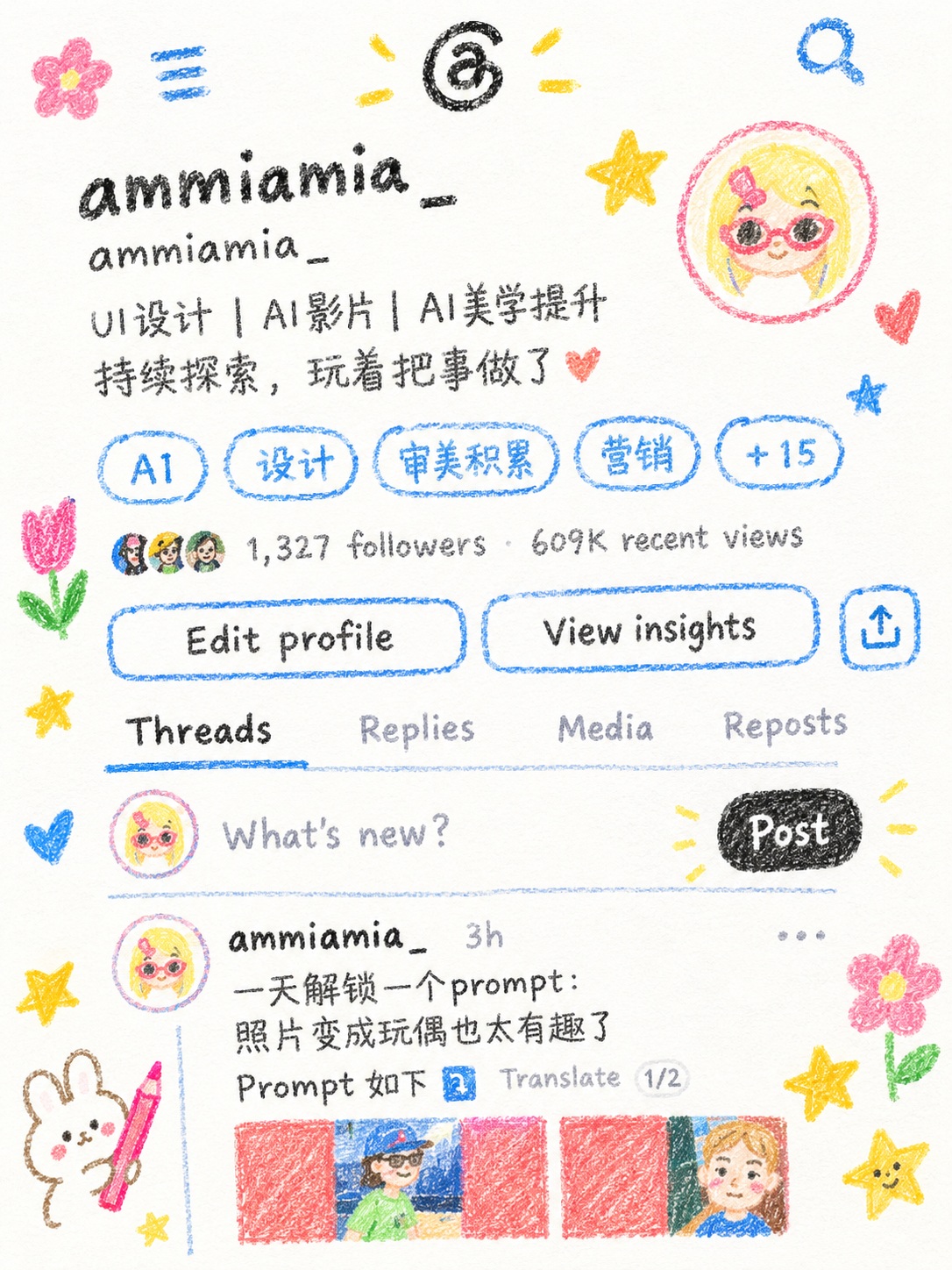
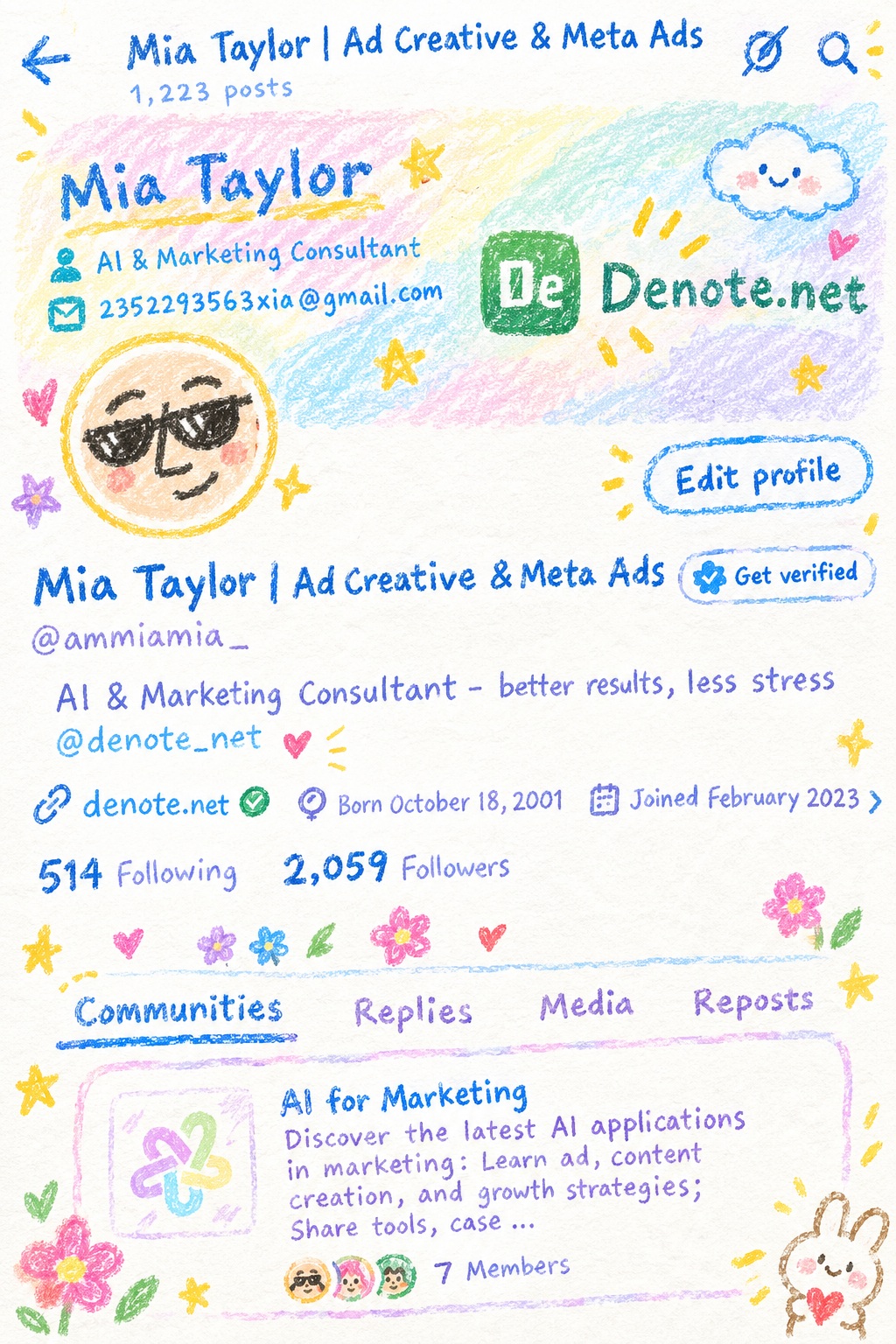
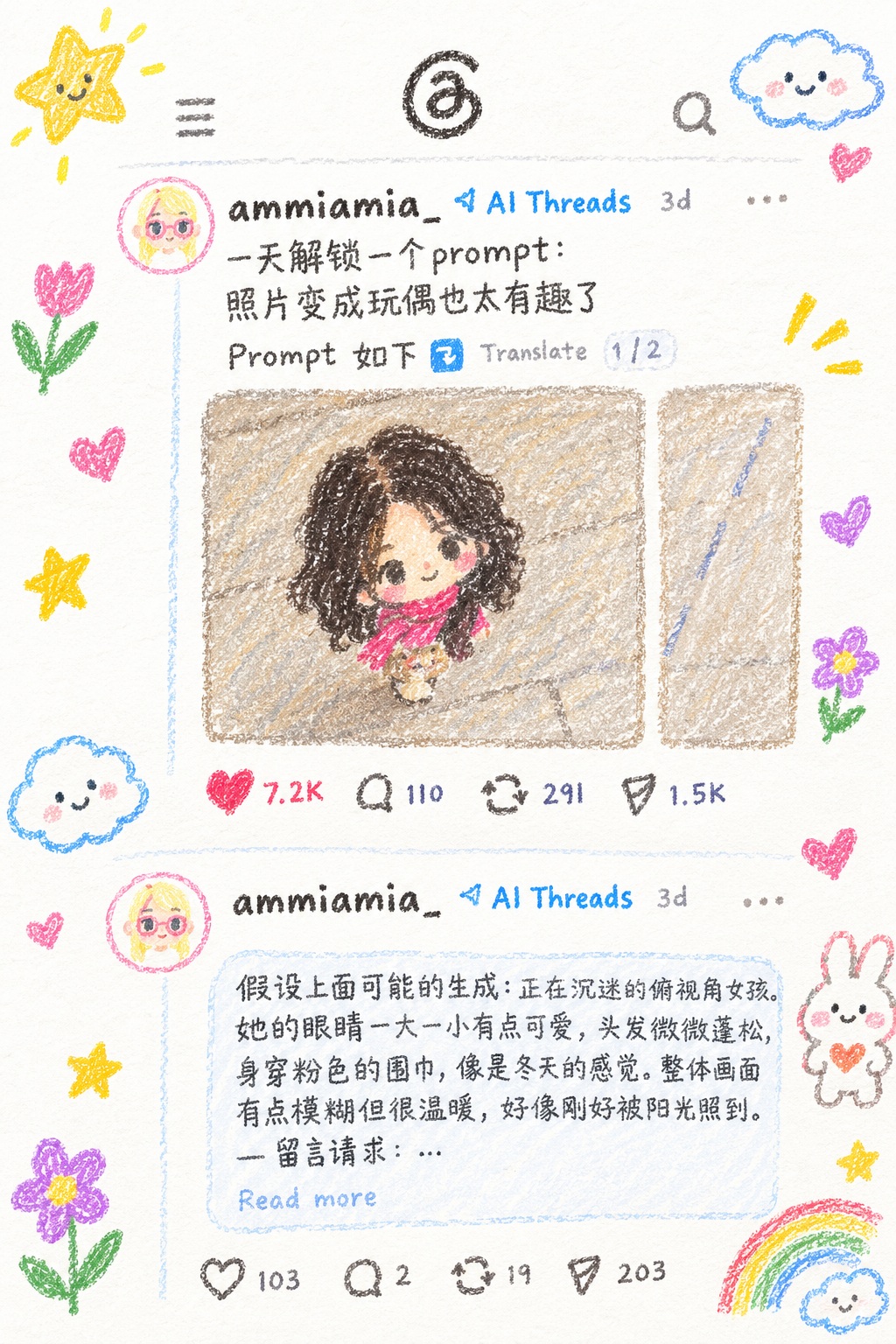
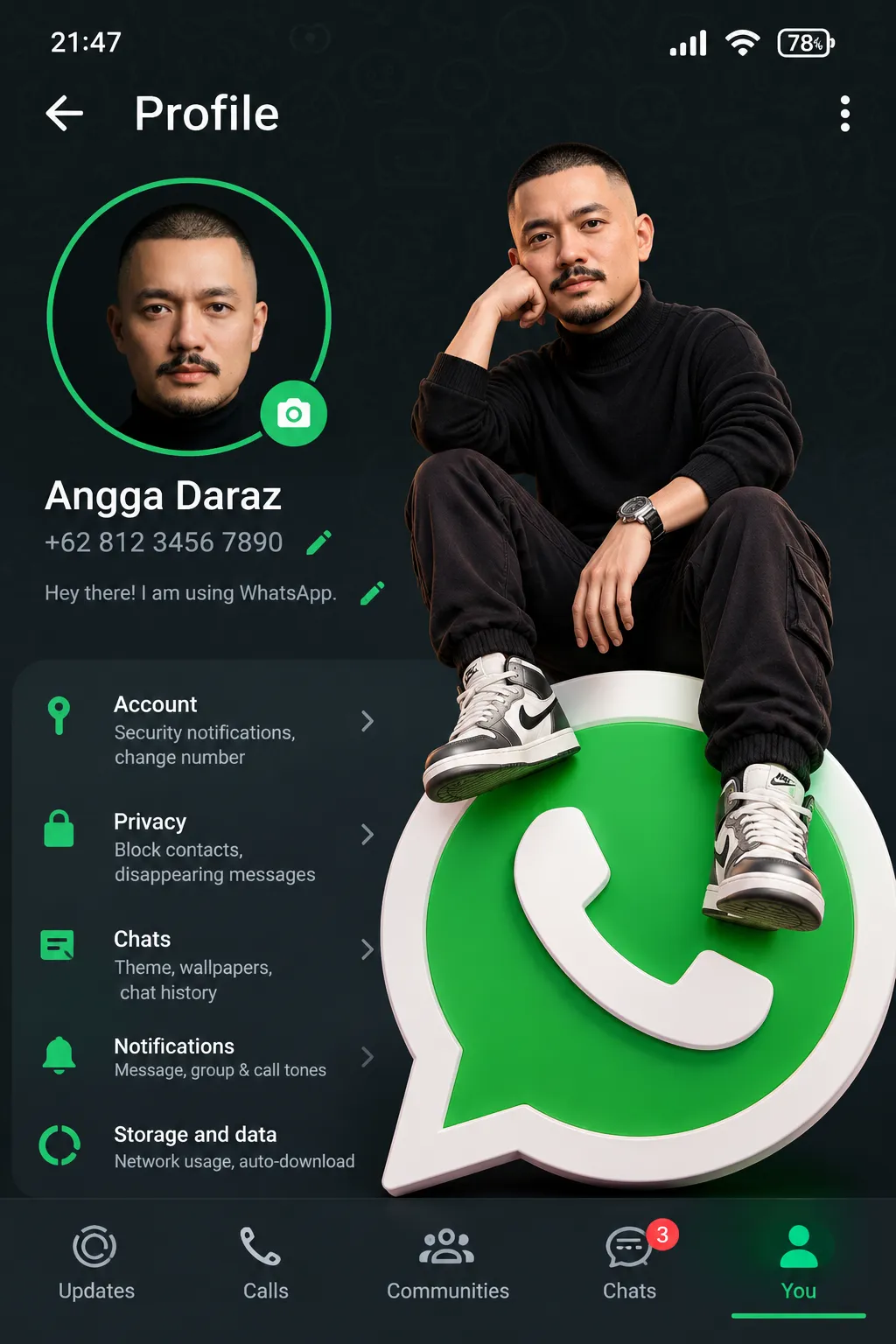
Reimagine an entire social media screenshot as a cute, imaginative crayon illustration on white paper.
Example outputs
Prompt template
- Format
- Text Parameterized
- Inputs
- Social_media_screenshot (image) · Required extra_elements (text) · Optional · Default: flowers and stars
- Outputs
- Illustration (image)
Use the provided social media screenshot as the reference. Recreate the entire screenshot as a crayon-style illustration. Simplify the details so it looks as though a 10-year-old child drew it. Do not use the original image’s colors; make the result look hand-drawn on white paper. Give it a very cute, imaginative, childlike feel, and add cute elements such as ${extra-elements:flowers and stars}.Replace the ${…} placeholders with your values
before using this prompt. See parameters
and defaults below
Parameters
Replace each placeholder with your own value, or use its default when one is provided
${extra-elements:flowers and stars}
extra-elements
Default: flowers and stars
What you'll create
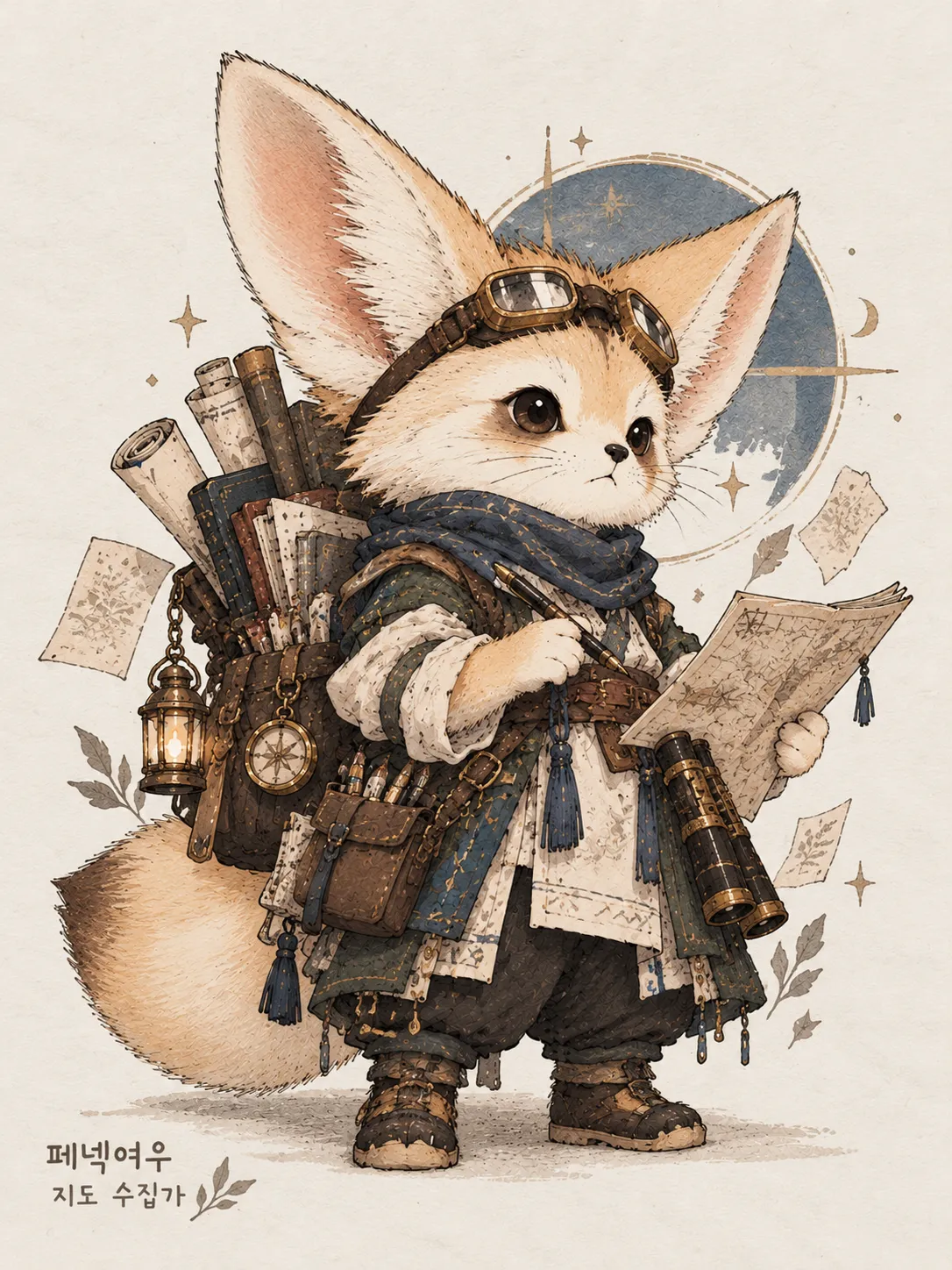
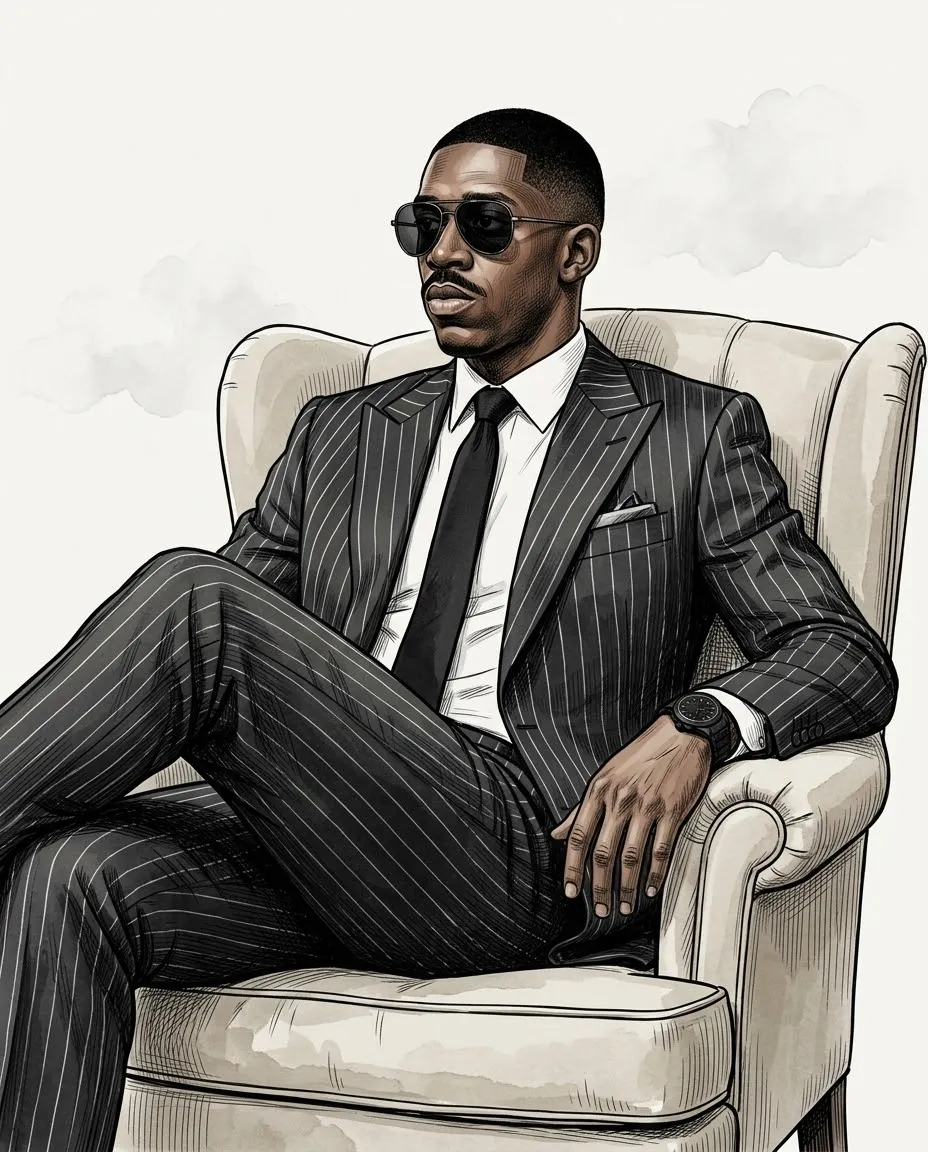
The entire interface becomes simplified hand-drawn shapes with imaginative colors. Small optional flowers and stars add a playful childlike character to the recreated screenshot.
Frequently asked questions
Must the original colors remain?
No. The brief specifically changes them.
Can the extra doodles be customized?
Yes. The extra-elements parameter defaults to flowers and stars.






Comments
Tried this prompt? Share what you made, compare results, or ask a question