Vintage Magazine Collage with Garbled-Text Stickers
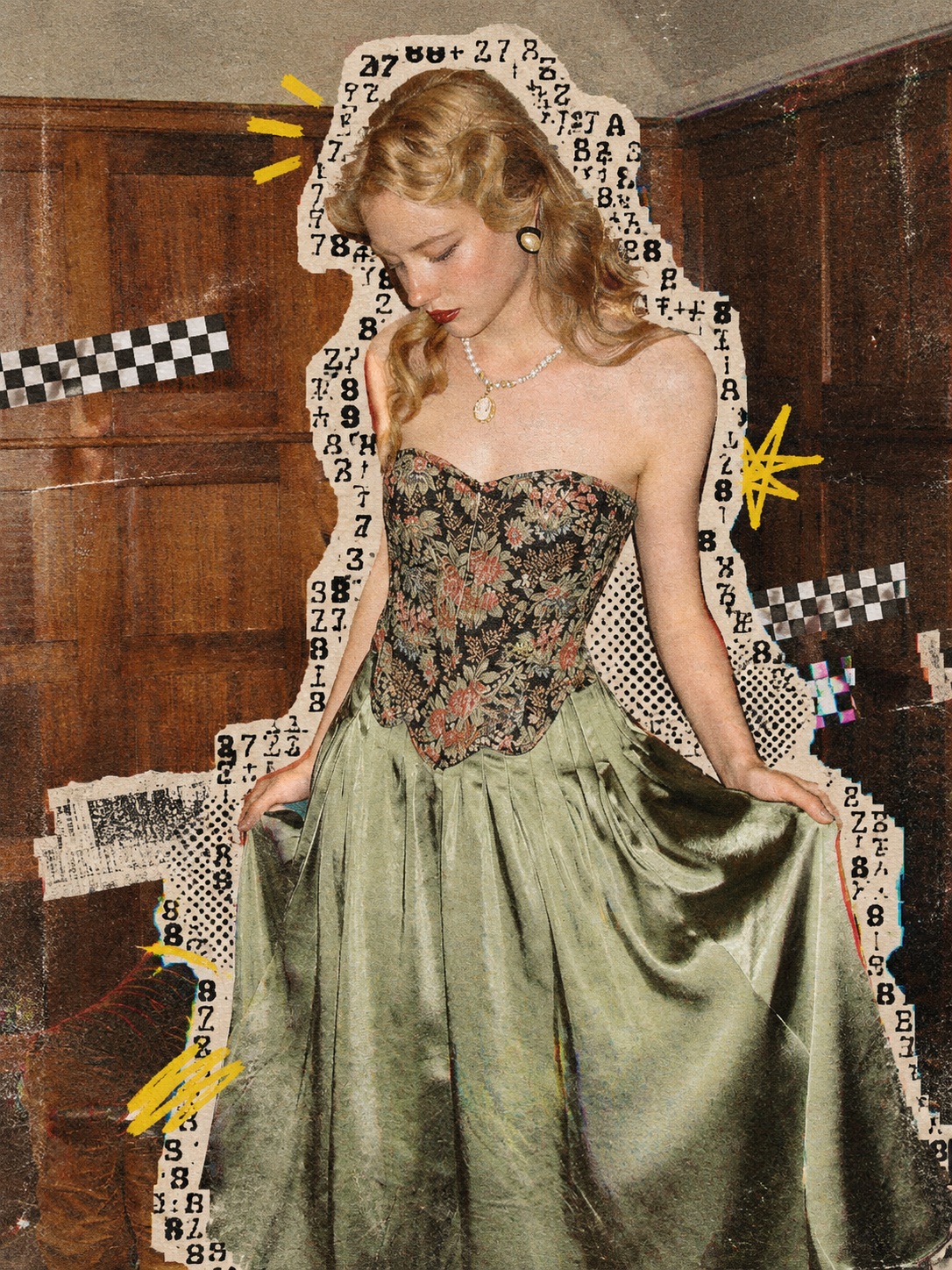
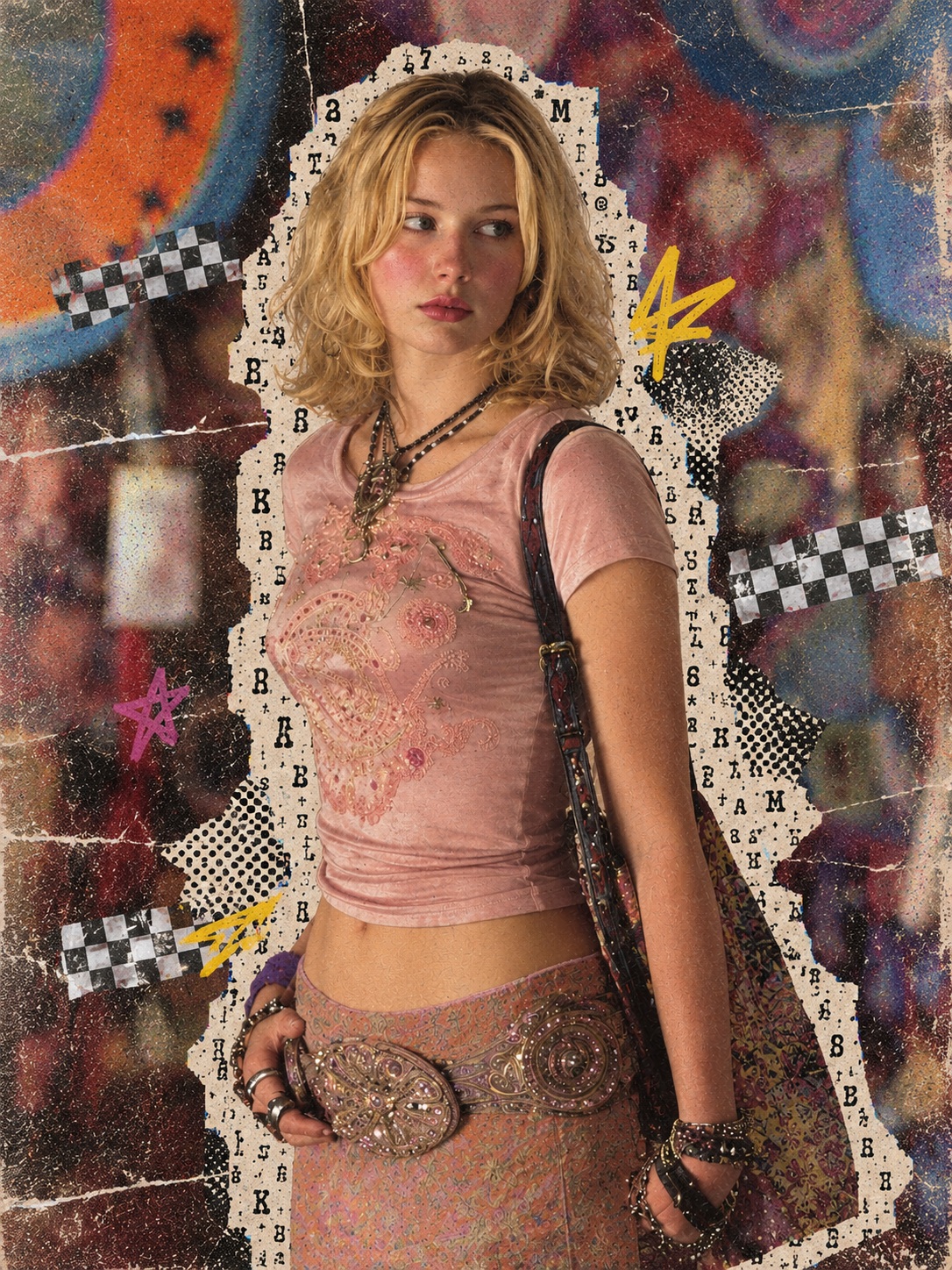
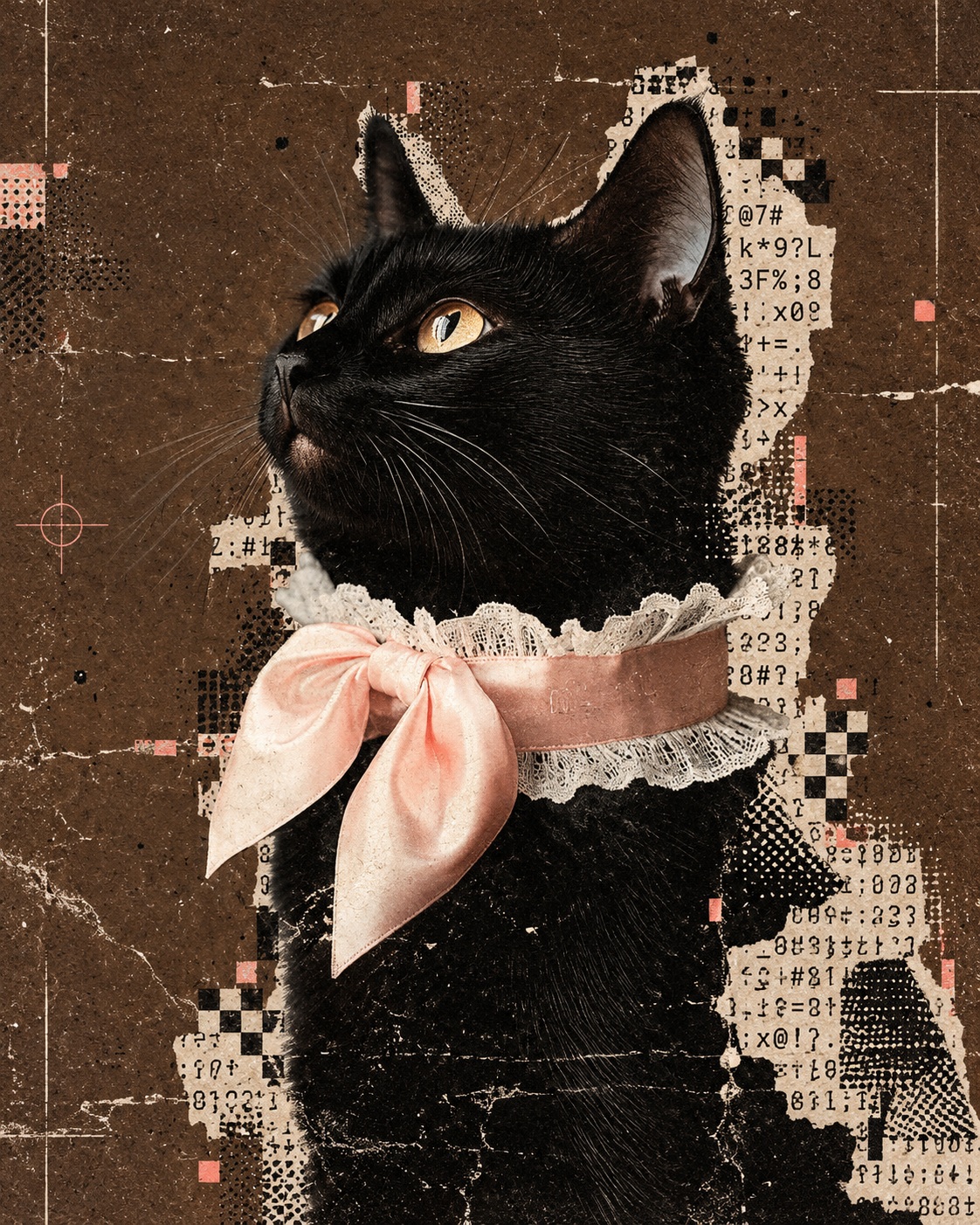
Transform an uploaded photo into a handmade magazine collage with contour-following text stickers, print glitches, and aged-paper textures while preserving the original composition.
Example outputs
Prompt template
- Format
- Text
- Inputs
- reference_photo (image) · Required
- Outputs
- edited_collage (image)
Treat the uploaded photo as a locked base image that must not be redrawn. Apply a “subject-contour garbled-text stickers × archival print glitches” style edit.

Preserve the original number, positions, sizes, and poses of the subjects, the composition, and their relationships to the background. Do not crop, expand the image, or reconstruct it.

Add warm-white paper patches that follow the actual outlines of the people or main objects. Fill these patches with meaningless black monospaced letters, numbers, and symbols. Overlay small amounts of black dot-matrix patterns, halftones, checkerboards, pixelated edges, and slight print misregistration, while retaining approximately half of the original image’s colors and textures.

Add an overall texture of old magazine printing, photocopy grain, paper fibers, and slight fading. Slightly reduce color saturation, and extract one bright color from the original photo to use sparingly as a visual accent.

The result should look like a handmade magazine collage, not a uniformly applied filter. Do not alter people’s faces, hands, or poses, or the original scene.
What you'll create
Warm-white patches filled with meaningless monospaced characters follow the subject outlines in a locked photograph. Grain, halftones, fading and slight print misregistration create a handmade archival-magazine effect.
Frequently asked questions
Should the sticker text carry a message?
No. It consists of meaningless letters, numbers and symbols.
Is the original photograph reconstructed?
No. The base composition, subjects, poses and scene remain locked.

Comments
Tried this prompt? Share what you made, compare results, or ask a question