Selective-Color Black-and-White Eye Edit
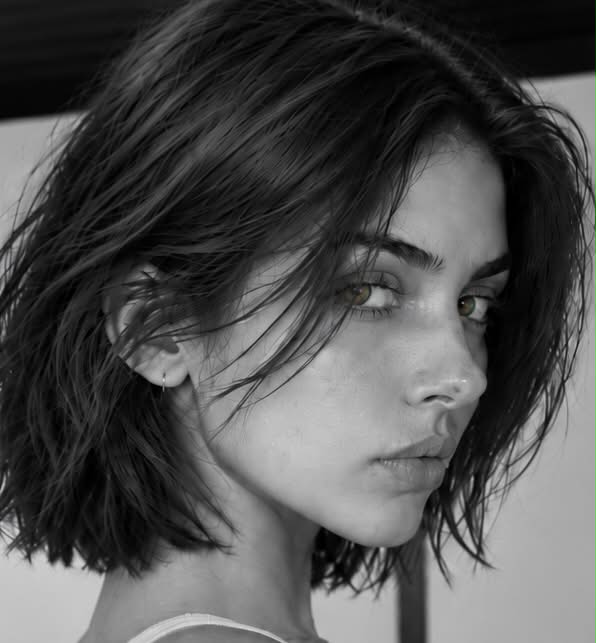
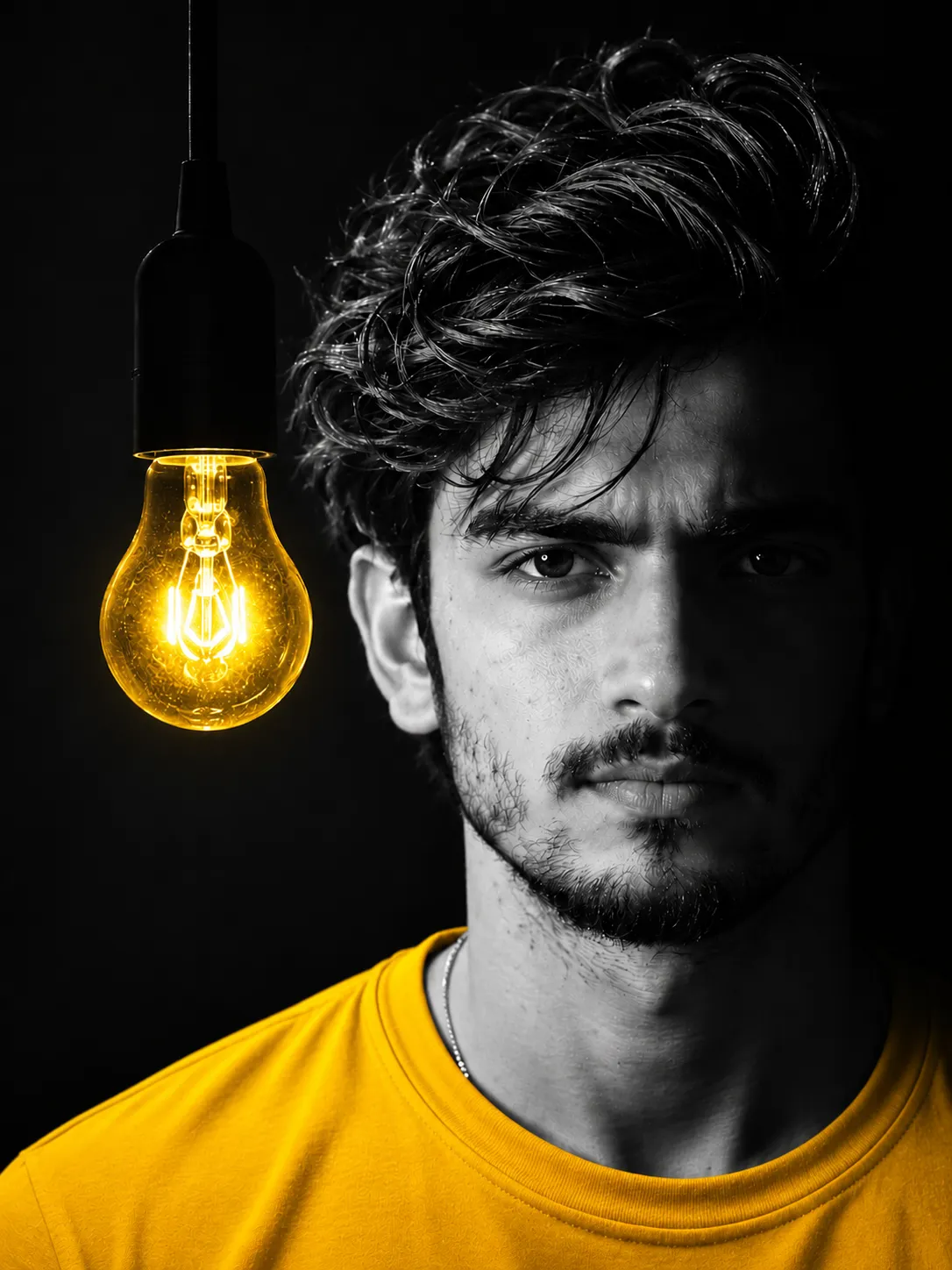
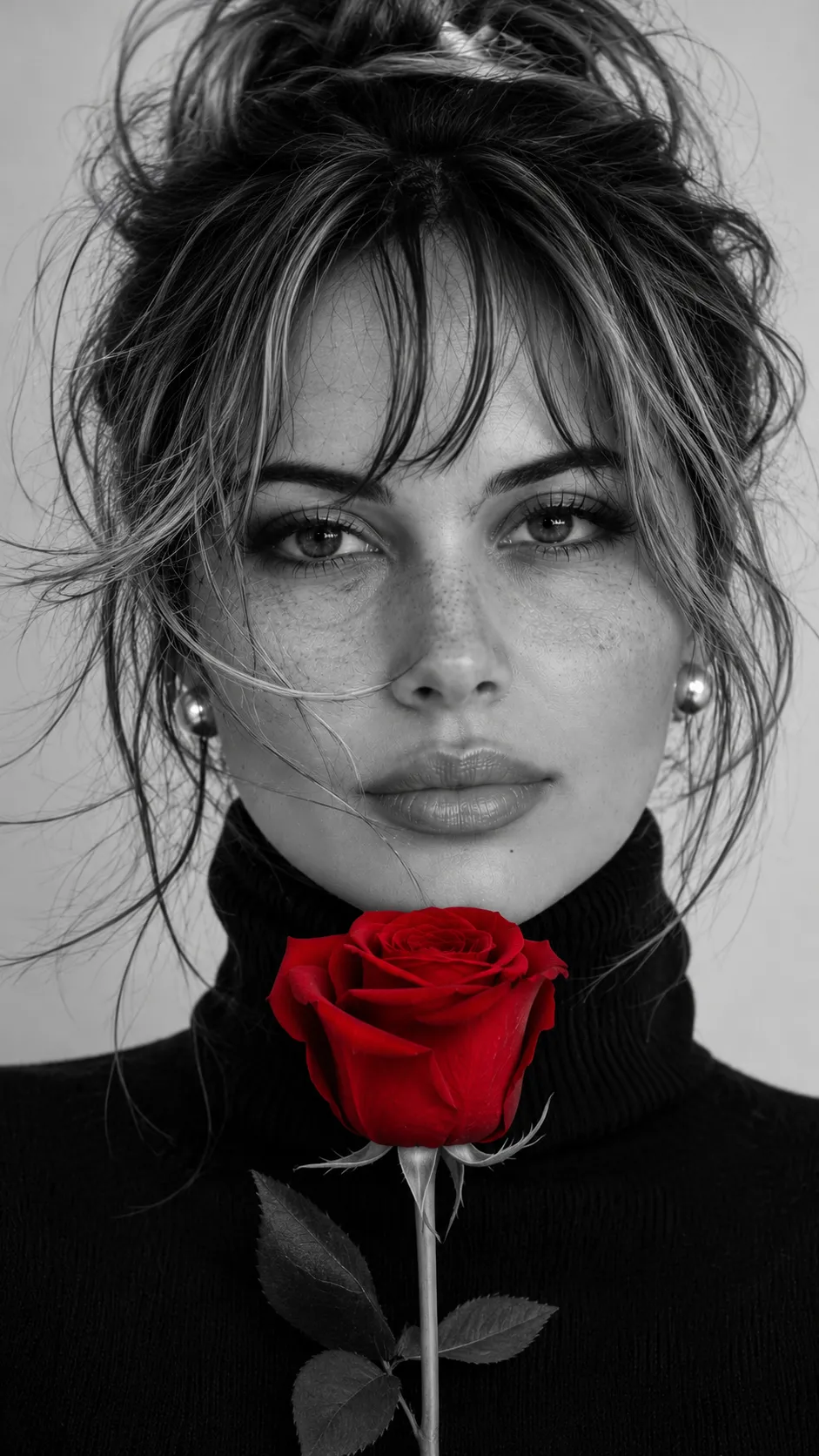
Convert a photo to black and white while preserving the subject’s original eye color and all other details.
Example outputs
Prompt template
- Format
- Text
- Inputs
- Photo (image) · Required
- Outputs
- Edited_photo (image)
Turn the provided photo black and white, keeping only the subject’s original eye color. Preserve everything else exactly. Make no other alterations and add no AI effects. Keep the result fully photorealistic.What you'll create
The photograph becomes black and white except for the unchanged natural eye color. All other details remain unaltered in a fully photorealistic selective-color treatment.
Frequently asked questions
Can other effects or retouching be added?
No, no additional alterations or AI effects are permitted.
Should a new eye color be chosen?
No, the original eye color is preserved.



Comments
Tried this prompt? Share what you made, compare results, or ask a question