Historical Video Script and Scene Prompt Generator
Create an engaging 60-second faceless history video script and eight cinematic visual prompts tailored to its story.
Example outputs
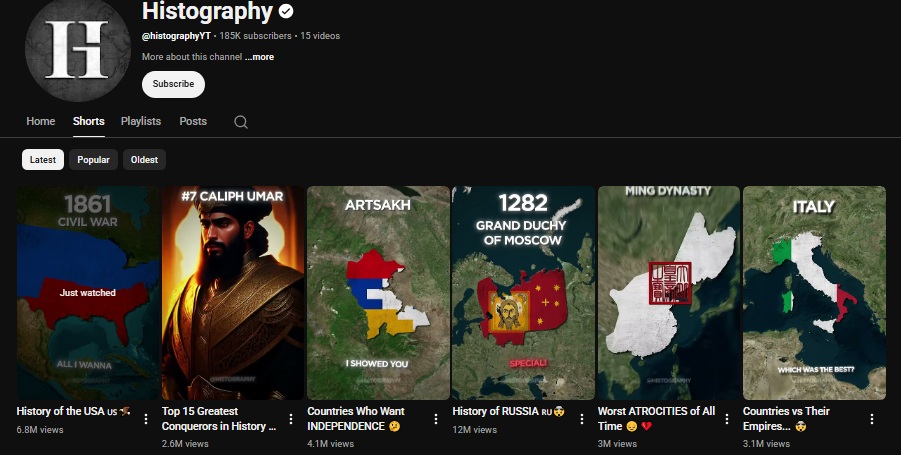


Prompt template
- Format
- Text Parameterized
- Inputs
- topic (text) · Required duration (text) · Optional · Default: 60 seconds scene_count (text) · Optional · Default: 8 aspect_ratio (text) · Optional · Default: 9:16
- Outputs
- Video_script (text) Scene_visual_prompts (text)
Create a script for a ${duration:60 seconds} historical video about ${topic}. Structure it as: hook → conflict → key facts → twist → ending. Open with a curiosity-provoking line rather than a dry date-led introduction. Keep sentences short and easy to narrate, maintain suspense through the end, and make the storytelling feel natural and engaging rather than stiff.

Then divide the script into ${scene-count:8} scenes. For each scene, write a cinematic visual-generation prompt in ${aspect-ratio:9:16} aspect ratio. Make each visual fit the story’s historical period, characters, location, clothing, and atmosphere. Keep the scene prompts in story order and suitable for use with an AI image or video generator.
Replace the ${…} placeholders with your values
before using this prompt. See parameters
and defaults below
Parameters
Replace each placeholder with your own value, or use its default when one is provided
${duration:60 seconds}
duration
Default: 60 seconds
${topic}
topic
Required
${scene-count:8}
scene-count
Default: 8
${aspect-ratio:9:16}
aspect-ratio
Default: 9:16
What you'll create
A narrative moves through hook, conflict, facts, twist and ending, then becomes visual prompts matching its period, clothing and setting.
Frequently asked questions
Should the opening begin with a dry date?
No, the source favors a curiosity-provoking line.

Comments
Tried this prompt? Share what you made, compare results, or ask a question