Cinematic Editorial Portrait from a Reference Image
Create a photorealistic, luxury editorial portrait while preserving the reference subject’s face, skin tone, and features.
Example outputs
Prompt template
- Format
- Text
- Inputs
- ReferenceImage (image) · Required
- Outputs
- Portrait (image)
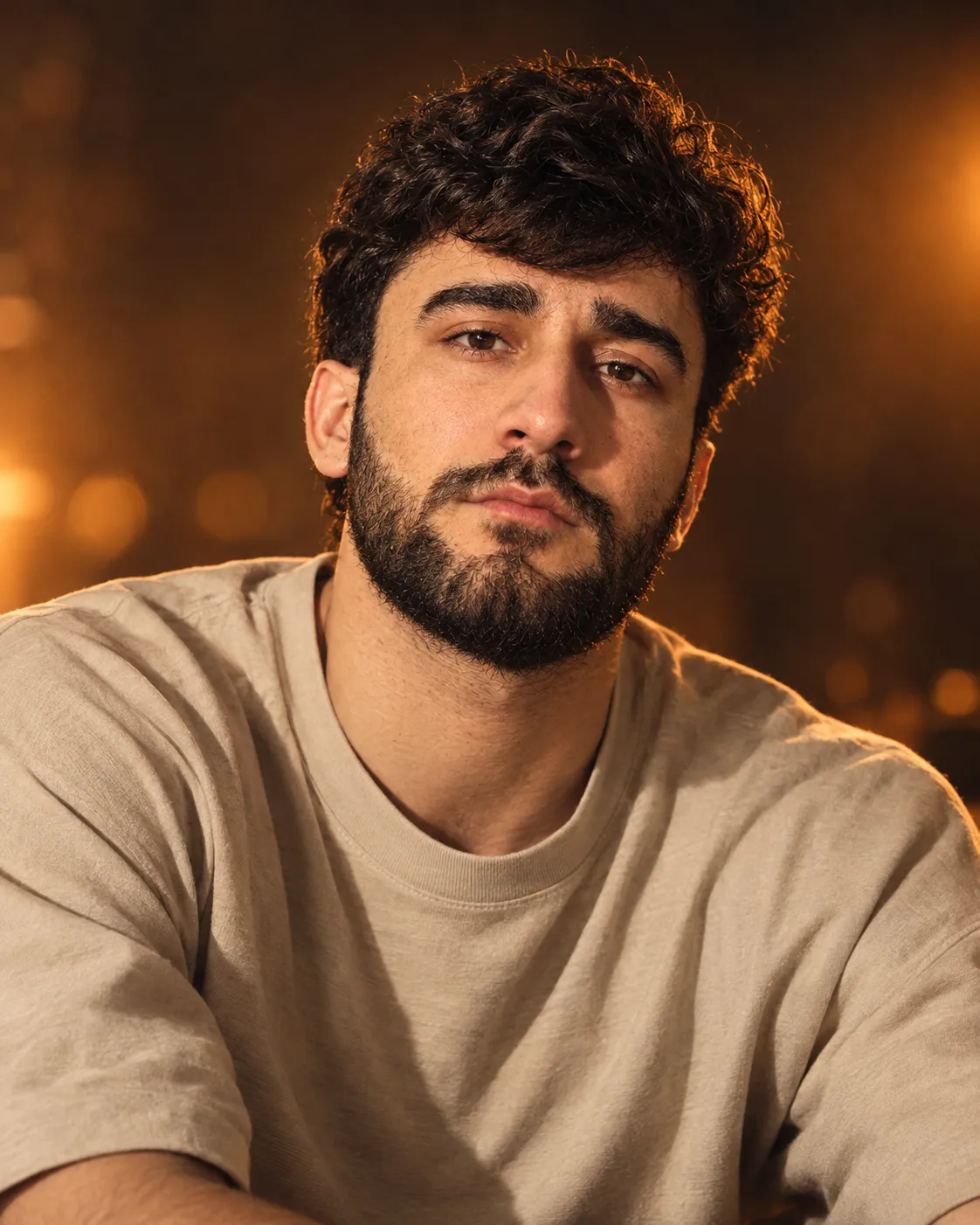
Create a hyper-realistic cinematic portrait using the exact face, skin tone, and features of the reference image. Depict a 30-year-old subject with a calm, confident expression and direct eye contact with the camera.

Dress the subject in a minimal, premium beige oversized T-shirt with realistic fabric folds and soft texture. Pose them leaning slightly forward, relaxed and confident.

Use warm cinematic orange studio lighting, with a golden key light from the left, soft highlights on the face, and a subtle amber rim light from the right around the hair and shoulders. Set the portrait against a dark, blurred, glowing orange studio backdrop with soft bokeh and warm haze. Create rich contrast and a premium editorial mood.

Keep the skin natural, smooth, detailed, and realistic, with visible pores, freckles, and natural texture. Render sharp eyes with catchlights, detailed hair strands, and realistic reflections. Use high-end fashion portrait quality, a luxury atmosphere, and premium color grading.

Camera style: 85mm portrait lens, f/1.8, close-up framing, cinematic shallow depth of field, HDR, film grain, and professional studio photography. Create an ultra-detailed, photorealistic 8K image in a 4:5 aspect ratio.
What you'll create
A relaxed subject leans slightly forward in a premium beige T-shirt against a glowing orange studio backdrop. Golden light from the left and an amber rim shape natural skin, freckles and realistic fabric folds.
Frequently asked questions
How is the lighting divided?
A golden left key light is paired with a subtle amber rim on the right.
What lens treatment is requested?
An 85mm close portrait with shallow depth of field and soft background bokeh.




Comments
Tried this prompt? Share what you made, compare results, or ask a question