Luxury Second Birthday Poster
Create a photorealistic luxury birthday poster featuring a child emerging from a carved number 2, with premium celebration details and minimalist wall typography. The child’s name can be customized.
Example outputs
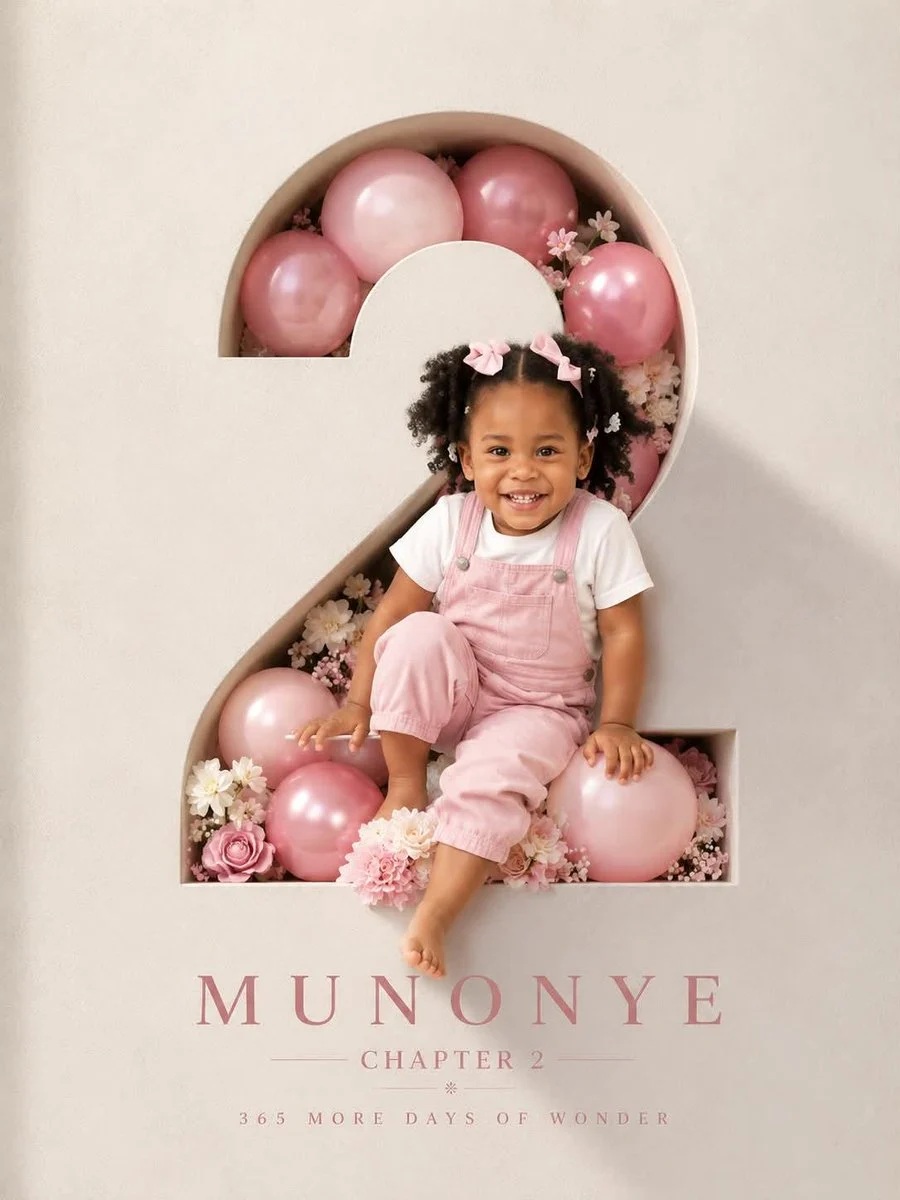
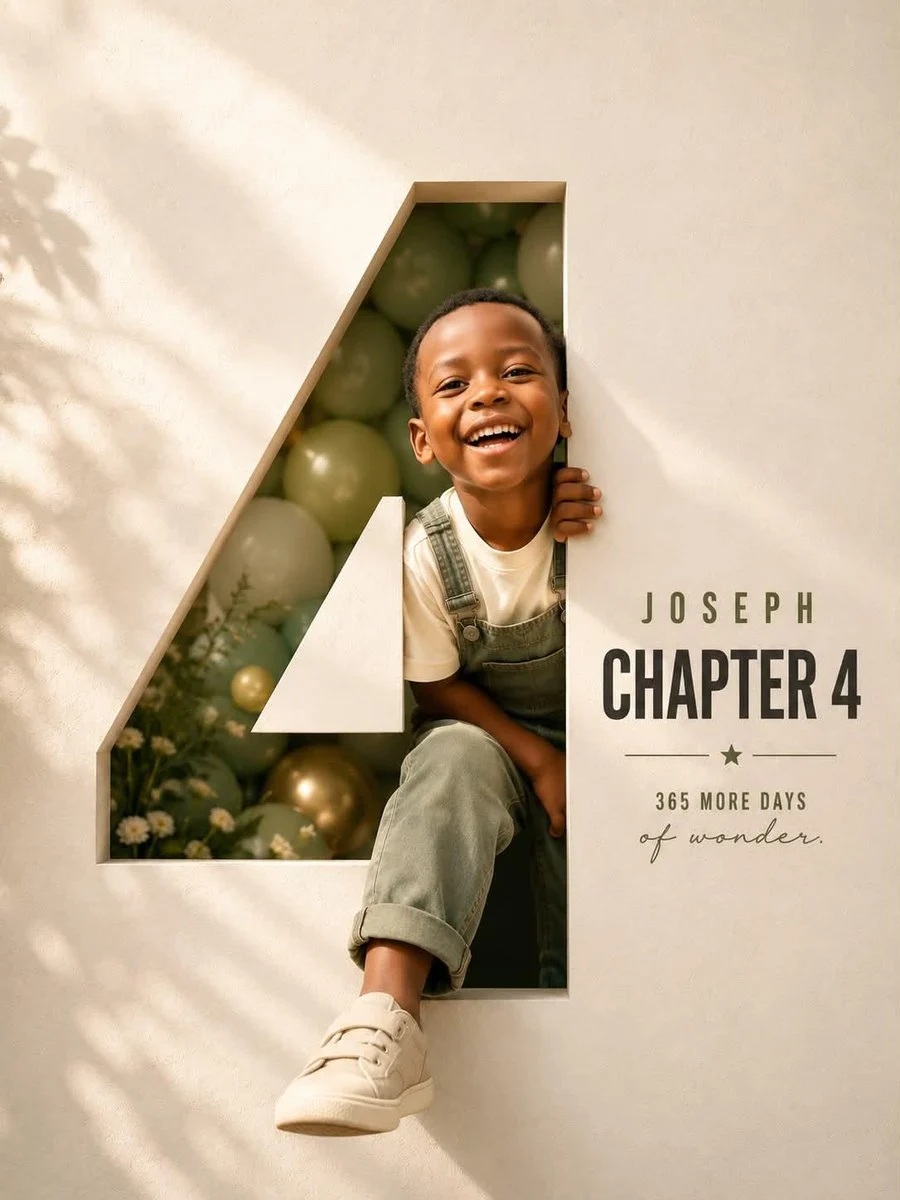
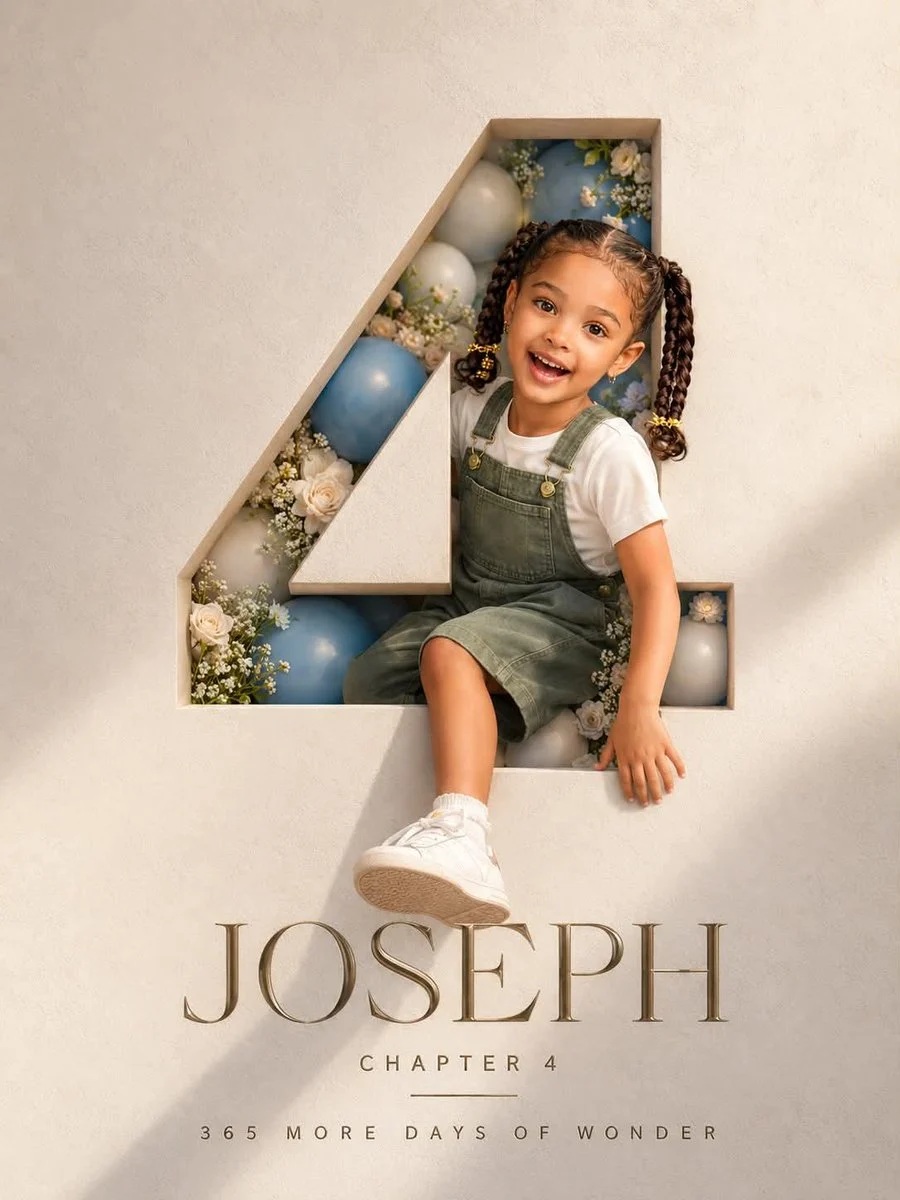
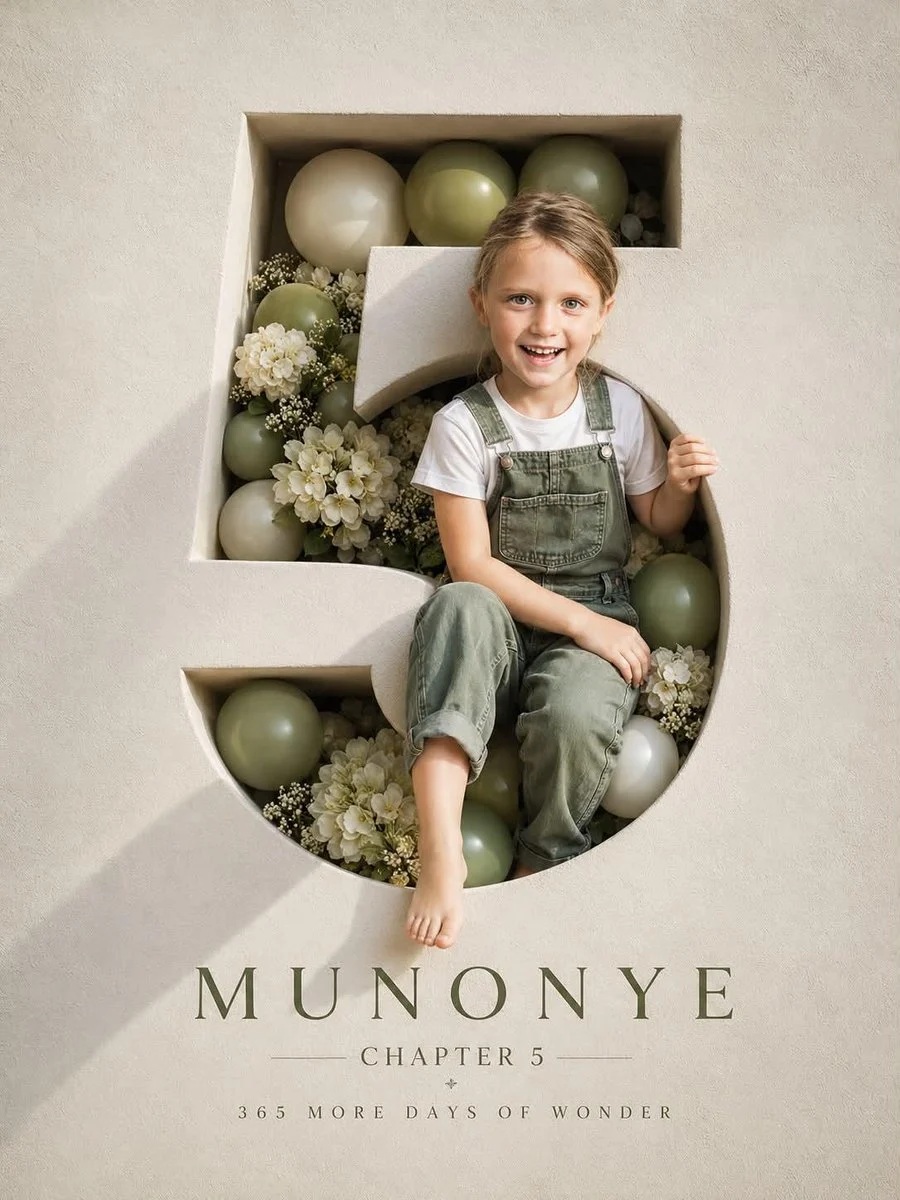
Prompt template
- Format
- Text Parameterized
- Inputs
- Reference_image (image) · Required child_name (text) · Optional · Default: MUNONYE
- Outputs
- Birthday_poster (image)
Create a professional luxury birthday poster in a 3:4 ratio. Fill the entire frame with a premium off-white, luxury paper-textured wall. Carve a large number “2” precisely into the wall, with visible depth and realistic inner shadows. Inside the number, arrange soft pink and pink balloons with subtle white flowers in an elegant bouquet and premium celebration styling. Show a happy two-year-old child laughing naturally, with facial features preserved from the reference image, wearing a milky white T-shirt and pink denim overalls. Extend the child’s face, shoulder, one hand, and one foot outside the number to create a realistic 3D effect. Use warm cinematic sunlight from one side, soft rim light, photorealistic skin, premium studio photography, ultra-realistic detail, and sharp focus. Add this typography to the wall: ${child-name:MUNONYE}, CHAPTER 2, 365 MORE DAYS OF WONDER. Use a clean minimalist layout, luxury magazine-cover aesthetic, high-end art direction, realistic shadows, and natural colors. Do not include tree shadows, fake lighting, or AI artifacts.Replace the ${…} placeholders with your values
before using this prompt. See parameters
and defaults below
Parameters
Replace each placeholder with your own value, or use its default when one is provided
${child-name:MUNONYE}
child-name
Default: MUNONYE
What you'll create
This prompt creates a luxury second birthday poster with a laughing child emerging from a deeply carved number 2. Warm cinematic light, pink balloons, white flowers, and minimalist wall typography complete the photorealistic studio composition
Usage instructions
Frequently asked questions
What does the reference photo control?
Use it to preserve the child’s facial features in the poster
Can I change the poster’s aspect ratio?
The prompt specifies a 3:4 ratio



Comments
Tried this prompt? Share what you made, compare results, or ask a question