Create a Photorealistic Male Version of a Person
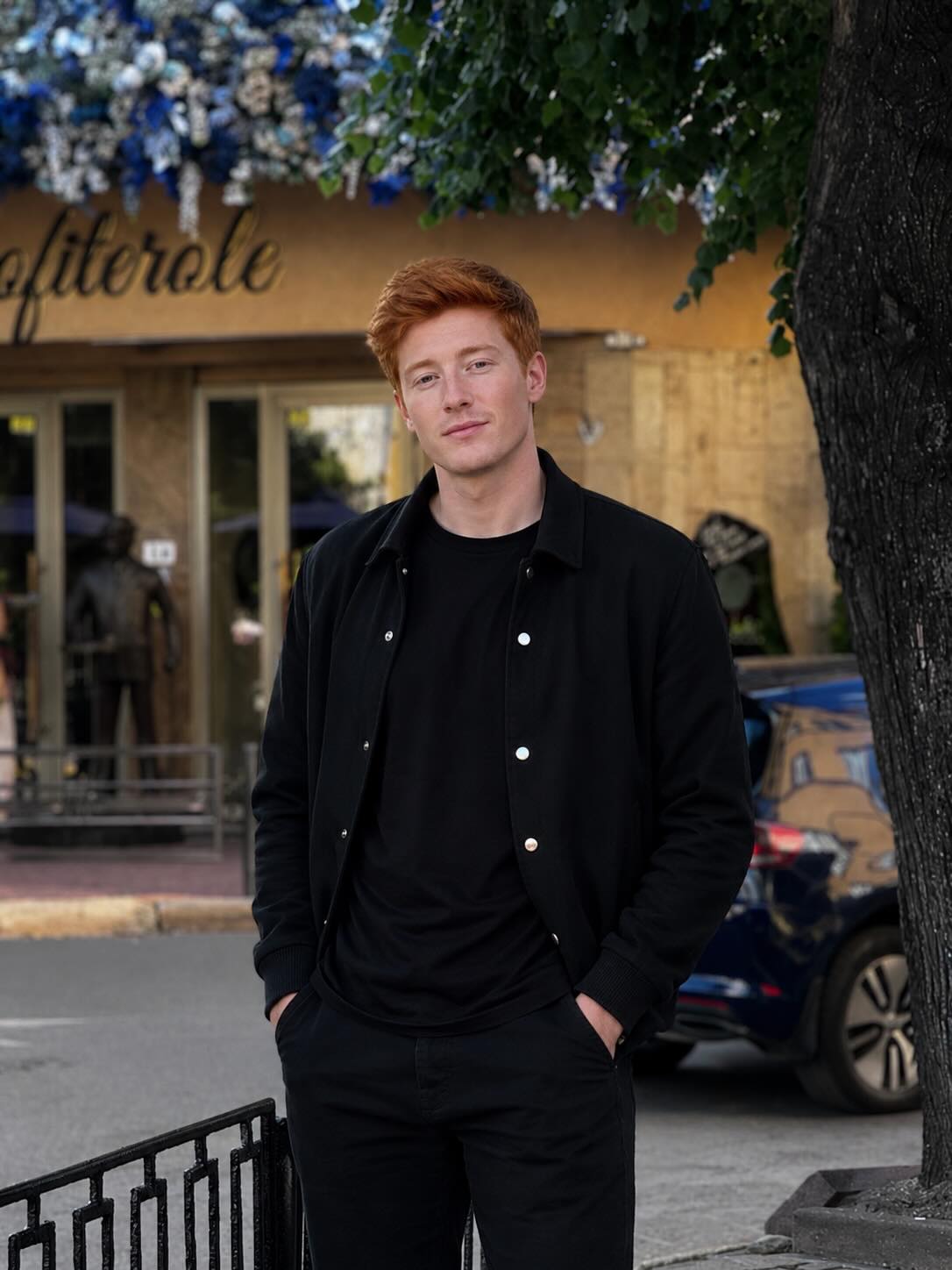
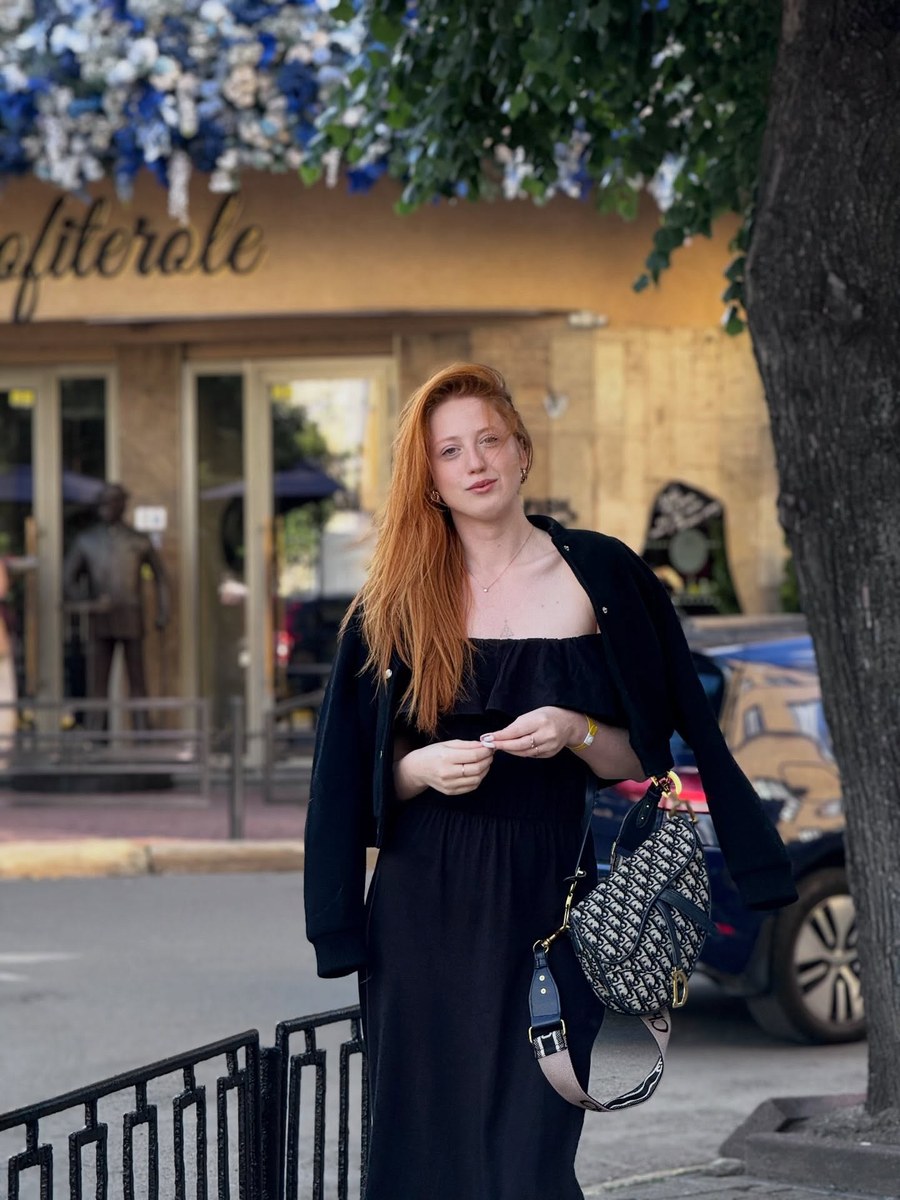
Transform a person in a reference photo into a natural-looking male version while preserving their identity and recognizability.
Example outputs
Prompt template
- Format
- Text
- Inputs
- Reference_photo (image) · Required
- Outputs
- Edited_portrait (image)
Create a highly realistic male version of the person in the uploaded photo while preserving their facial identity and recognizability. Do not alter their core facial structure, eye shape, nose, lips, proportions, or expression. Keep them clearly recognizable as the same individual. Apply only natural masculine traits, such as a slightly stronger jawline, masculine facial proportions, subtle masculine skin texture, and a masculine hairstyle.

Avoid exaggeration, caricature, or making the person look like someone else. Use photorealistic detail and natural lighting. The result should look authentic, as if this exact person had been born male.
What you'll create
The reference person receives restrained masculine styling and hair under natural light. Core features, proportions and expression remain recognizable without caricature.
Frequently asked questions
Can the face become a different person?
No. The original individual stays clearly recognizable.
Should changes be exaggerated?
No. The brief requires natural subtle traits.


Comments
Tried this prompt? Share what you made, compare results, or ask a question