Framed Gallery Poster
Transform a supplied image into a seamless vertical gallery poster with an ornate framed painting, dimensional elements, and minimal exhibition-style text.
Example outputs
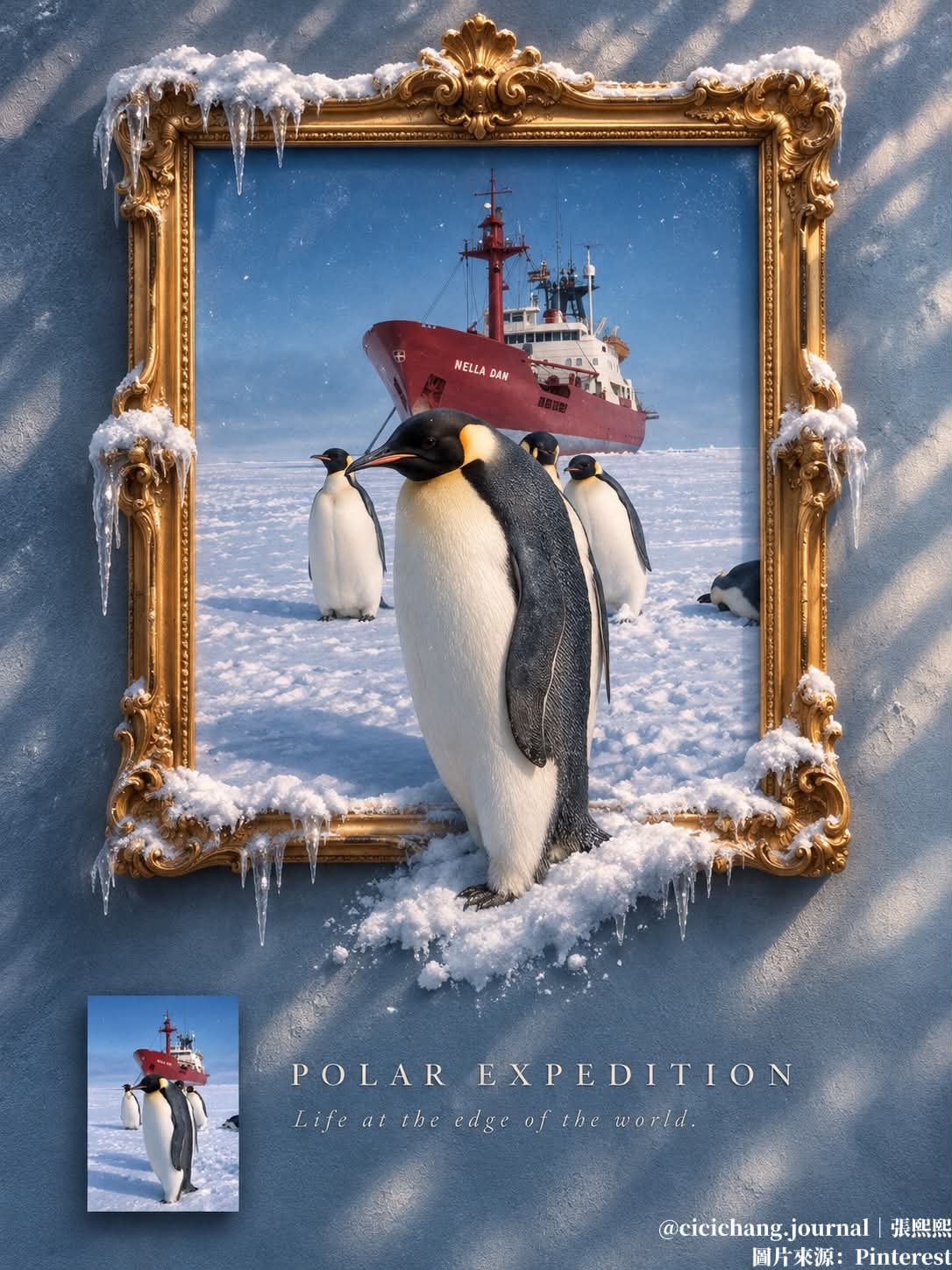
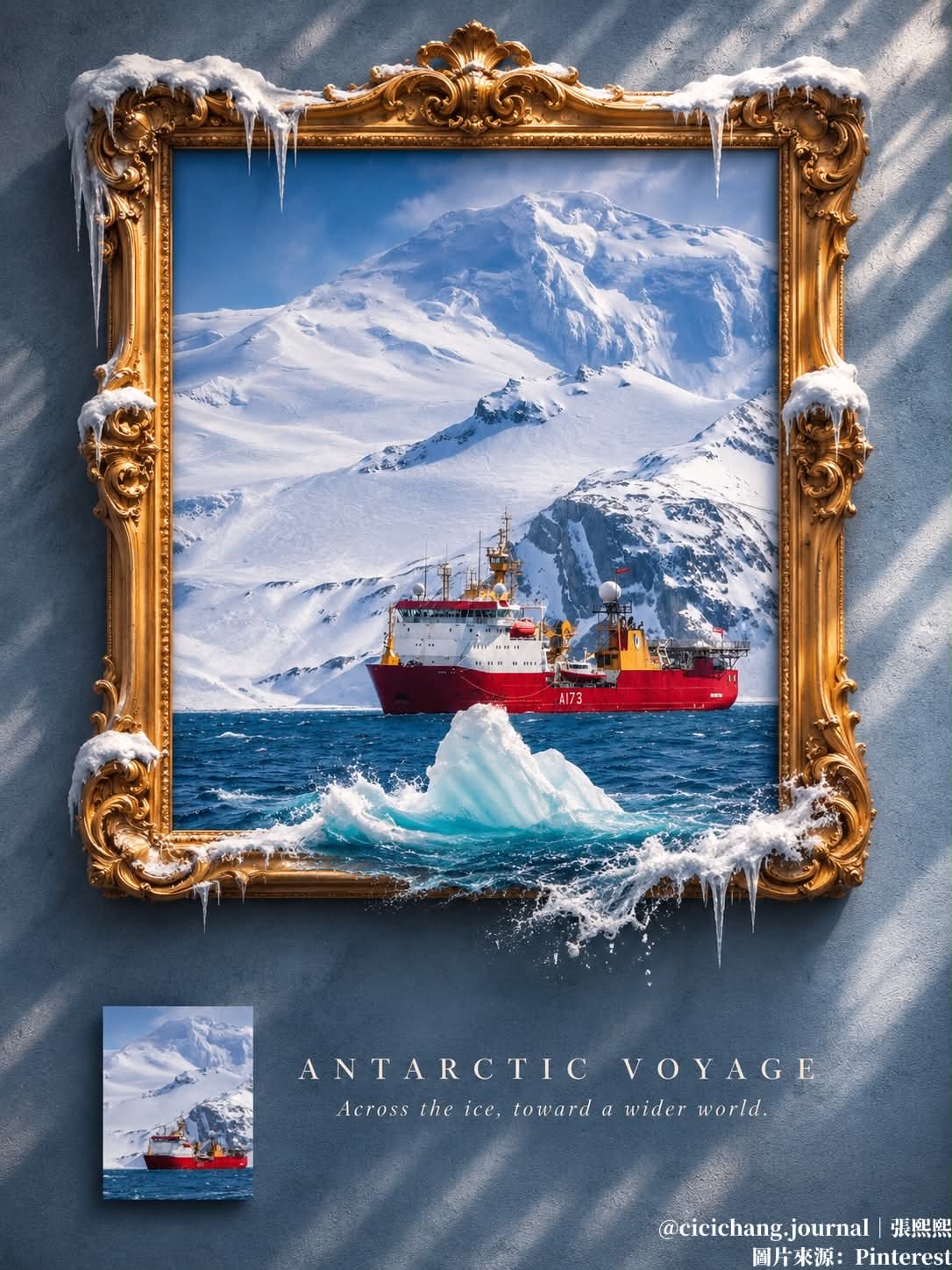
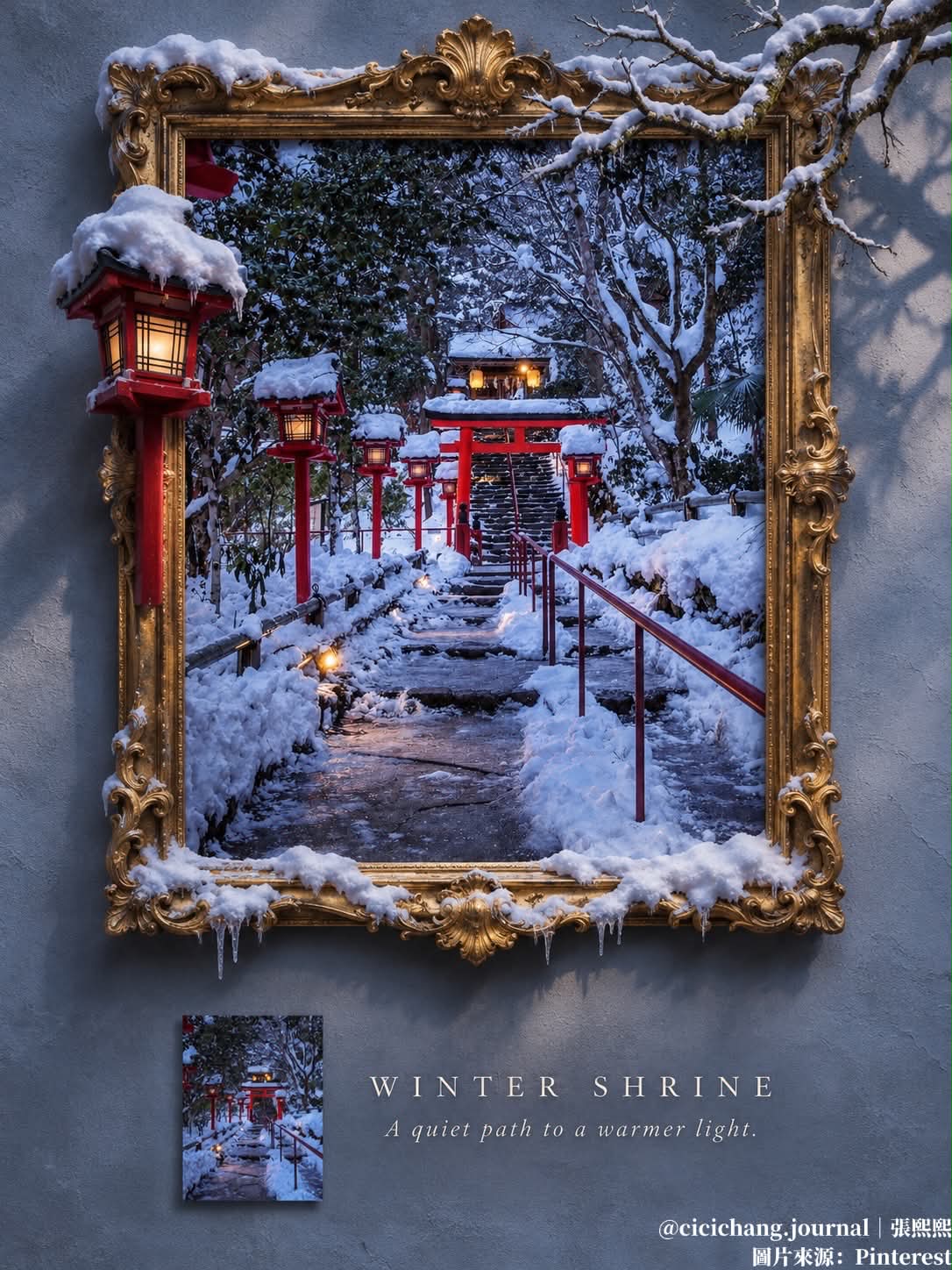
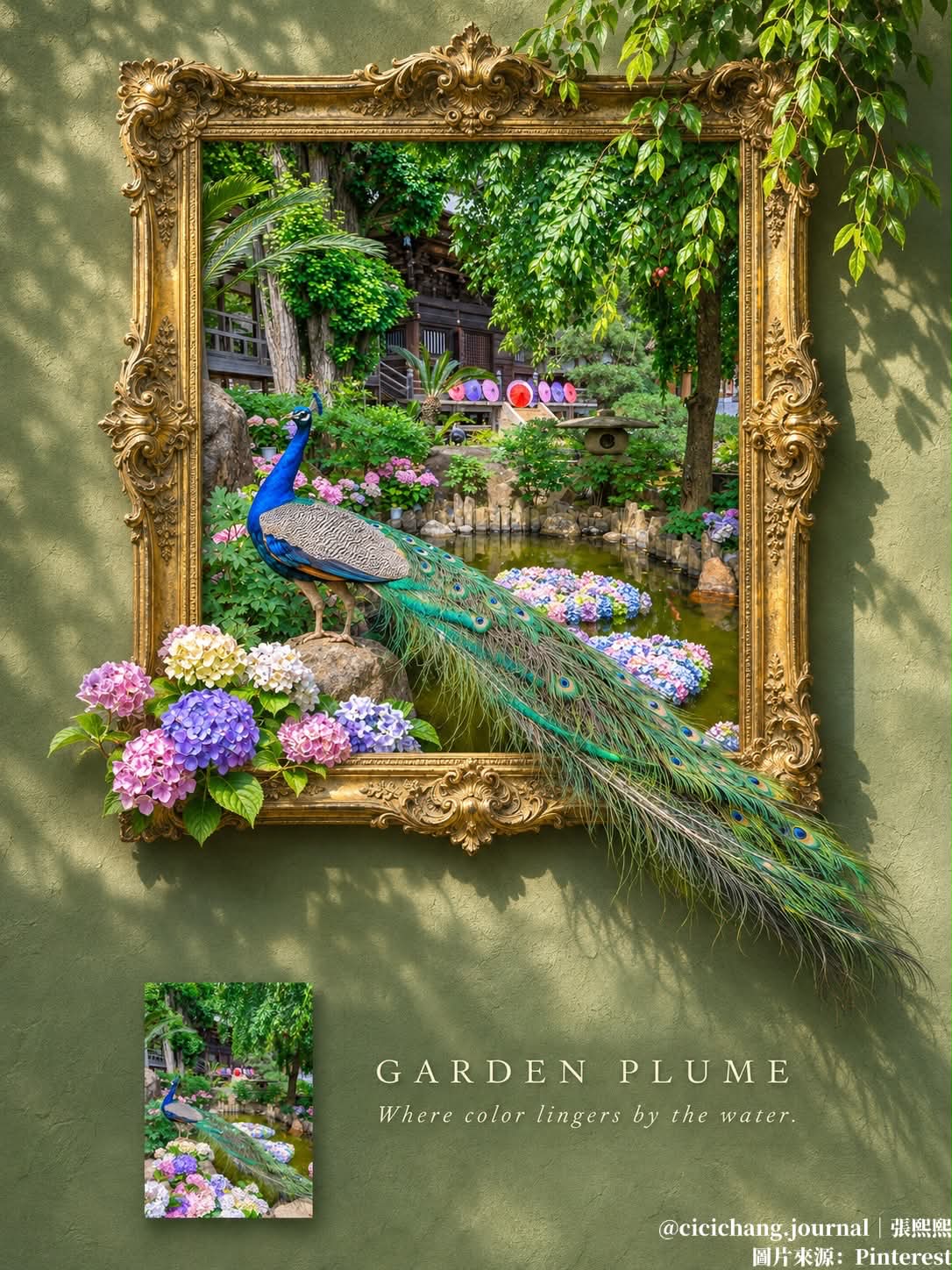
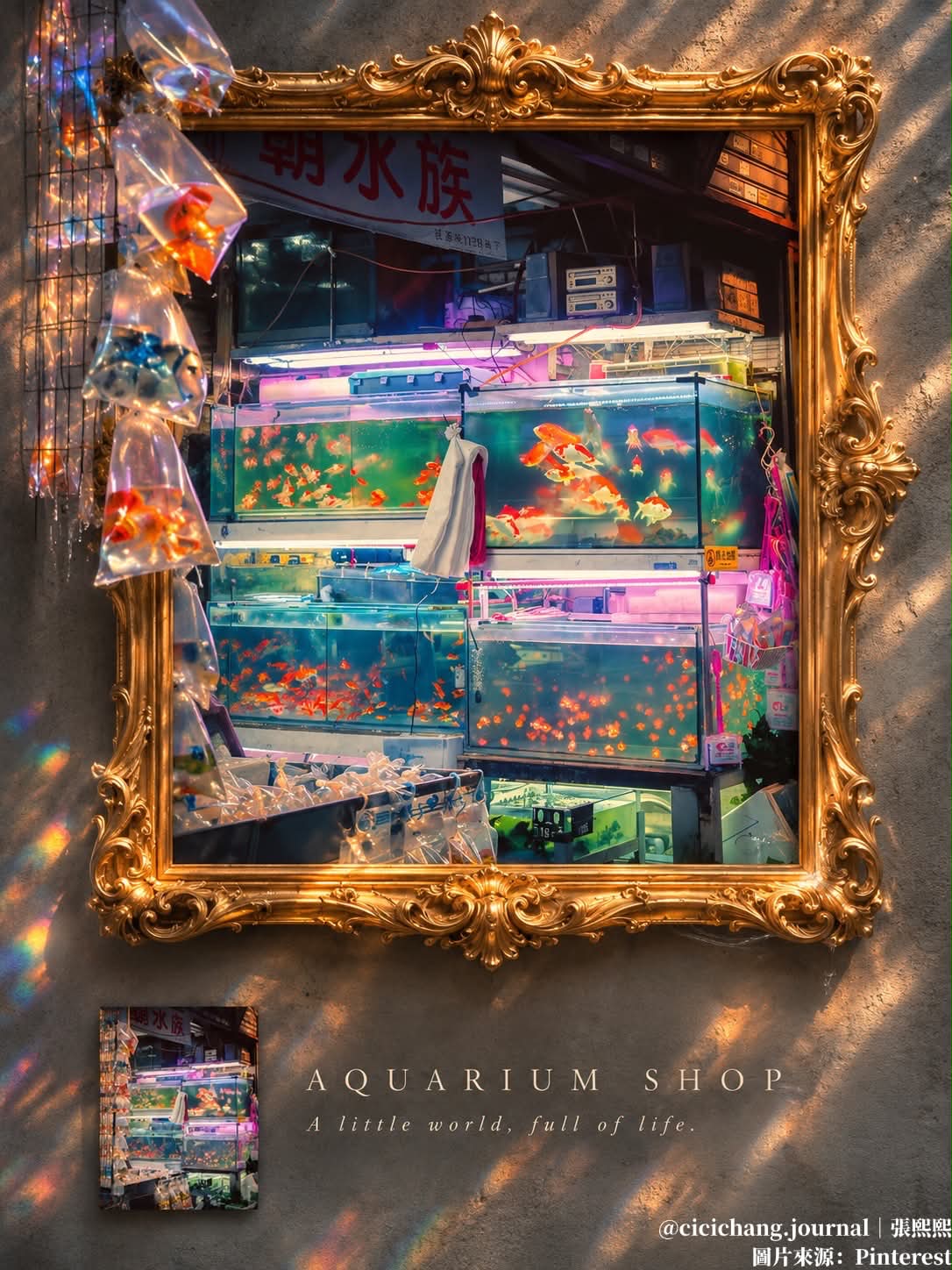
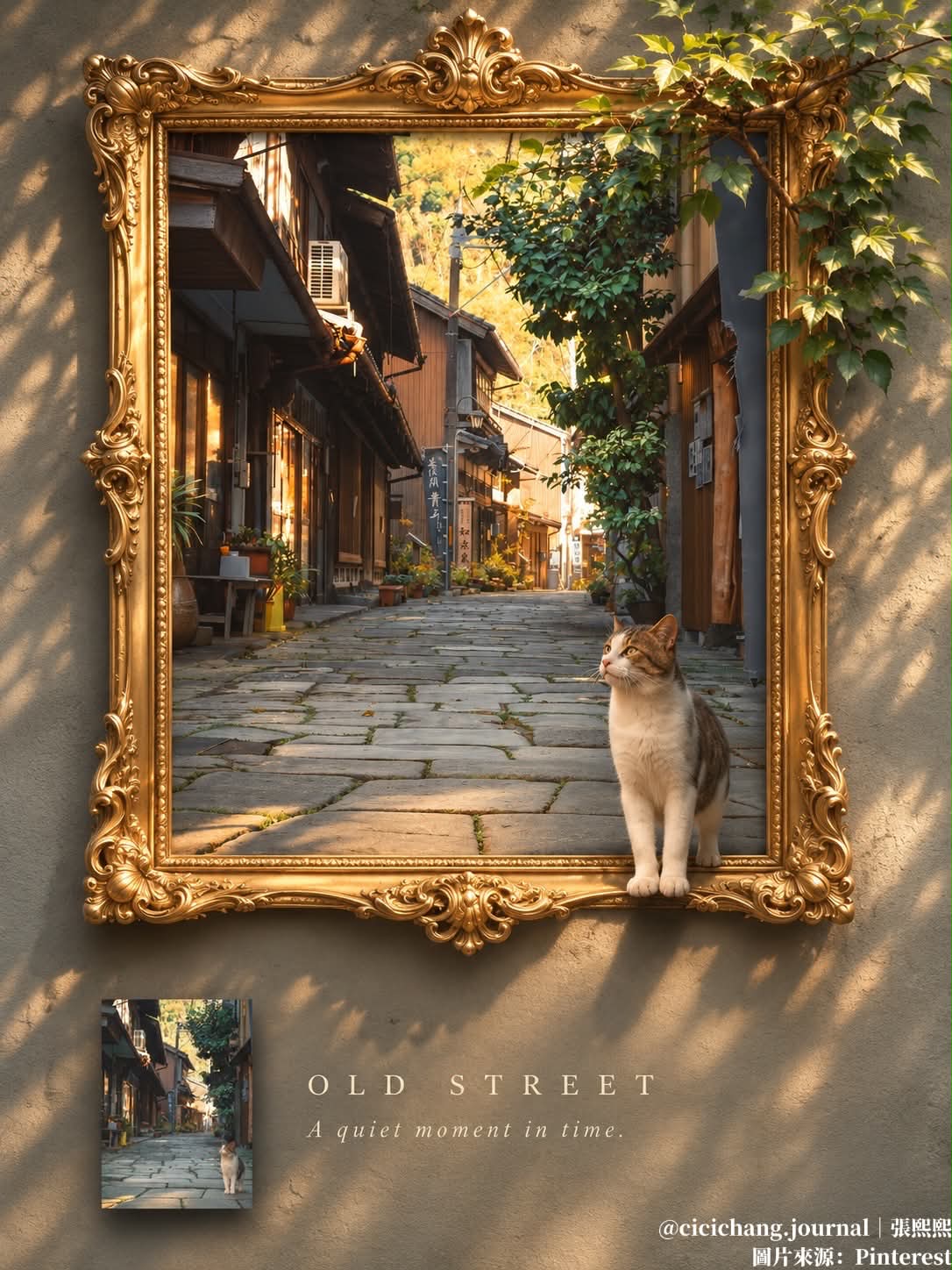
Prompt template
- Format
- Text
- Inputs
- Source_image (image) · Required
- Outputs
- Gallery_poster (image)
Use the uploaded image as the source. Create a 3:4 vertical poster as one seamless image.

Top (75%): Show the source image as a painting in an ornate antique gold baroque frame on a textured plaster wall. Keep the original scene inside the frame. Extend 1–3 prominent elements that already exist in the image beyond the frame in 3D, with realistic depth and cast shadows. Do not add anything that is not in the original, such as flowers or plants. Choose the wall color from a muted tone in the image's palette. Match the lighting to the original's mood and time of day. Make the result a photorealistic fine-art gallery poster.

Bottom (25%): Continue the same wall. Place a small thumbnail of the original, unedited image at the lower left-center, with no white border and a soft shadow. Next to it, add a 2–3-word serif title in all caps and a one-line italic subtitle inspired by the scene. Keep the text minimal and contrasting with the wall.

Do not use a divider line, white band, gap, or border between the top and bottom. The wall and lighting must flow continuously.
What you'll create
The source image becomes a framed painting on textured plaster, with selected existing elements projecting beyond it. A small original thumbnail and minimal title sit below on the same continuous wall.
Frequently asked questions
Can unrelated flowers be added for decoration?
No. Only elements already in the source may extend beyond the frame.
Is there a dividing band between sections?
No. Wall color and lighting continue seamlessly.


Comments
Tried this prompt? Share what you made, compare results, or ask a question