Photo-to-Pixel-Art Gallery Poster
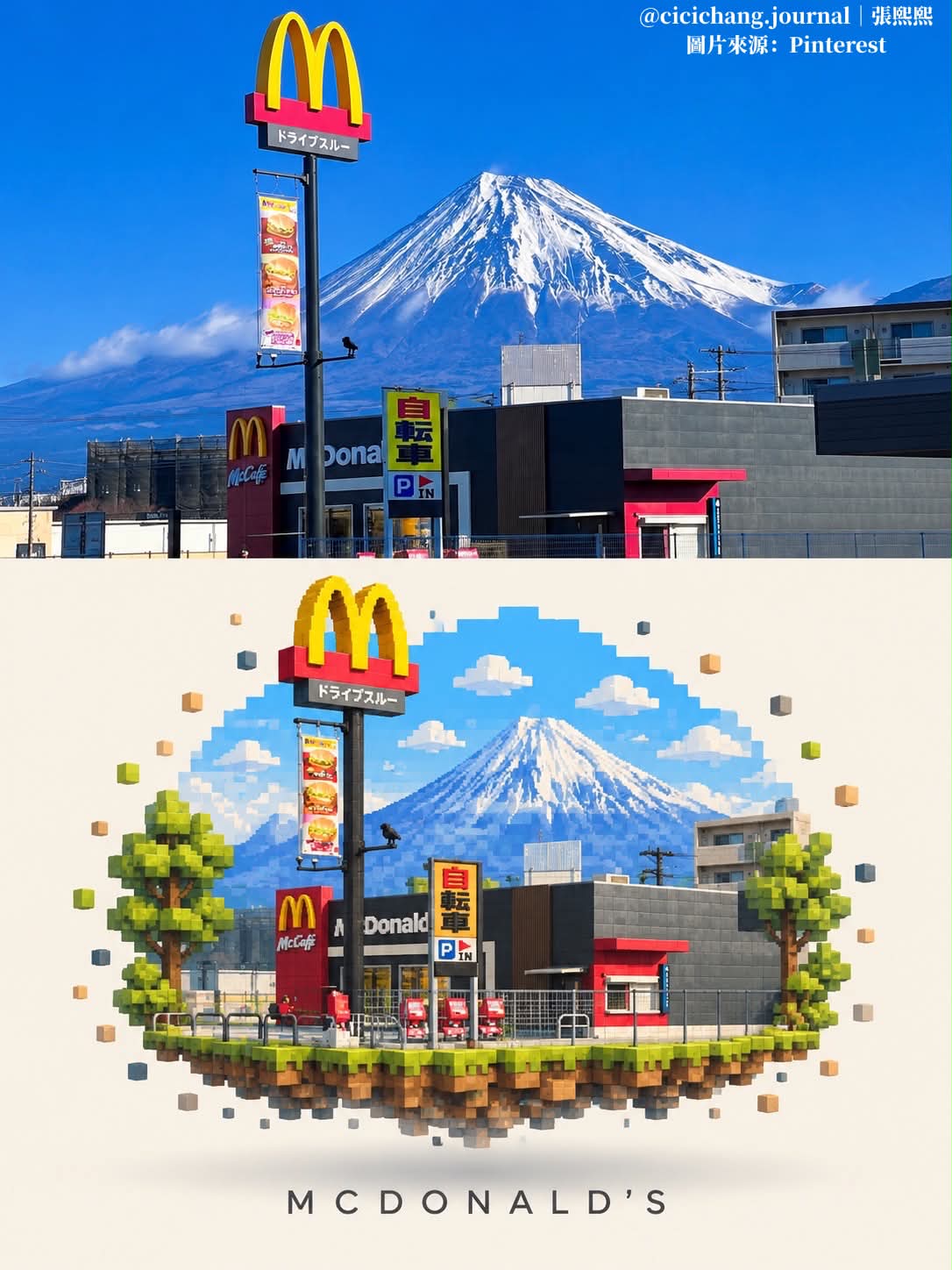
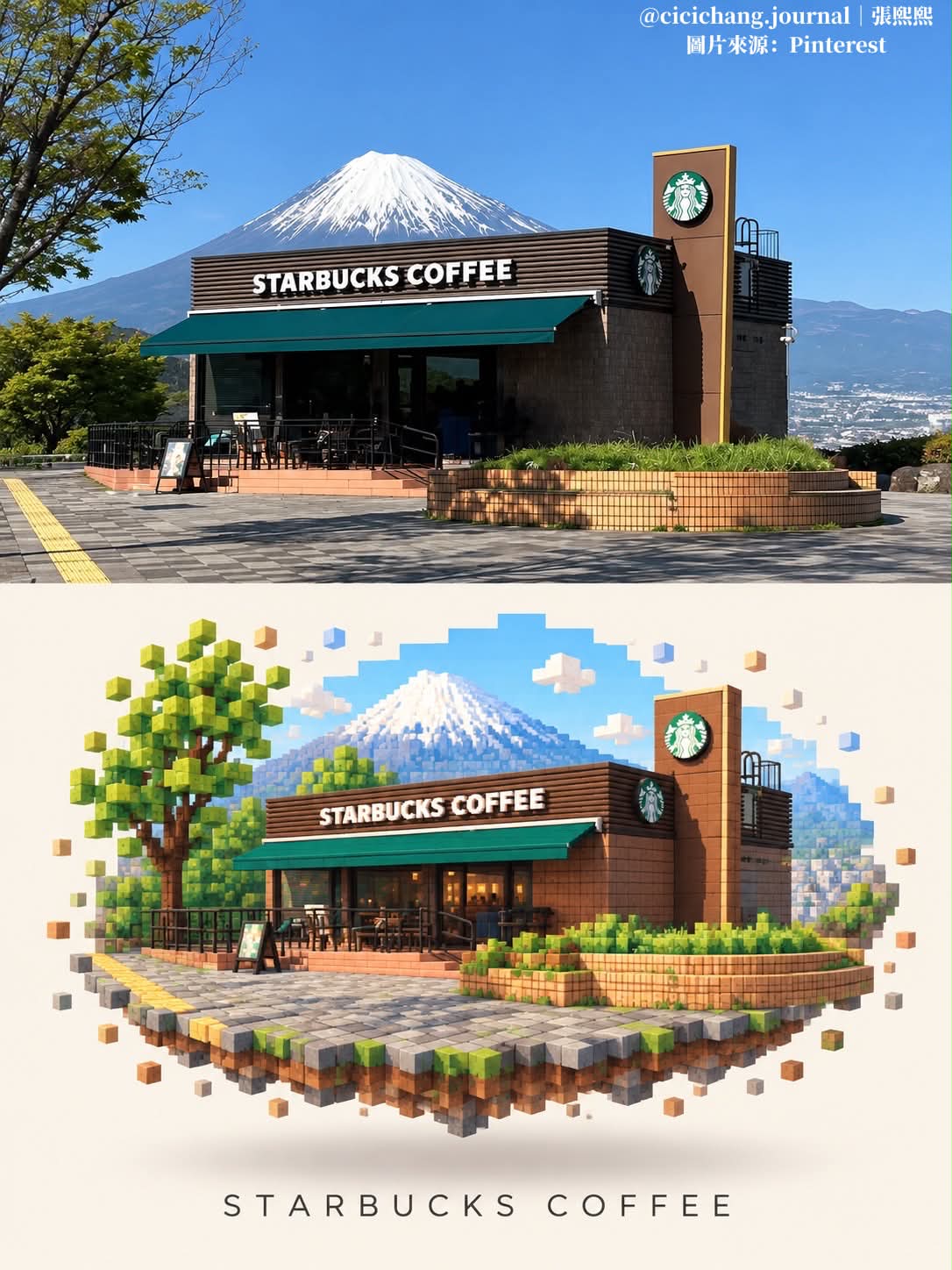
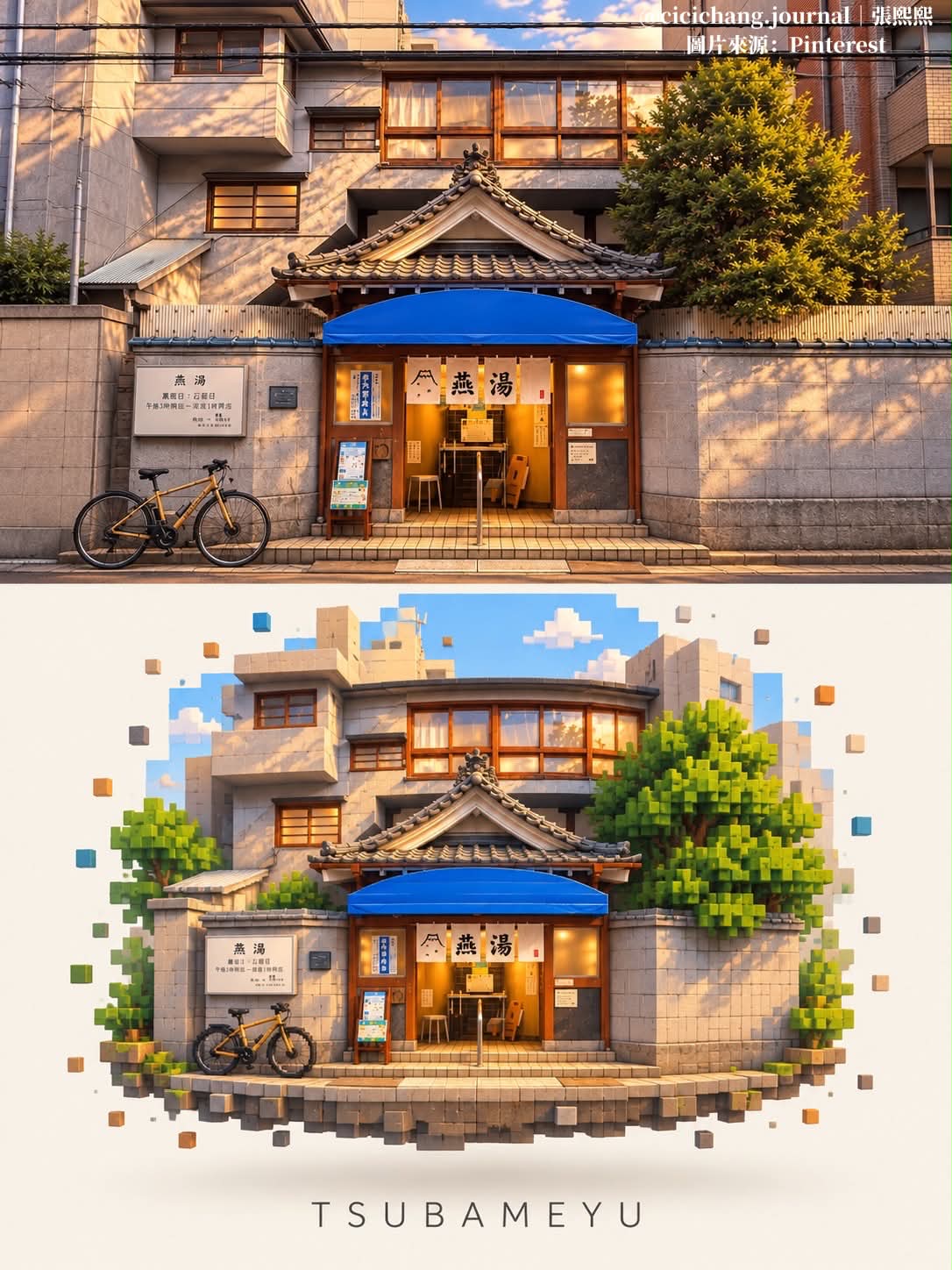
Create a vertical gallery-poster composition pairing a faithful photo with a minimalist voxel diorama of the same scene.
Example outputs
Prompt template
- Format
- Text
- Inputs
- Uploaded_photo (image) · Required
- Outputs
- Two_panel_gallery_poster (image)
Create a vertical 3:4 image with two stacked panels. The top photo must meet the bottom cream area directly, with no divider line, gap, or border between them.

TOP: Reproduce the uploaded photo faithfully, filling the panel edge to edge.

BOTTOM: Recreate the same scene as a minimalist pixel-art diorama on a plain cream background (#F7F3EC). Preserve the main subject’s shape, colors, and text accurately in crisp 3D voxel blocks. Simplify the surroundings into soft pastel pixels, with the edges dissolving into scattered pixels. Add a soft floating shadow underneath. Below it, place a centered title using the main name or place from the photo, in uppercase, thin, widely spaced sans-serif lettering. Nothing should appear below the title.

Use a clean gallery-poster style. Include no numbers, extra text, or watermark.
What you'll create
A faithful photograph fills the upper panel, while the same scene becomes a pastel pixel-world object on cream below. Scattered voxel edges and a floating shadow lead to a widely spaced uppercase title.
Frequently asked questions
What appears below the title?
Nothing. The source keeps the area beneath it empty.
Is there a divider between panels?
No. The panels meet directly without a gap or line.





Comments
Tried this prompt? Share what you made, compare results, or ask a question