Mario-Style Pixel Art Sprite from a Reference Photo
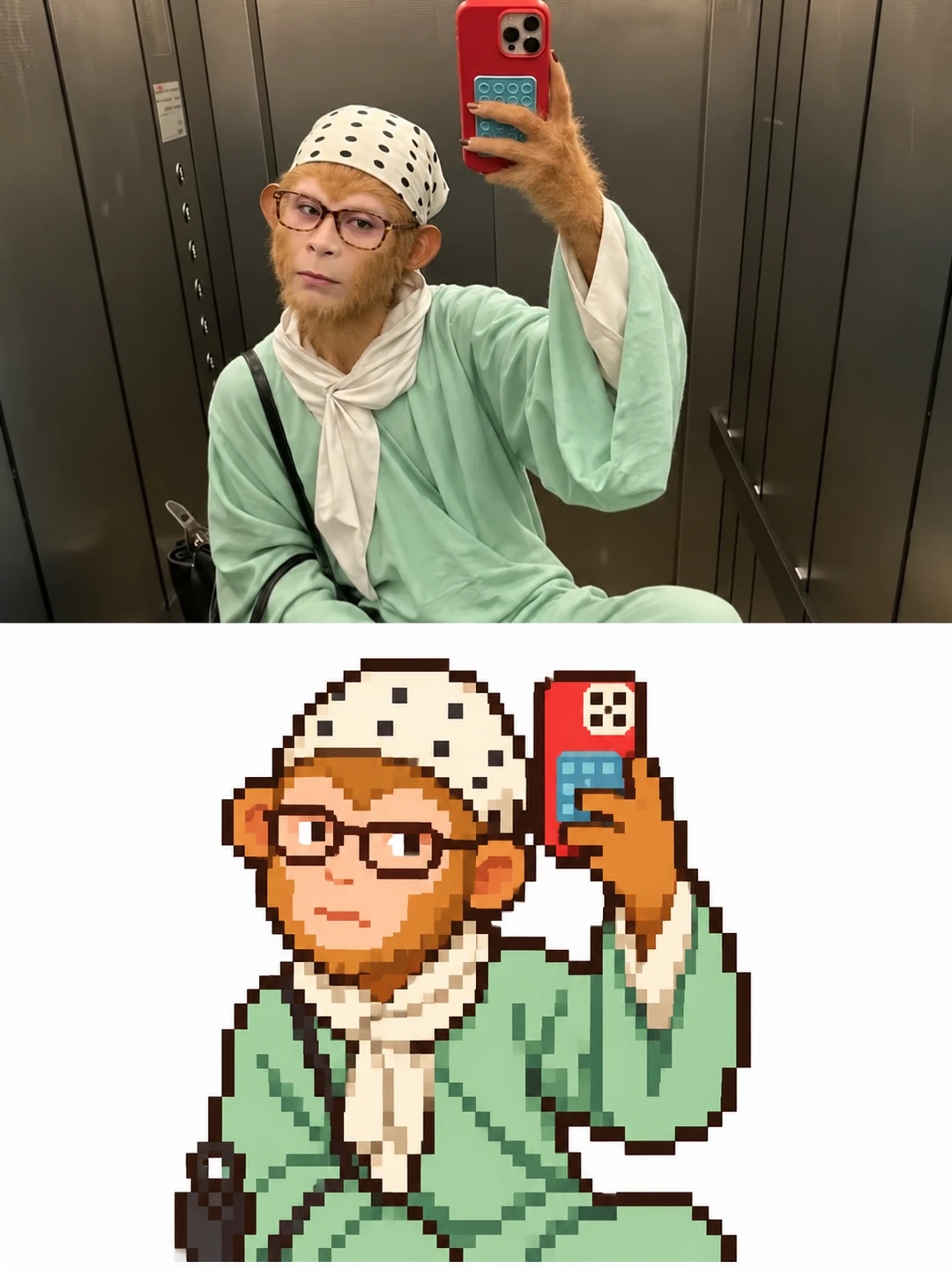
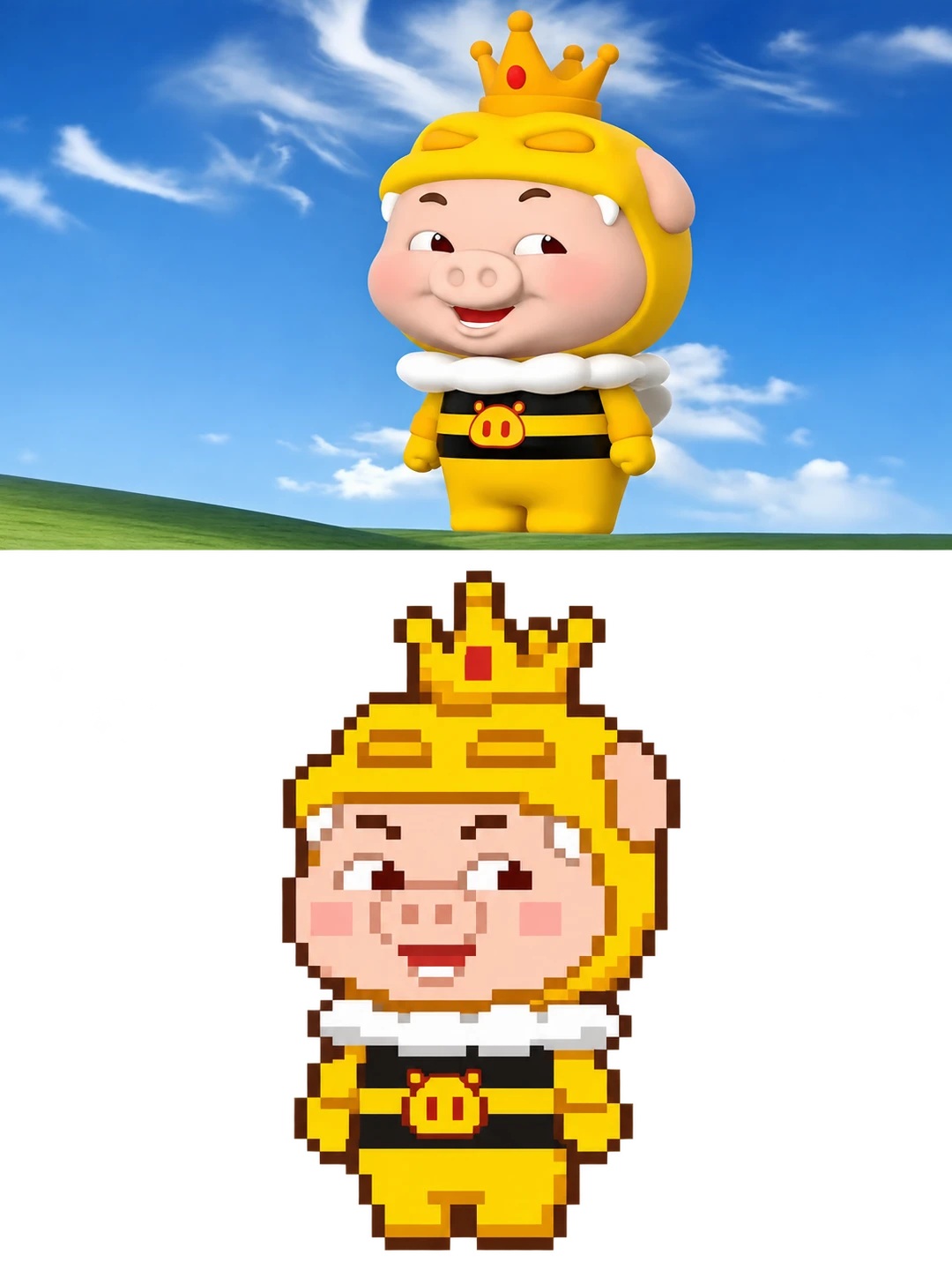
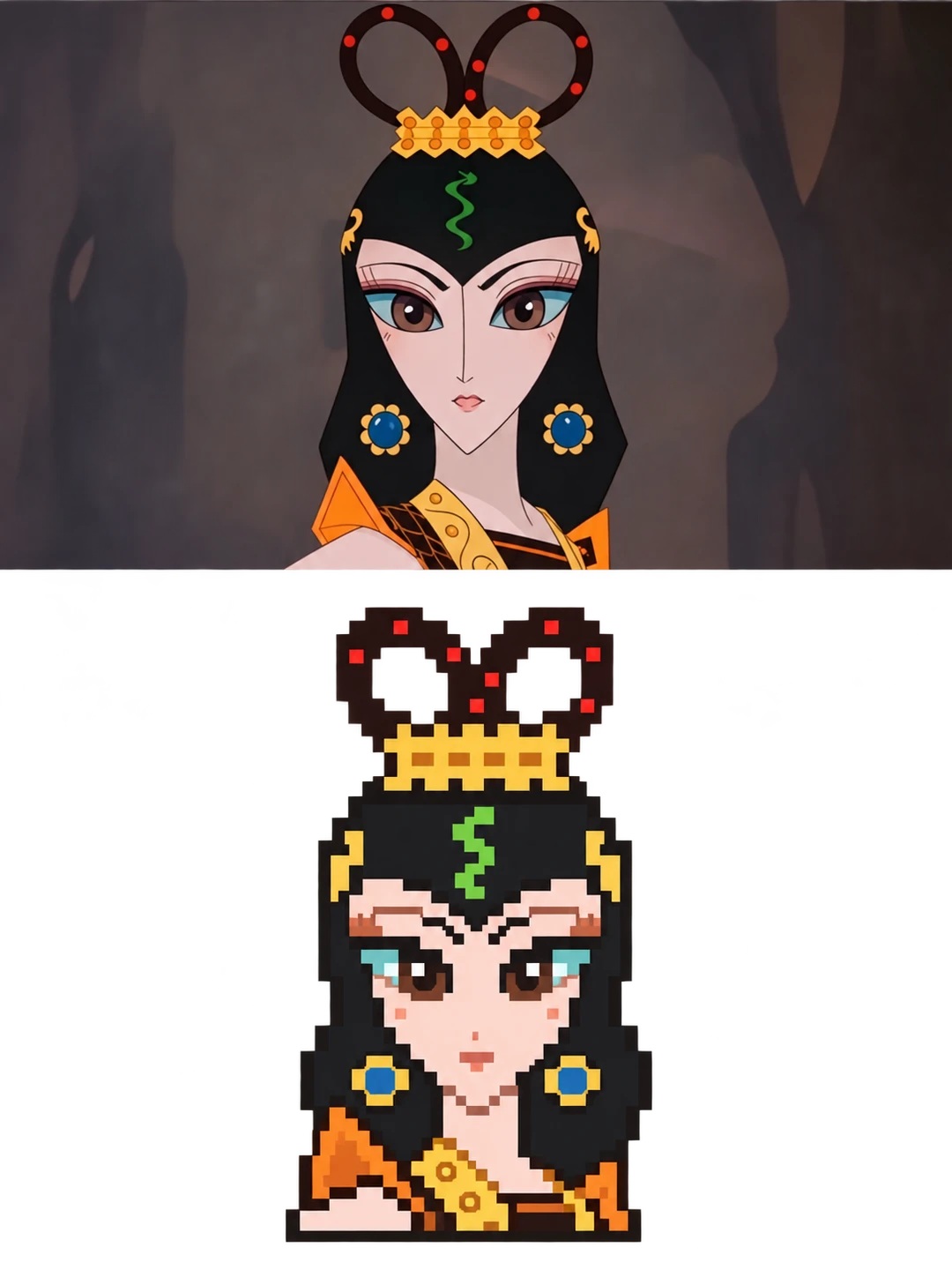
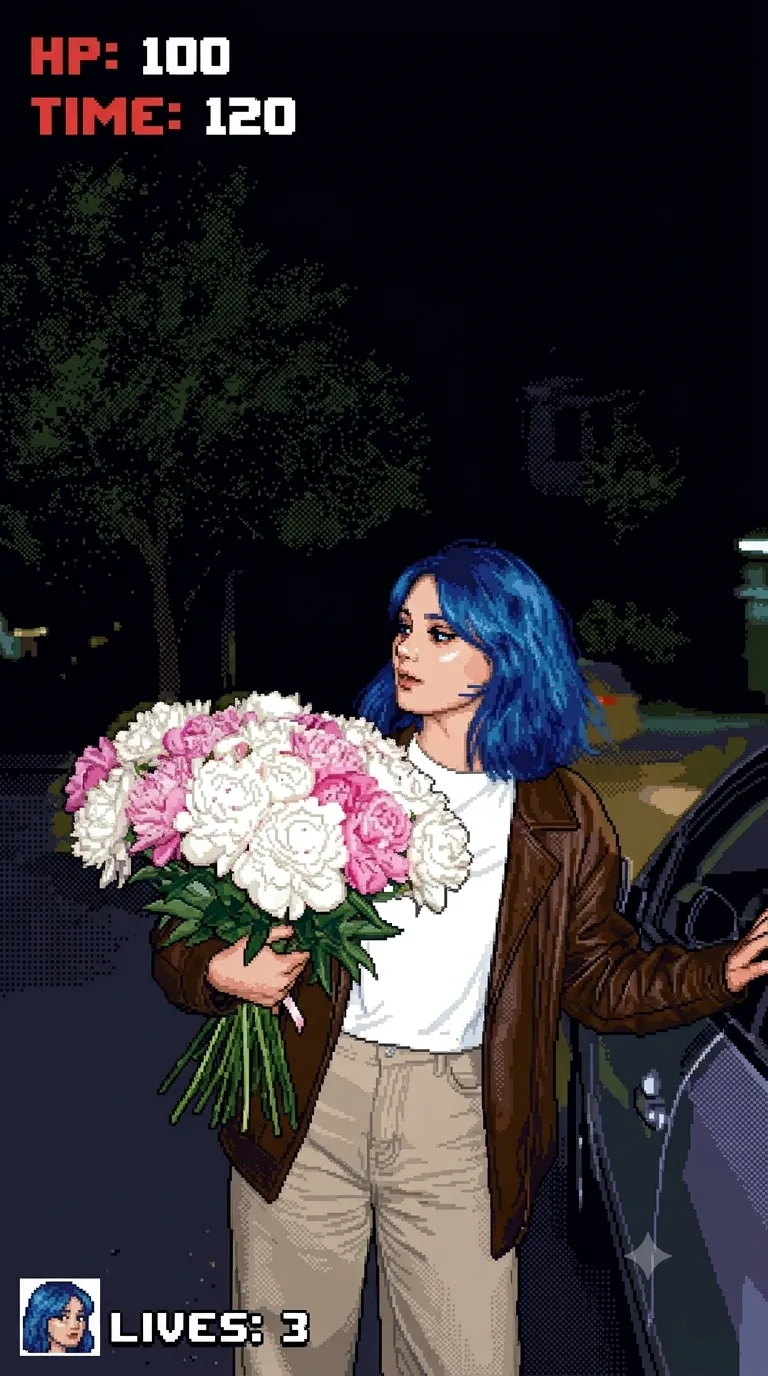
Transform the subject in a reference photo into a crisp, retro-game pixel sprite while preserving its original design.
Example outputs
Prompt template
- Format
- Text
- Inputs
- Reference_photo (image) · Required
- Outputs
- Pixel_art_image (image)
Use the uploaded photograph as the sole source material. Create a complete vertical composition: the upper half (50% of the image) is the original photographic area, preserving the photo's full content; the lower area transforms the subject in the reference image into a low-resolution pixel illustration (Low Resolution Pixel Sprite). Do not generate a standalone abstract image or simply apply a filter to the original photo.

Preserve the subject's original design, including its overall appearance, proportions, silhouette, structure, pose, color characteristics, and identifying features. Do not redesign the subject or change its original design language; only convert its rendering into classic handcrafted pixel art.

Create a retro-game pixel icon (Pixel Icon / Sprite Asset) to 32×32 Pixel Sprite specifications, drawn on a strict 1-pixel grid. Keep all pixels uniformly square and use nearest-neighbor pixel scaling for crisp, hard pixel edges. Avoid blurred pixels, anti-aliasing, gradient transitions, pixel filters, and automatic pixelation effects.

Simplify the pixel structure to suit the subject. Use a clear silhouette and high readability. Express the subject with clean, continuous pixel clusters; avoid scattered pixels and excessive detail.

Use a limited palette of no more than 6–8 main colors. Use solid color blocks and simple one- or two-level shading to convey volume. Do not use complex lighting or gradients.

Use a classic 8-bit / 16-bit game sprite design language, with a cute, warm, nostalgic, comfortable, and lively visual mood.

Output a single pixel-style rendering of the subject, centered on a pure white background, with no text, logo, border, extra decoration, or environmental elements.
What you'll create
The source photo fills the top half while its subject becomes a crisp game-like pixel illustration on white underneath. Original silhouette, pose and colors guide the simplified sprite.
Frequently asked questions
Is applying a pixel filter to the whole photo enough?
No. The lower region is a separate sprite translation.
What background surrounds the pixel subject?
Pure white.




Comments
Tried this prompt? Share what you made, compare results, or ask a question