Turn a Photo into a Crochet Doll Comparison
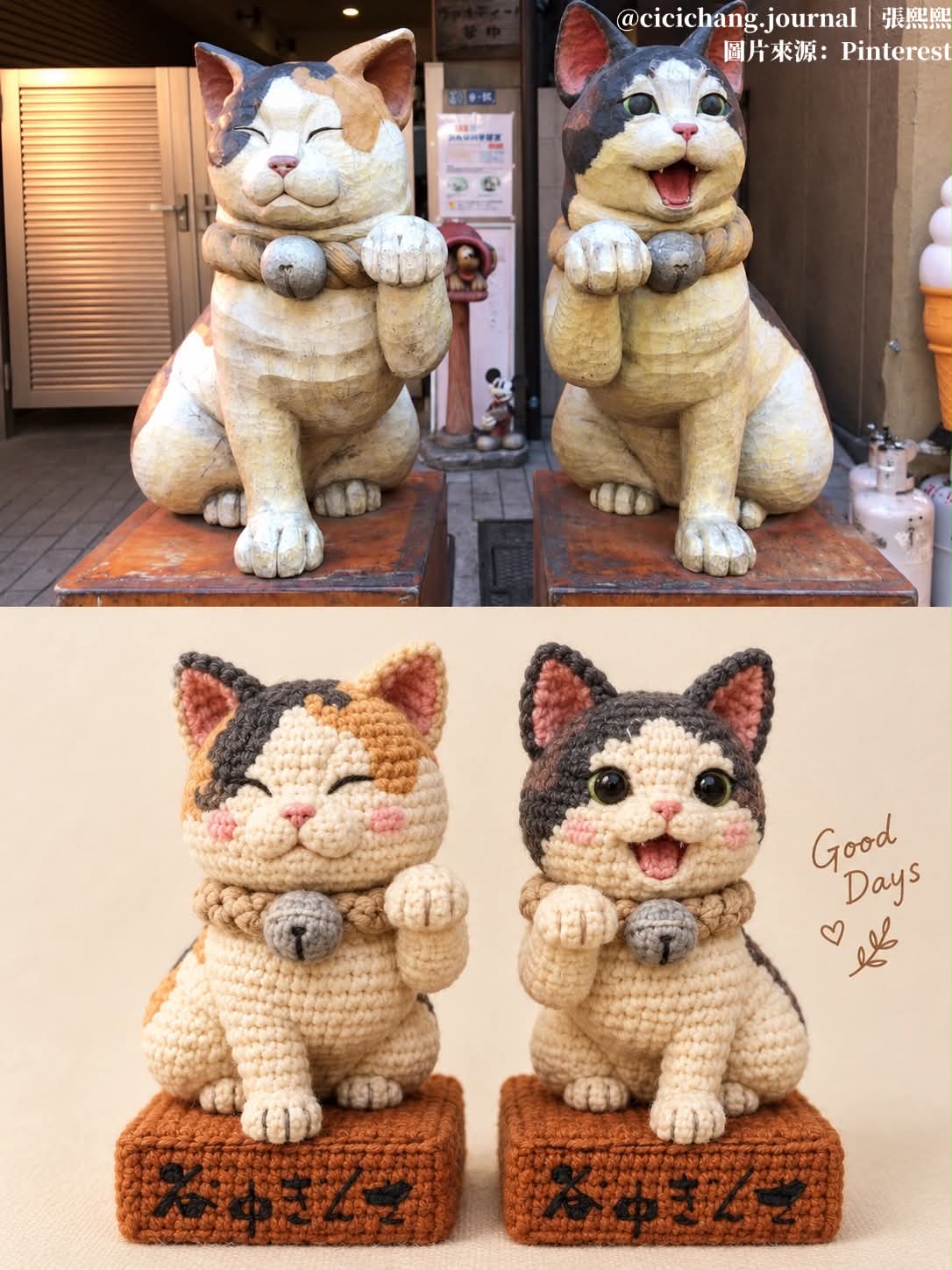
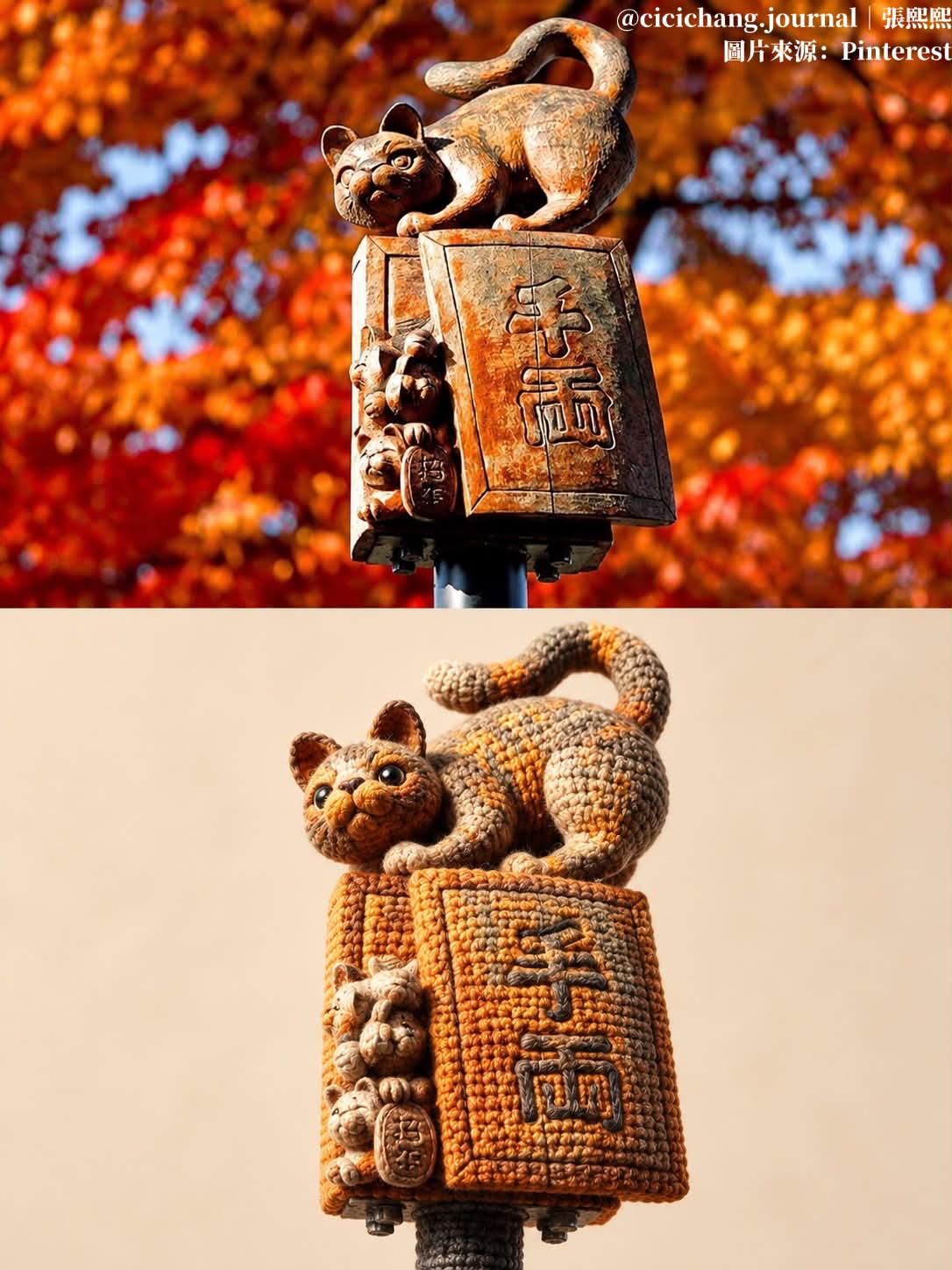
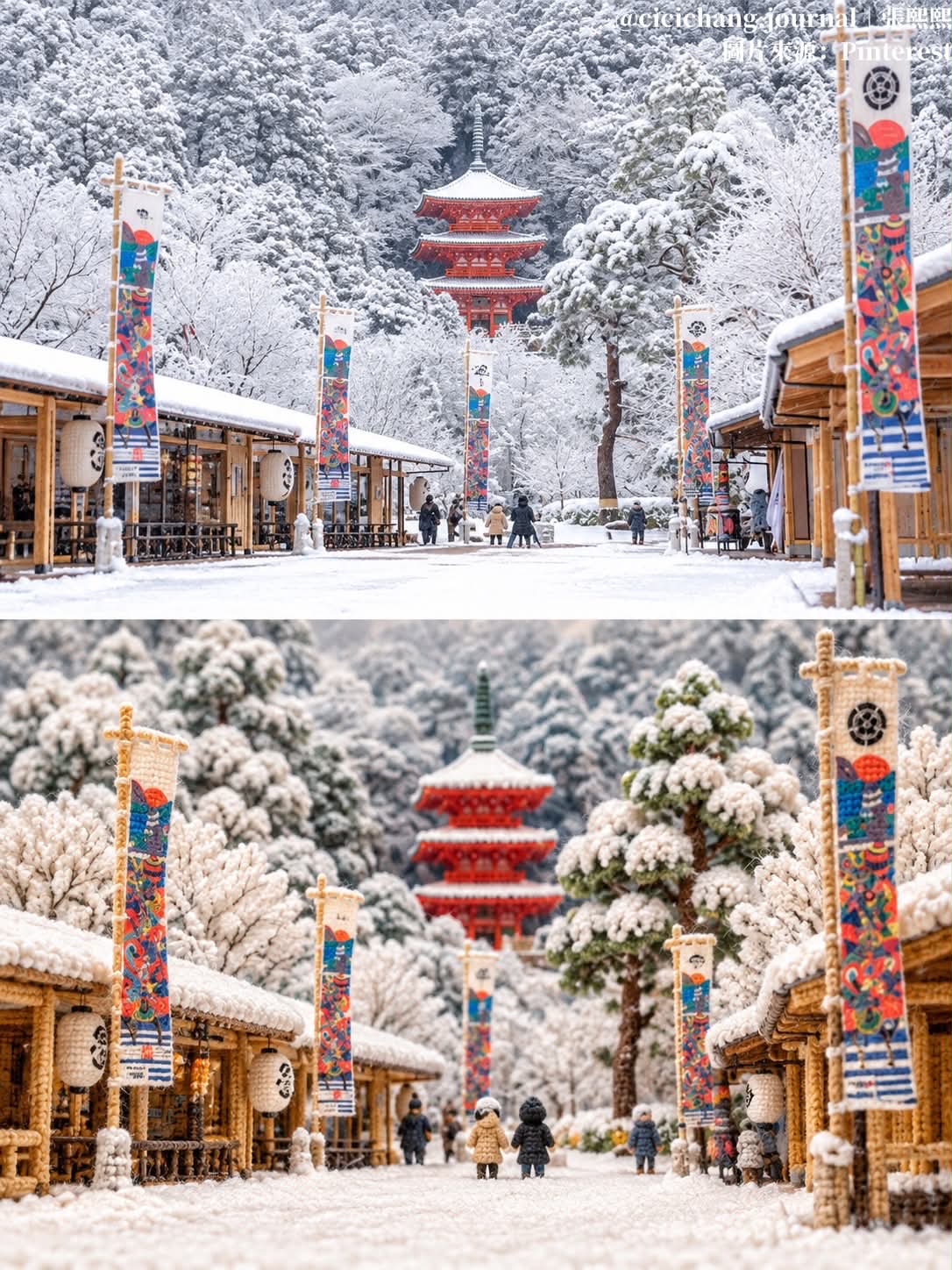
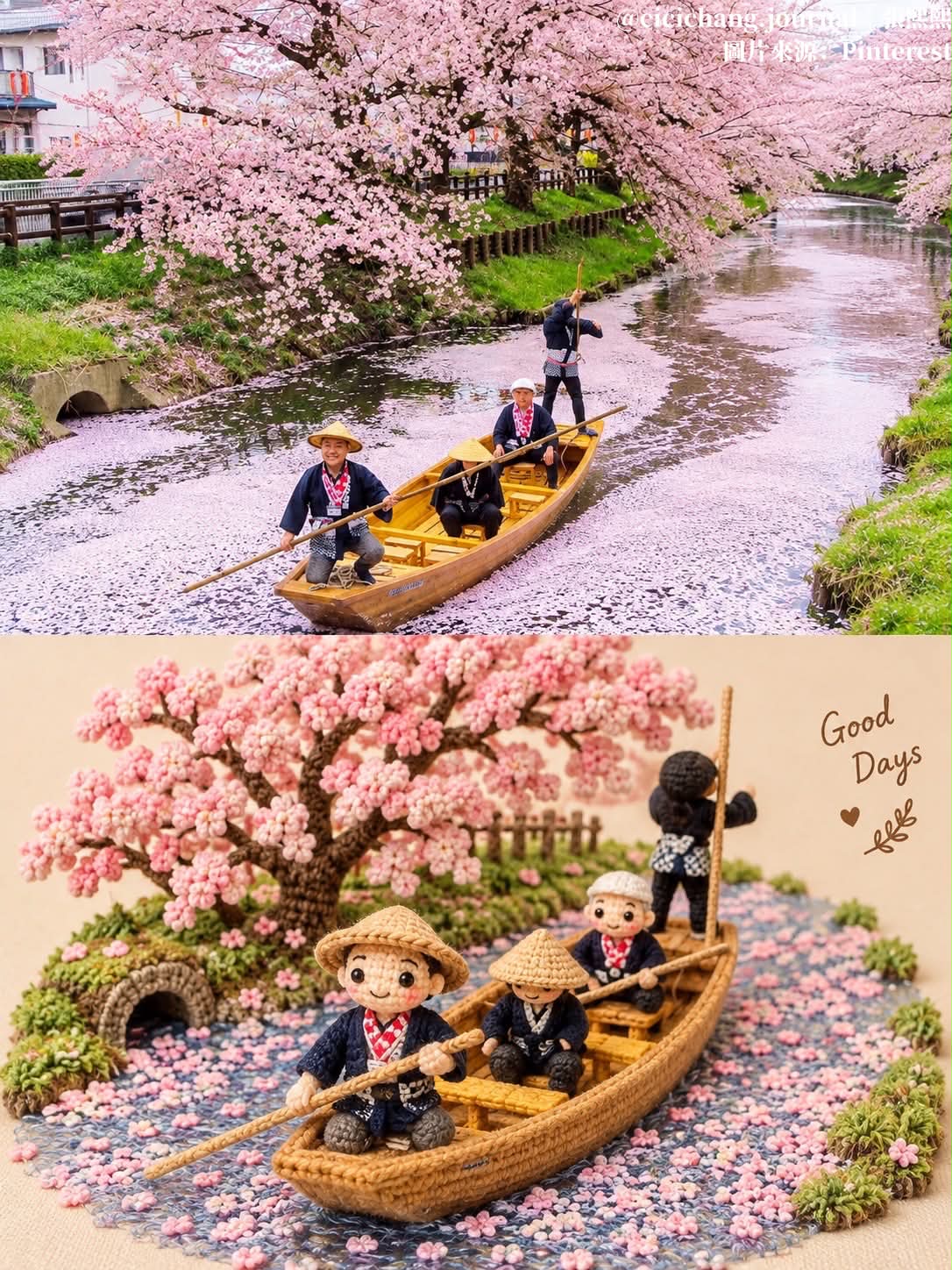
Create a vertical split composition pairing an unchanged original photo with a matching chibi crochet doll.
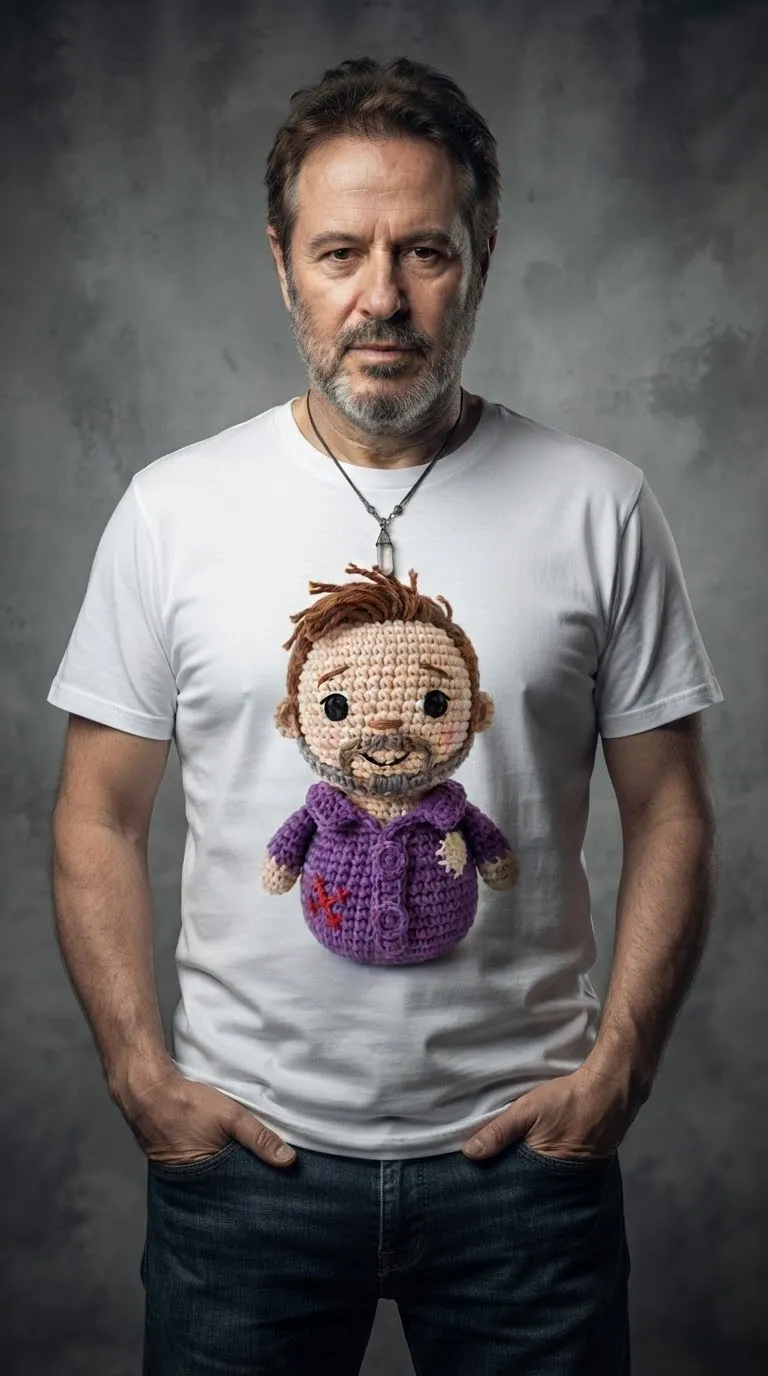
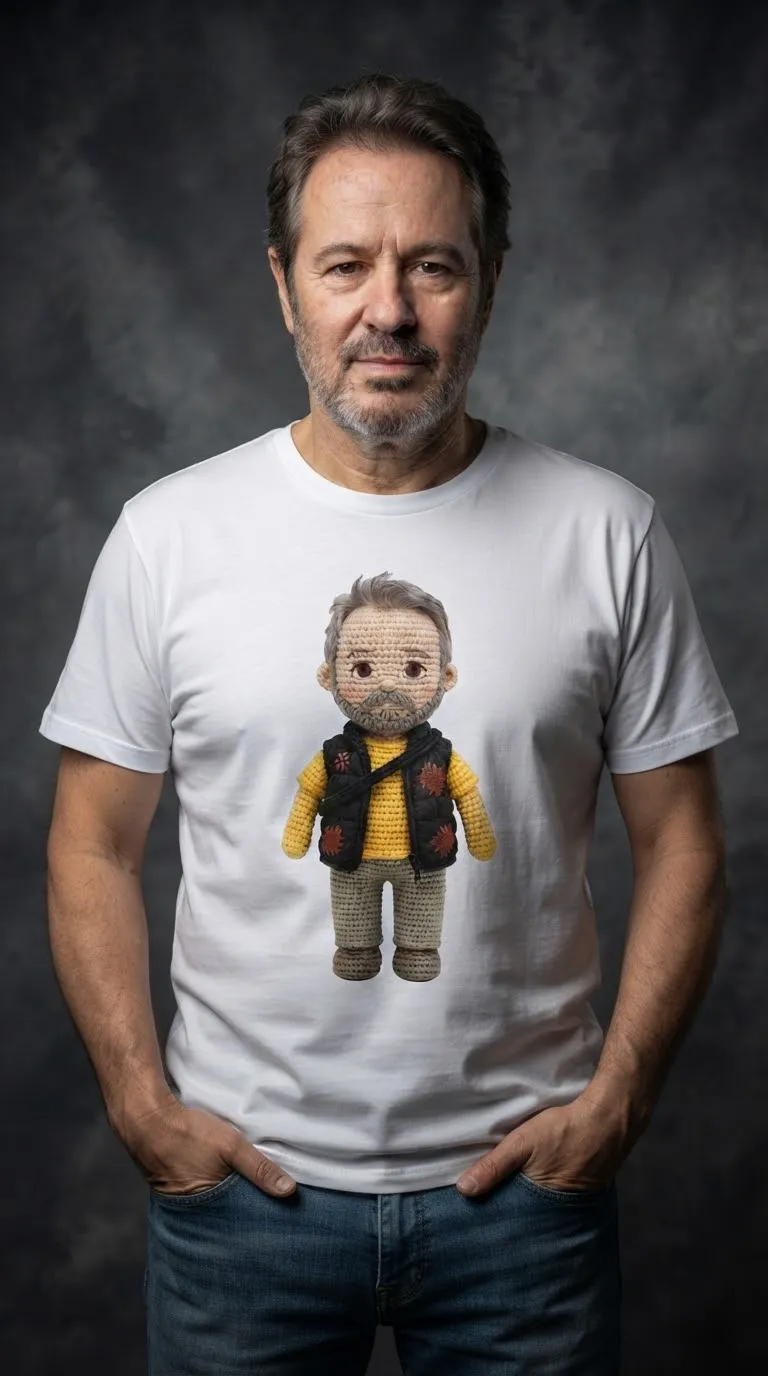
Example outputs
Prompt template
- Format
- Text Parameterized
- Inputs
- Uploaded_photo (image) · Required caption (text) · Optional · Default: Good Days
- Outputs
- Split_photo_and_crochet_doll_composition (image)
Use the uploaded photo. Create a 3:4 vertical image split into top and bottom sections.

Top: show the original photo unchanged.

Bottom: depict the same person as a chibi crochet amigurumi doll, with visible yarn stitches, bead eyes, an embroidered smile, pink blush, and black yarn hair matching the hairstyle. Recreate the outfit, colors, props, logos, and exact pose in crochet. Use a plain cream textured-paper background, soft studio lighting, and a gentle shadow. Add handwritten brown "${caption:Good Days}" with a small heart doodle beside the doll. Make the result a cozy, realistic handmade product photo with high detail.
Replace the ${…} placeholders with your values
before using this prompt. See parameters
and defaults below
Parameters
Replace each placeholder with your own value, or use its default when one is provided
${caption:Good Days}
caption
Default: Good Days
What you'll create
The original photo sits above a chibi yarn version of its subject, repeating the pose and outfit in stitched form. Cream paper, soft studio light and a brown caption give the lower panel a cozy handmade-product feel.
Frequently asked questions
Should logos and held props disappear?
No. The source recreates outfit details, props and logos in crochet.
What is the default caption?
Good Days, accompanied by a small heart doodle.



Comments
Tried this prompt? Share what you made, compare results, or ask a question