Create a Consistent Product Storyboard and Video Clips
Use a product image to create a 20-second storyboard, generate prompts for video scenes in segments of up to 10 seconds, and render and combine the clips.
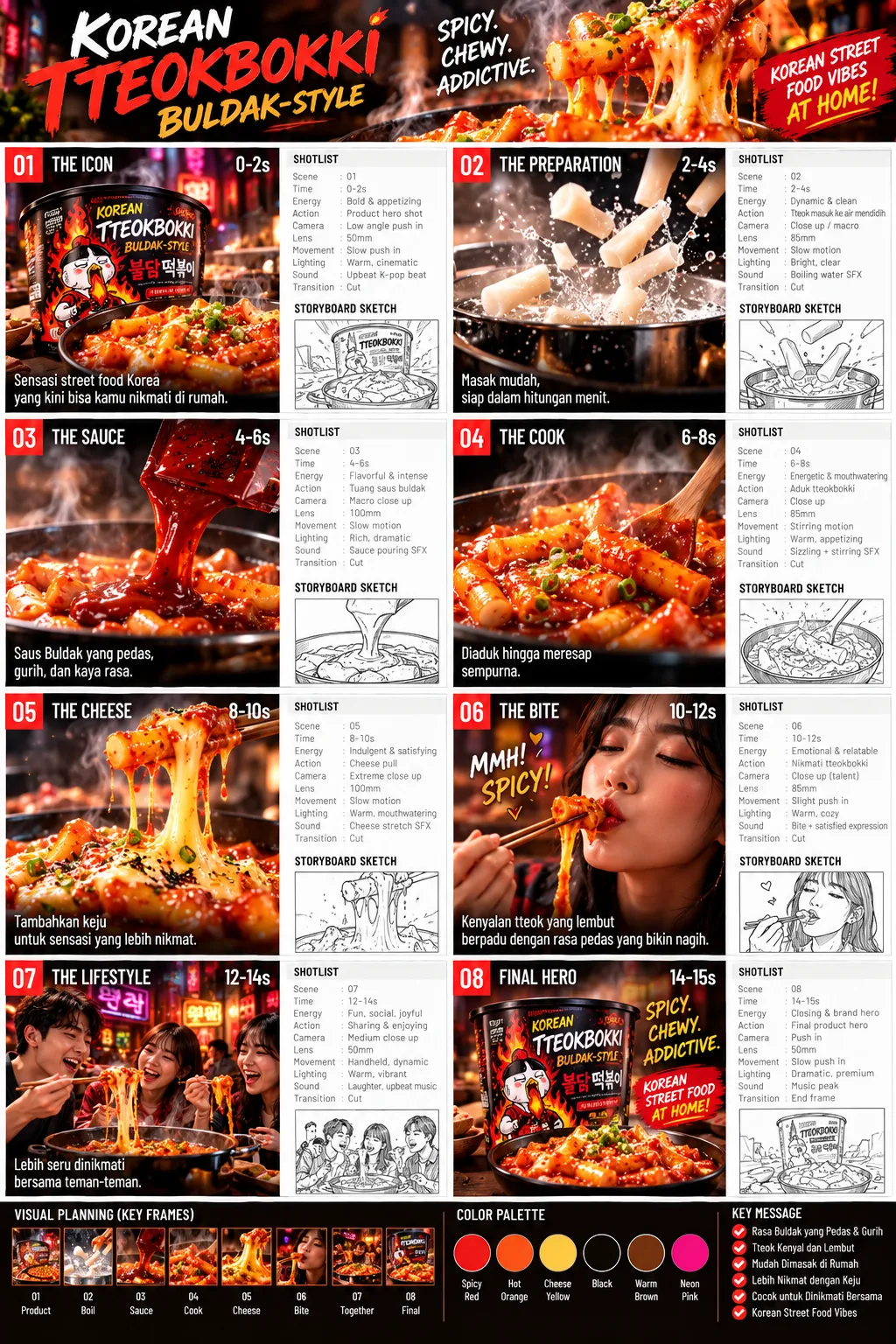
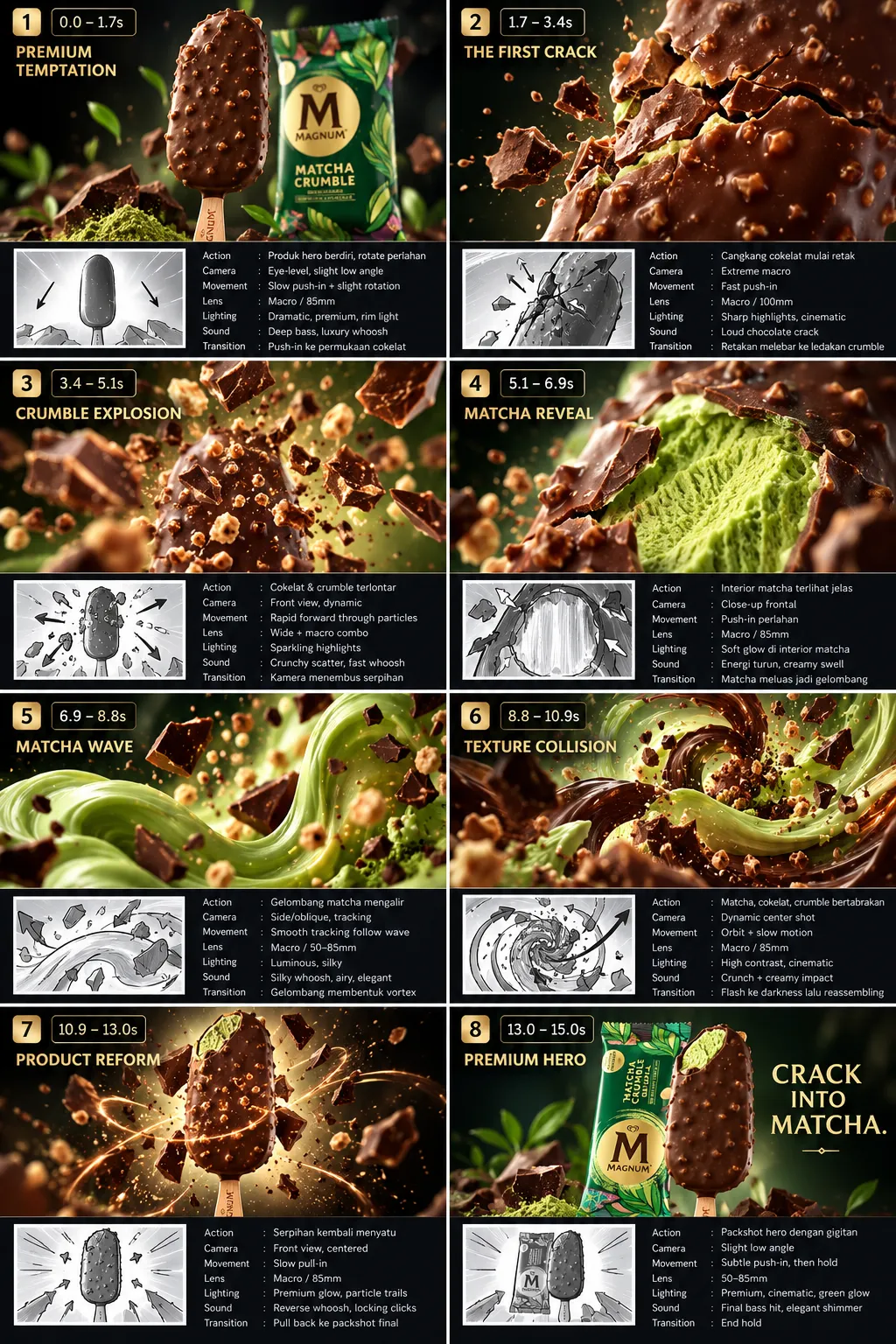
Example outputs
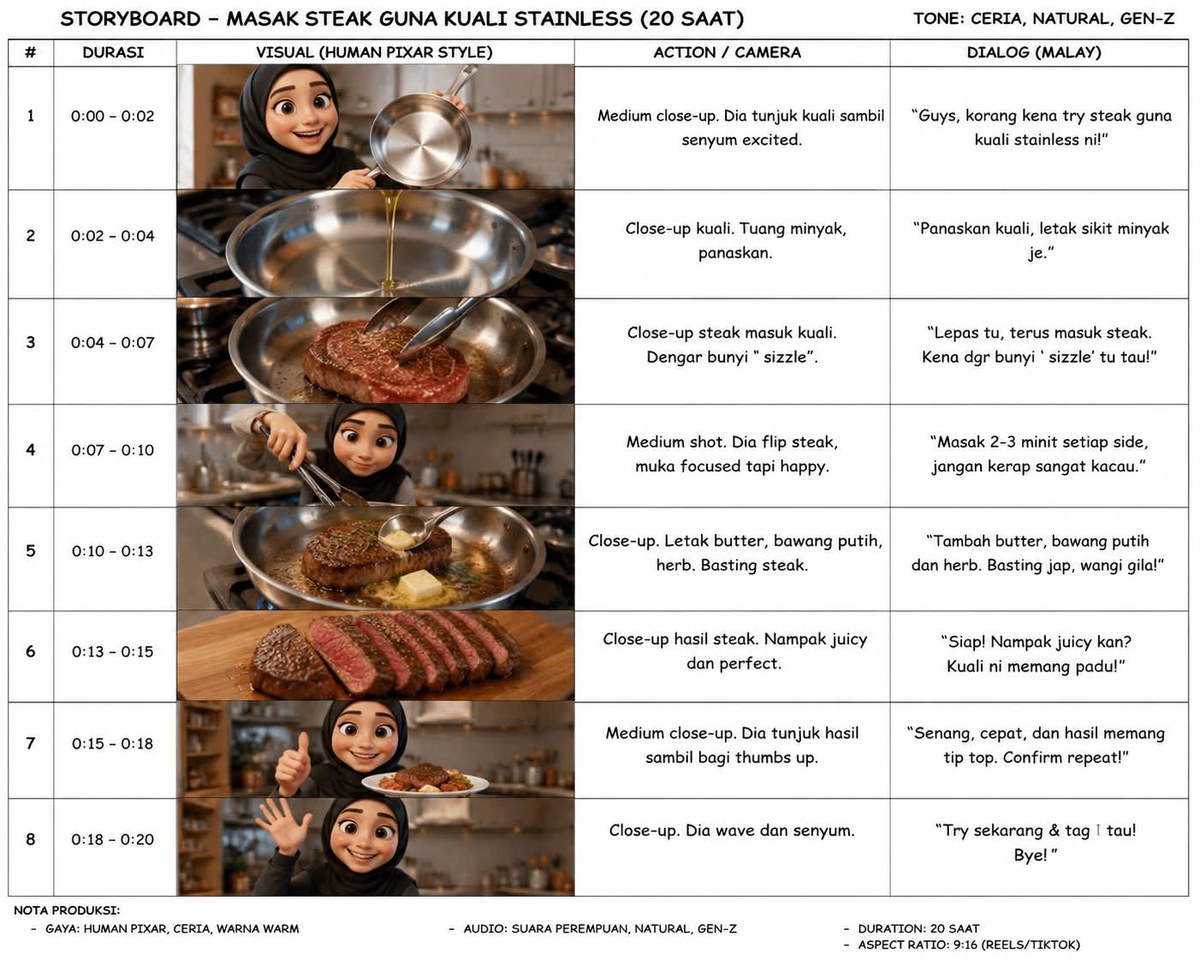
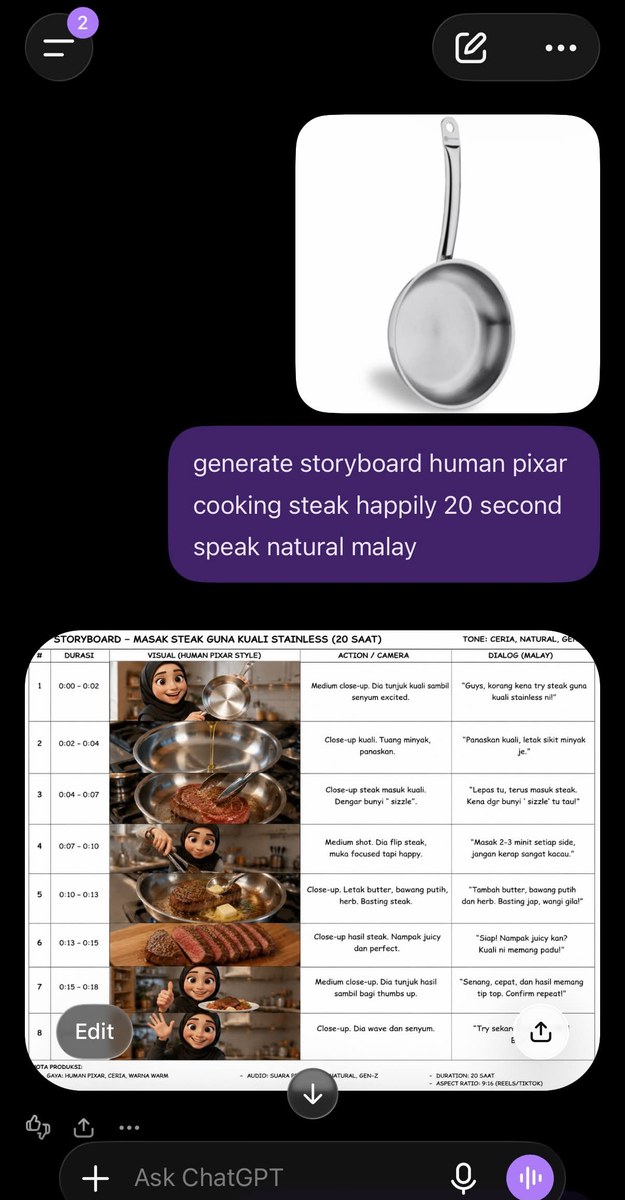
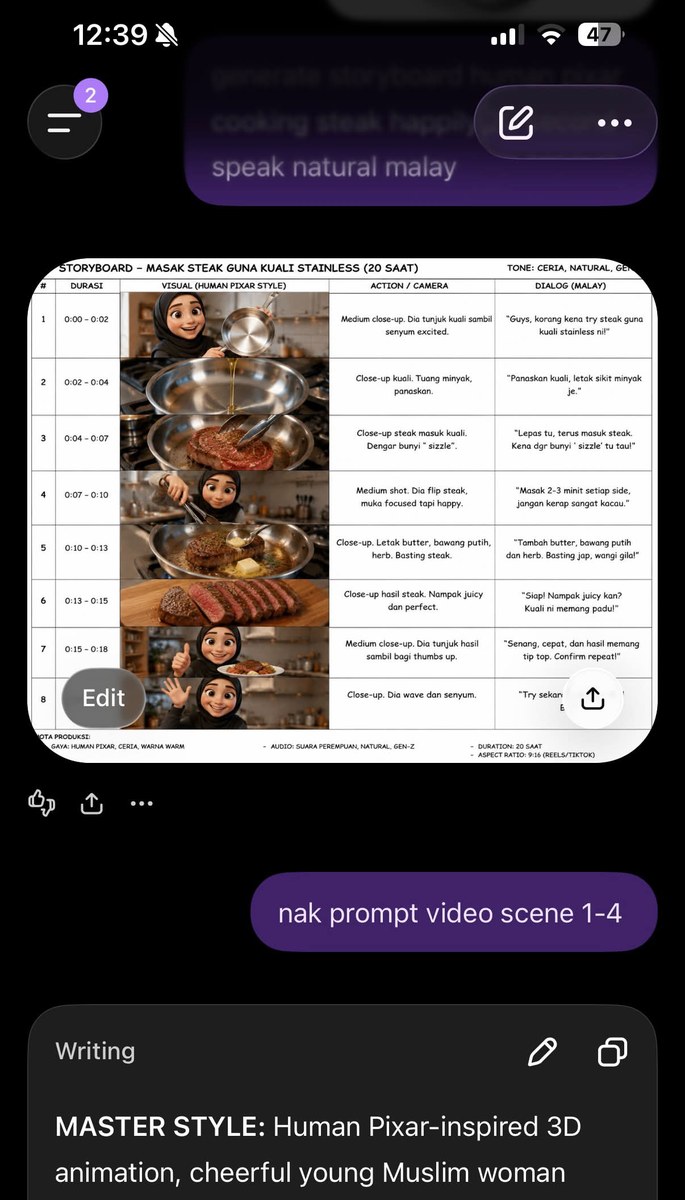
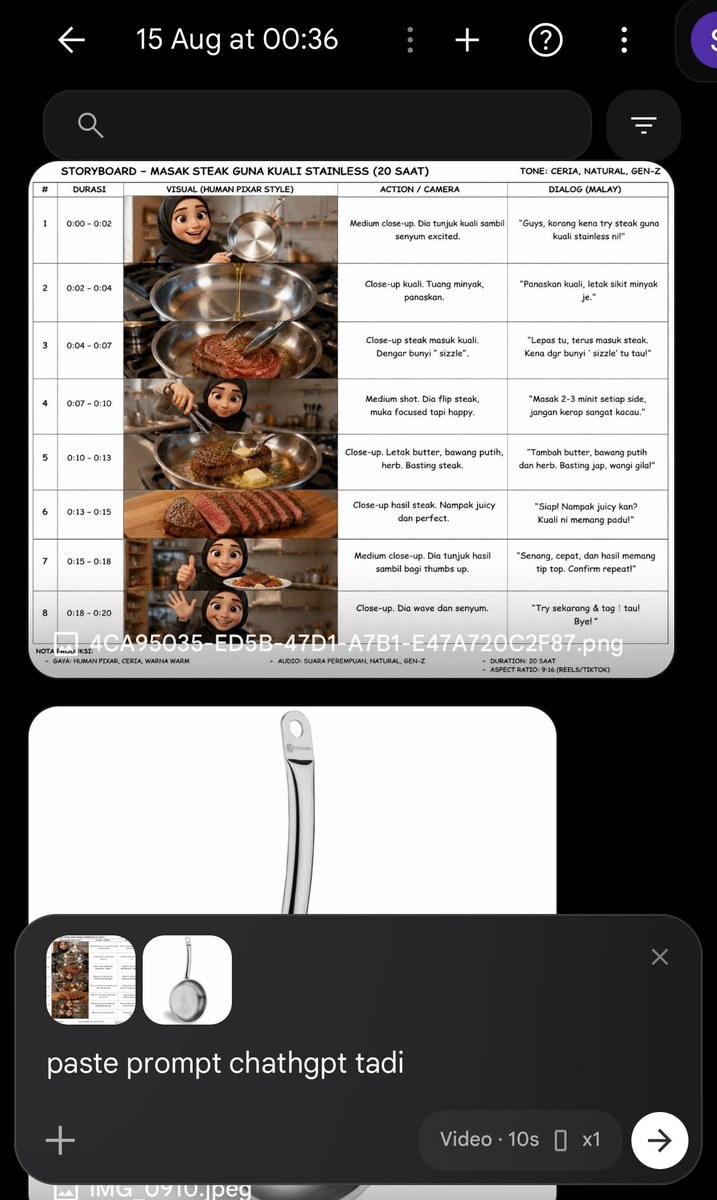
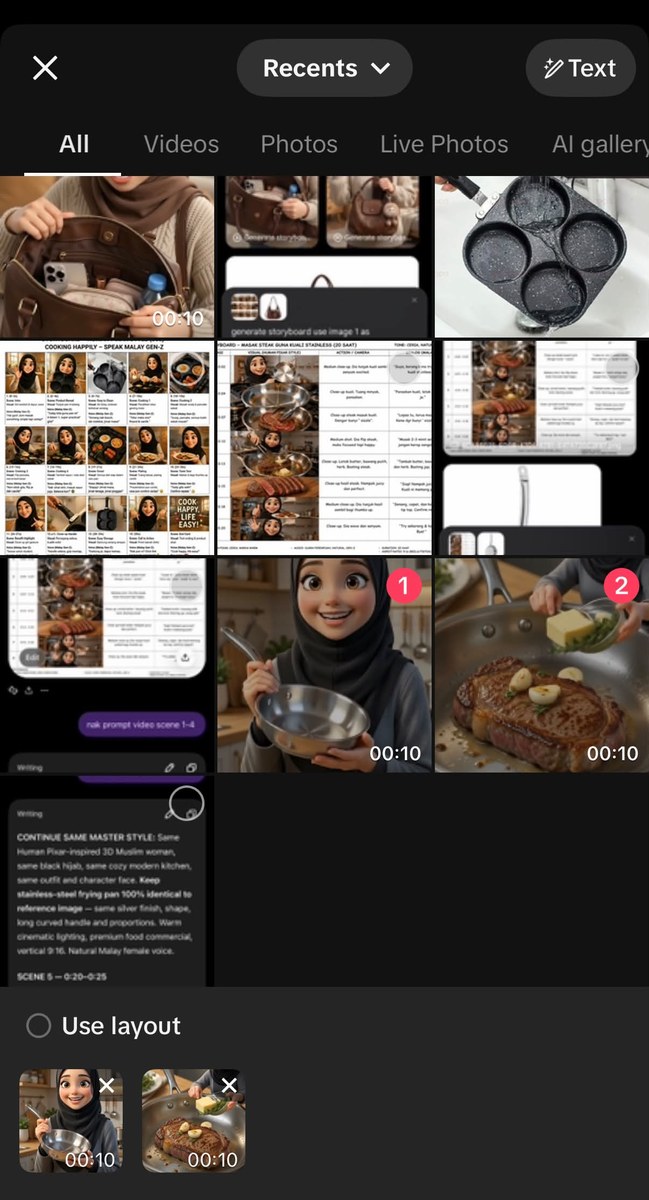
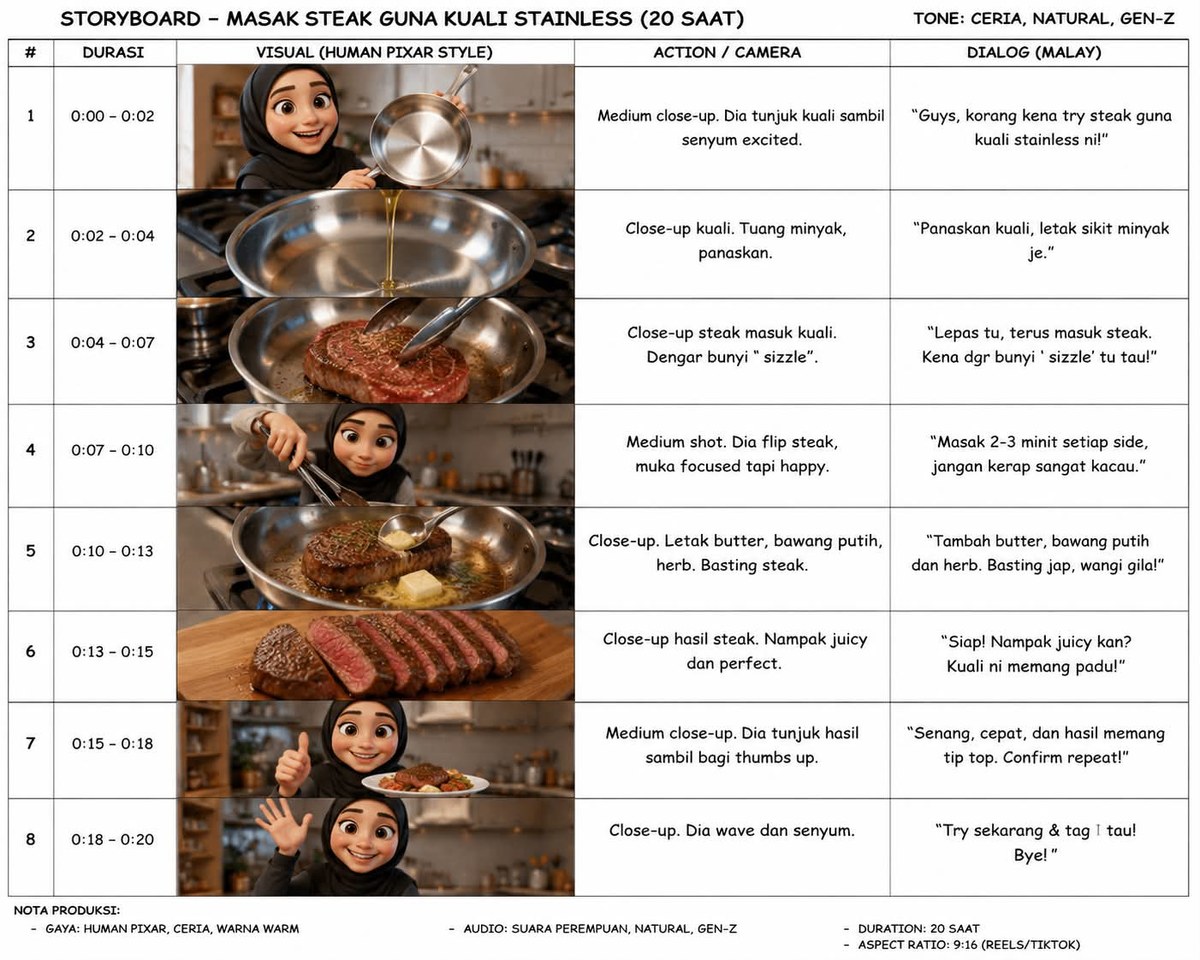
Prompt template
- Format
- Markdown Parameterized
- Inputs
- Original_product_image (image) · Required Activity (text) · Optional · Default: cooking Scene_range (text) · Optional · Default: 1-4 (0-10 seconds)
- Outputs
- Storyboard (text) Scene_video_prompts (text) Video_clips (video)
## Workflow
1. Upload the original product image to ChatGPT.
2. Ask ChatGPT to create a storyboard using this prompt:

   **Generate a 20-second storyboard featuring human characters in a Pixar-like style, happily ${activity:cooking} steak, with natural spoken Malay. Keep the product consistent in every scene.**

   Replace only the activity if needed; keep the rest of the prompt unchanged.
3. Review the storyboard and confirm the product remains consistent throughout. Then ask ChatGPT to write a video-generation prompt for scenes ${scene-range:1-4 (0-10 seconds)}. For a 20-second video in Omni Max, work in segments of no more than 10 seconds. For later segments, request the next scene range in the same ChatGPT conversation.
4. In OmniFlow, upload both the storyboard and the original product image. Paste the video-generation prompt and generate the clip. Repeat for any remaining scene ranges.
5. Download the clips and combine them in a video editor, such as CapCut or TikTok.
Replace the ${…} placeholders with your values
before using this prompt. See parameters
and defaults below
Parameters
Replace each placeholder with your own value, or use its default when one is provided
${activity:cooking}
activity
Default: cooking
${scene-range:1-4 (0-10 seconds)}
scene-range
Default: 1-4 (0-10 seconds)
What you'll create
A twenty-second stylized activity video uses human characters, Malay speech and a fixed product appearance. The workflow reviews continuity, prepares scene-range prompts, generates segments and assembles them in a video editor.
Frequently asked questions
Are generation segments unrestricted in length?
No. For the stated twenty-second workflow, the source limits individual segments to ten seconds or less.




Comments
Tried this prompt? Share what you made, compare results, or ask a question