Anime Polaroid Travel Window
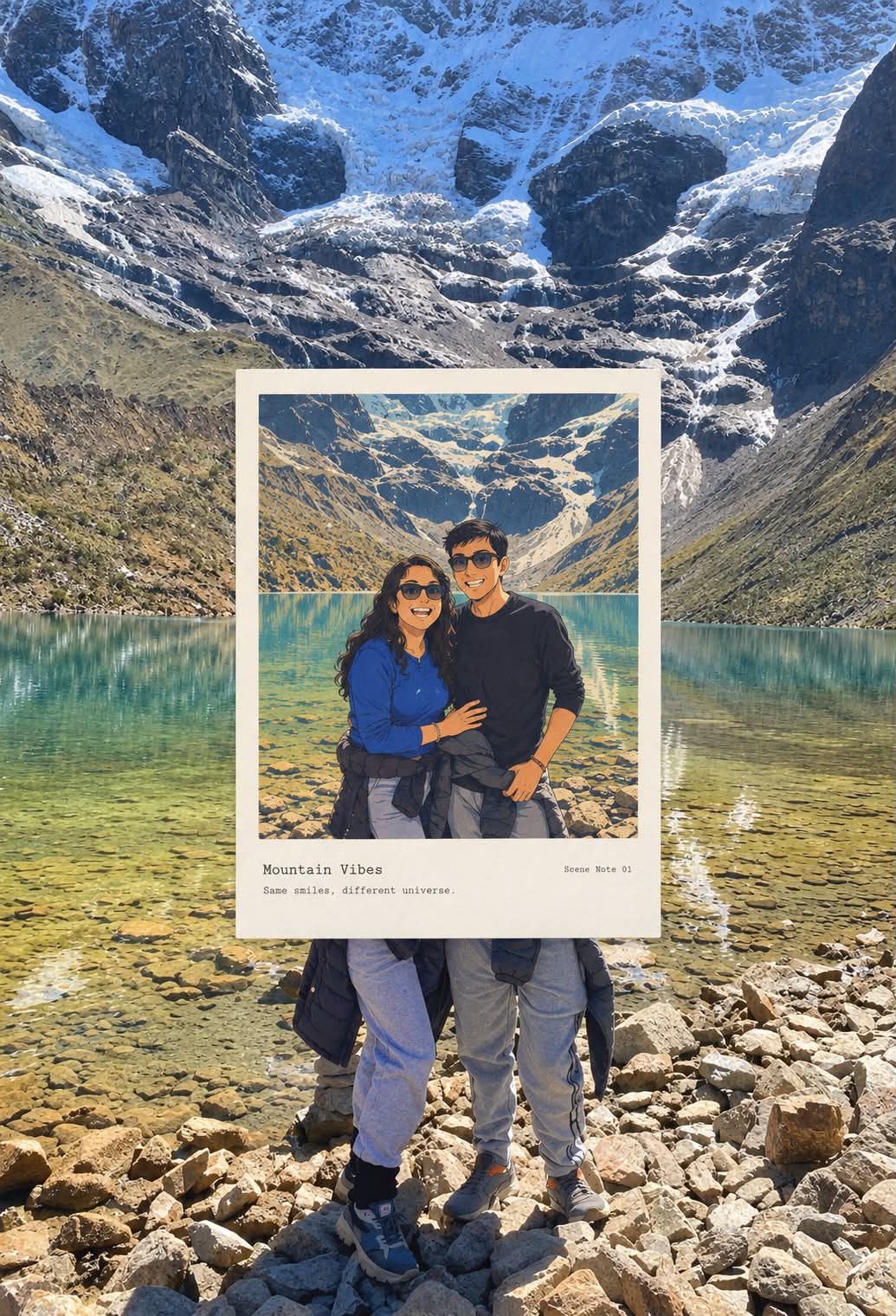
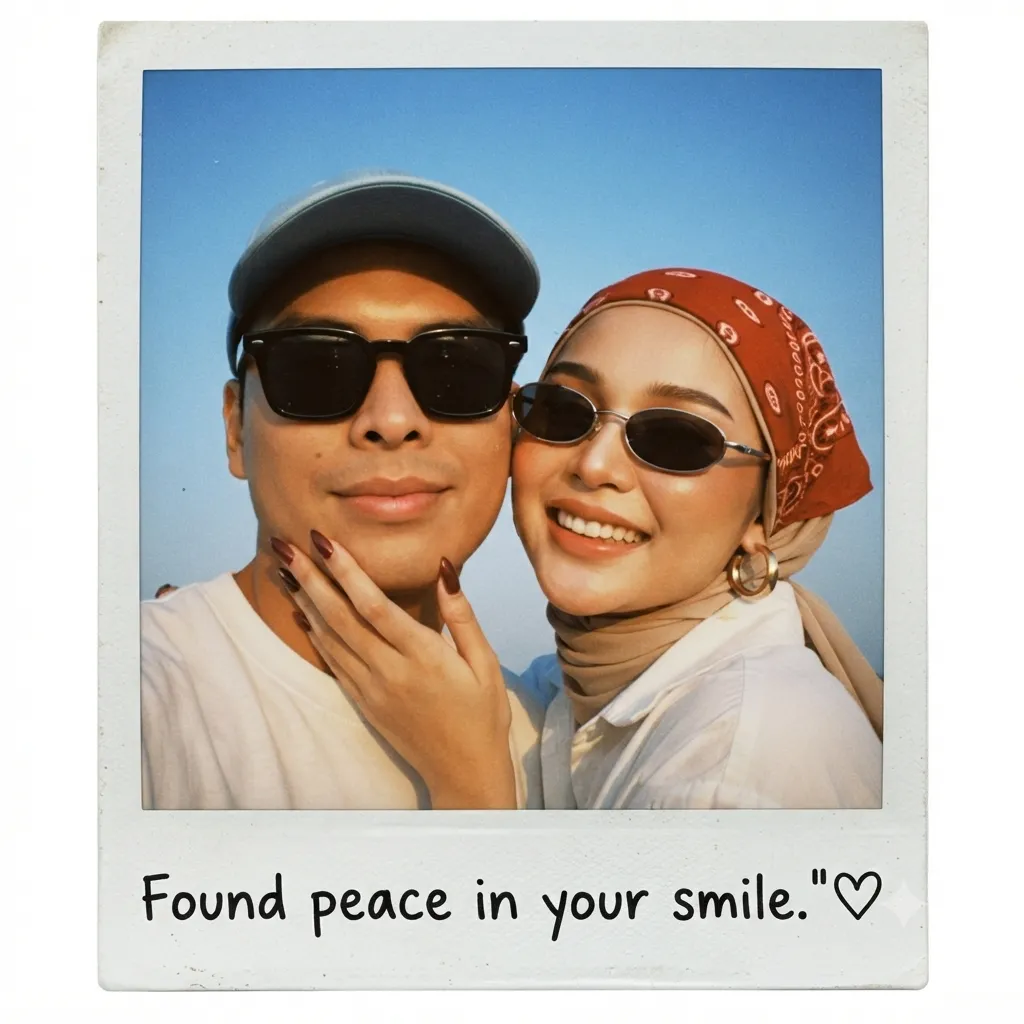
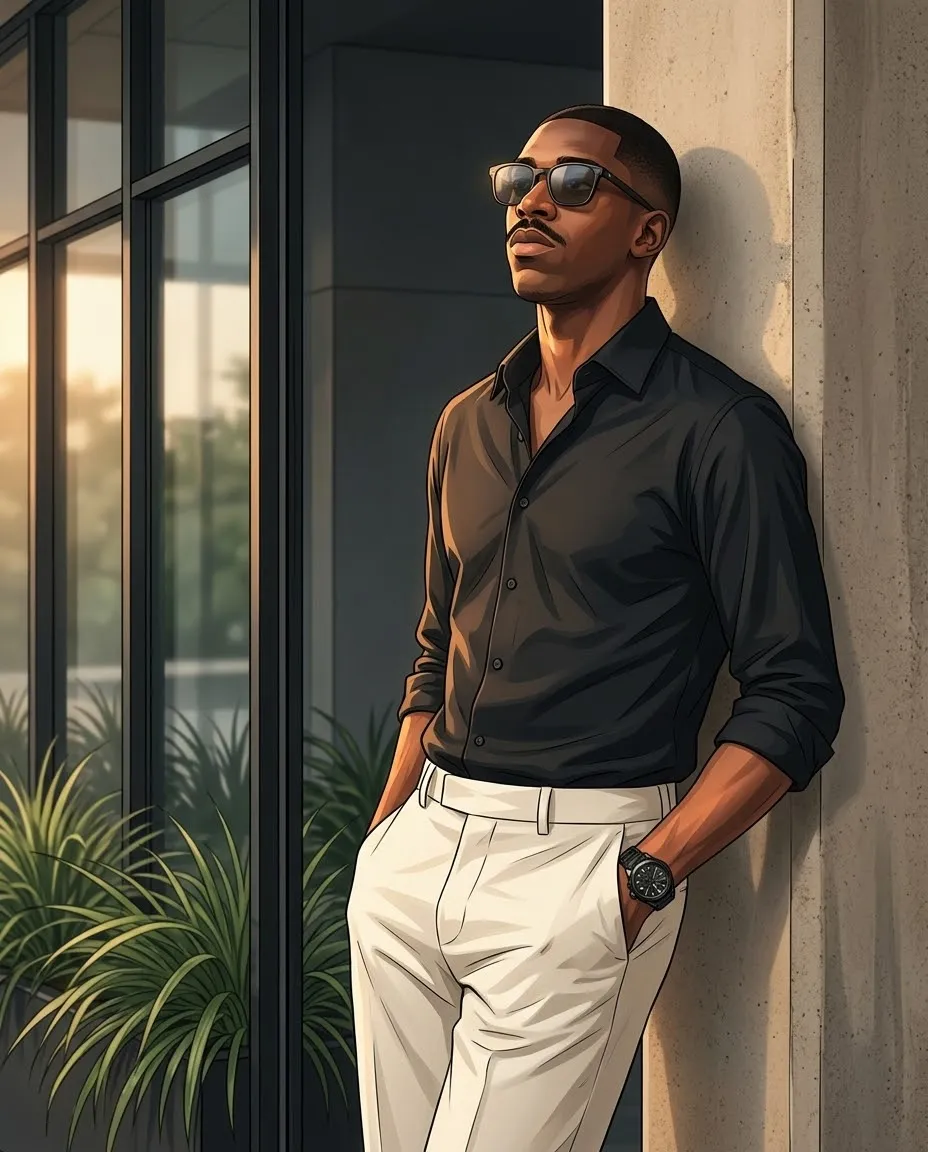
Create a premium travel-editorial composite that keeps the original photo intact around a flat Polaroid frame, with a retro anime interpretation of the same scene inside it. The prompt supports one or more travel-photo inputs, producing a separate image for each
Example outputs
Prompt template
- Format
- Text Parameterized
- Inputs
- travel_photos (image) · Required
- Outputs
- Polaroid_window_composite (image)
For each uploaded travel photo in ${travel-photos}, create a “real-photo anime Polaroid window” artwork. Output each photo separately; never combine multiple uploads.

### ORIGINAL PHOTO BASE

Use the original uploaded photo as the full-canvas photographic background. Preserve the original subject identity, subject count, pose, proportions, position, camera angle, perspective, natural lighting, shadows, environment, scene relationships, colors, and authentic photographic texture.

Do not repaint, regenerate, or convert the entire image into anime. The surrounding image must remain a real photograph.

### CENTER POLAROID

Place one compact, flat Polaroid-style photographic frame directly over the core subject area, centered around the main visual subject.

The Polaroid should feel like a physical instant photograph placed neatly on top of the original photo, but remain completely flat and graphic.

The Polaroid consists of:

- A clean off-white or warm-white photographic border
- A rectangular image area inside the Polaroid
- A slightly larger blank white border at the bottom, like a classic Polaroid
- Crisp, straight edges
- A minimal, premium editorial appearance

Inside the Polaroid image area, redraw the exact same scene and subject as a retro anime illustration. The illustrated scene must correspond precisely to what is underneath it.

### VISUAL CONTINUITY

The Polaroid must sit directly over the original subject. The anime illustration inside the Polaroid should represent the exact same moment captured by the original photograph.

Preserve:

- Subject count
- Subject position
- Subject scale
- Pose
- Gesture
- Direction
- Perspective
- Camera angle
- Major architectural and environmental structures
- Horizon
- Roads
- Tracks
- Waterlines
- Steps
- Wheels
- Feet
- Important foreground/background relationships

Do not move or reinterpret the subject. Do not create a second subject. Do not show the original photographic subject beside an illustrated duplicate.

The Polaroid should function as a window into an illustrated version of the exact photograph beneath it. Where important edges intersect the Polaroid boundary, maintain believable visual continuity so the illustration feels directly connected to the original scene.

### POLAROID SIZE & POSITION

Keep the Polaroid moderate in size and visually centered around the main subject.

The Polaroid should occupy approximately:

- 42–52% of the full image height for vertically oriented scenes
- 44–56% of the full image width for horizontally oriented scenes

Use a natural rectangular photographic proportion rather than an extreme portrait or panoramic shape. Leave generous visible photographic space around the Polaroid on all four sides. The Polaroid must never become oversized or dominate the entire composition.

### POLAROID ORIENTATION

Choose the orientation based on the original photograph:

**Vertical Polaroid**
For standing people, towers, buildings, vertical streets, and tall architectural subjects.

**Horizontal Polaroid**
For boats, vehicles, food stalls, coastlines, landscapes, and wider environmental scenes.

Keep the Polaroid proportion natural and recognizable as a classic instant photograph.

### FLAT PRESENTATION

The Polaroid lies perfectly flat over the original photograph.

Do not use tilt, rotation, perspective distortion, curling, folded corners, thickness, 3D extrusion, a drop shadow, a floating-card effect, or a strong cast shadow. The border should be clean, crisp, and evenly constructed.

The overall aesthetic should feel premium, minimal, contemporary, and editorial.

### ANIME ILLUSTRATION

Inside the Polaroid image area, transform only the represented scene into a retro anime illustration.

Use:

- Loose expressive ink lines
- Retro Japanese cel-animation aesthetic
- Flat color rendering
- Limited color palette
- Vintage print grain
- Subtle paper texture
- Slight analog imperfections
- Simplified shapes
- Elegant hand-drawn character and environmental details

Reduce the scene to approximately 3–5 dominant colors, while preserving the most recognizable hues from the original photograph.

Simplify complex details while preserving:

- Silhouette
- Gesture
- Facial/body structure
- Main architectural forms
- Recognizable objects
- Essential environmental cues

Keep approximately 35–60% of the Polaroid image area as calm color fields, simplified shapes, or subtle negative space. The illustration should feel artistic and nostalgic rather than overly detailed or digitally polished.

### POLAROID BORDER

The Polaroid border should remain clean and mostly empty. Use a warm-white/off-white paper tone with subtle natural paper grain.

Do not add decorative stickers, tapes, doodles, flowers, stamps, icons, or travel graphics. The Polaroid should feel like a beautiful archival travel photograph.

### TYPOGRAPHY

All readable text must be English only. Generate only these three elements:

1. A short 1–3 word title
2. One tiny note, such as “Scene Note 01”
3. One short observation sentence

Place the typography only within the blank lower Polaroid border, never over the illustrated image unless absolutely necessary. Typography should be minimal, small, elegant, editorial, subtle, and properly aligned.

If the exact location is uncertain, use a scene-based title. Never invent a location, date, landmark, historical fact, or other unsupported information.

### COMPOSITION

The final image should create a strong visual contrast: real photograph → center Polaroid → retro anime interpretation.

The surrounding photograph remains completely photographic, while the Polaroid provides a concentrated illustrated reinterpretation of the same scene. The result should look like a premium travel editorial photograph featuring a single instant-photo window into a nostalgic anime world.

### NEGATIVE PROMPT

No collage, no multiple Polaroids, no multiple photos, no full-frame anime conversion, no full-image repainting, no duplicate subjects, no moved subject, no changed pose, no altered perspective, no broken scene continuity, no oversized Polaroid, no extreme aspect ratio, no panoramic card, no tall narrow card, no tilted Polaroid, no floating card, no 3D card, no thickness, no drop shadow, no cast shadow, no curled corners, no tape, no stickers, no decorative elements, no clutter, no fake location, no invented date, no invented landmark, no logo, no watermark, no UI, no non-English text
Replace the ${…} placeholders with your values
before using this prompt. See parameters
and defaults below
Parameters
Replace each placeholder with your own value, or use its default when one is provided
${travel-photos}
travel-photos
Required
What you'll create
This prompt creates a travel-editorial image that preserves the uploaded photograph as the full-canvas background. A clean, flat Polaroid over the main subject contains a retro anime illustration of the same moment, with restrained English typography in the lower border
Usage instructions
Frequently asked questions
What should the Polaroid title say if the location is uncertain?
Use a short title based on the visible scene, and do not invent a location, date, landmark, or historical fact
How much detail should the anime illustration include?
Simplify the scene into roughly 3–5 dominant colors while preserving the subject’s silhouette and gesture, recognizable objects, major structures, and essential environmental cues




Comments
Tried this prompt? Share what you made, compare results, or ask a question