Six Characters Around an Illuminated Threads Logo
Create a portrait-oriented composition of six customizable characters arranged around a huge illuminated Threads logo, with social-media props and a glowing display platform.
Example outputs
AI-generated video of Six characters pose above, beside, and in front of a huge illuminated Threads logo, surrounded by phones, a camera, a laptop, and notification bubbles on a glowing circular platform.
Download video result 1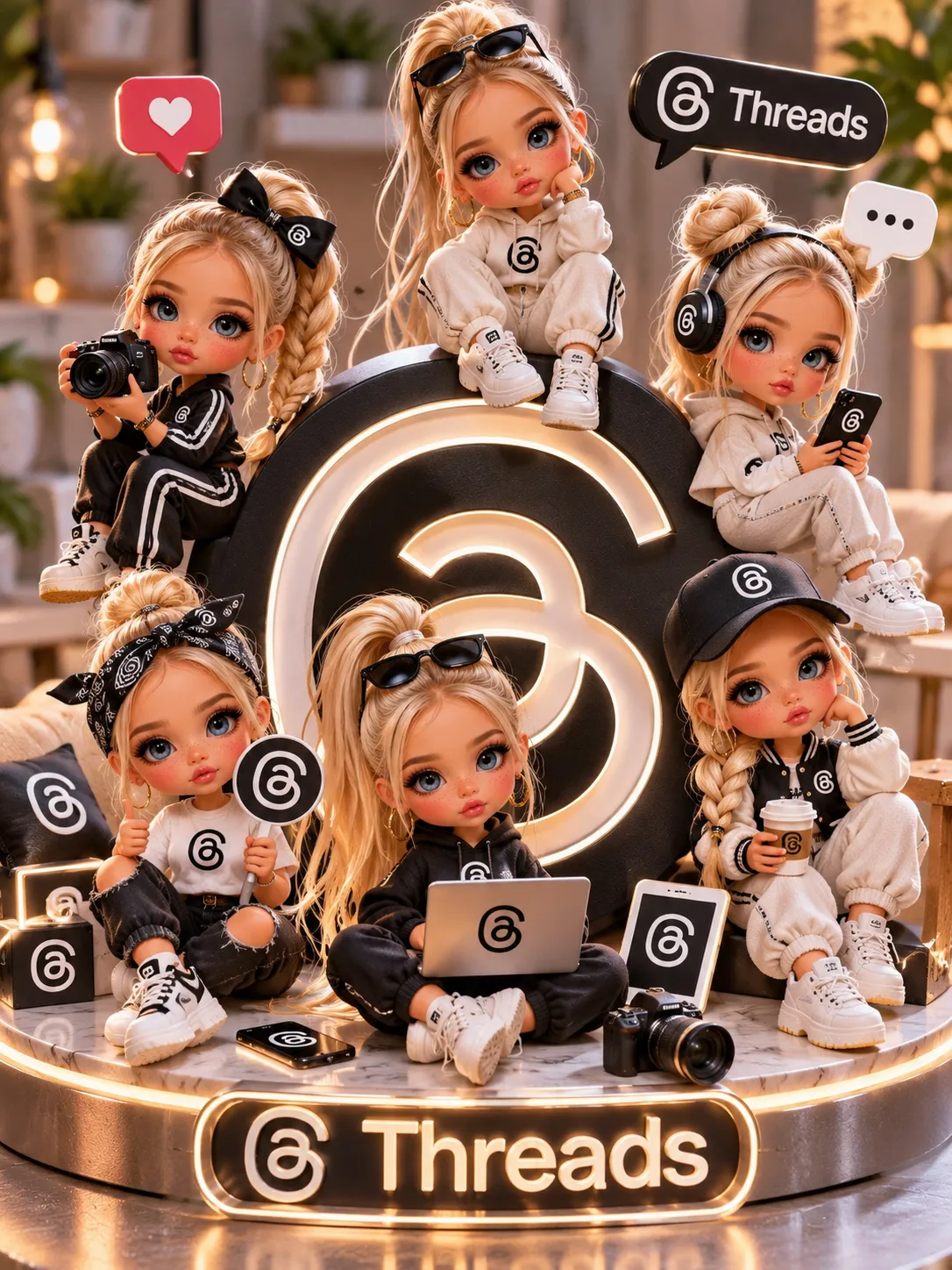
Prompt template
- Format
- Text Parameterized
- Inputs
- character_description (text) · Required outfits (text) · Required
- Outputs
- Image (image)
Create a portrait composition featuring six ${character-description} arranged around a huge illuminated Threads logo, posing above, beside, and in front of it.

Include simple social-media props such as phones, a camera, a laptop, and notification bubbles. Dress the characters in ${outfits}.

Use a black-and-white Threads theme, a glowing circular display platform, and a warm, blurred background. Add a “Threads” sign at the base.
Replace the ${…} placeholders with your values
before using this prompt. See parameters
and defaults below
Parameters
Replace each placeholder with your own value, or use its default when one is provided
${character-description}
character-description
Required
${outfits}
outfits
Required
What you'll create
Six characters pose above, beside and in front of an illuminated Threads logo. Phones, a camera, a laptop and notification bubbles surround the glowing circular platform, with a black-and-white theme against a warm blurred background.
Usage instructions
Frequently asked questions
Where does the Threads wordmark go?
In addition to the central logo, a “Threads” sign appears at the base of the display.


Comments
Tried this prompt? Share what you made, compare results, or ask a question