Personalized Jewelry Box Still Life
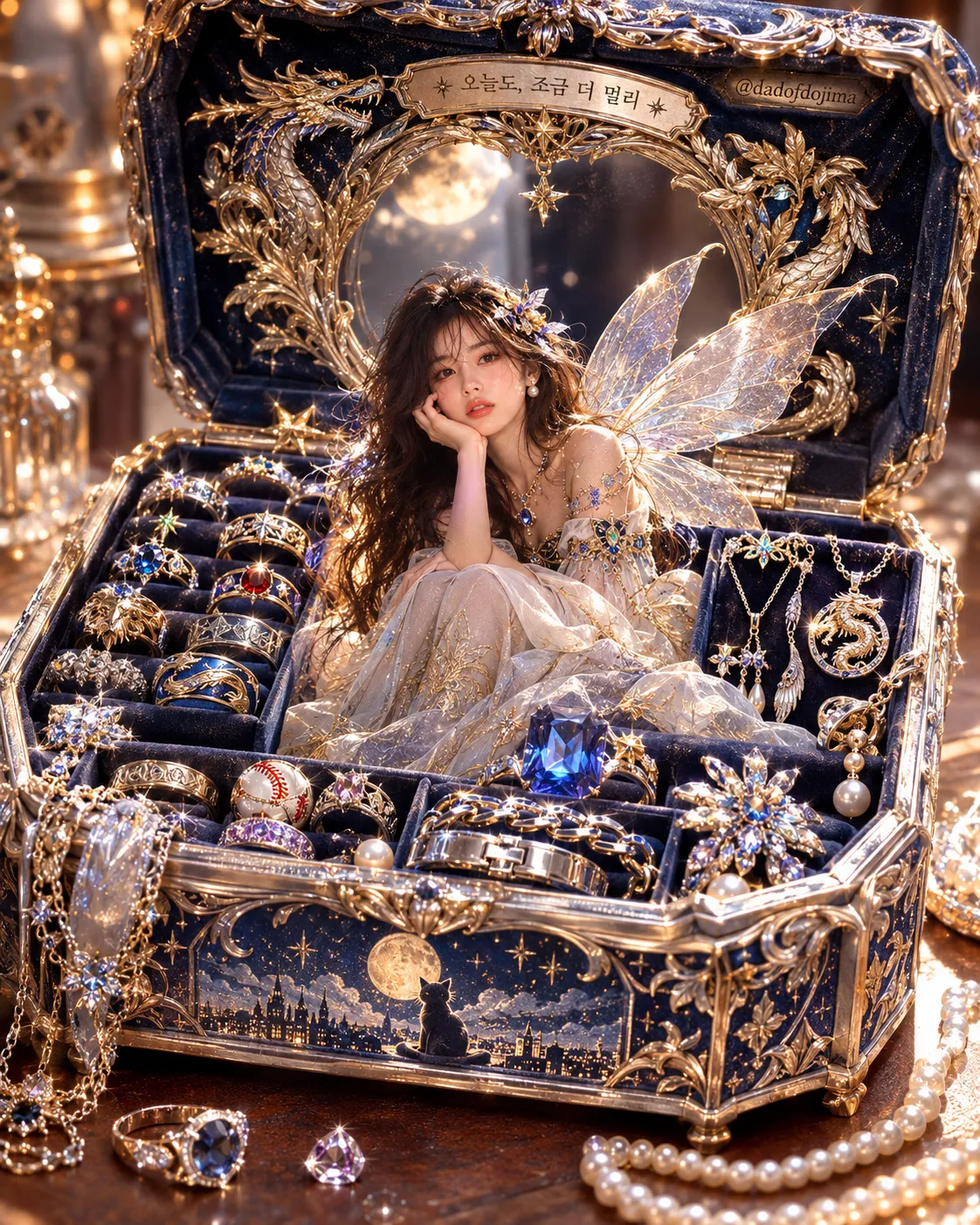
Create a jewelry box and its jewelry around the user's interests, personality, and taste, using a photo-dependent fairy or a central jewel.
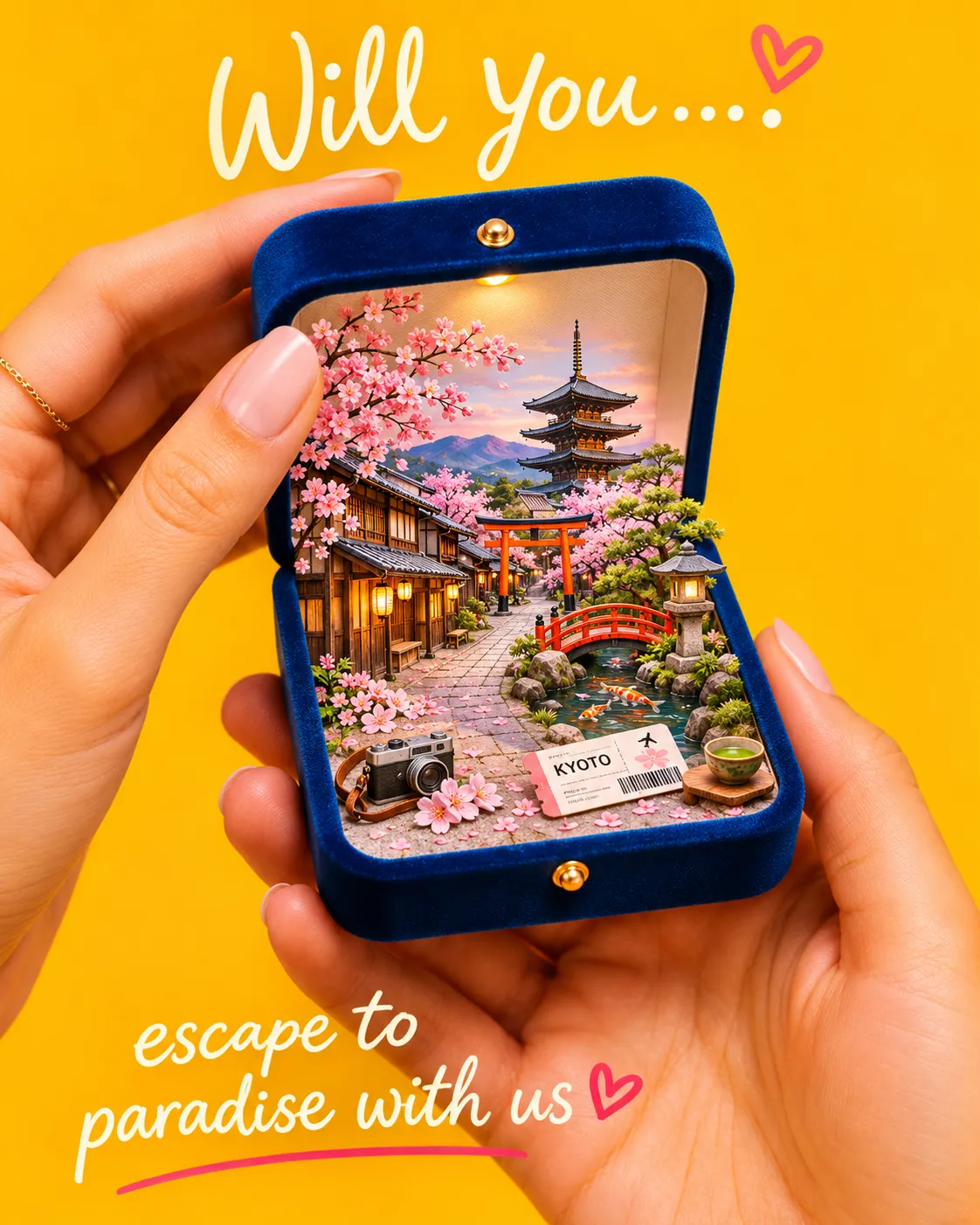
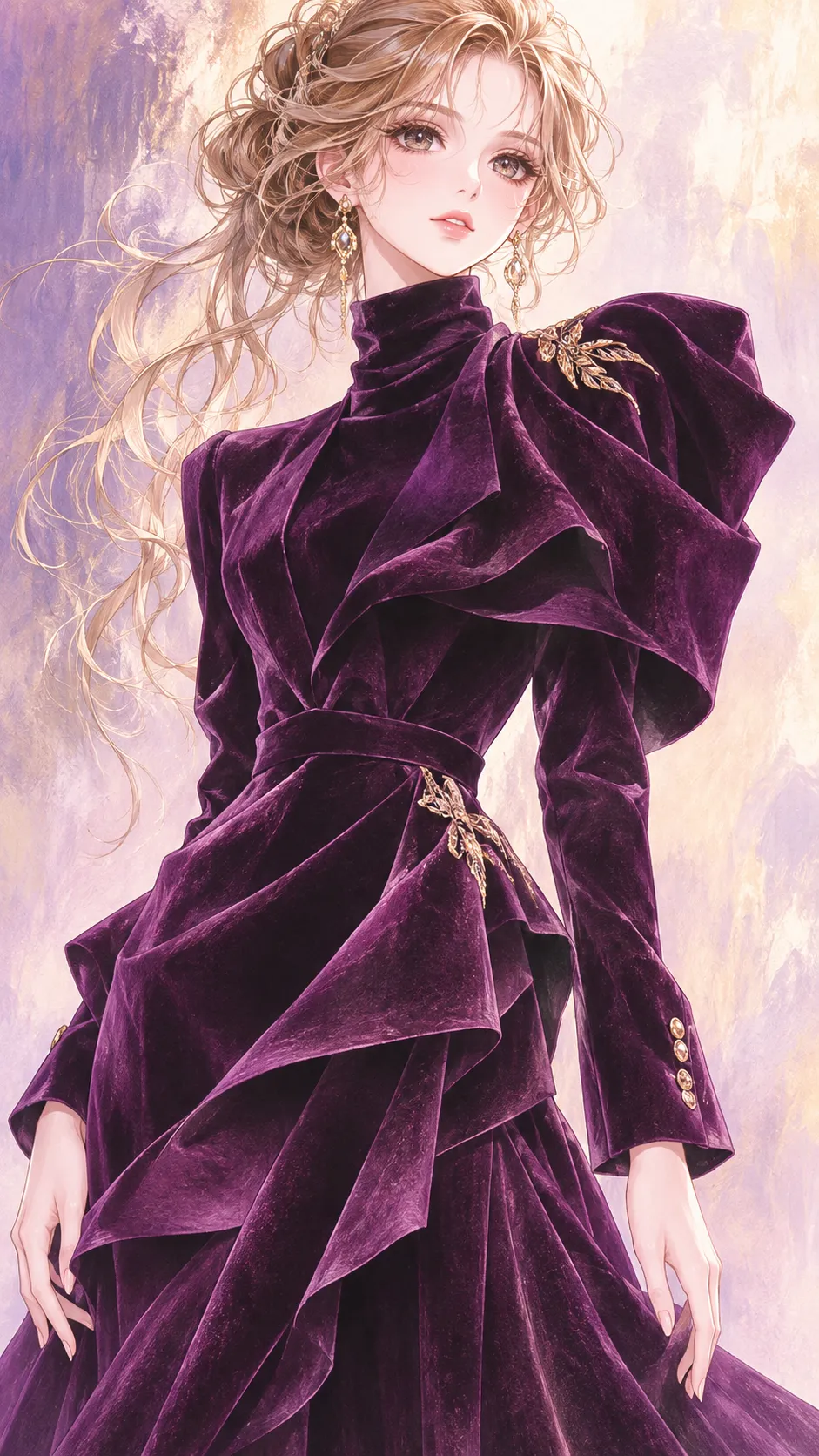
Example outputs
Prompt template
- Format
- Text Parameterized
- Inputs
- User_context (text) · Required Reference_photo (image) · Optional Aspect_ratio (text) · Optional · Default: 4:5 Watermark_text (text) · Optional · Default: @dadofdojima watermark (text) · Optional · Default: @dadofdojima
- Outputs
- Finished_image (image)
Create one finished image of a one-of-a-kind open jewelry box filled with jewelry, designed to suit the user described in the available context. Analyze any known information about the user—including saved information, past conversations, work, hobbies, taste, personality, habits, and current interests—and use it to decide the box’s shape, sense of scale, material, theme, mood, color palette, lid decoration, inner-lid mirror frame, lining, compartment layout, and every piece of jewelry, including its type, metal, gemstones, and motifs. Include one short engraved phrase or monogram in the user’s language, but never the user’s full real name. Make every design choice arise from this analysis; avoid generic or default themes.

The box must contain only real wearable jewelry: rings, necklaces, pendants, earrings, bracelets, bangles, brooches, charms, hairpins, cufflinks, tie pins, loose cut gemstones, and pearls. Express the user’s interests, work, hobbies, and personality only through jewelry design—such as precious-metal motifs, gemstone colors and cuts, enamel, and engravings. Represent interests as motifs on jewelry, never as standalone miniature objects. Fill the compartments abundantly: show multiple rings in ring slots, necklaces draped or coiled on velvet, paired earrings, loose gems in small trays, and pearl strands. Jewelry should clearly dominate the box. Anything spilling onto the surface must also be jewelry. Do not include toys, gadgets, devices, sports equipment, books, dolls, plush toys, cups, tools, game items, or other non-jewelry keepsakes inside or spilling from the box.

Show the whole open box from a high three-quarter angle, with its lid fully upright behind it and a little breathing room around the box. Make the central compartment the visual focus. Choose the surface and softly blurred background to match the user’s analyzed taste. Arrange everything richly and lovingly but without clutter, keeping each jewelry piece readable.

If a reference photo is attached, use the photo mode: place a tiny living fairy sitting or standing in the central compartment, surrounded by jewelry as if the box were the fairy’s home. Design the fairy’s wings, outfit, hair, accessories, pose, and expression to match the analyzed theme. Use slender, elegant fantasy proportions, with a head-to-body proportion of 8.5 heads tall. Because the fairy is small in the image, first construct the face at a large size with complete detail, then scale the whole figure down proportionally; do not draw a tiny face from the start. If the photo shows an animal, make the fairy that same animal species—never turn it into a human.

For a person in the reference photo, take only the shape of the eyes, nose, and mouth. Preserve their exact shape, size, spacing, and relative positions so the person remains recognizable. Do not beautify, average, or symmetrize these features. Draw a new face contour. Do not take the photo’s skin tone or texture, hair or hairline, forehead, head angle, tilt, direction, gaze, expression, clothing, background, or lighting. Give the fairy a new expression suited to the scene; determine head angle and gaze from the composition, not the photo.

If no reference photo is attached, use the no-photo mode: place the single most meaningful jewel for the user on a small raised cushion or stand in the central compartment, with a gentle glow. Include no people, fairies, or faces anywhere.

Render the scene as high-end still-life jewelry product photography of a real handcrafted jewelry box. Show fine material detail in gold, silver, enamel, faceted gemstones, pearls, and velvet. In photo mode, blend the fairy naturally into the same photographic scene with consistent light and shadow. Use warm, soft key light, crisp gemstone sparkle and light dispersion, and subtle depth of field. Create one finished image in ${aspect-ratio:4:5} aspect ratio.

The only text in the image may be the single engraved phrase or monogram chosen from the analysis, in the user’s language, and the signature ${watermark:@dadofdojima}. Render the signature text exactly once, small and subtle, engraved or embossed in one discreet spot on the box, such as the inner edge of the lid. Do not show titles, labels, captions, explanations, instructions, or the photo-check process in the image.

Avoid miniature keepsakes instead of jewelry; literal objects representing interests; sparse or empty compartments; generic themes; the user’s full real name; cluttered, messy, or unreadable arrangements; a tiny or blurry fairy face; copying the reference photo’s head angle, hair, or expression; altered or symmetrized facial features; changing an animal into a human; any person, fairy, or face in no-photo mode; repeated signatures; visible instruction text; extra limbs; broken wings; or distorted hands.
Replace the ${…} placeholders with your values
before using this prompt. See parameters
and defaults below
Parameters
Replace each placeholder with your own value, or use its default when one is provided
${aspect-ratio:4:5}
aspect-ratio
Default: 4:5
${watermark:@dadofdojima}
watermark
Default: @dadofdojima
What you'll create
An invented box design coordinates metal, gemstones, motifs and compartments with the available personal context. A short inscription or monogram adds identity without exposing the user’s full real name.
Usage instructions
Provide the user’s interests, work, hobbies, and preferences as context, and optionally include a reference photo. The prompt uses the context to shape the box, its jewelry, and its setting; adjust the aspect ratio or signature text to customize the finished image.
Frequently asked questions
May the user’s complete real name be engraved?
No. Only a short phrase or monogram is allowed.
Is a face required when no photo is supplied?
No. The no-photo mode excludes people, fairies and faces.




Comments
Tried this prompt? Share what you made, compare results, or ask a question