Urban Night Street Portrait with Changing Outfit Colors
Create a photorealistic night street portrait based on a reference photo, preserving the person, pose, outfit design, and composition while varying only the outfit colors.
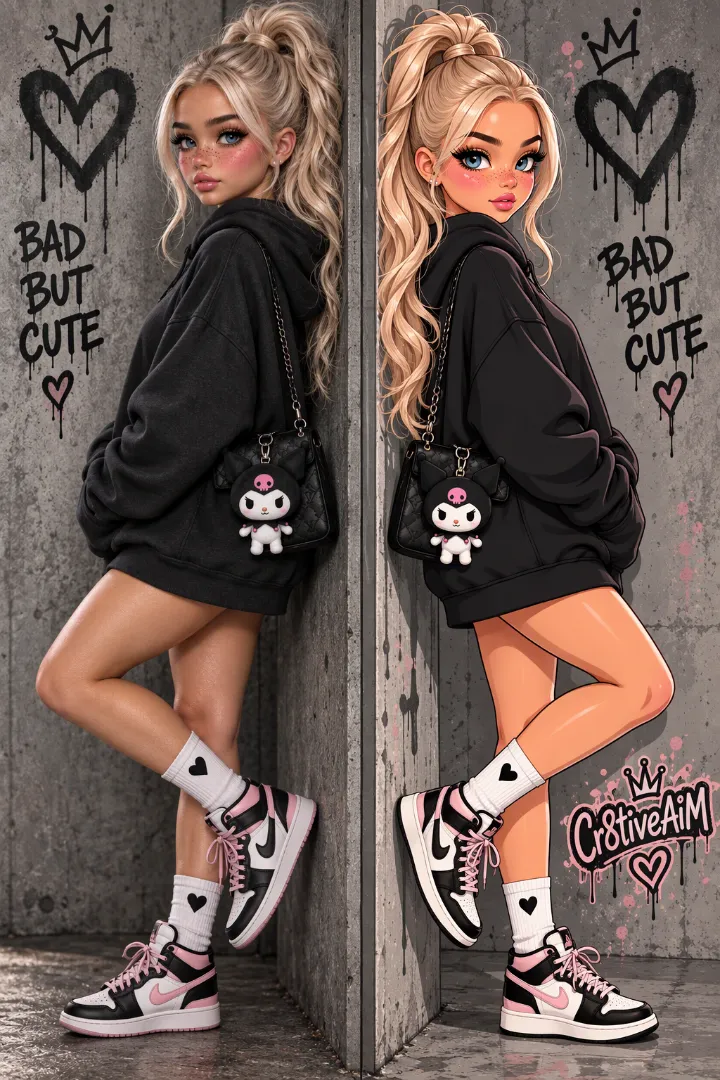
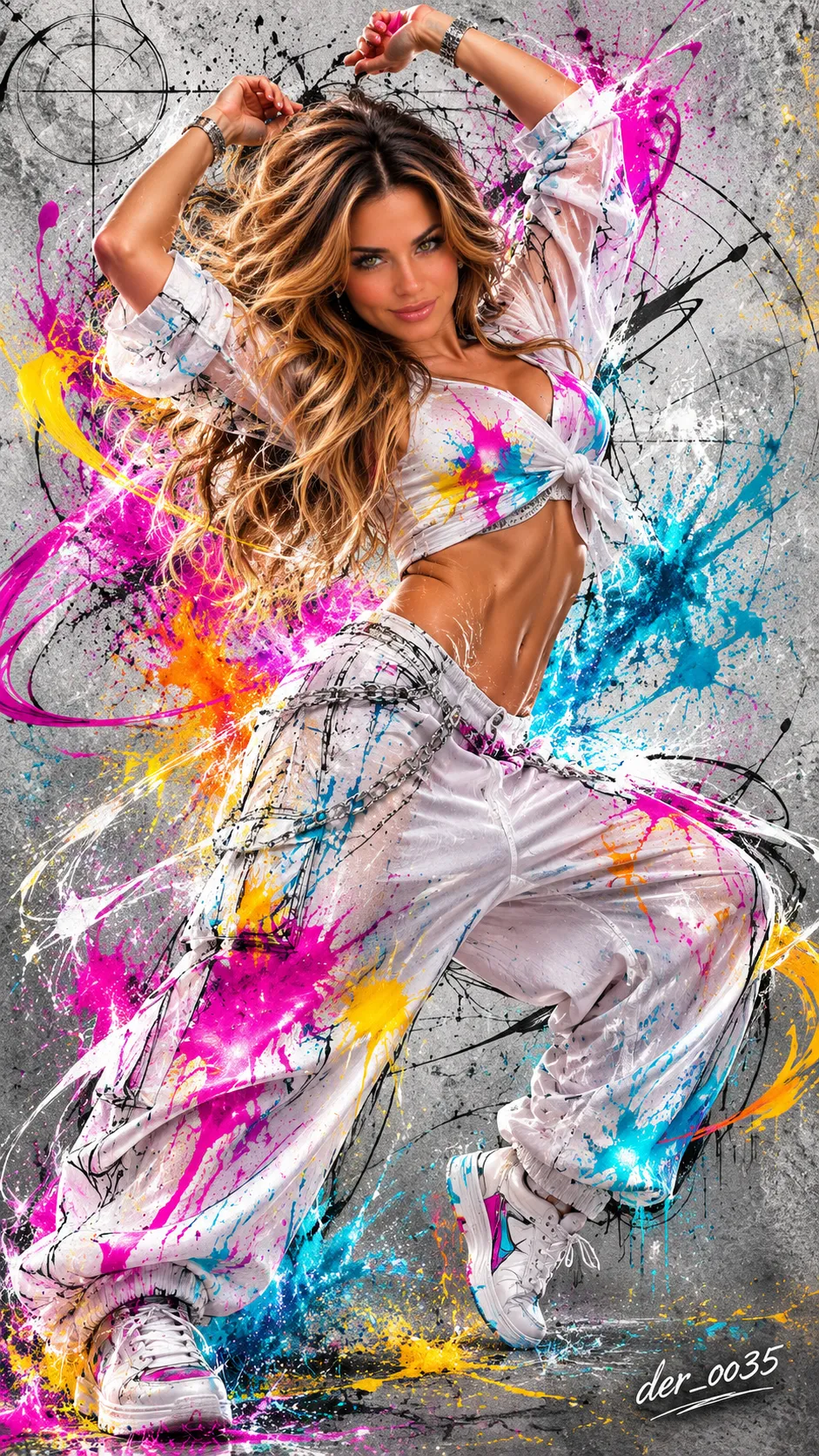
Example outputs
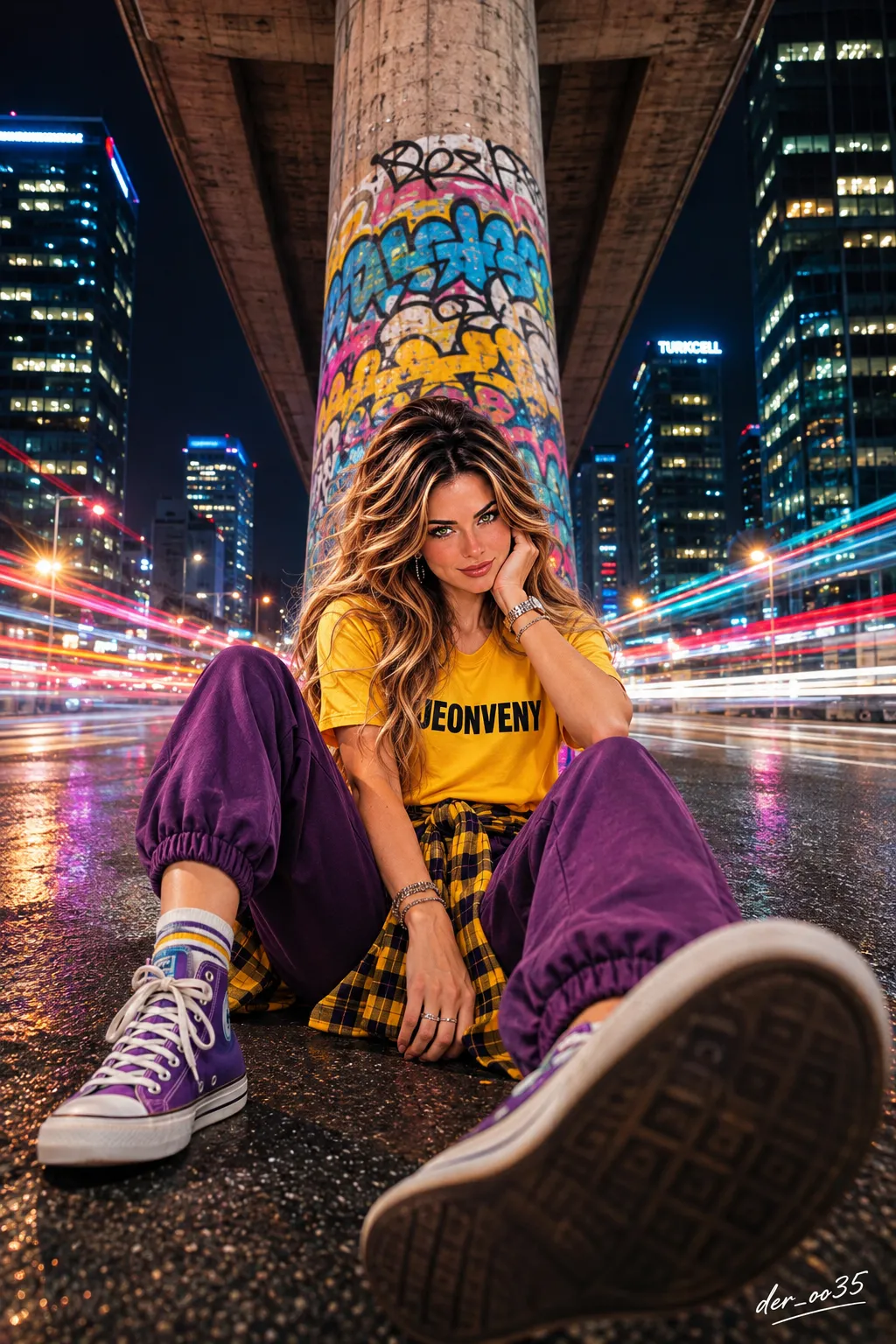
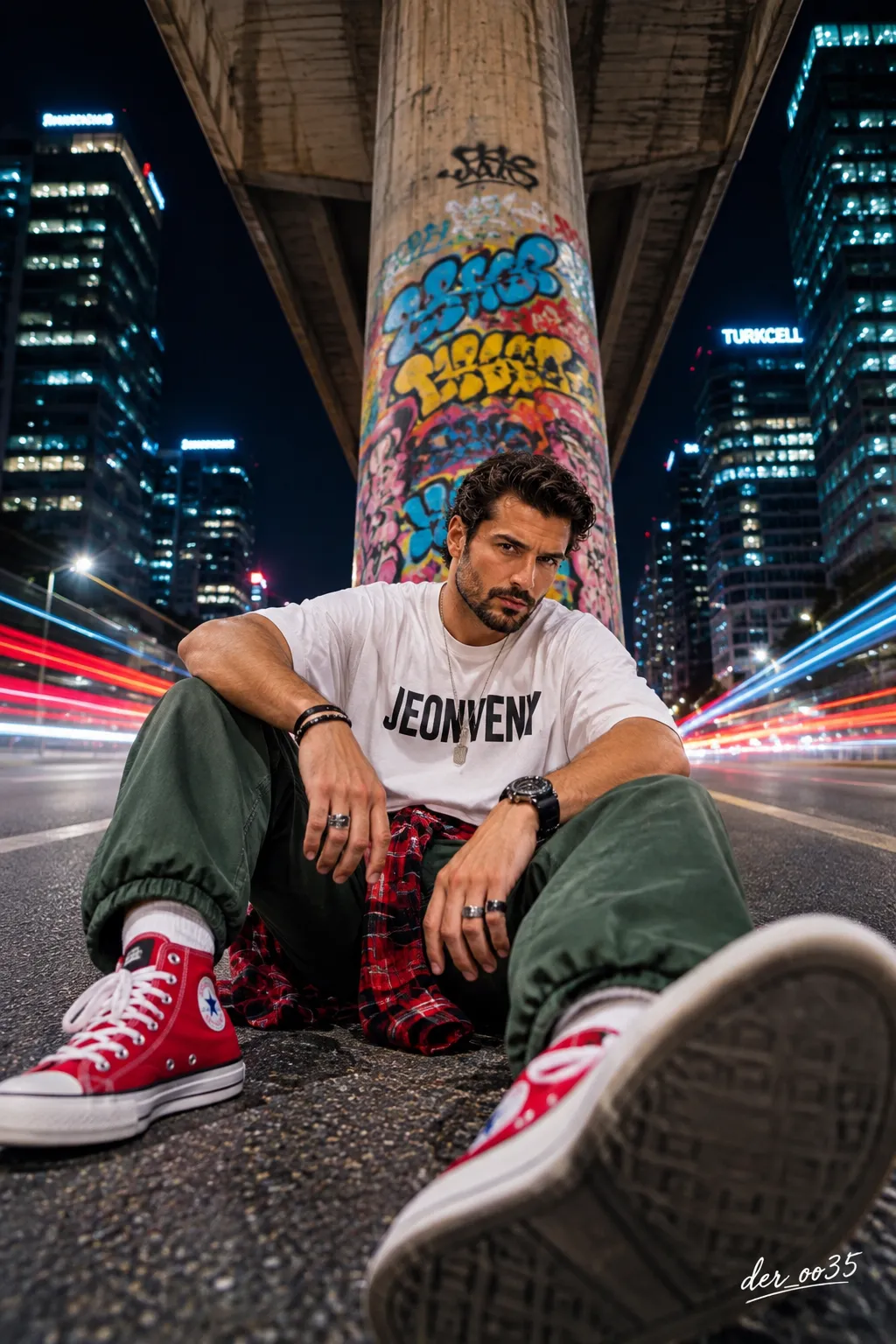
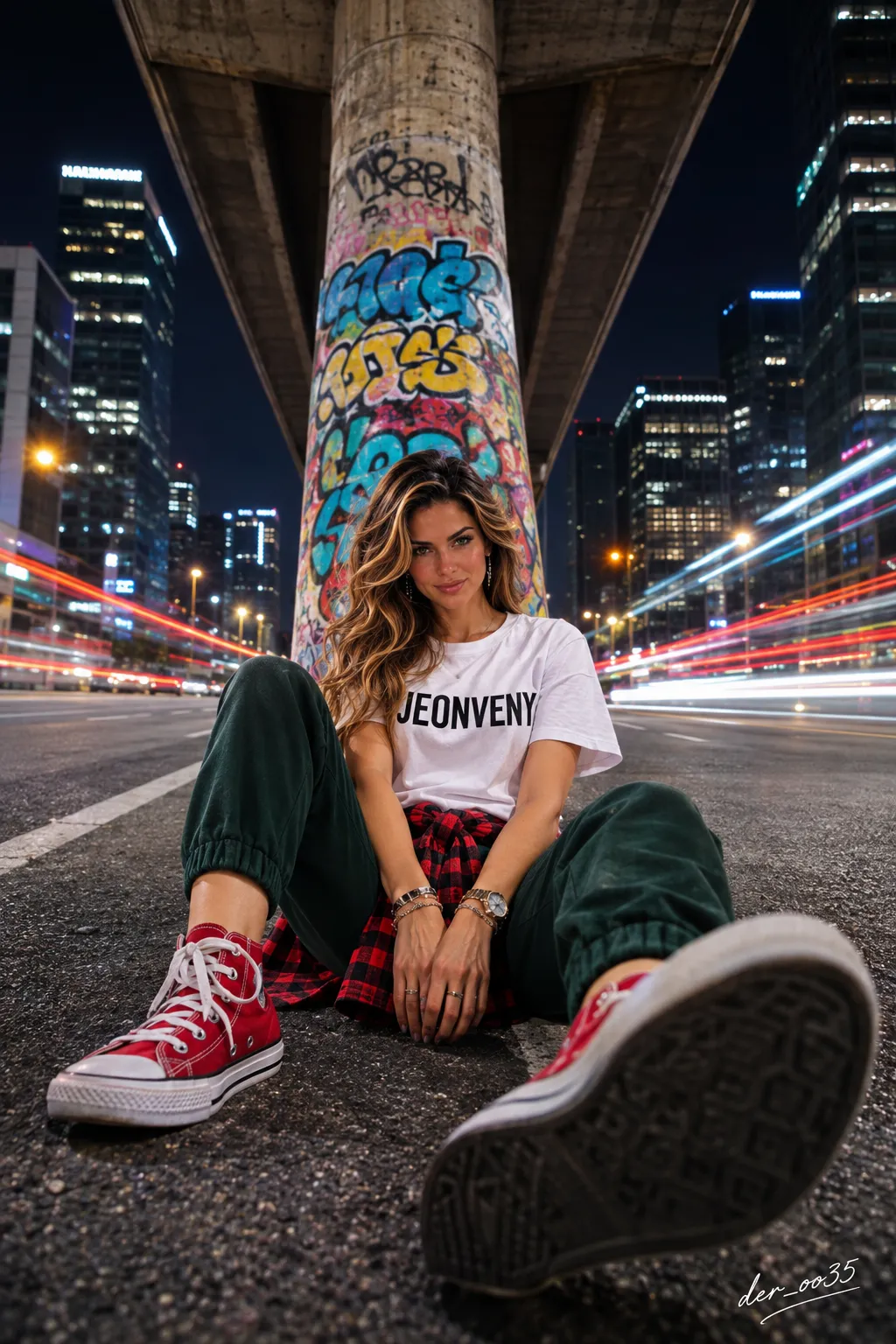
Prompt template
- Format
- Text Parameterized
- Inputs
- Reference_photo (image) · Required signature (text) · Optional · Default: der_oo35
- Outputs
- Night_street_portrait (image)
Create an ultra-photorealistic professional night street photograph of the person in the reference photo. Preserve the person's original face, natural eye color, age, facial features, hair color and style, and gender exactly: if the person is a woman, depict a woman; if a man, depict a man. Do not alter the face. Preserve real skin pores, natural individual hair strands, and the person's distinctive expression.

SCENE: At night, photograph the person in the middle of a wide city road surrounded by tall glass skyscrapers, beneath a massive concrete overpass. Directly behind the person is a huge concrete bridge pillar covered in blue, yellow, red, pink, and black graffiti. The bridge rises upward from the exact center of the composition. Illuminated skyscrapers line both sides of the road beneath a dark navy night sky.

OUTFIT — PRESERVE THE DESIGN EXACTLY: The person wears a short-sleeved oversized T-shirt with the text “JEONVENY,” loose jogger pants with elastic cuffs, a plaid shirt tied around the waist, and high-top lace-up sneakers with rubber toe caps. Do not change the garments' design, cut, pattern, lettering, or fabric texture.

OUTFIT COLORS — UNLIMITED AI CREATIVITY: Invent a completely different, unique, creative, and aesthetically pleasing outfit color combination for each image generation. Choose the colors of the T-shirt, pants, plaid shirt tied around the waist, and sneakers freely. Use colors and combinations such as neon red, electric blue, emerald green, purple, fuchsia, orange, yellow, burgundy, gold, silver, black, white, pastel, metallic, or original palettes not previously imagined. Change the palette completely with each generation; do not use fixed colors or repeat previous combinations. Make the garment colors stylish, modern, and cinematically harmonious with one another. Change ONLY the clothing colors. Preserve the exact outfit design, pose, identity, environment, and camera composition.

POSE — PRESERVE EXACTLY: The person sits in the middle of the asphalt road in front of the graffiti-covered concrete pillar. Both legs are spread widely toward the camera, with knees bent. The hands rest naturally between the legs. The left shoe is in the lower-left part of the frame; the right shoe appears very large because it is extremely close to the lens. The dark rubber sole of the right shoe faces directly toward the camera. The torso is upright, the head tilts slightly forward, and the gaze is directed toward the camera. The expression is natural and confident.

CAMERA ANGLE — VERY IMPORTANT: Position the camera immediately above the asphalt, about 10 cm off the ground. Shoot from directly in front, angled slightly upward. Use a realistic 20 mm wide-angle perspective. The foreground shoe appears large while the face remains farther back and in natural proportions. Create strong depth and realistic optical perspective.

BACKGROUND AND LIGHTS: The skyscraper windows glow with warm yellow and white lights. Vehicles passing on both sides of the road create long red, white, and electric-blue light trails. The trails extend symmetrically behind the person. Keep the person completely sharp; only the vehicle lights in the background should have a long-exposure effect.

REALISM — MAXIMUM REAL-PHOTO QUALITY: Authentic professional photography, natural human skin texture, visible skin pores, subtle skin imperfections, realistic hair strands, true-to-life anatomy, natural body proportions, realistic hands and fingers, physically accurate lighting, natural shadows, realistic clothing materials, authentic fabric folds, subtle photographic grain, and genuine optical depth of field. The image must look as though it was taken with a real professional camera. Do not give it an AI-generated appearance, cartoon look, digital-painting look, plastic skin, or 3D-render appearance.

CAMERA: Sony A7R V, realistic 20 mm wide-angle lens, f/2.8, ISO 800, professional RAW photography, realistic night street photography, sharp subject, cinematic long-exposure light trails, natural color grading, 8K.

COMPOSITION: Vertical 9:16, single frame, full-body shot. Place the person in the lower center of the frame, with the graffiti-covered concrete pillar directly behind them. Show the large sneaker sole in the foreground and symmetrical city lights on both sides. This is not a selfie; it is a professional photo shoot.

NEGATIVE: CGI, cartoon, anime, digital illustration, 3D render, plastic skin, doll face, artificial beauty filter, changed identity, wrong eye color, gender change, distorted anatomy, extra fingers, missing limbs, unrealistic shoes, blurry face, fake lighting, unnatural proportions, changed pose, different outfit design, repeated color combinations, unnecessary text, watermark.

SIGNATURE — REQUIRED: Add a small, elegant, legible white handwritten signature reading ${signature:der_oo35} in the lower-right corner of every image. Spell the signature exactly and completely.

FINAL COMMAND: EXACT REFERENCE COMPOSITION. PRESERVE ORIGINAL FACE, GENDER, POSE, OUTFIT DESIGN, BACKGROUND AND CAMERA ANGLE. CHANGE ONLY THE OUTFIT COLORS USING UNLIMITED AI IMAGINATION. EVERY GENERATION MUST HAVE A UNIQUE COLOR PALETTE. MAXIMUM PHOTOGRAPHIC REALISM. NO CGI, NO ARTIFICIAL AI LOOK. SIGNATURE: ${signature:der_oo35}.
Replace the ${…} placeholders with your values
before using this prompt. See parameters
and defaults below
Parameters
Replace each placeholder with your own value, or use its default when one is provided
${signature:der_oo35}
signature
Default: der_oo35
What you'll create
A realistic person stands on a broad city road among glass skyscrapers. A large bridge pillar covered in blue, yellow, red, pink and black graffiti anchors the centered nighttime composition.
Generation settings
Advanced settings
- Negative prompt
- CGI, cartoon, anime, digital illustration, 3D render, plastic skin, doll face, artificial beauty filter, changed identity, wrong eye color, gender change, distorted anatomy, extra fingers, missing limbs, unrealistic shoes, blurry face, fake lighting, unnatural proportions, changed pose, different outfit design, repeated color combinations, unnecessary text, watermark.
Usage instructions
Provide a reference photo containing the person whose identity and appearance should be preserved; the prompt uses it to anchor the face, pose, and outfit design. The outfit colors are intended to vary while the rest of the scene remains fixed. Change the signature text through the signature parameter if a different credit is needed.
Frequently asked questions
Where does the bridge rise in the composition?
From the exact center behind the subject.
What urban architecture surrounds the road?
Tall glass skyscrapers and a massive concrete overpass.


Comments
Tried this prompt? Share what you made, compare results, or ask a question