3D Avatar from a Reference Photo
Create a centered, head-and-shoulders 3D avatar from a reference photo, suitable for a WhatsApp profile picture.
Example outputs
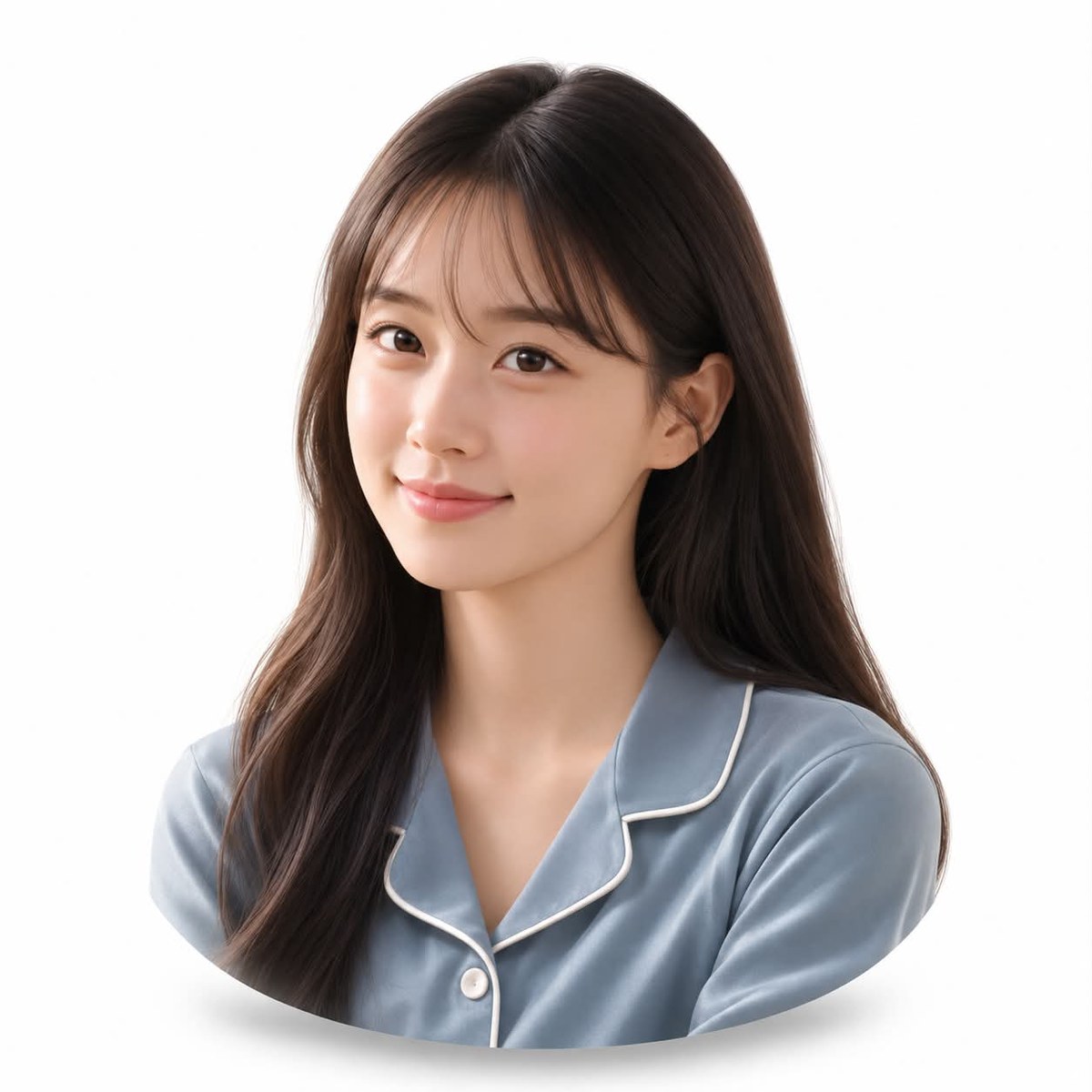
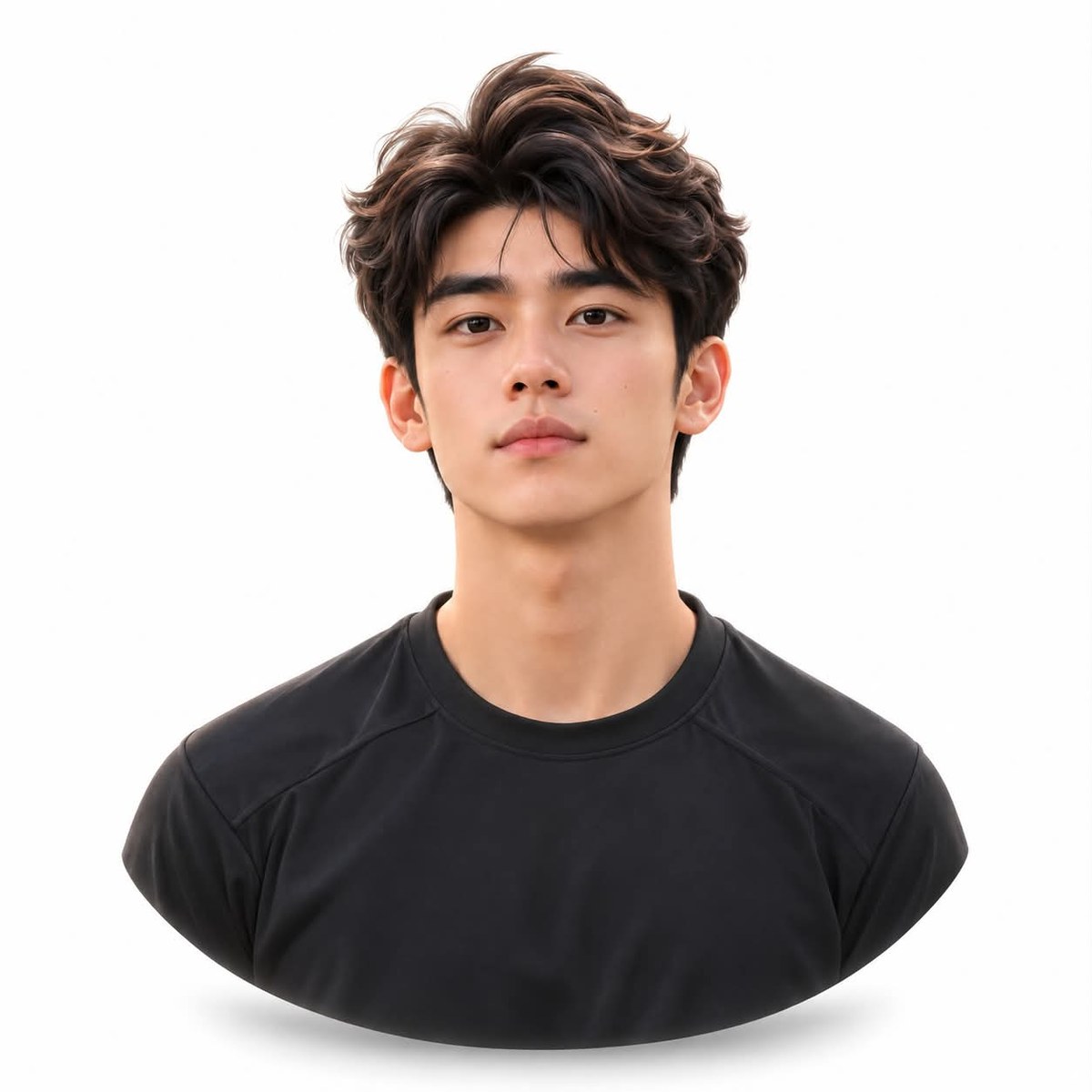
Prompt template
- Format
- Text Parameterized
- Inputs
- Reference_photo (image) · Required aspect_ratio (text) · Optional · Default: 1:1
- Outputs
- Avatar (image)
Create a Disney Pixar-style 3D avatar from the reference photo. Preserve the subject’s identity. Show only the head and shoulders as a small, centered bust with generous white padding, a softly rounded lower edge, and a subtle soft shadow. Use a white background, fair skin tones that are not warm or yellowish, and soft studio lighting. Make it suitable for a WhatsApp profile picture. Use an aspect ratio of ${aspect-ratio:1:1}.Replace the ${…} placeholders with your values
before using this prompt. See parameters
and defaults below
Parameters
Replace each placeholder with your own value, or use its default when one is provided
${aspect-ratio:1:1}
aspect-ratio
Default: 1:1
What you'll create
A small head-and-shoulders bust sits centered against white with a rounded lower edge. Soft studio light and a subtle shadow support a clean messaging-profile composition.
Frequently asked questions
Is the bust meant to fill every edge?
No. Generous white padding surrounds it.
What skin cast is excluded?
Warm yellowish coloring is avoided.



Comments
Tried this prompt? Share what you made, compare results, or ask a question