Ivory Editorial Photo-Collage Poster
Transform an original photograph into a photorealistic editorial poster with muted teal-gray collage accents and a refined ivory-paper layout.
Example outputs
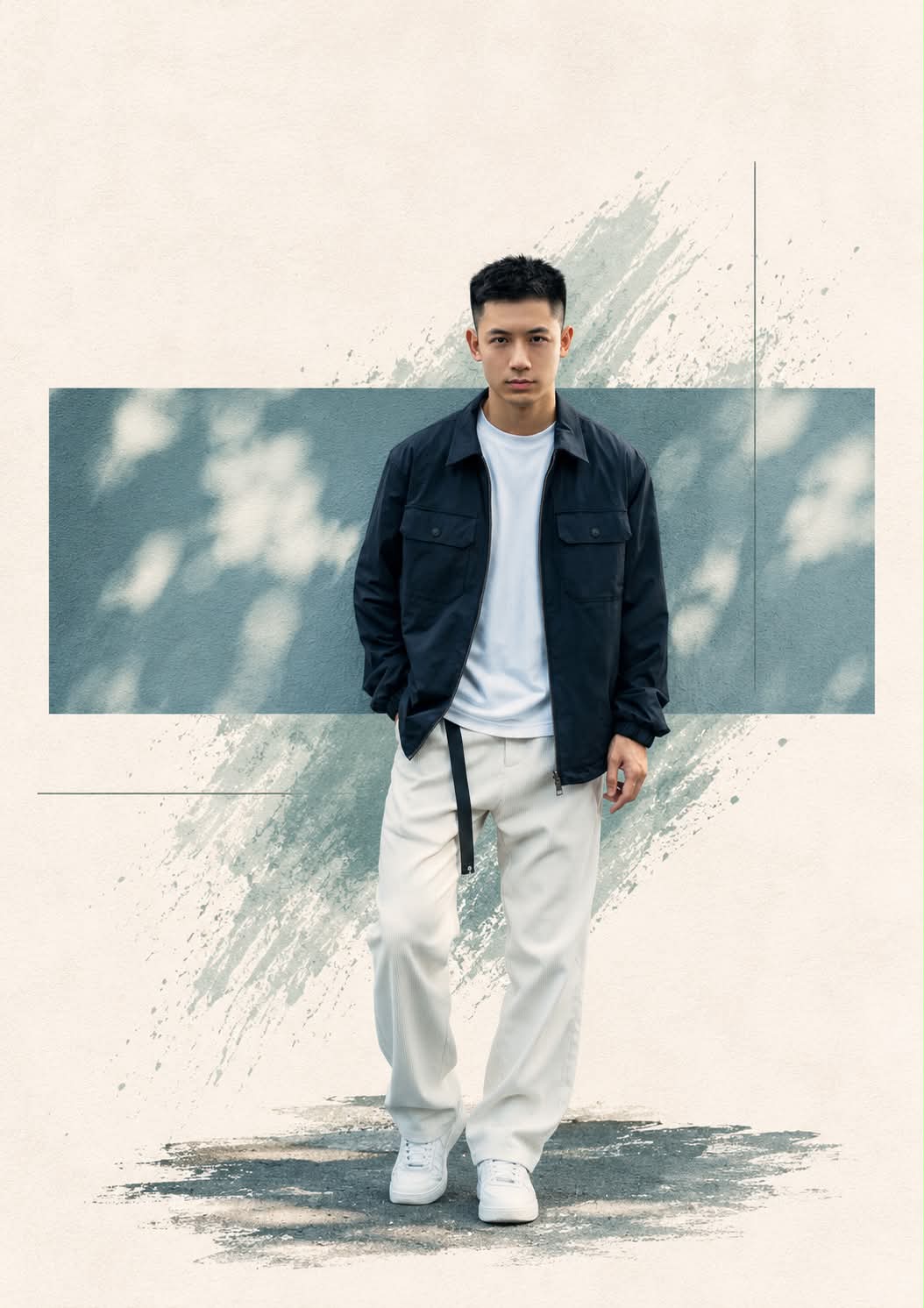
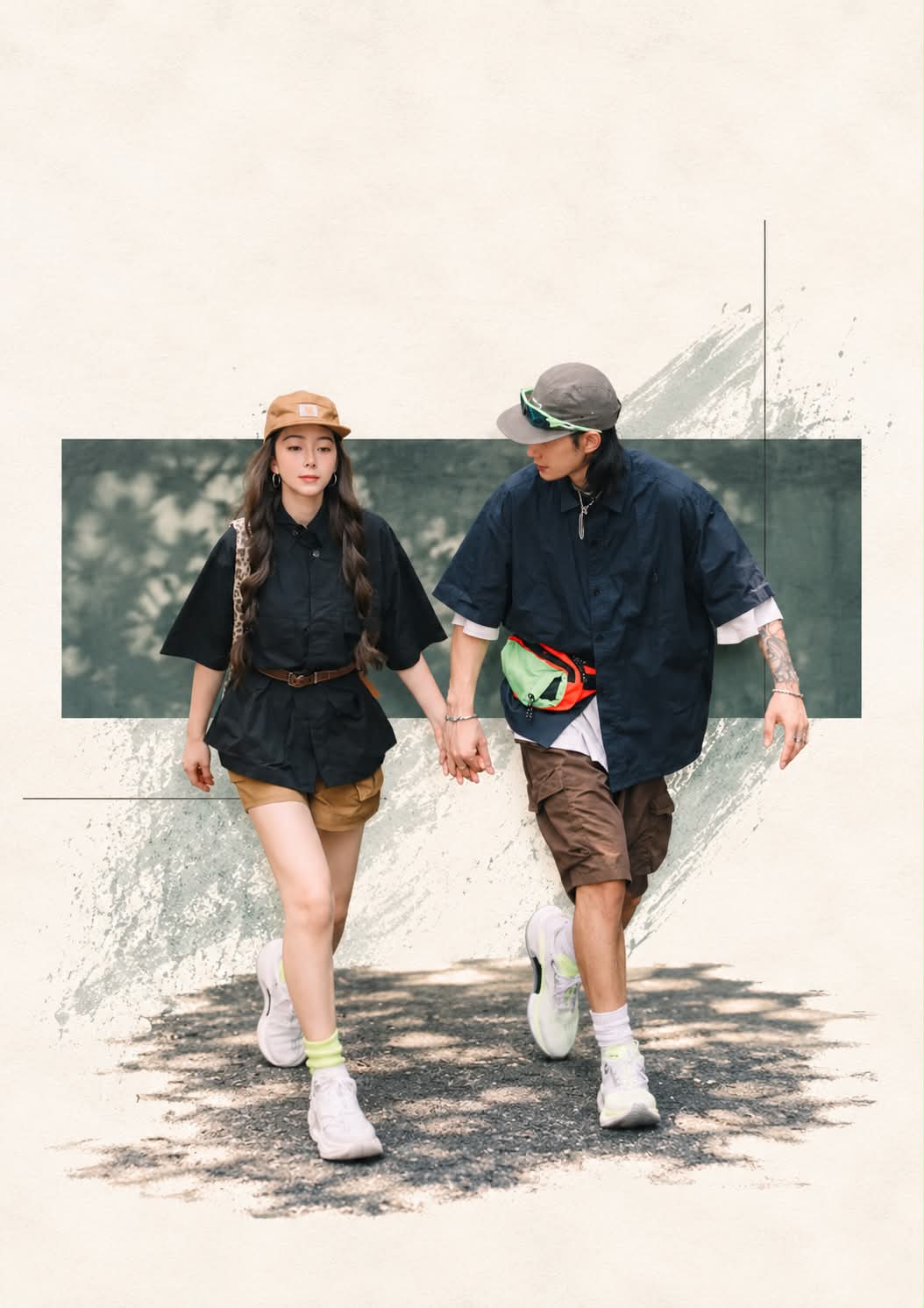
Prompt template
- Format
- Text
- Inputs
- Original_Photograph (image) · Required Reference_Image_2 (image) · Required
- Outputs
- Editorial_Photographic_Poster (image)
Transform the uploaded original photograph into a premium artistic editorial photography composition inspired by Reference Image 2.

SUBJECT PRESERVATION:
Preserve the exact original person from the uploaded photograph. Maintain identical facial identity, facial features, hairstyle, skin tone, glasses, clothing, body proportions, pose, hand positions, and expression. Preserve the original objects, tools, and important details with maximum accuracy.

ARTISTIC STYLE:
Create a sophisticated minimalist editorial art poster with an off-white ivory textured paper background, subtle abstract brush strokes, distressed paint textures, delicate artistic scratches, and muted teal-gray painterly accents.

COMPOSITION:
- Place the original photograph inside a horizontal rectangular photographic frame positioned around the center of the canvas.
- Keep the original subject recognizable and realistic.
- Extend the original subject and environment naturally beyond the horizontal frame when appropriate.
- Add subtle artistic collage elements, minimal geometric lines, and delicate distressed textures.
- Use a balanced editorial magazine layout with generous negative space.
- Maintain a clean, elegant, premium contemporary art direction.

COLOR GRADING:
Use muted teal, warm ivory, faded charcoal, and soft earthy tones, with a vintage film aesthetic, subtle grain, cinematic contrast, and natural skin tones.

PHOTOGRAPHIC QUALITY:
Render a photorealistic subject with authentic DSLR photography, realistic textures, natural lighting, high detail, premium art photography, and professional editorial poster design.

OUTPUT:
Create a vertical 9:16 composition, high resolution, as an artistic photographic poster visually similar in design language to Reference Image 2.

NEGATIVE PROMPT:
Do not change the person’s identity, face, hairstyle, clothes, pose, body proportions, or original objects. No cartoon, no illustration of the person, no AI-generated face, no distorted hands, no extra fingers, no duplicated objects, no artificial body reconstruction, no excessive background clutter, no oversaturated colors, no text, no watermark.
What you'll create
The photographic subject remains unchanged within textured off-white paper and muted teal-gray marks. Scratches, distressed paint and subtle abstract strokes create the artistic setting.
Generation settings
Advanced settings
- Negative prompt
- Do not change the person’s identity, face, hairstyle, clothes, pose, body proportions, or original objects. No cartoon, no illustration of the person, no AI-generated face, no distorted hands, no extra fingers, no duplicated objects, no artificial body reconstruction, no excessive background clutter, no oversaturated colors, no text, no watermark.
Frequently asked questions
Does the person become a drawn illustration?
No. The person remains photographic.
Can objects be freely replaced?
No. Original tools and important details are preserved.


Comments
Tried this prompt? Share what you made, compare results, or ask a question