Transform a Photo into a 1985 Snapshot
Reimagine an uploaded photo as a genuine-looking 1985 photograph while preserving the subject’s identity and recognizable appearance.
Example outputs
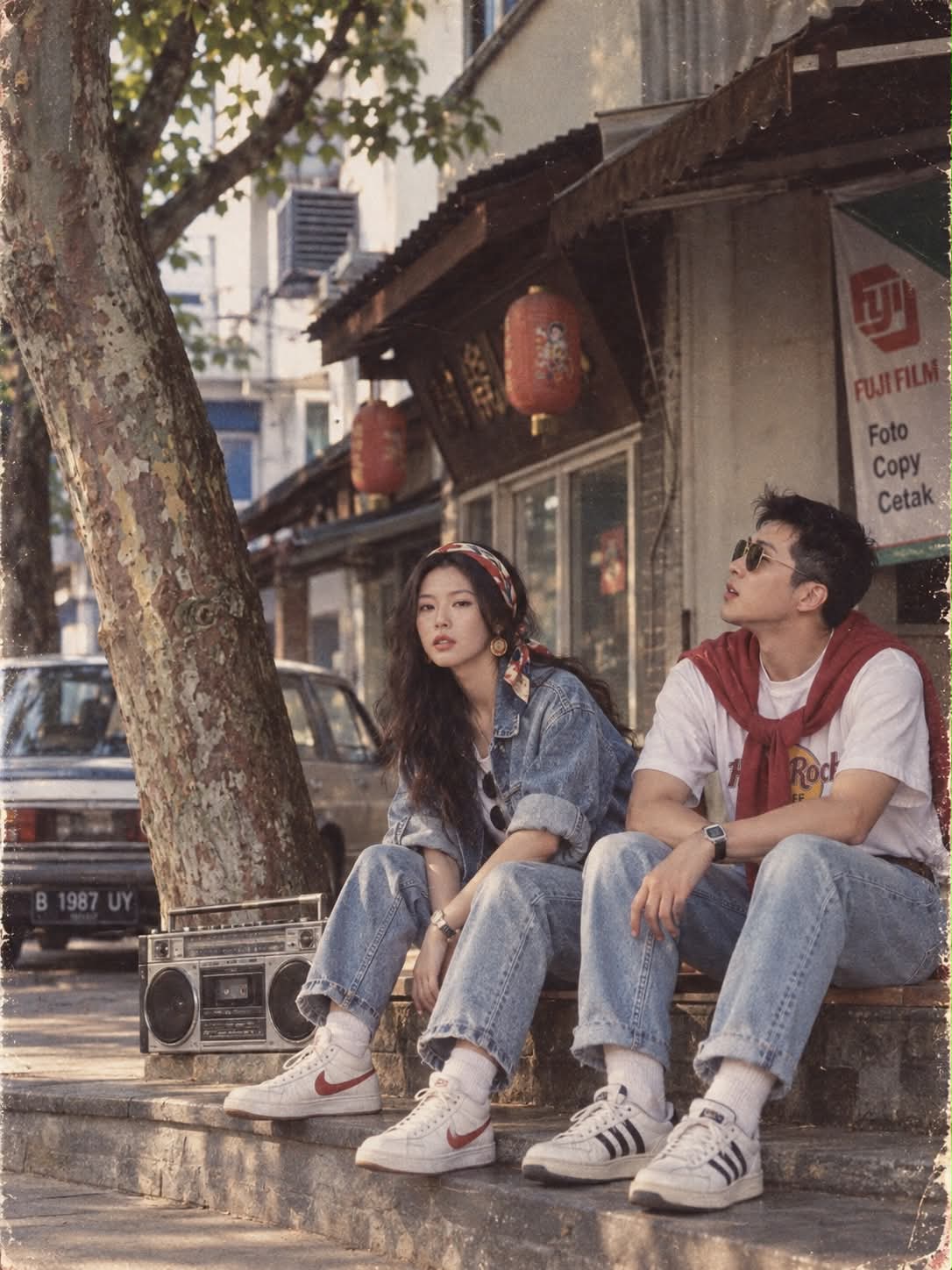
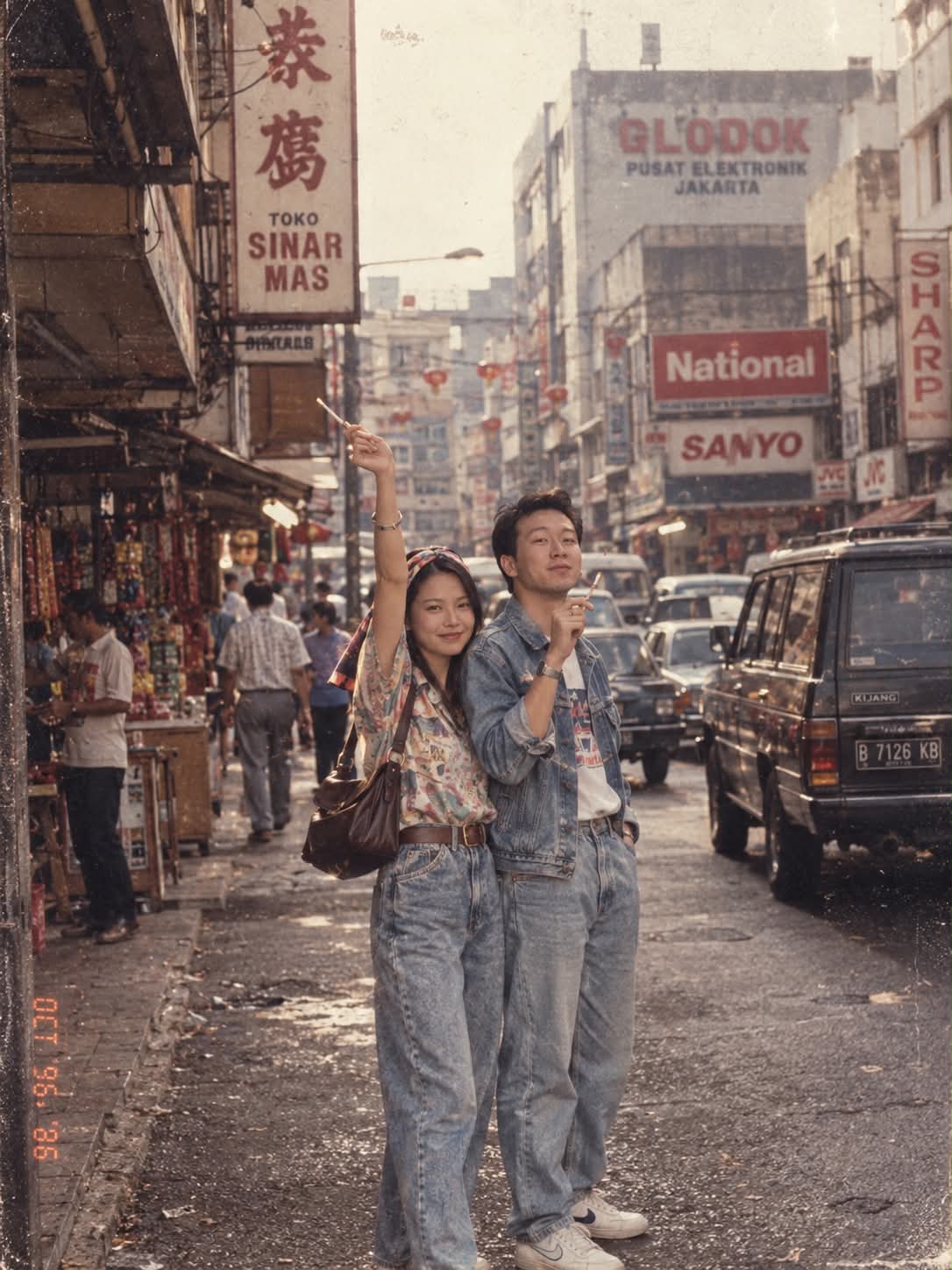
Prompt template
- Format
- Text
- Inputs
- Reference_photo (image) · Required
- Outputs
- Transformed_photo (image)
Using my uploaded photo, show me what I would have looked like around 1985. Preserve my identity, facial features, skin tone, age, and recognizable appearance. Reimagine my hair, clothing, accessories, and surroundings with bold, unmistakably mid-1980s styling—expressive silhouettes, statement accessories, layered details, distinctive colors, and textures. Make it feel like a genuine 1985 photograph with analog grain, faded color, direct flash, and subtle softness. Add a period-accurate 1980s red-orange date stamp in the lower corner. No modern objects or text.What you'll create
The same person receives mid-1980s clothing, hair and accessories while their age and identity stay intact. Analog grain, slight softness and a red-orange date stamp complete the vintage snapshot.
Frequently asked questions
Does the person become younger?
No. Apparent age remains preserved.
Can modern objects remain?
No. Contemporary objects are excluded from the period scene.




Comments
Tried this prompt? Share what you made, compare results, or ask a question