Surreal Collage Subject with Glowing Eyes
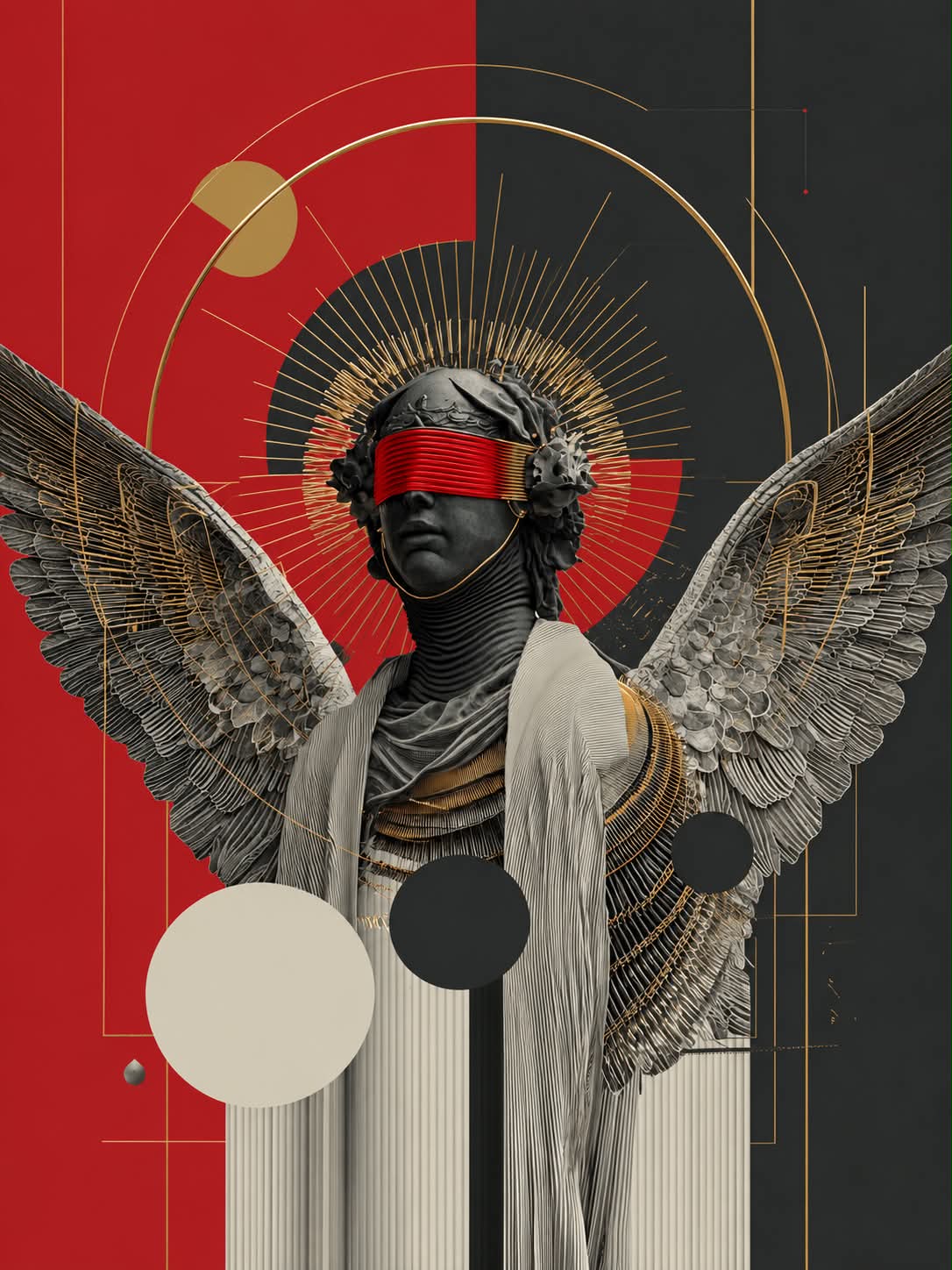
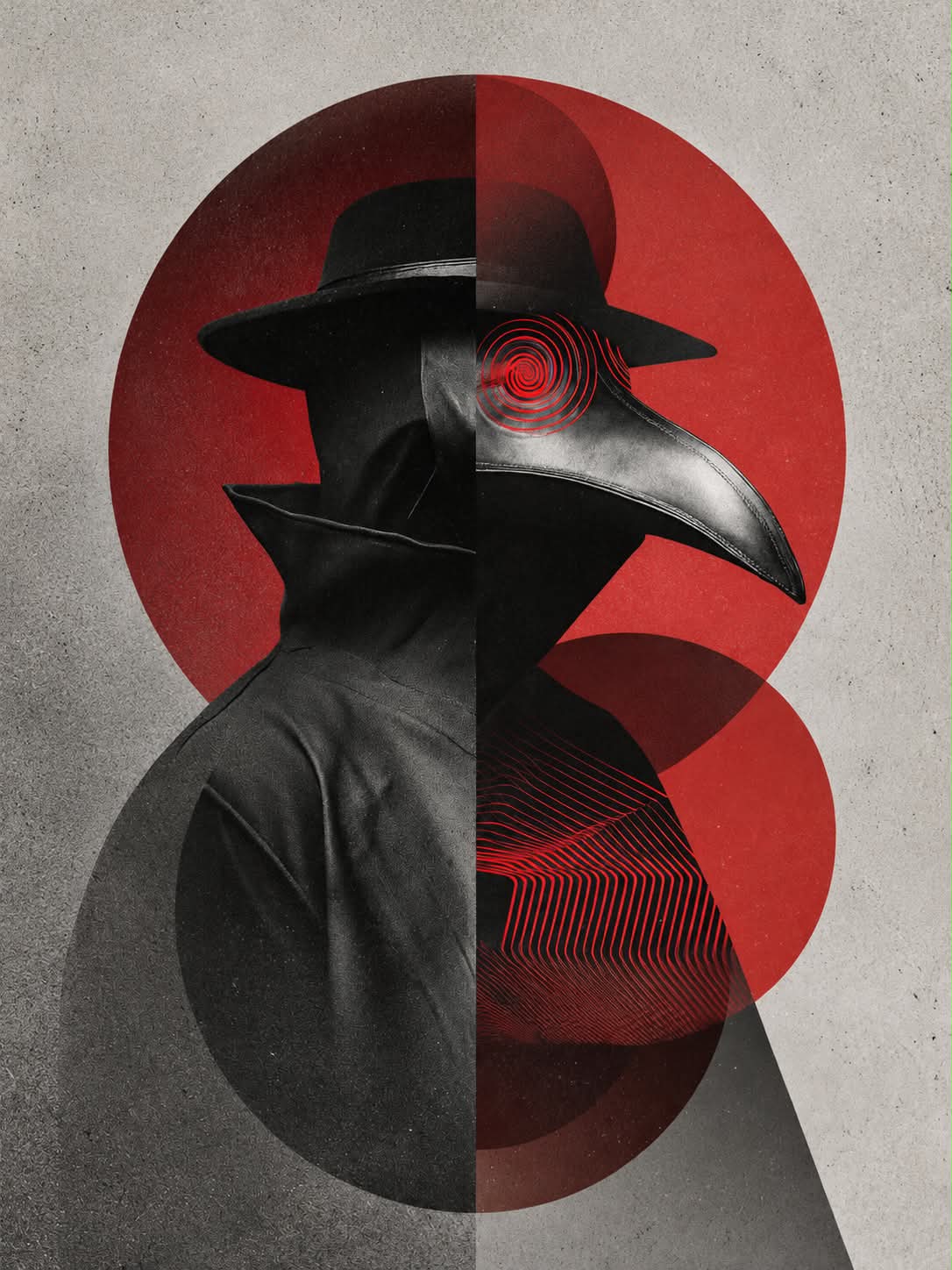
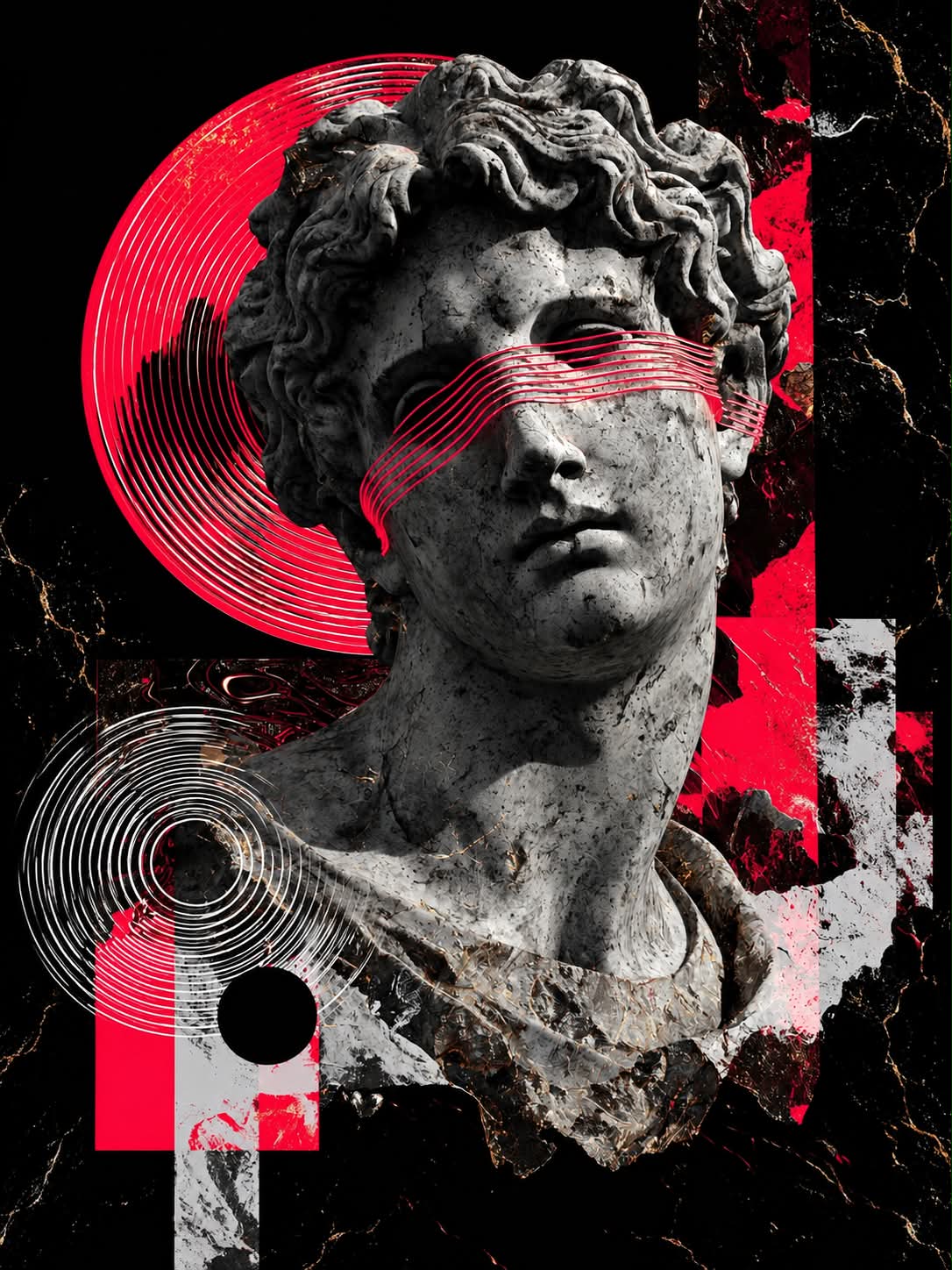
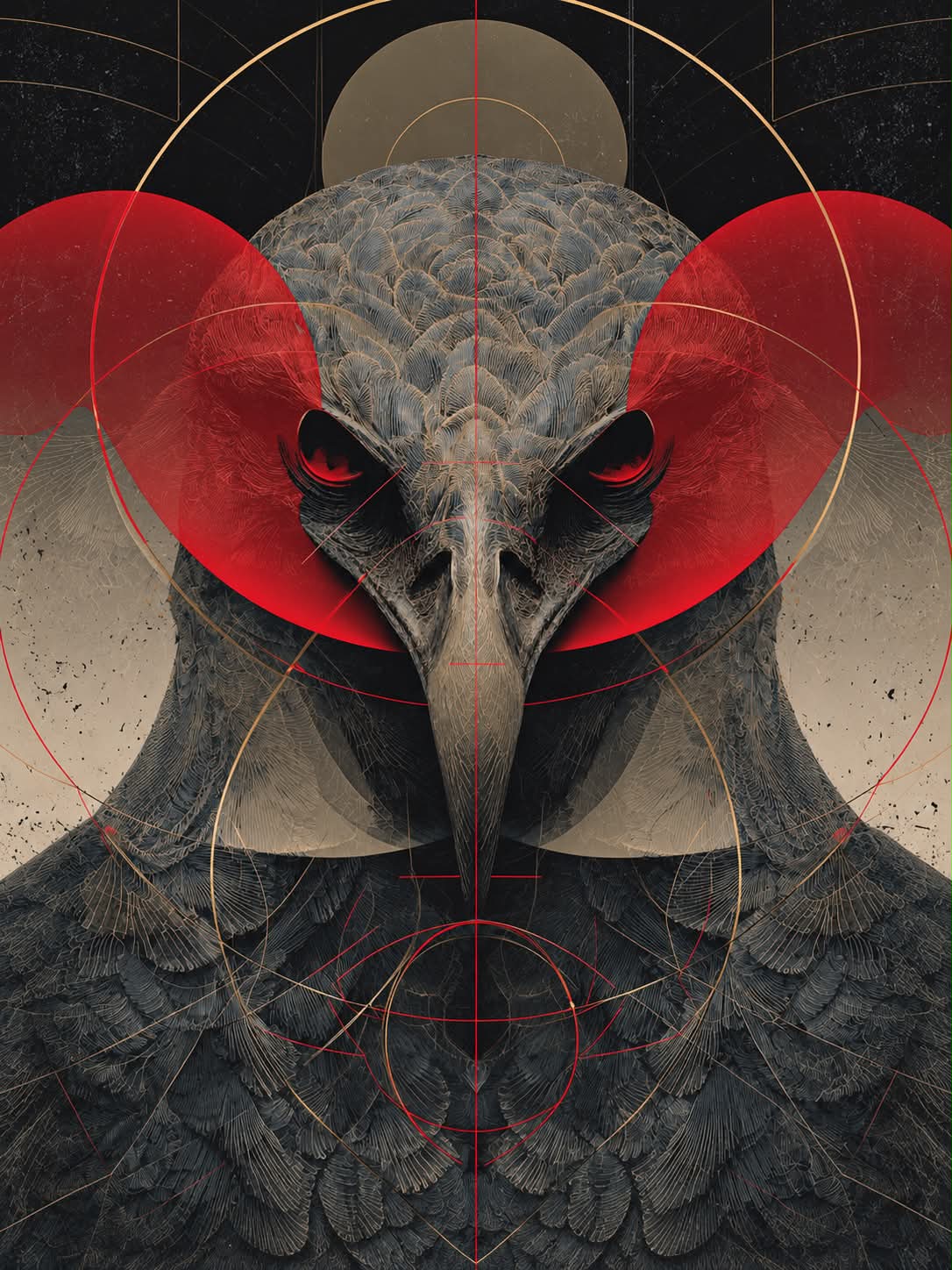
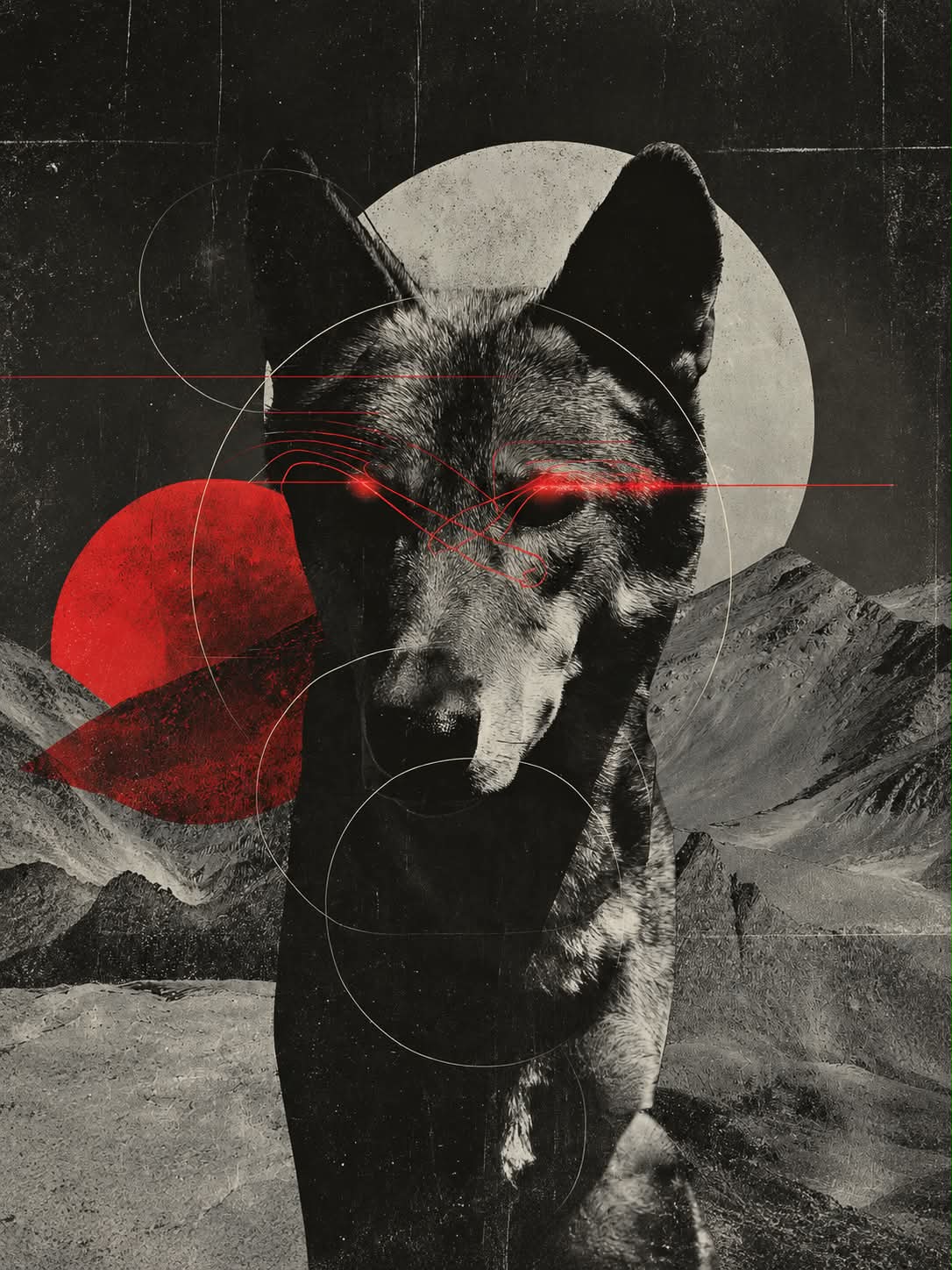
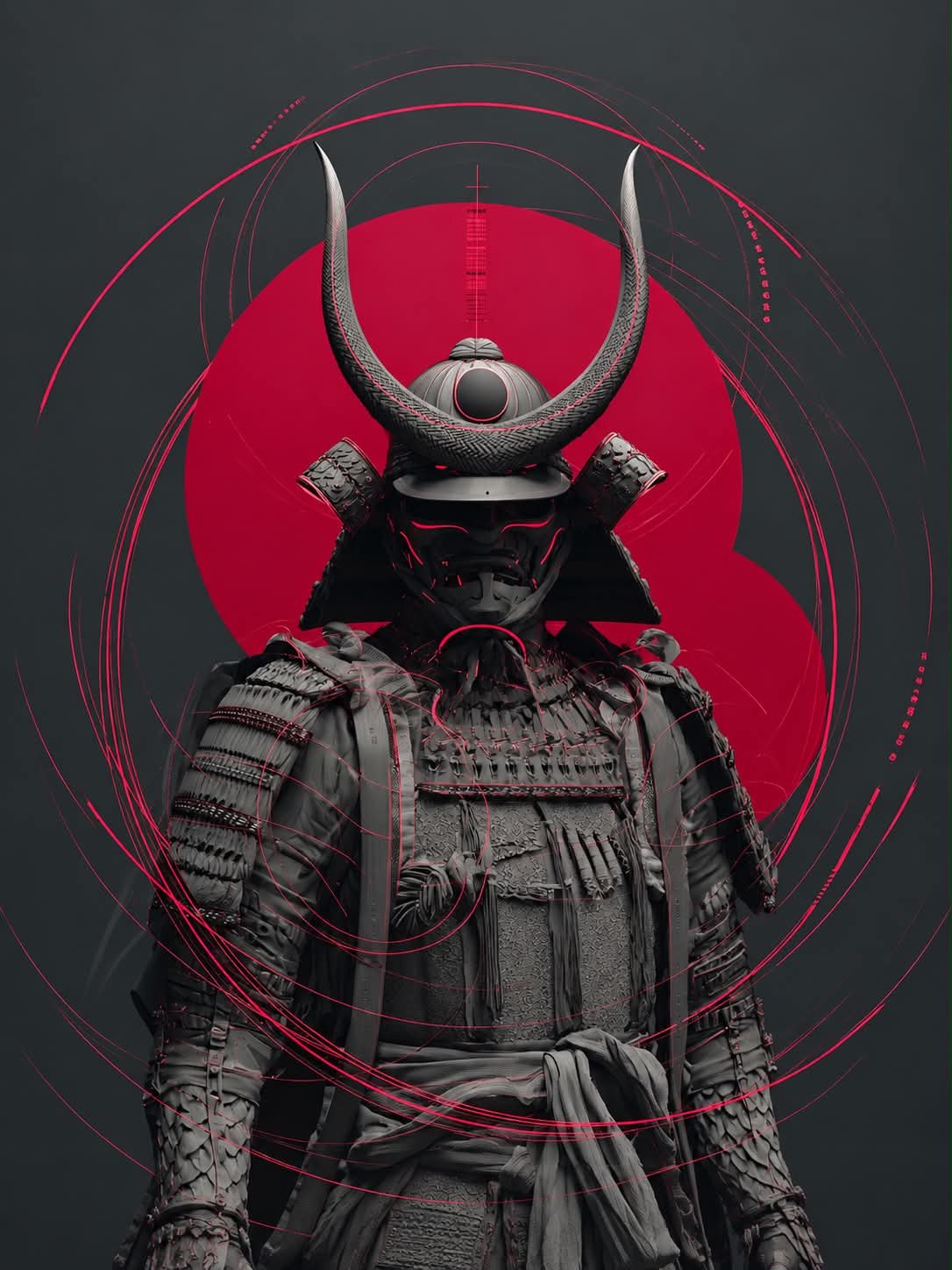
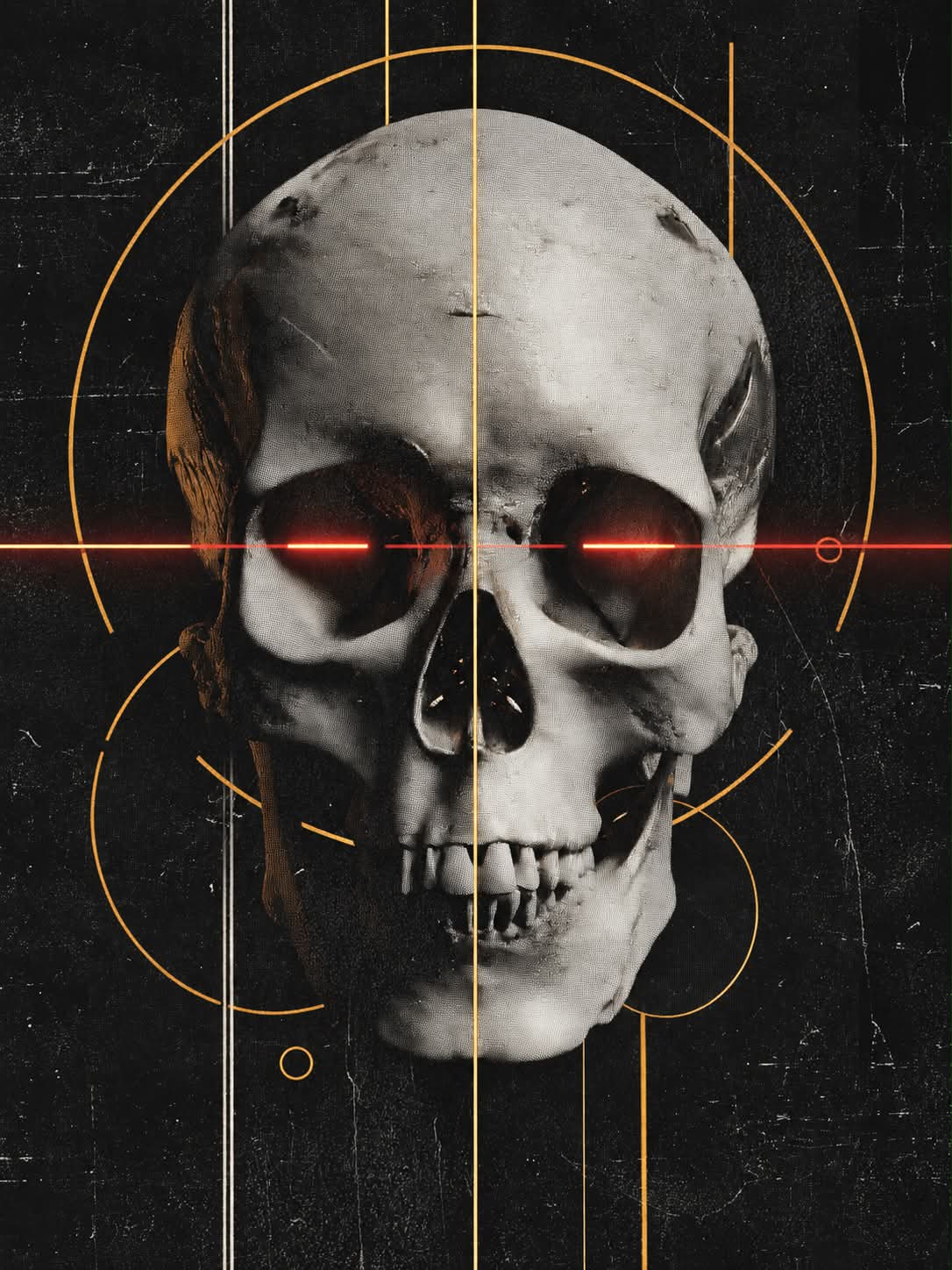
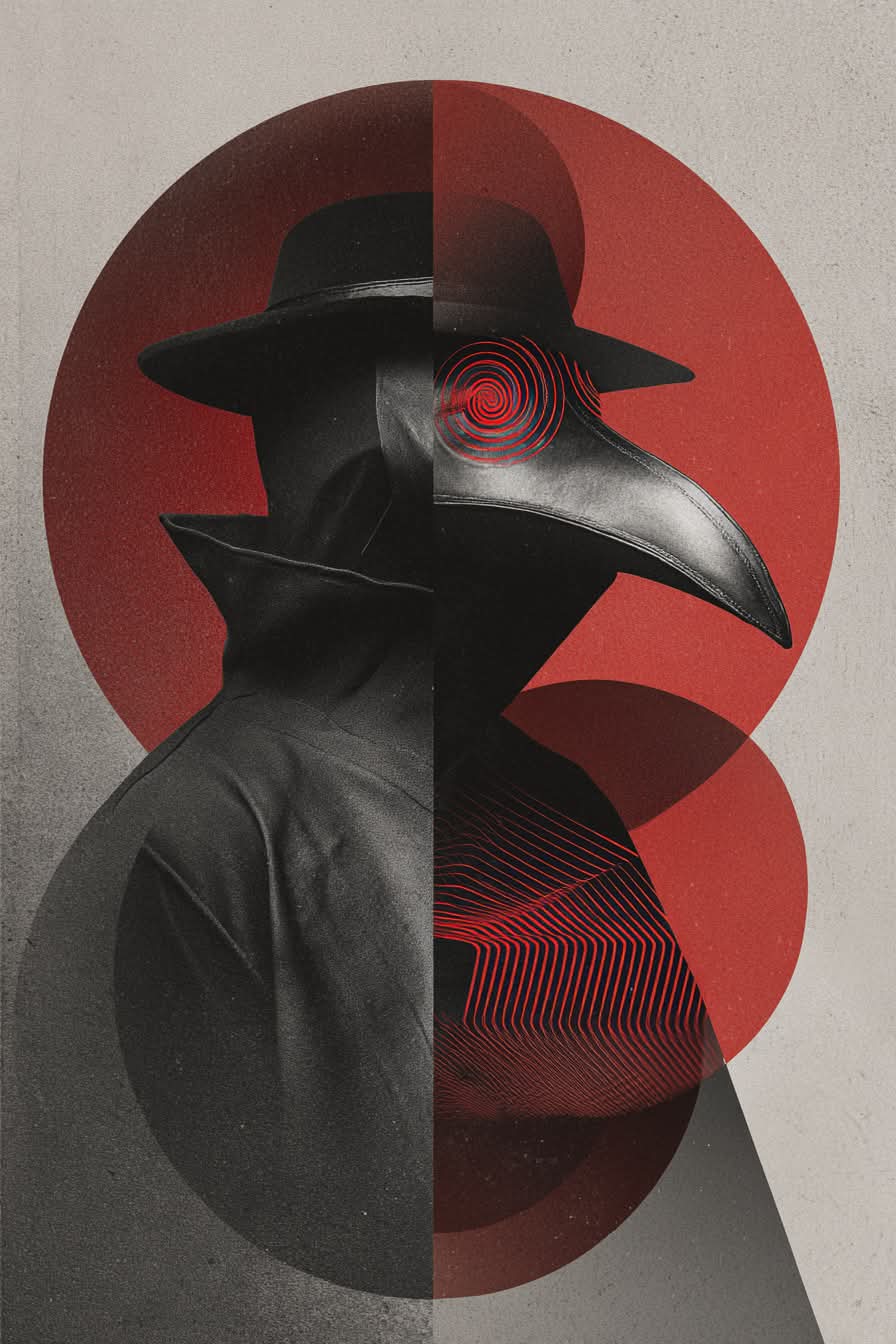
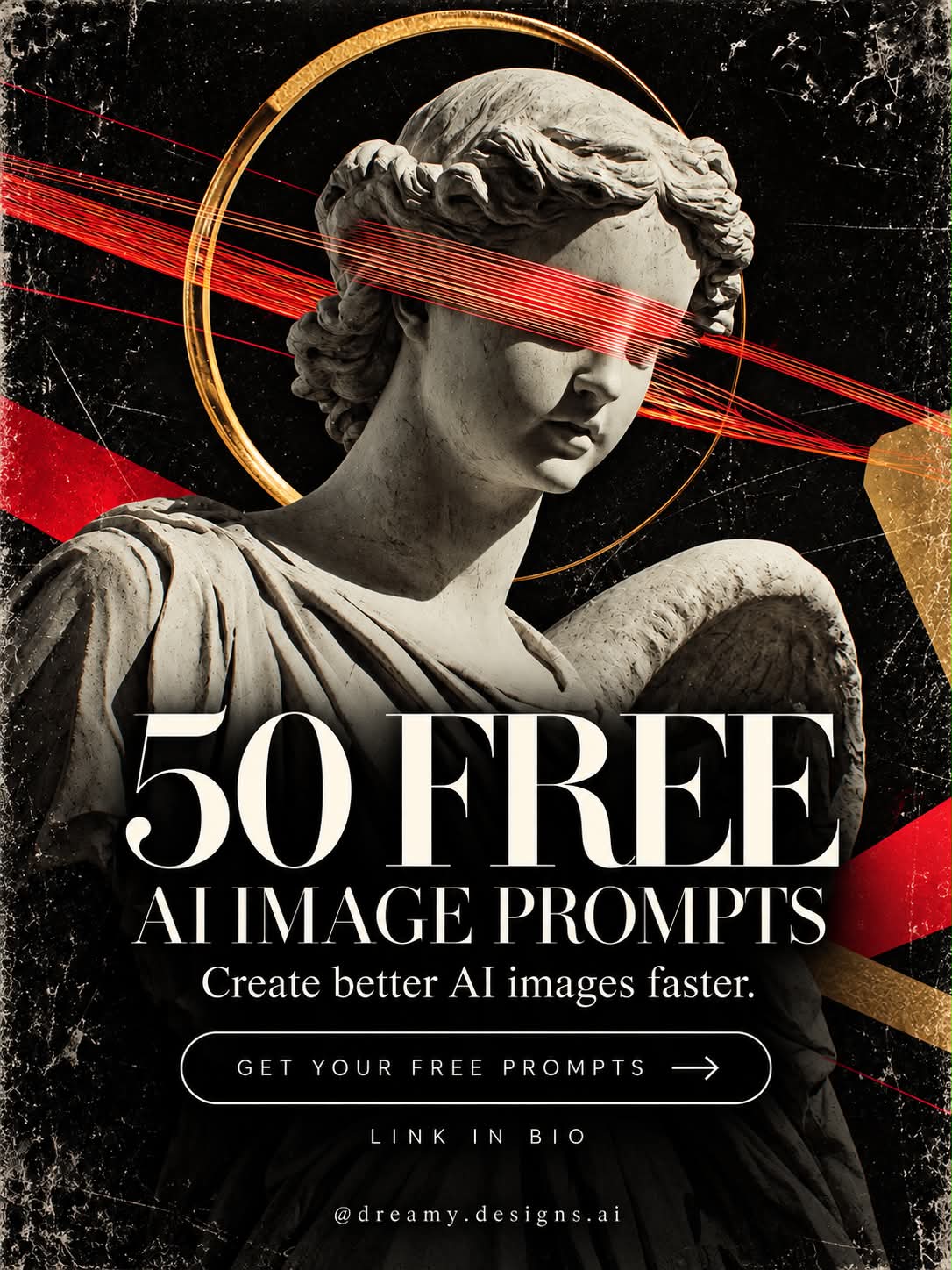
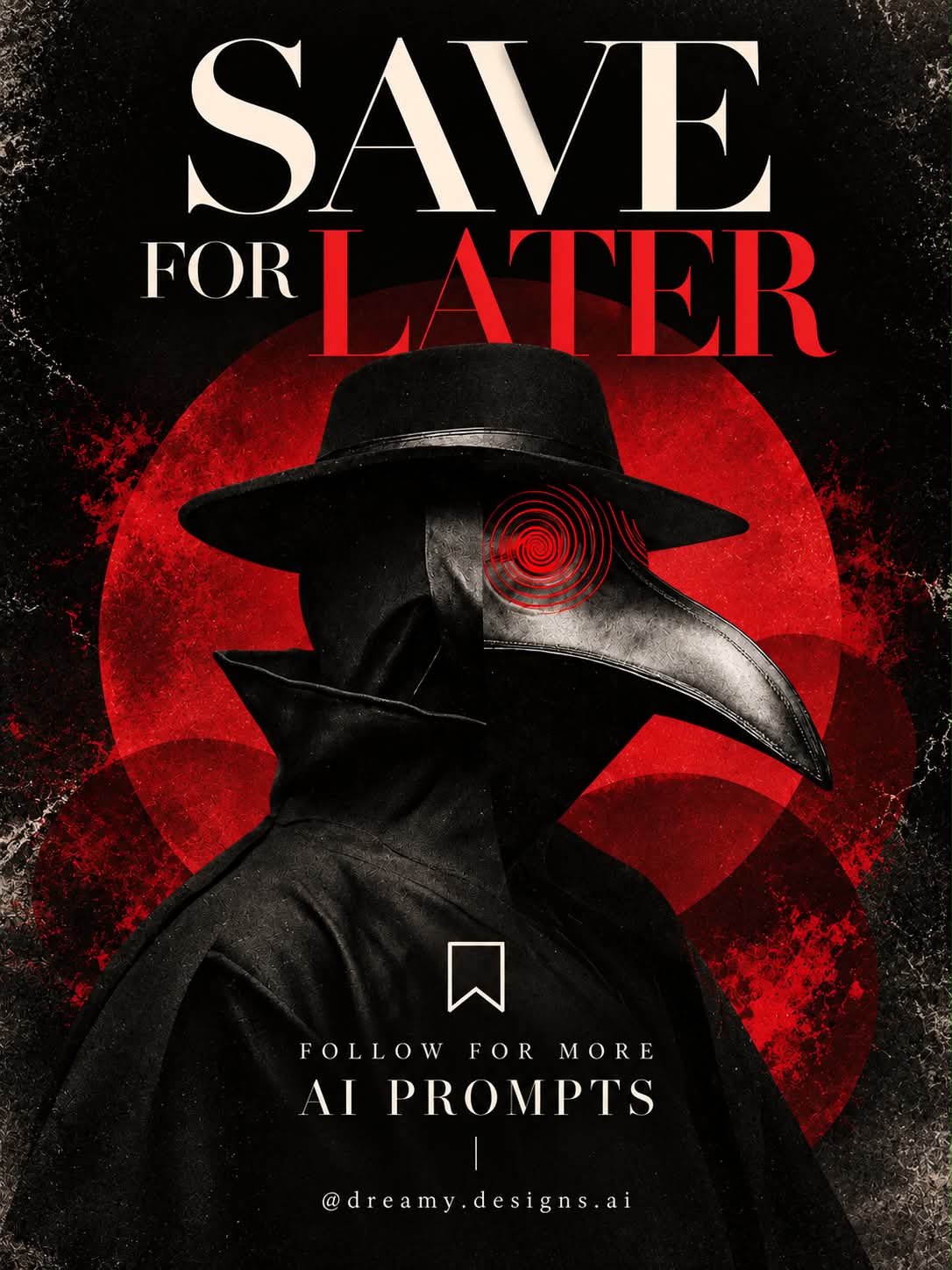
Create a hyperreal, symmetrical surreal collage featuring a customizable subject, glowing eyes, matte textures, and bold geometric shapes.
Example outputs
Prompt template
- Format
- Text Parameterized
- Inputs
- subject (text) · Required
- Outputs
- image (image)
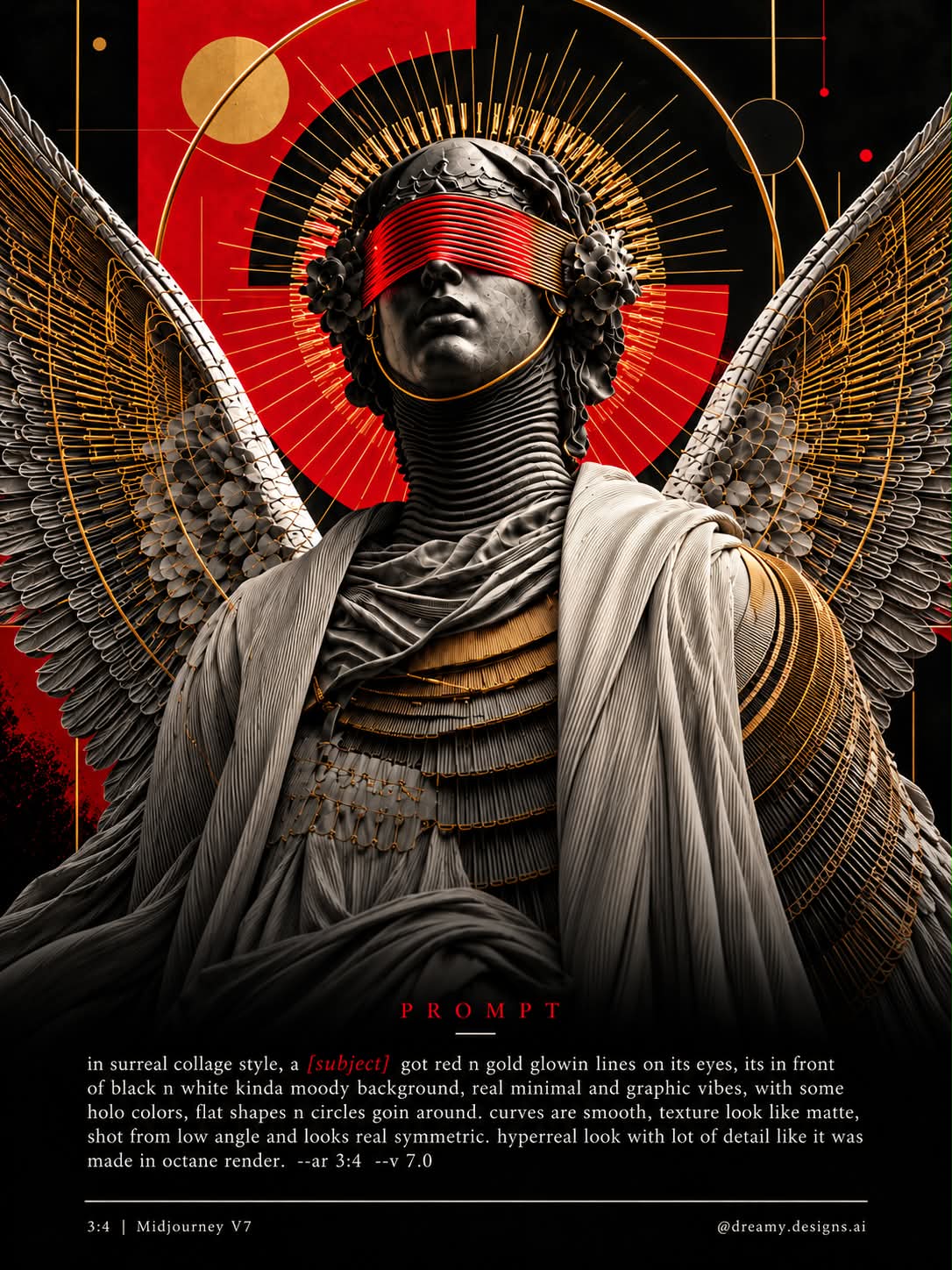
Create a hyperreal, highly detailed image of ${subject} in a surreal collage style. Give the subject red and gold glowing lines around its eyes. Place it against a moody black-and-white background, with a minimal, graphic feel. Add holographic colors, flat shapes, and circles around the subject. Use smooth curves, matte-looking textures, and a low-angle composition. Keep the image symmetrical. Render in Octane style, with a 3:4 aspect ratio. --ar 3:4 --v 7.0Replace the ${…} placeholders with your values
before using this prompt. See parameters
and defaults below
Parameters
Replace each placeholder with your own value, or use its default when one is provided
${subject}
subject
Required
What you'll create
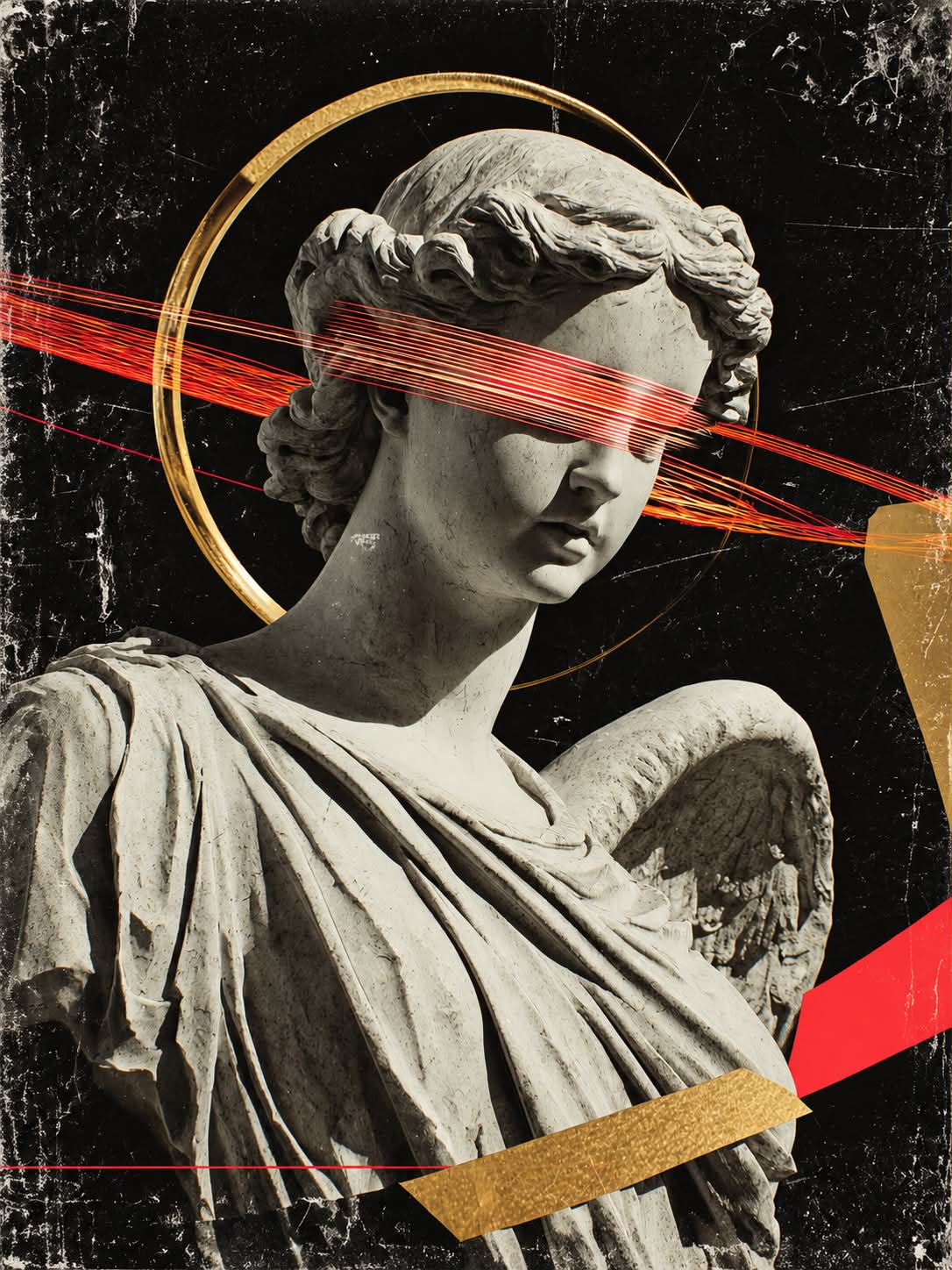
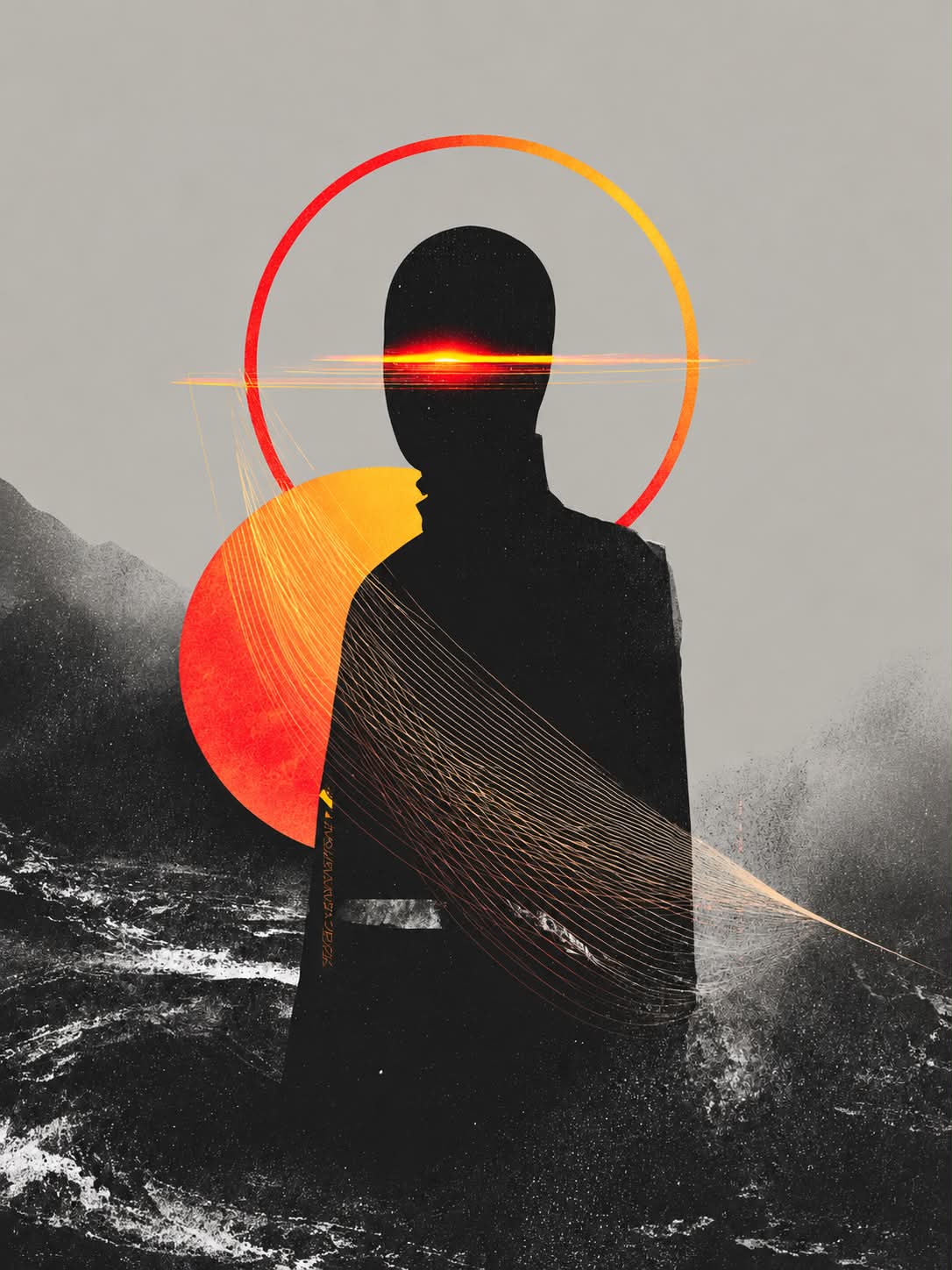
A hyperreal subject appears in a low-angle graphic composition on a moody monochrome background. Red-gold eye accents, floating circles and holographic color fields contrast with matte textures and smooth curves.
Generation settings
Aspect ratio: 3:4
Frequently asked questions
What can be customized?
The subject parameter selects the figure or object at the center.
Should the design be asymmetric?
No, the composition is explicitly symmetrical.


Comments
Tried this prompt? Share what you made, compare results, or ask a question