Retro Pixel Christmas Icon Sheet
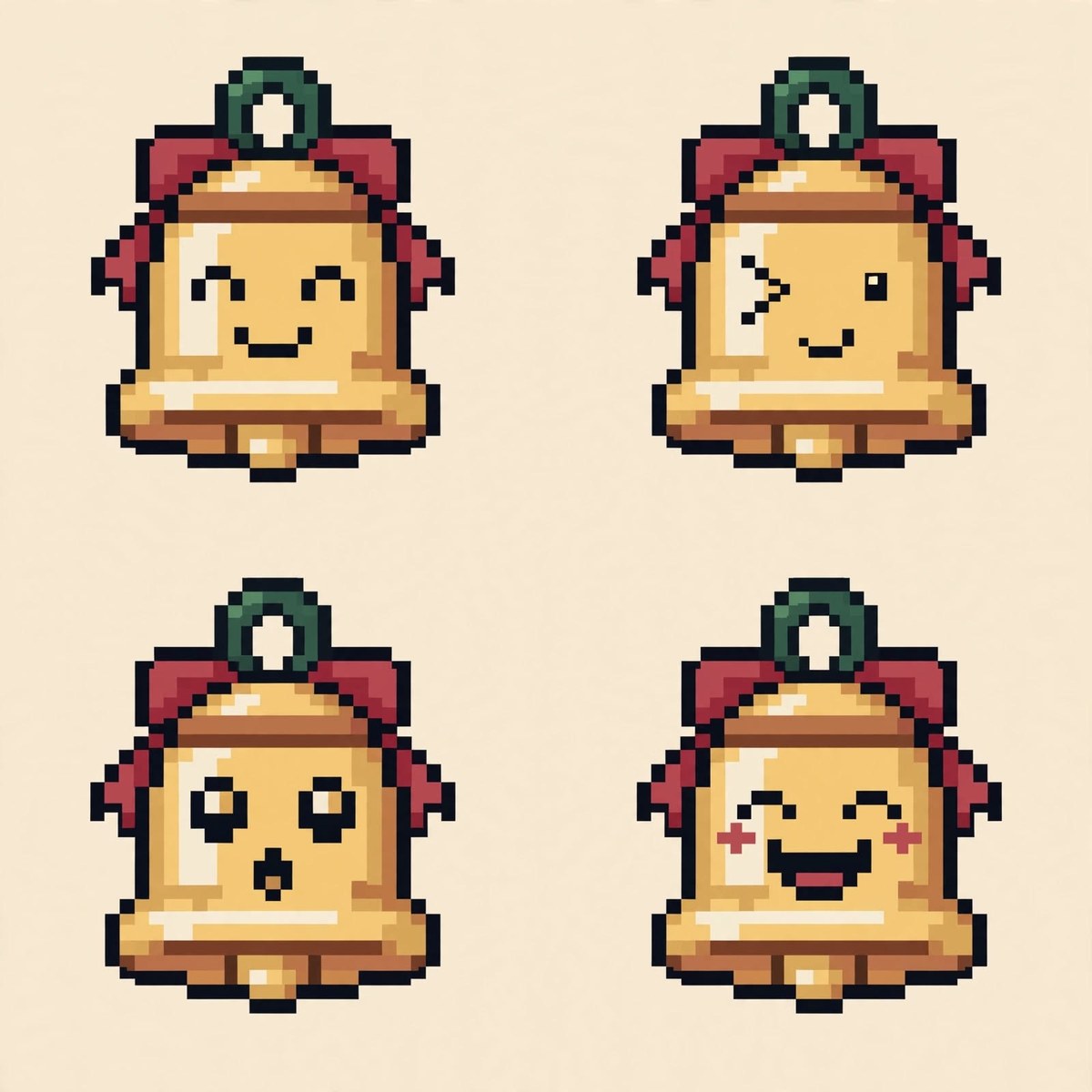
Create a square, text-free Christmas pixel-art sheet showing four matching versions of one subject in a 2×2 grid.
Example outputs
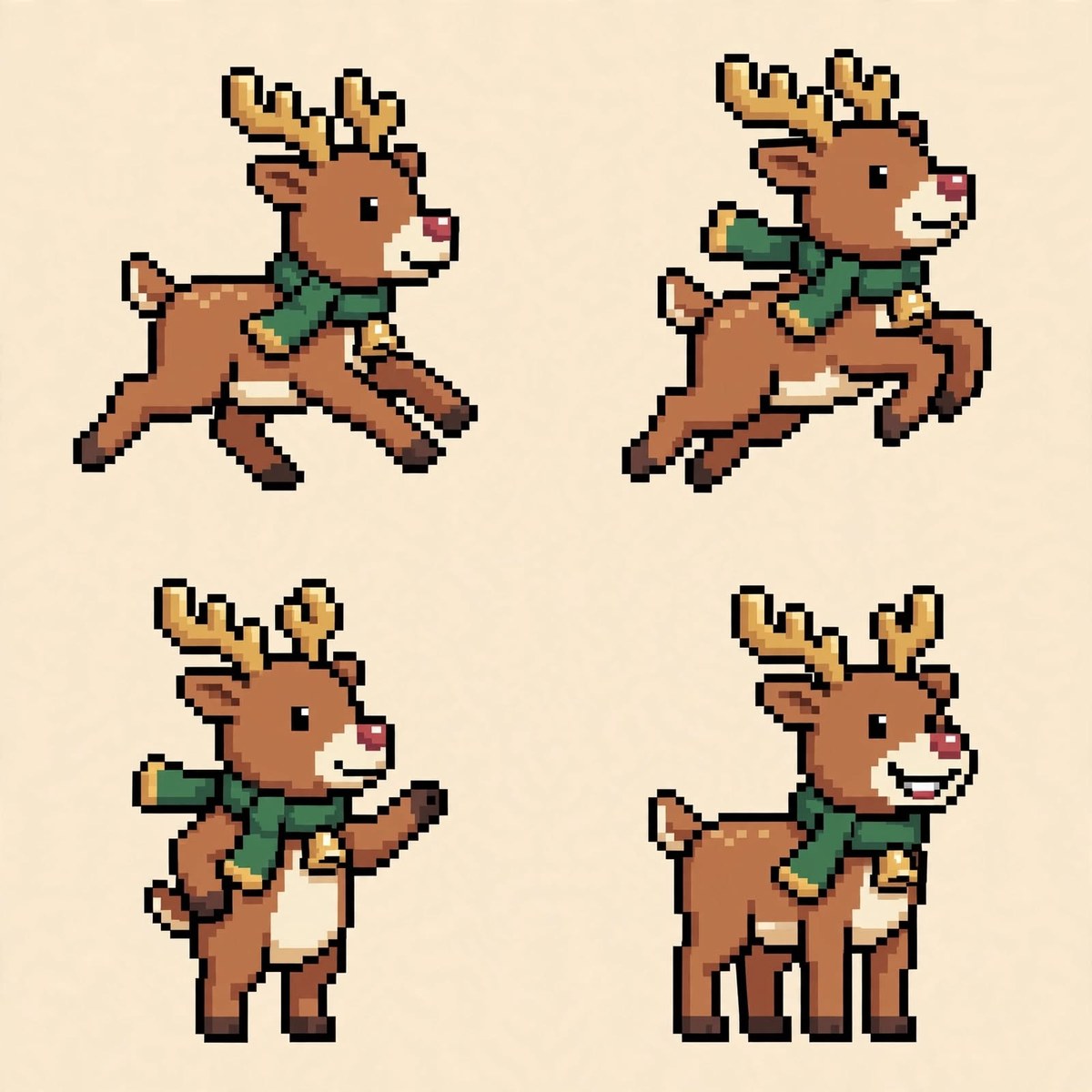
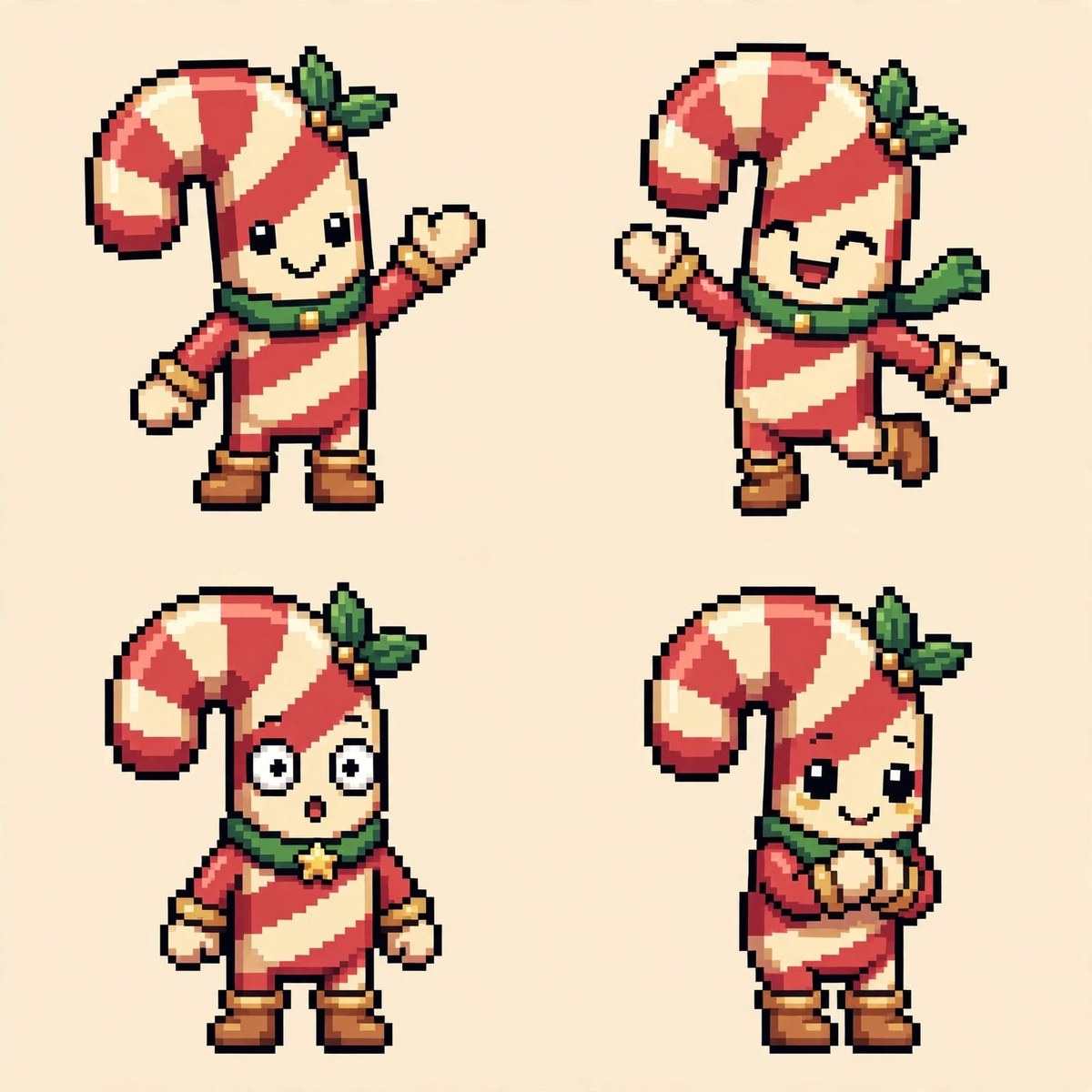
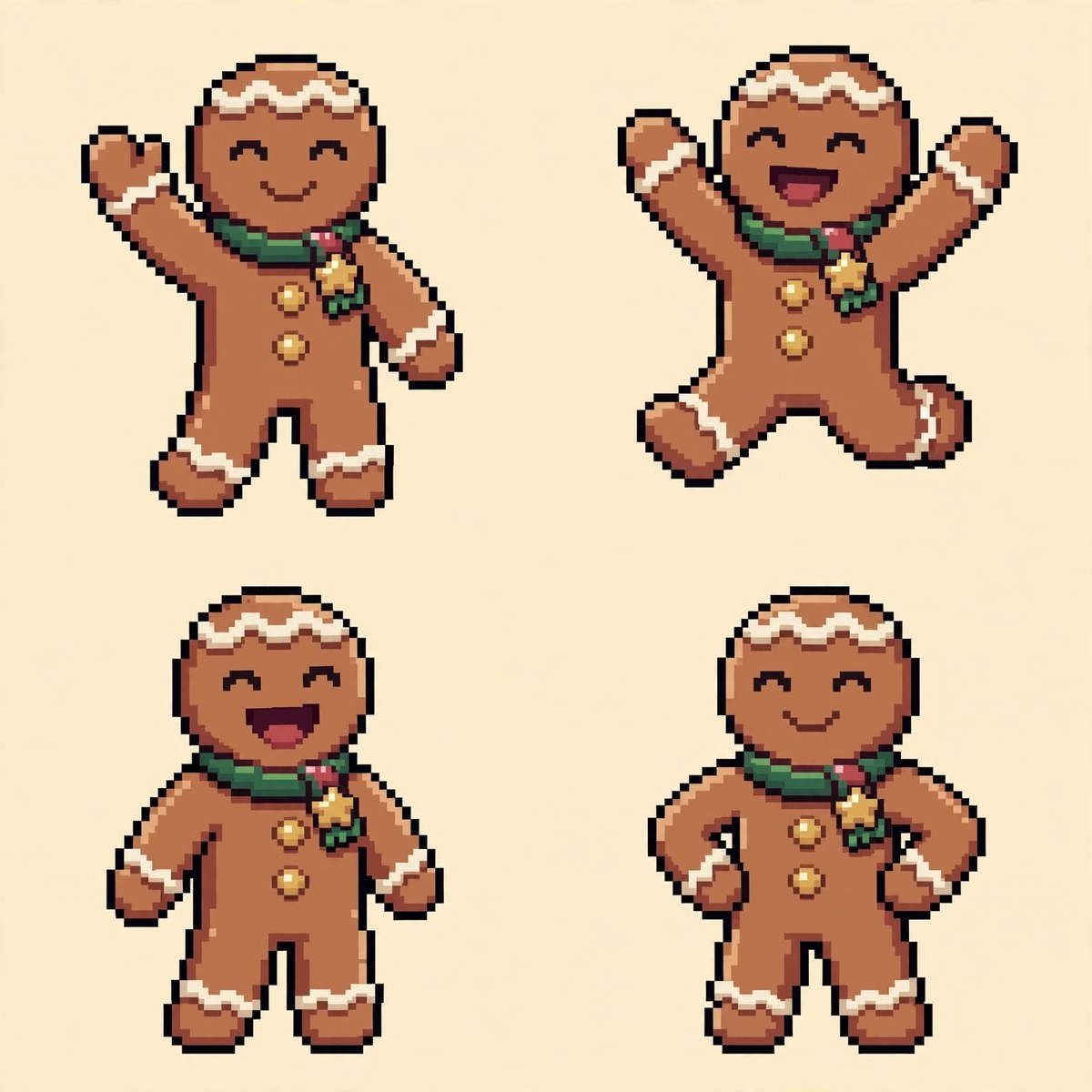

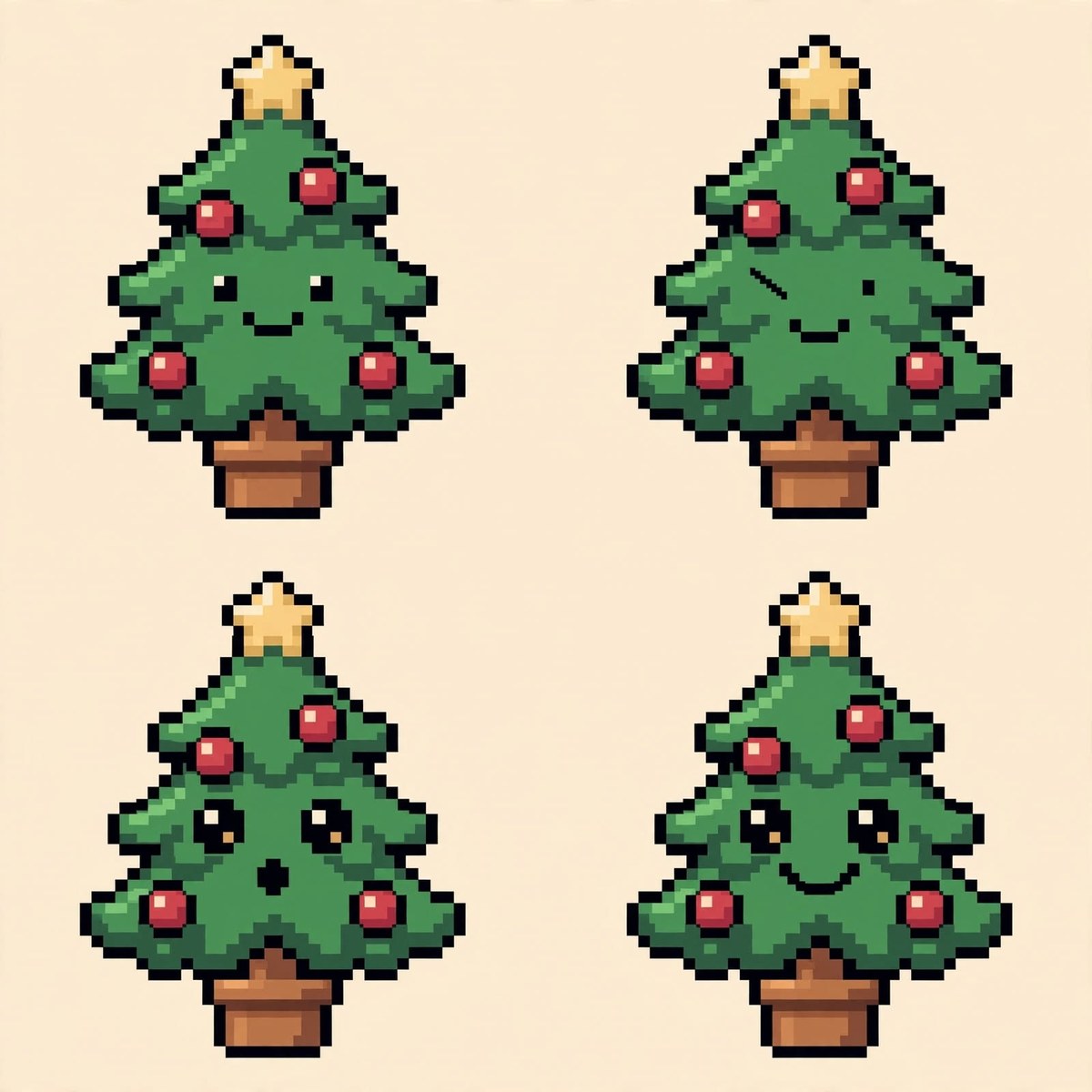
Prompt template
- Format
- Text Parameterized
- Inputs
- subject_and_four_poses (text) · Required
- Outputs
- Christmas_pixel_art_icon_sheet (image)
Create a text-free Christmas icon sheet featuring ${subject-and-four-poses}. Use a cozy retro Christmas pixel-art style. Show exactly four matching versions of the same subject in a precise 2×2 grid. Keep the design and colors consistent across all cells; change only the pose or expression. Use crisp square pixels, simple readable silhouettes, and a limited 16-bit game palette: pine green #345B48, cranberry red #B84A52, gingerbread brown #B8794C, warm cream #F5EAD6, and soft gold #D6AD62. Use a clean warm-cream background, subtle pixel shading, equal spacing, and consistent scale. Keep each figure fully visible with no overlap. No borders, text, letters, numbers, logos, or watermark. Square aspect ratio (1:1).Replace the ${…} placeholders with your values
before using this prompt. See parameters
and defaults below
Parameters
Replace each placeholder with your own value, or use its default when one is provided
${subject-and-four-poses}
subject-and-four-poses
Required
What you'll create
A consistent subject appears in four poses or expressions on warm cream, using crisp square pixels and a restrained green, red, brown and gold palette.
Frequently asked questions
Can the sheet include labels or borders?
No, text, numbers, logos, borders and watermarks are explicitly excluded.









Comments
Tried this prompt? Share what you made, compare results, or ask a question