Misty Photo-and-Watercolor Landscape Comparison
Transform a landscape photo into a vertical composition that pairs its photographic appearance with a misty watercolor interpretation of the same scene.
Example outputs
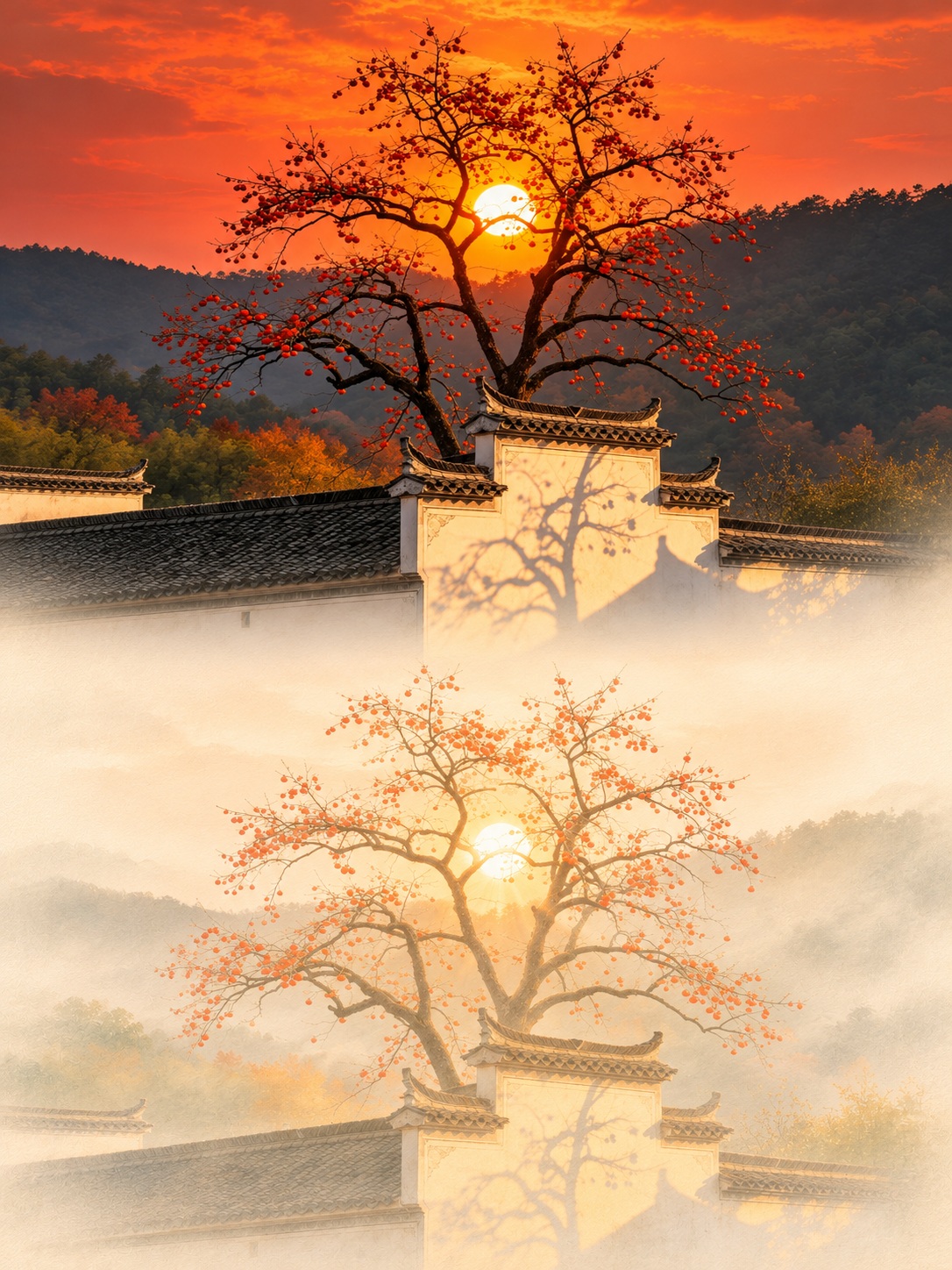
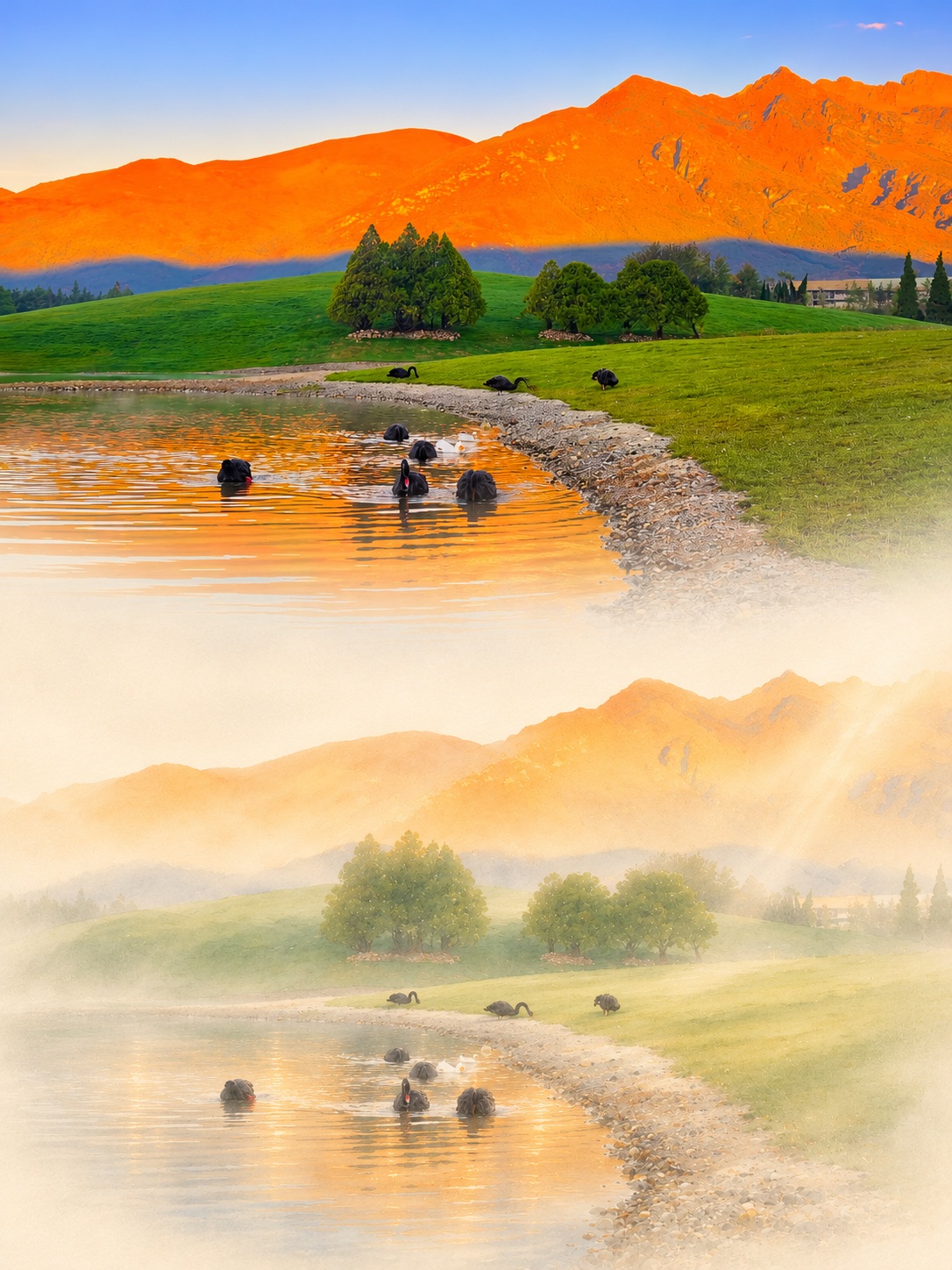
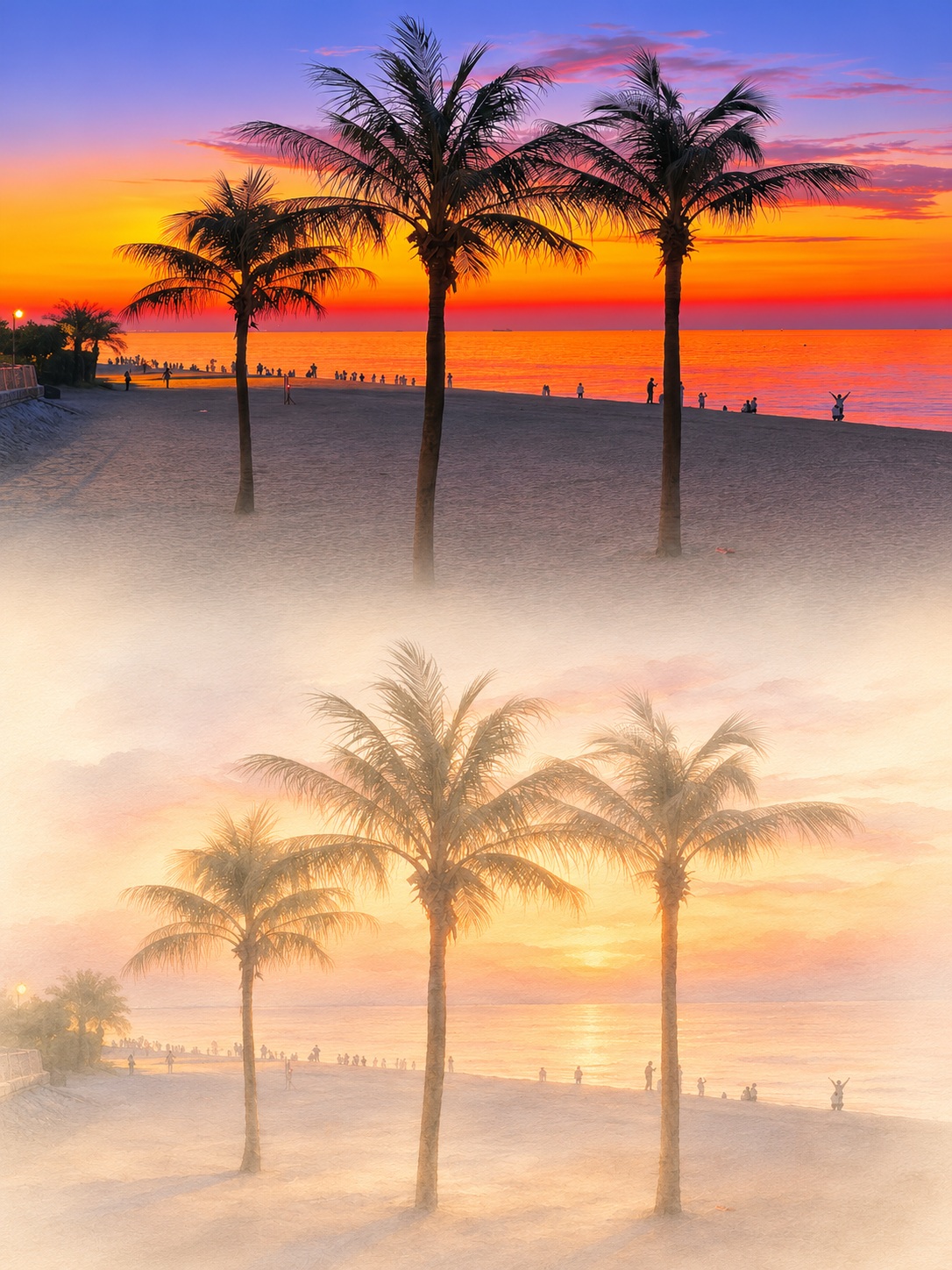
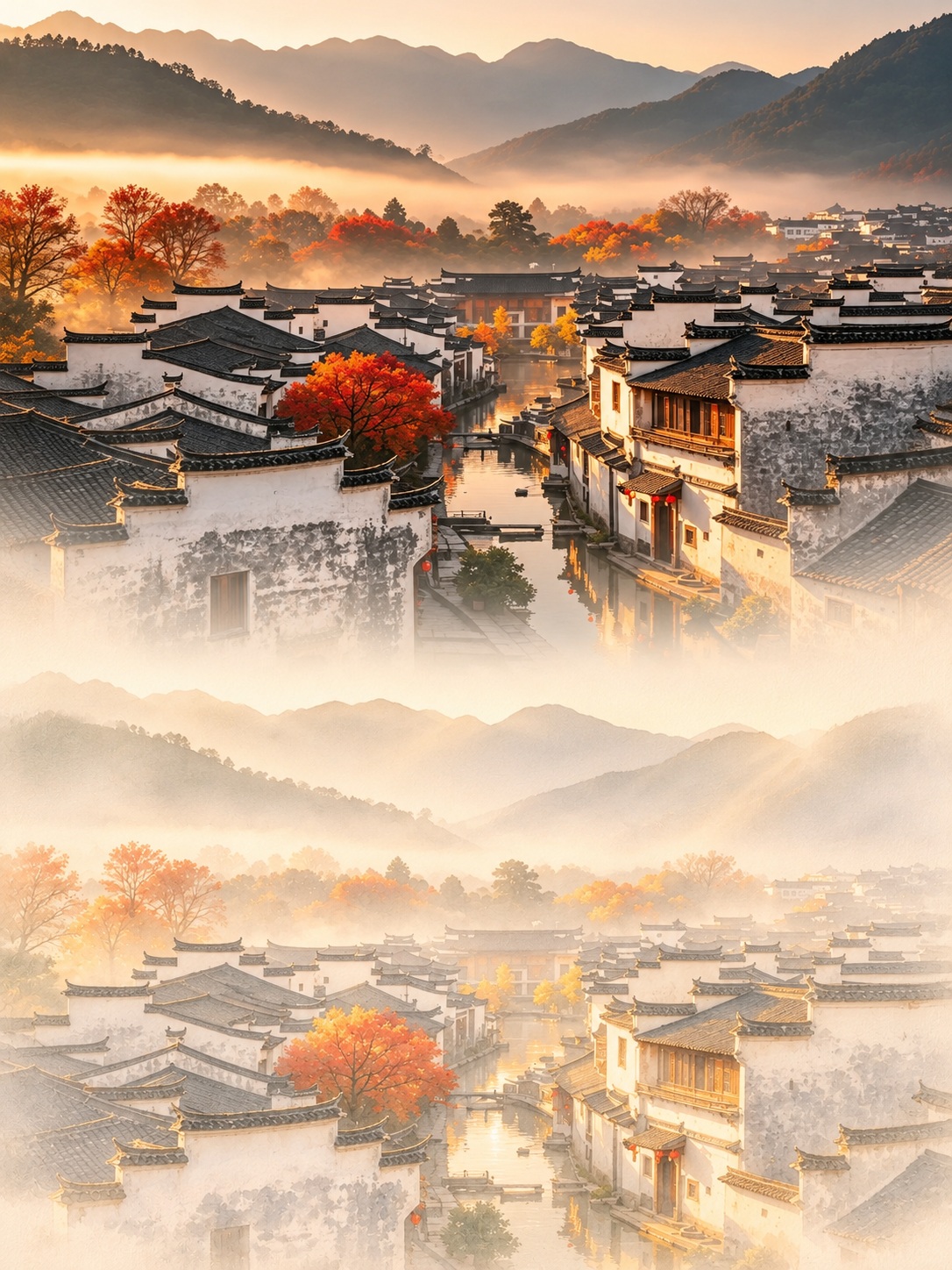
Prompt template
- Format
- Text
- Inputs
- Landscape_photo (image) · Required
- Outputs
- Photo_and_illustration_comparison (image)
Transform the uploaded landscape photograph into a vertical 3:4 comparison image. In the upper half, preserve the photograph’s photographic quality and colors, cropping as needed while keeping the main scenery. In the lower half, transform the same scene into a misty, softly lit illustration, maintaining the same subject, viewpoint, composition, and placement of scenery so the two halves correspond clearly.

Use creamy ivory, pale gold, and muted warm colors in the lower half, combining realistic details with delicate watercolor brushwork. Add layers of light mist, soft backlighting, a subtle glow, and paper texture. Let the distant scenery fade into the mist while retaining detail in the foreground. Soften outlines but keep the main subject clear, creating a gentle, quiet atmosphere reminiscent of old memories.

Let each half occupy about half the image. Blend them naturally through creamy mist at the center, avoiding a hard dividing line. Do not change the scene or arrange the images side by side. Do not blur the image excessively. Do not add text, borders, signatures, or watermarks.
What you'll create
The upper landscape retains photographic colors while the lower repeats its scenery in ivory-gold brushwork. Paper texture and creamy mist soften the center join without changing viewpoint or subject.
Usage instructions
Provide the landscape photo whose scene should appear in both halves. The prompt preserves the scene’s subject, viewpoint, and composition while contrasting its photographic and watercolor treatments; adjust the mist, glow, or warm palette wording to change the lower half’s atmosphere.
Frequently asked questions
Are the versions arranged side by side?
No. They stack vertically in approximately equal halves.
Does the lower half invent different scenery?
No. It retains the same scene and placement.






Comments
Tried this prompt? Share what you made, compare results, or ask a question