Imperfect Phone-Photo Portrait from an Identity Reference
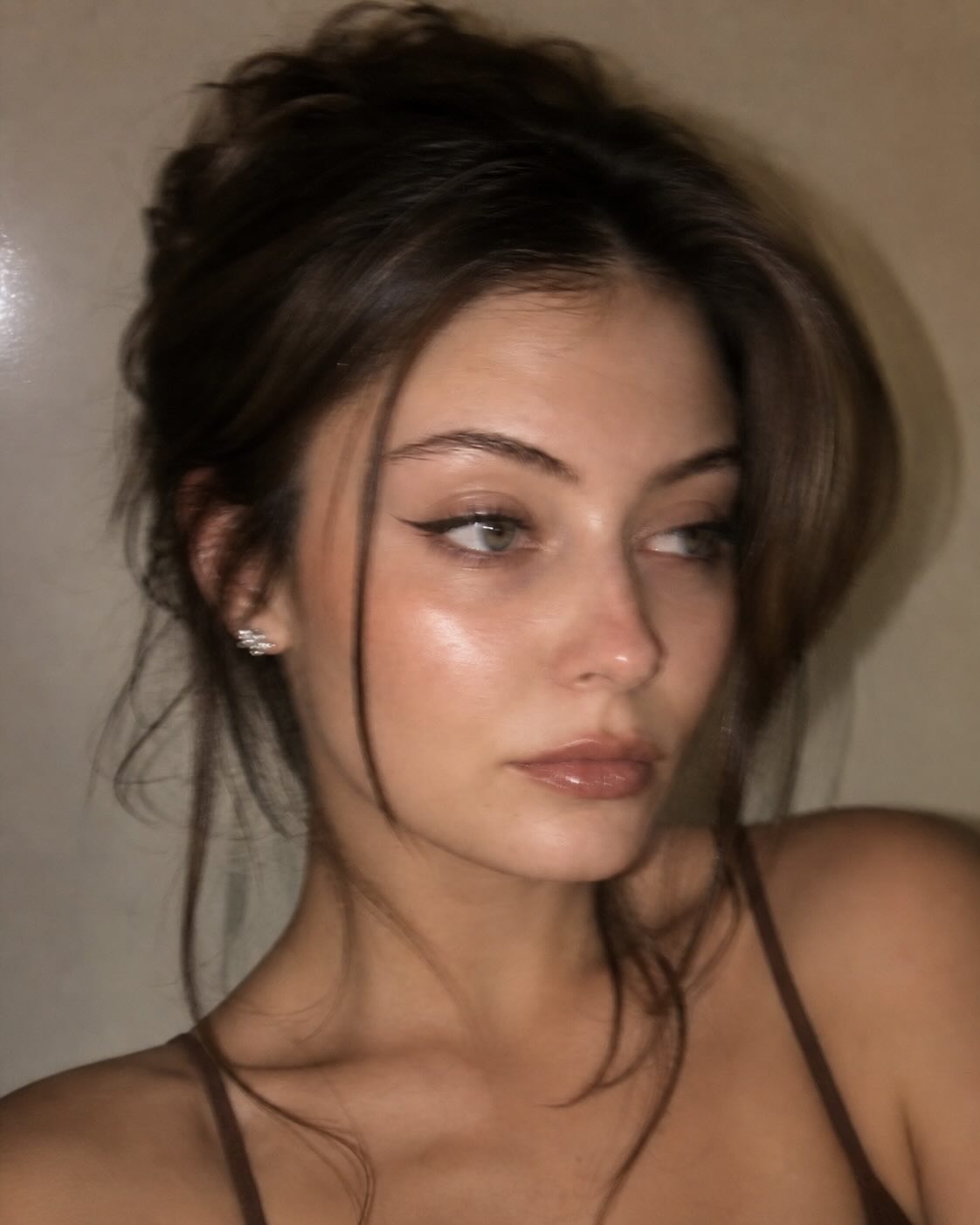
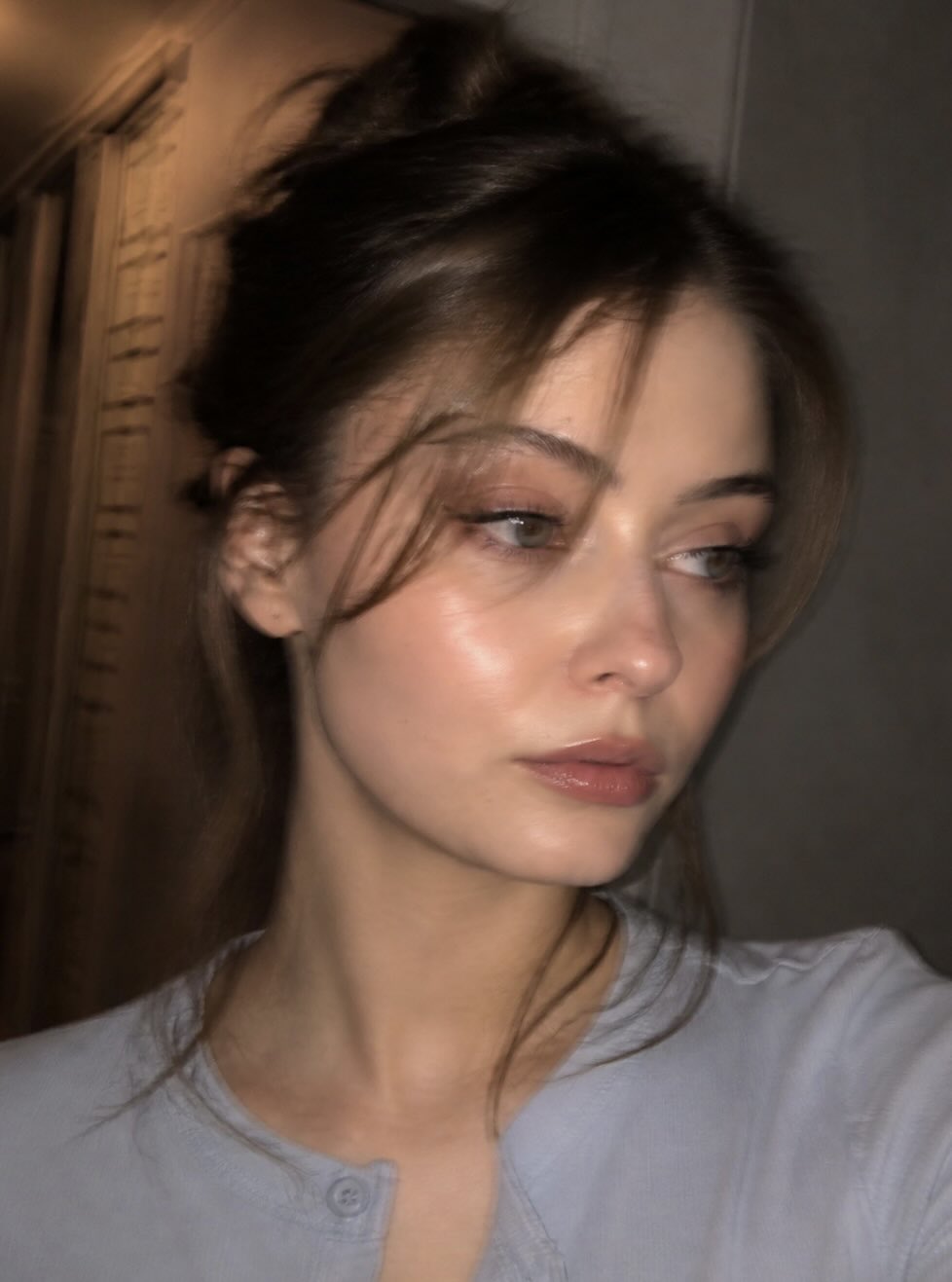
Create a candid, softly blurred phone-camera portrait while preserving the subject’s likeness and natural features.
Example outputs
Prompt template
- Format
- Text
- Inputs
- Identity_reference_photo (image) · Required
- Outputs
- Portrait_image (image)
Use the uploaded photo as an identity reference. Keep the same girl and her natural likeness, but make the final image look like a real, slightly failed phone photo—not a sharp beauty portrait.

Create a photorealistic close-up portrait, framed from the shoulders up. Use a soft, elegant pose, with the face slightly turned and looking away with a calm, natural expression. Keep natural proportions.

Style the hair in a messy updo with face-framing bangs, wispy strands, and an undone texture.

Give the skin a clean, glowing appearance, smoother and more even, with soft blush across the cheeks and nose and a dewy shine. Keep the lips’ original shape and size, with a glossy mauve-nude finish and only subtle shine. Do not overline or plump the lips. Add long lashes, natural brows, brown eyeshadow, and black eyeliner.

Make the image look like it was captured with a phone using a slow shutter: obvious handheld motion blur, a shaky-photo feel, softened facial details, and blurred hair strands and edges. It should not be crisp or tack-sharp; make it look as if the phone moved while taking the shot.

Use warm, dim indoor lighting with a soft flash glow and a candid, imperfect mood.

Avoid direct eye contact, a sharp HD face, crisp details, a studio look, plastic skin, a filler effect, or any changes to the face or features.
What you'll create
A shoulders-up subject looks away with a calm expression, softly defined makeup and wispy hair. Slow-shutter softness, blurred edges and a subtle flash glow make the image feel like a slightly failed candid phone capture.
Frequently asked questions
Should the face be tack-sharp?
No. The source explicitly rejects crisp HD facial detail in favor of obvious handheld motion blur.




Comments
Tried this prompt? Share what you made, compare results, or ask a question