Cinematic Split Portrait with an Animal
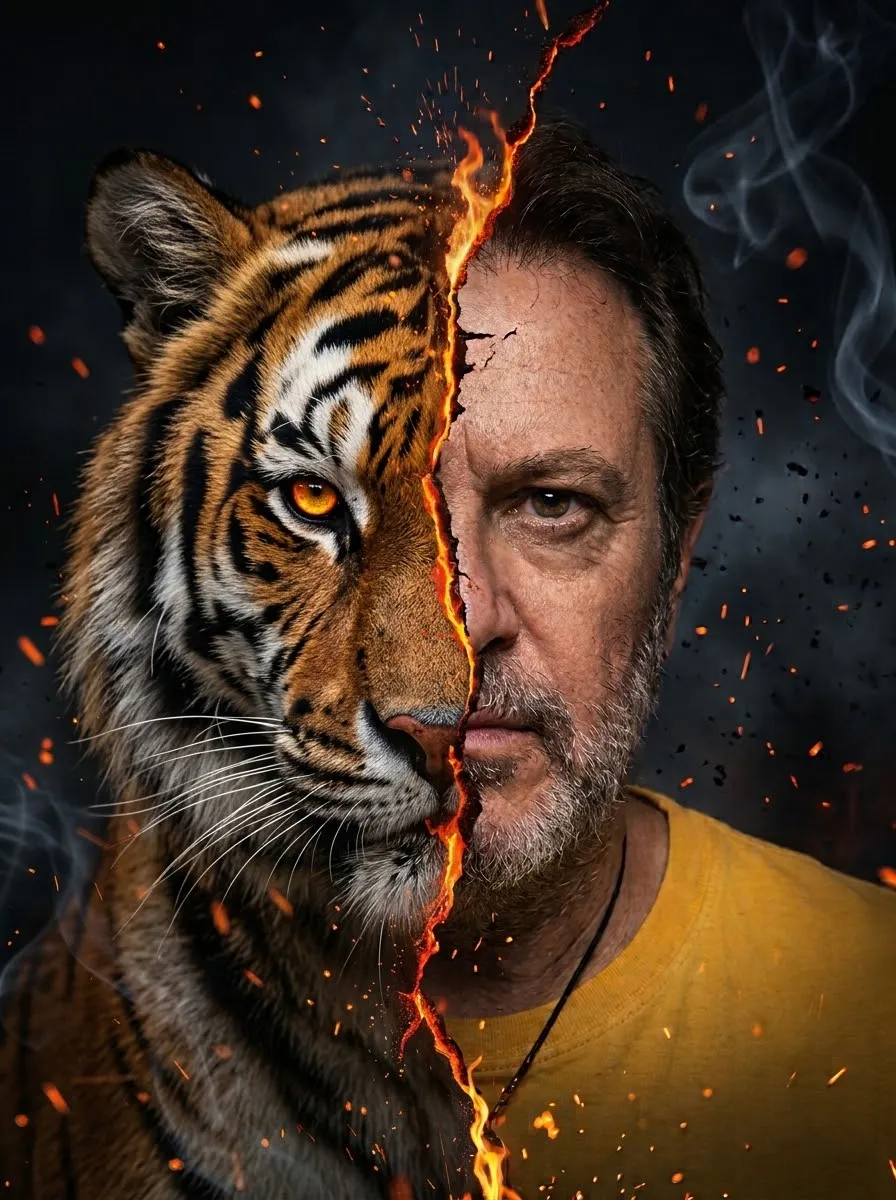
Create a realistic, dramatic split portrait that pairs a person from a reference photo with a customizable animal.
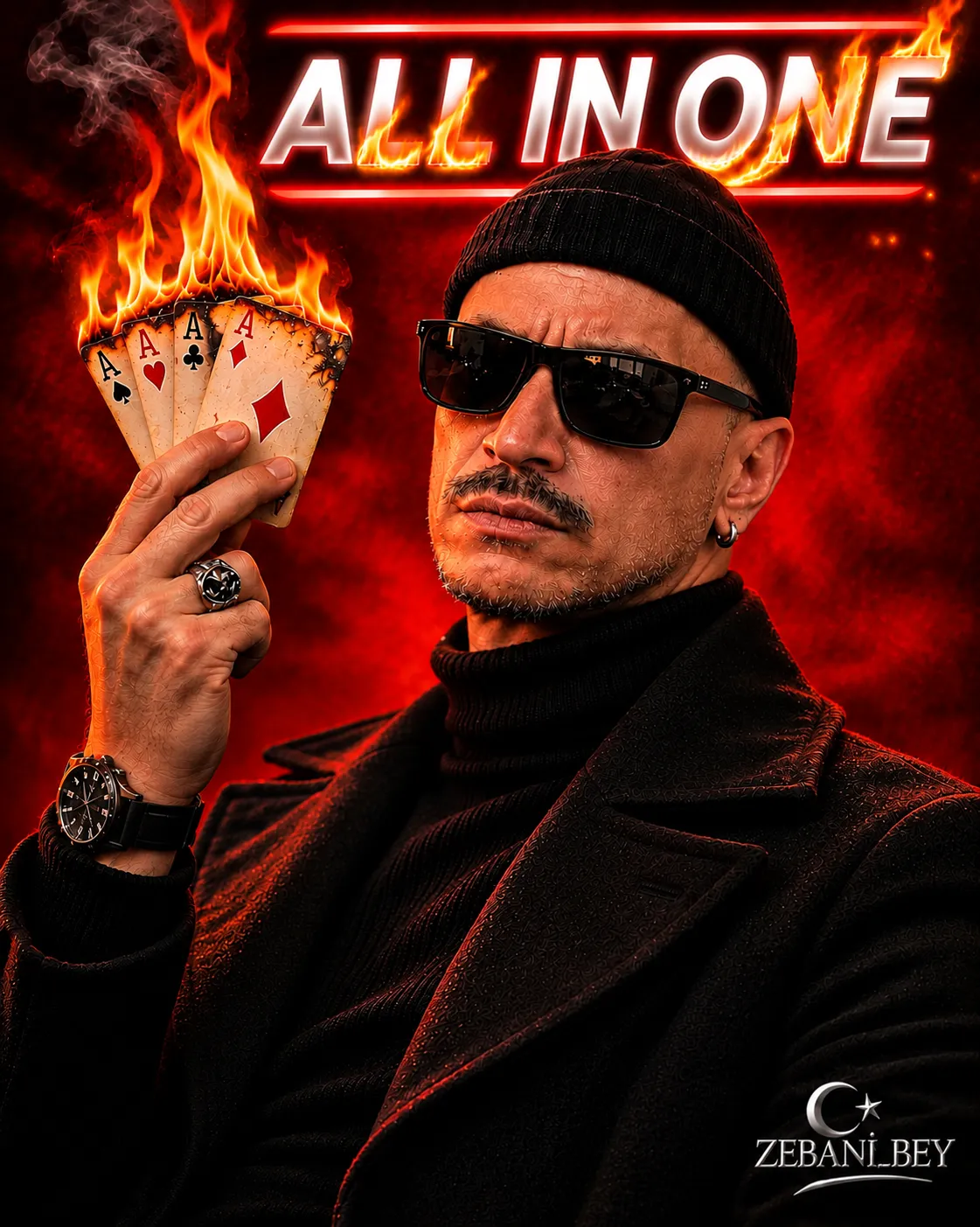
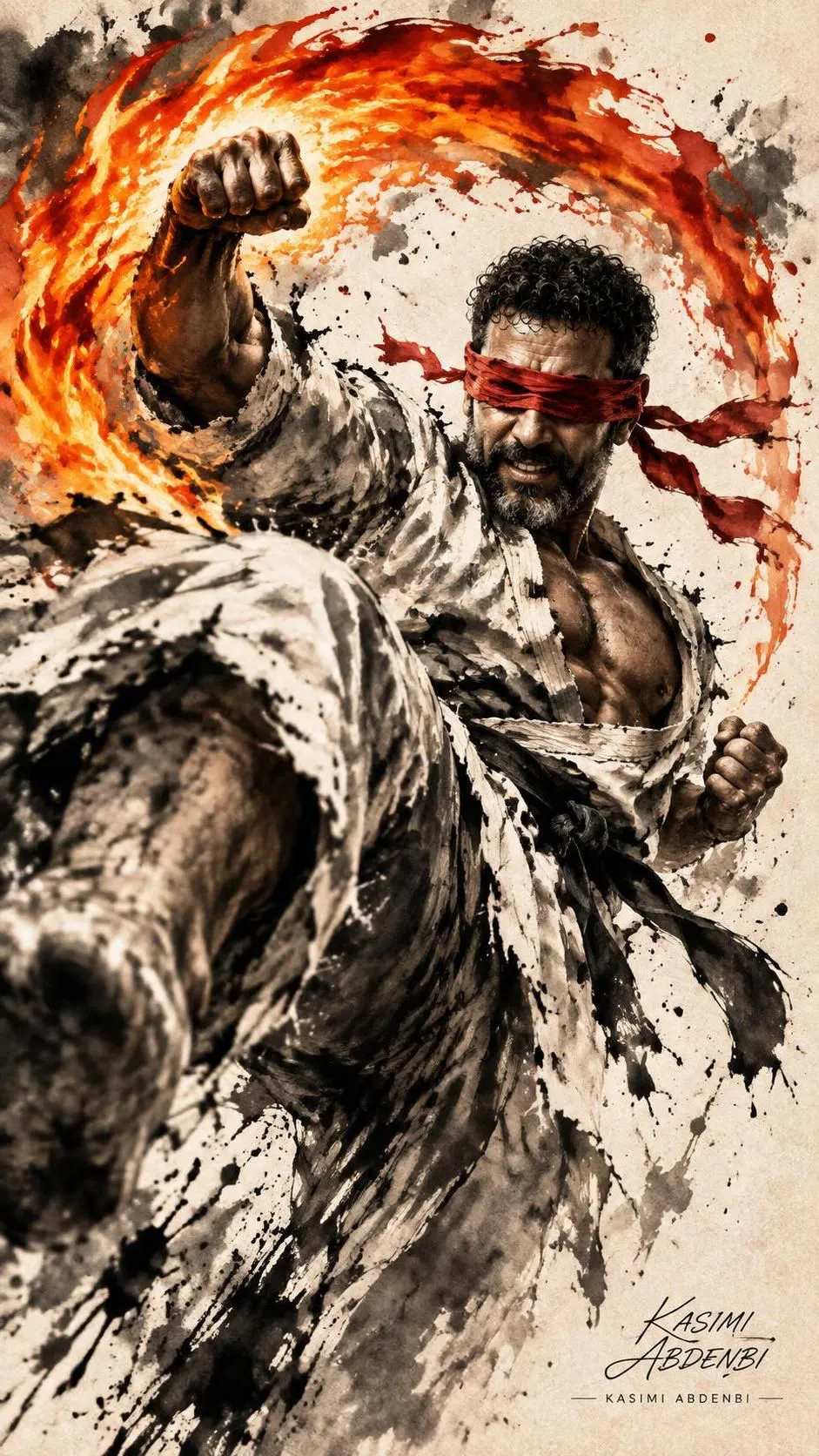
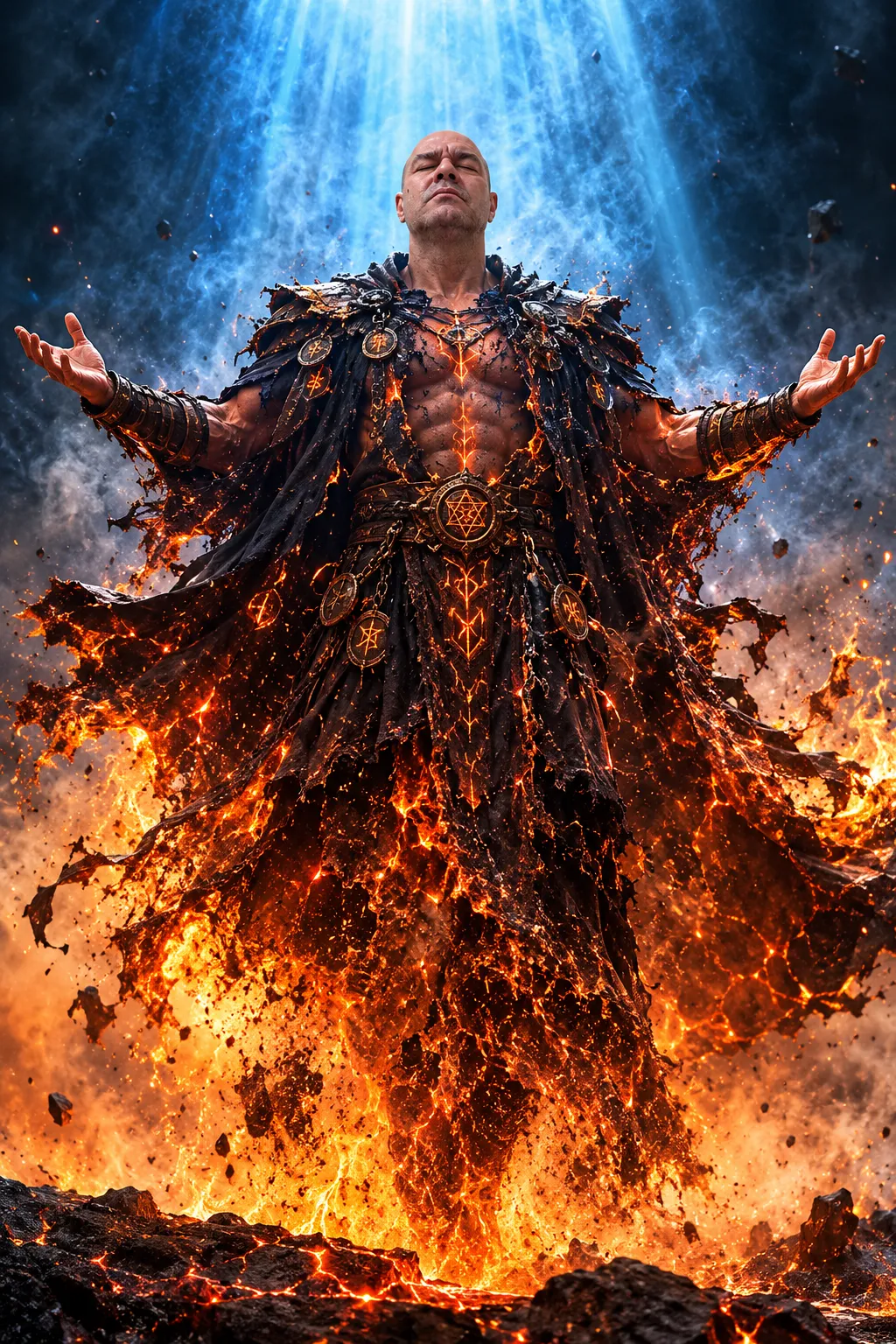
Example outputs
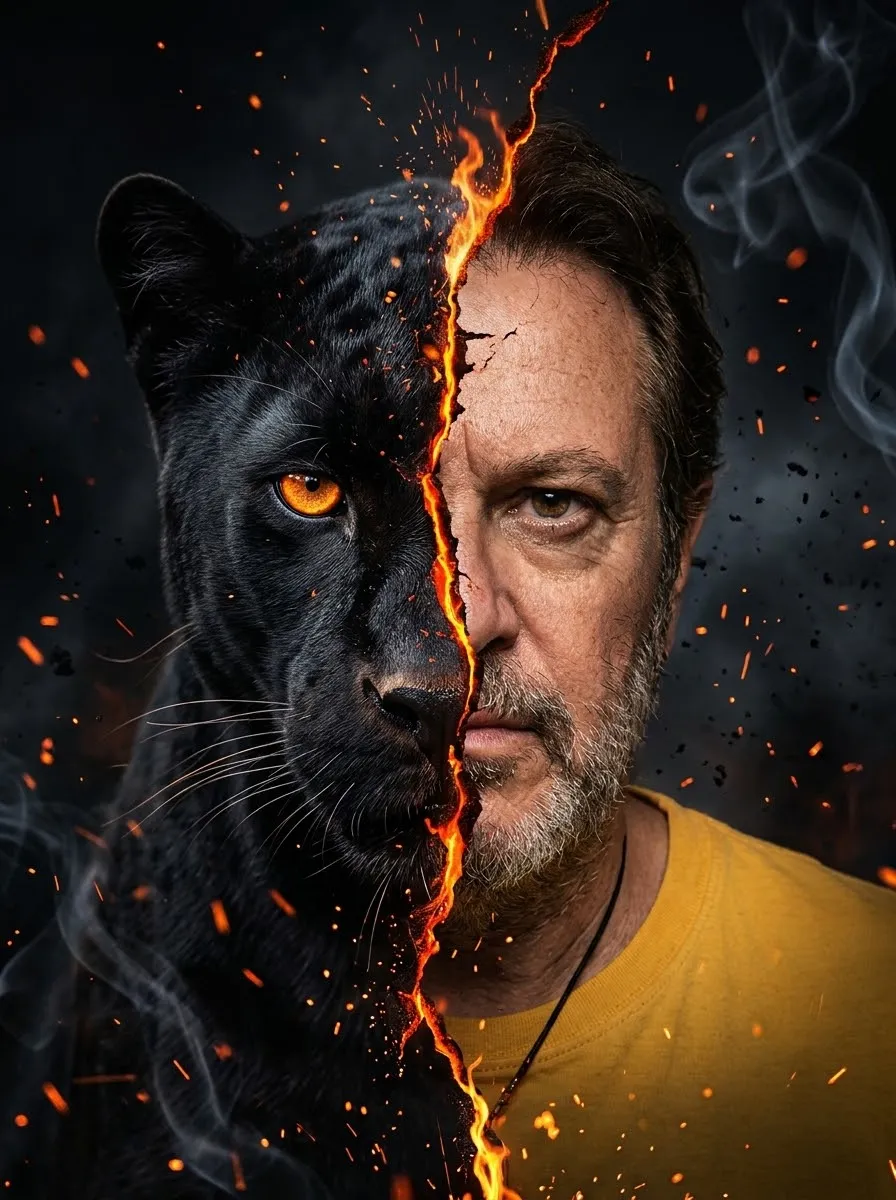
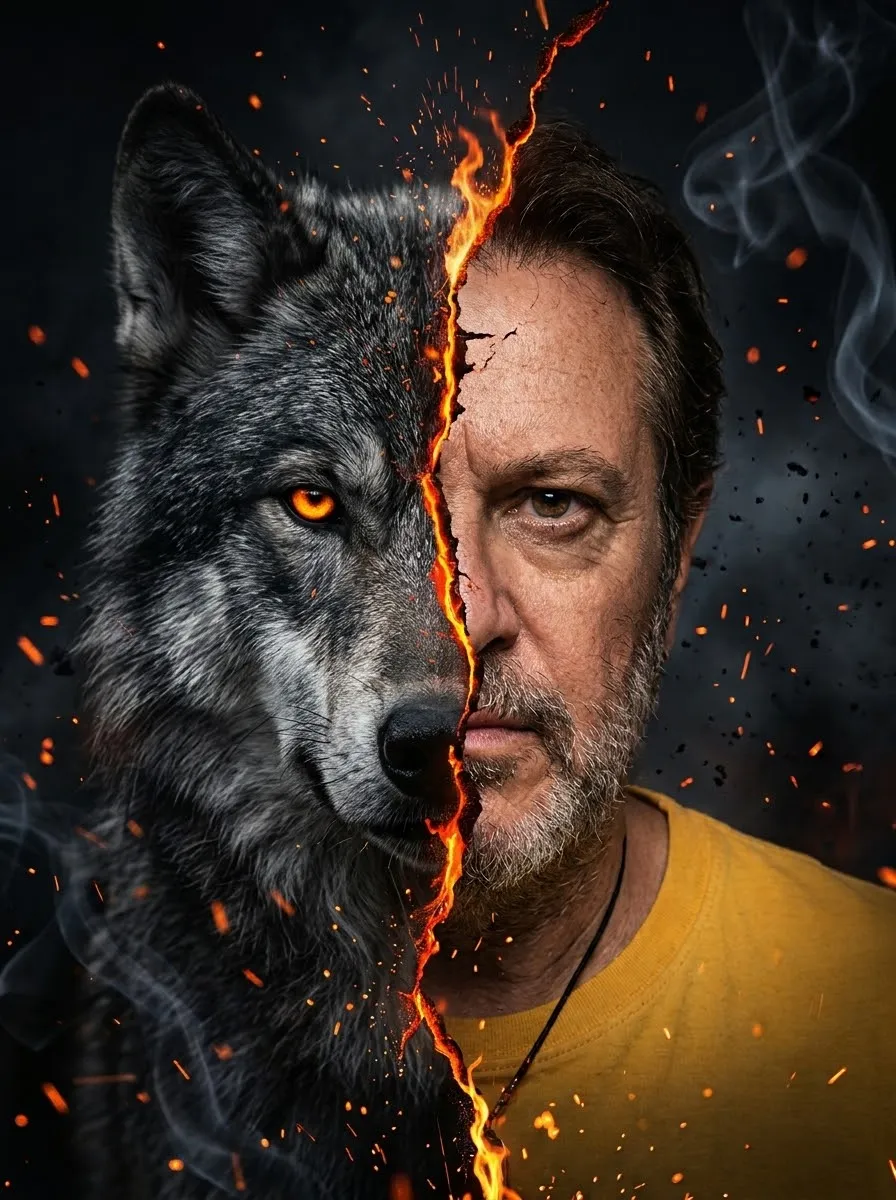
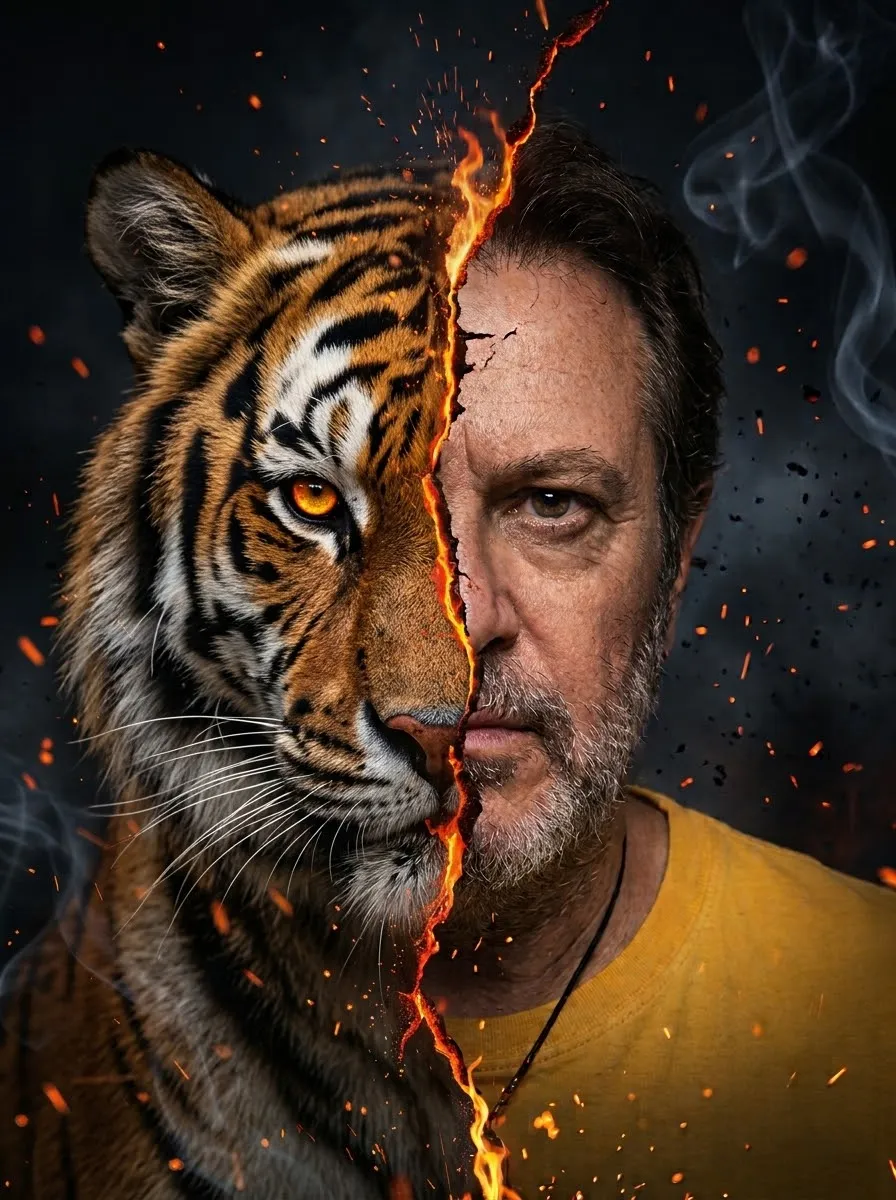
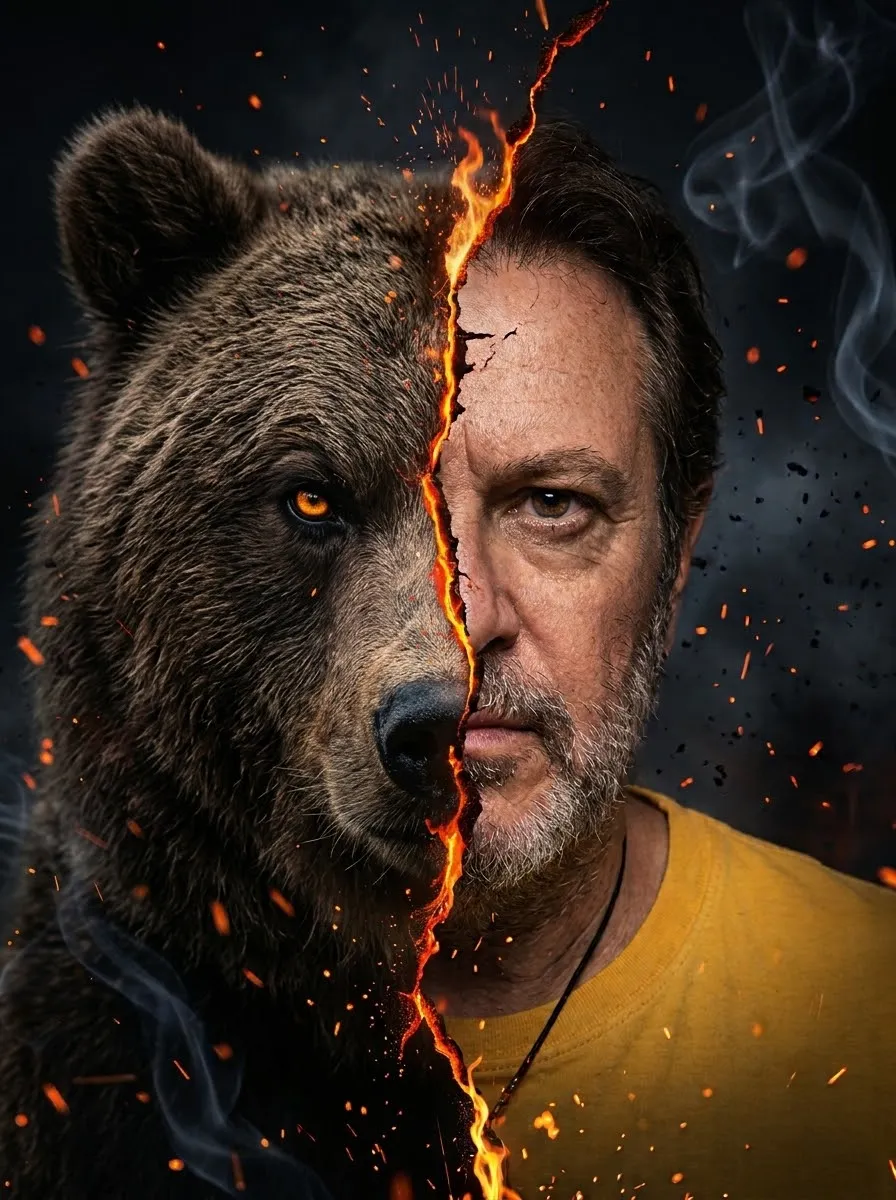
Prompt template
- Format
- Text Parameterized
- Inputs
- Reference_image (image) · Required animal (text) · Optional · Default: black panther
- Outputs
- Portrait (image)
Use the reference image to preserve the same face, black glasses, beard, and hair. Create a portrait divided in half: on the right, the man wearing a yellow T-shirt; on the left, a ${animal:black panther} with orange eyes. Separate them with a crack of fire and orange sparks. Use a dark background with smoke and embers. Make it dramatic and cinematic, realistic, in a 3:4 aspect ratio.Replace the ${…} placeholders with your values
before using this prompt. See parameters
and defaults below
Parameters
Replace each placeholder with your own value, or use its default when one is provided
${animal:black panther}
animal
Default: black panther
What you'll create
The man appears on the right in yellow while a black panther or chosen animal fills the left. A crack of fire, orange sparks and smoky black surroundings divide the two faces.
Usage instructions
Provide a reference photo that clearly shows the face and features to preserve. The animal input controls the subject on the left; changing it leaves the person's specified appearance and the fiery split composition intact.
Frequently asked questions
Which side contains the human?
The right side.
Is the default animal a lion?
No. It is a black panther with orange eyes.



Comments
Tried this prompt? Share what you made, compare results, or ask a question