Engraved Coin with a Reference Portrait
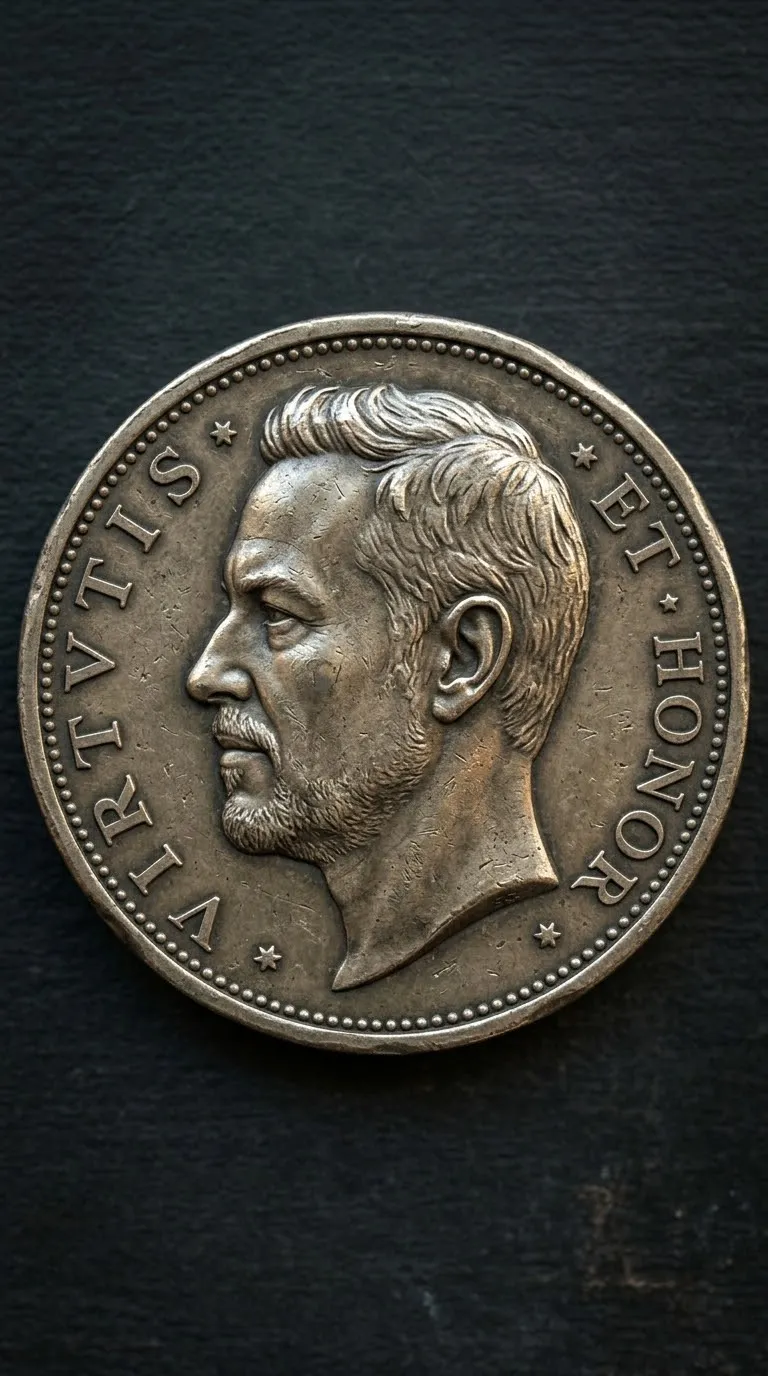
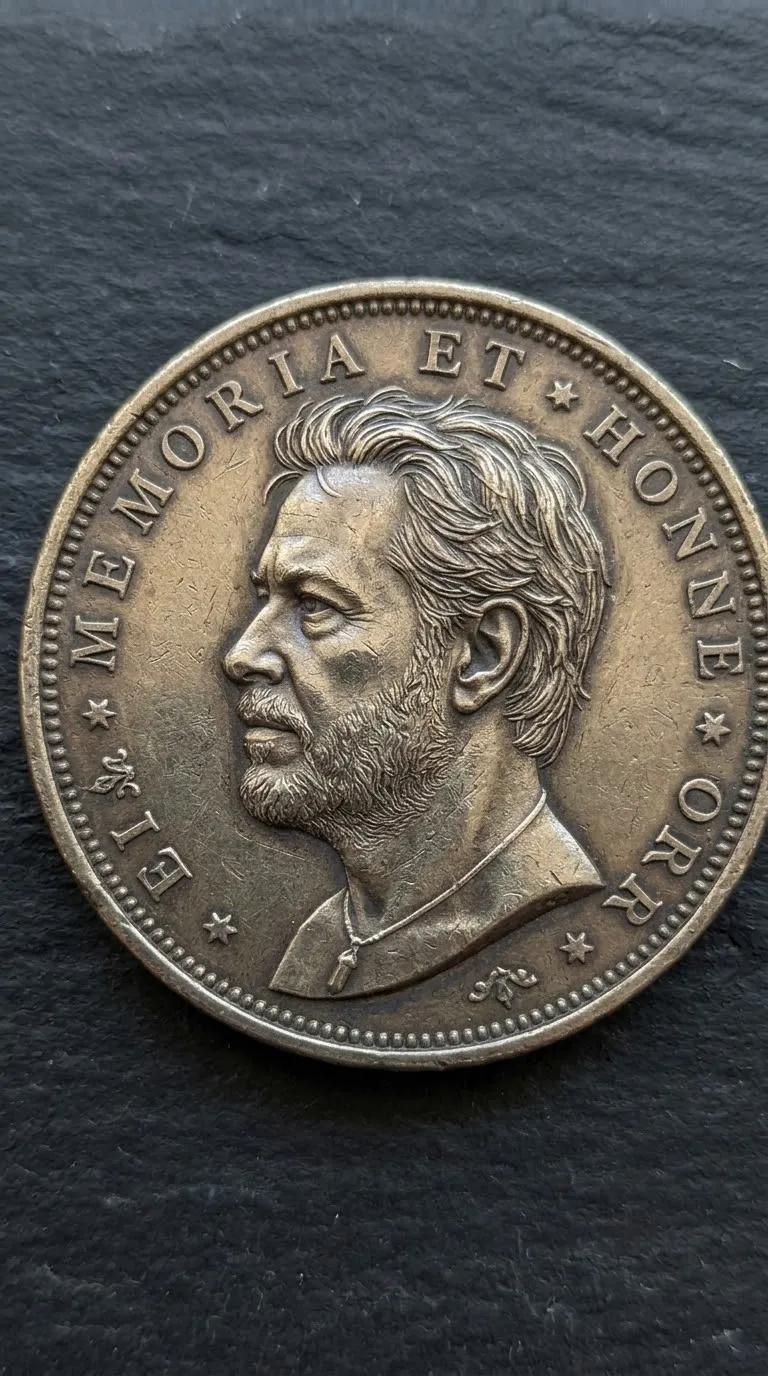
Create a realistic metallic coin featuring a profile portrait based on a supplied photo, with detailed engraving and a full, uncropped view.
Prompt template
- Format
- Text
- Inputs
- Reference_photo (image) · Required
- Outputs
- Coin_image (image)
Create a realistic coin featuring the face of the person in the attached reference image, embossed in profile. Do not change the person's facial features; keep the face accurate to the reference, unchanged, and realistic. Craft the coin with realistic engraved textures and fine relief detailing. Show light reflections, scratches, and a metallic sheen on its surface. Include subtle inscriptions or symbols around the border to resemble authentic minting. Center the coin against a dark, minimal background to emphasize its texture and realism. Show the entire coin with no cuts or cropping, in a 9:16 aspect ratio at 8K resolution.What you'll create
A reference-guided face appears as metallic relief within a centered coin. Natural-looking scratches and reflected light define its engraving against a dark background in a tall canvas.
Usage instructions
Provide the photo whose face should appear on the coin. The prompt emphasizes preserving the reference face while rendering it as an engraved metallic profile; changing the background from dark and minimal will alter the contrast around the coin.
Frequently asked questions
Does a tall canvas mean an oval coin?
No. The source requests a complete coin within portrait framing.
Is the portrait a pasted photograph?
No. It is embossed and engraved into the metal.
Comments
Tried this prompt? Share what you made, compare results, or ask a question