Fluid-Art Profile Portrait from a Reference Image
Create a surreal digital-illustration portrait that blends a reference face with flowing, marbled paint patterns.
Example outputs
AI-generated video of a peaceful person in full profile, framed by flowing marbled paint that becomes their hair against an abstract background.
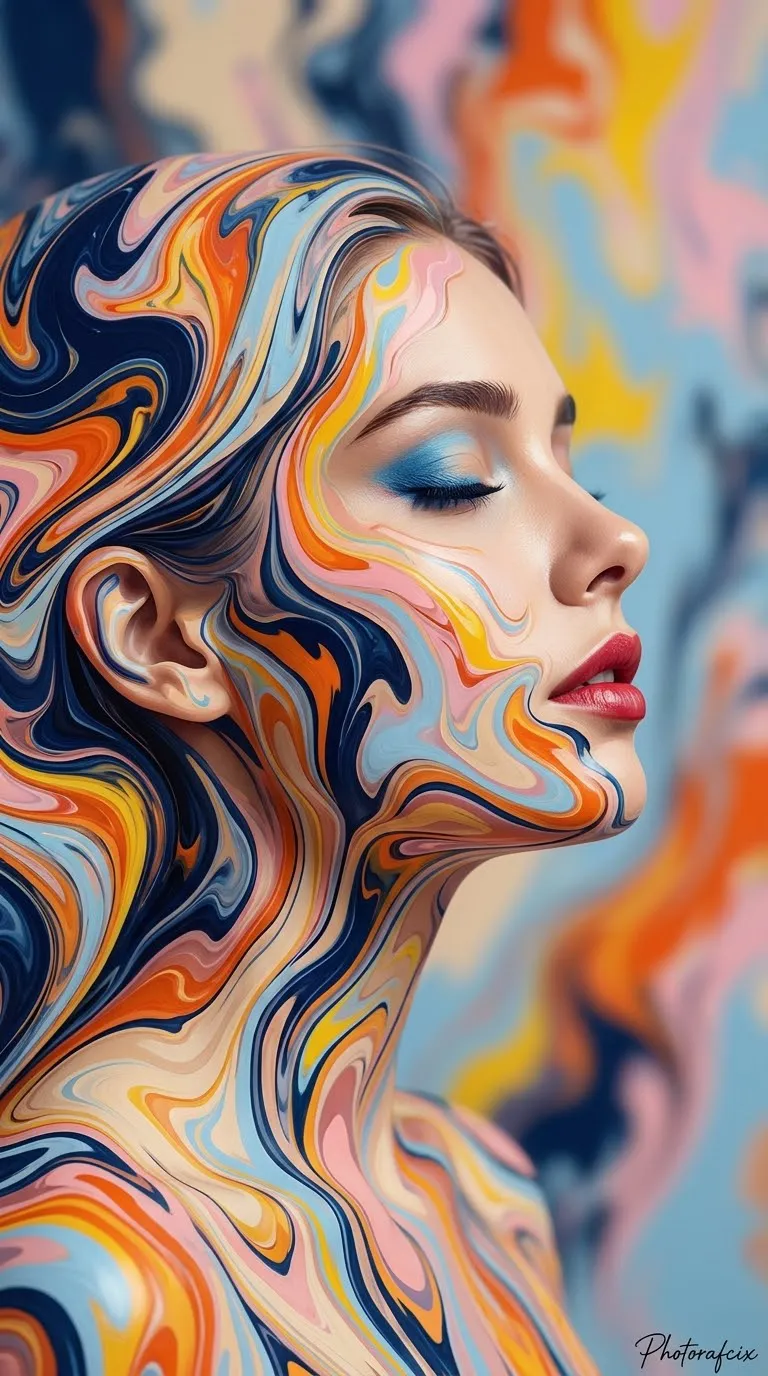
Download video result 1AI-generated video of a peaceful person in full profile, framed by flowing marbled paint that becomes their hair against an abstract background.
Download video result 2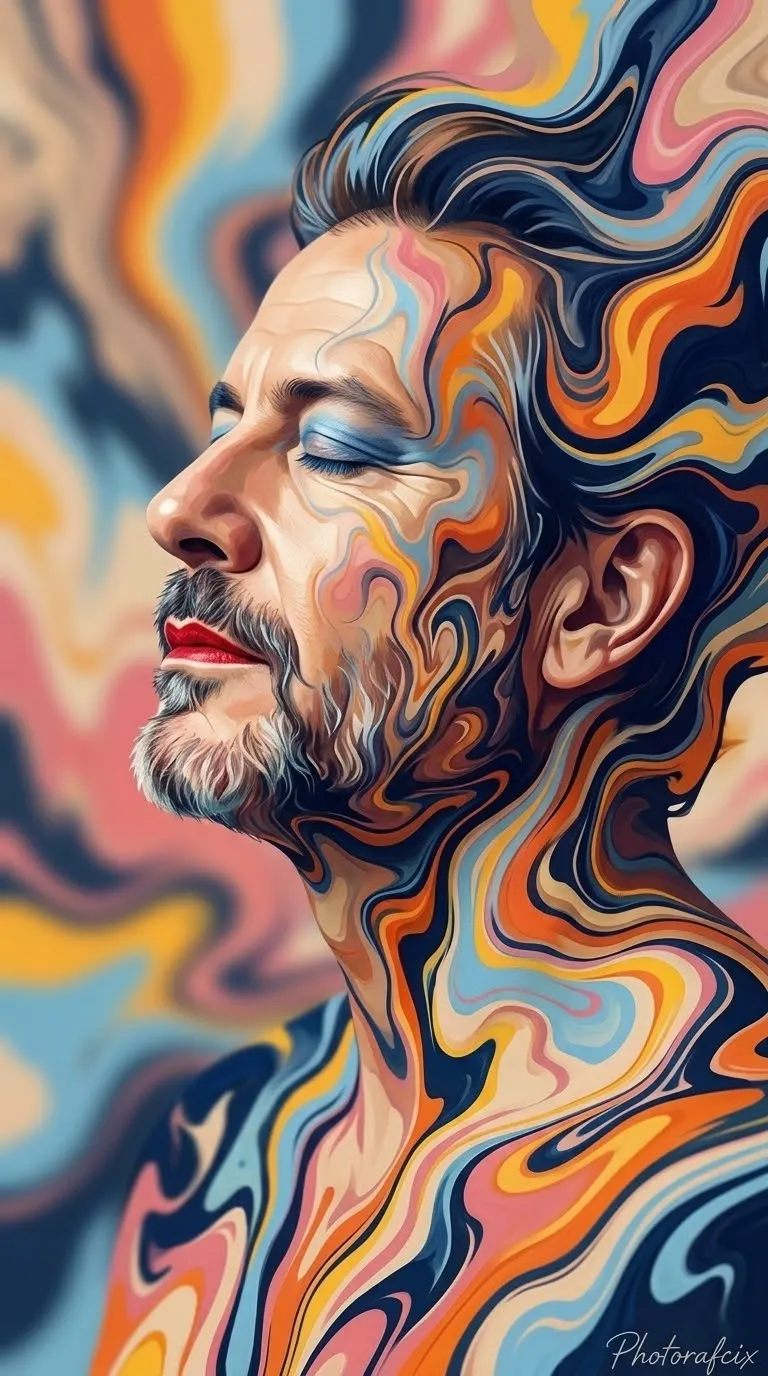
Prompt template
- Format
- Text Parameterized
- Inputs
- Reference_image (image) · Required signature (text) · Optional · Default: Photorafcix
- Outputs
- Generated_image (image)
Use the face from the provided reference image and do not change it. Create a strong-perspective, cinematic 3D, ultra-realistic 8K RAW, HDR image with vivid colors in a vertical 9:16 format.

Subject: The face and body blend with fluid paint patterns that surround them. The eyes are closed, with a peaceful, calm expression and a deep sense of serenity. The lips are slightly parted and wear red lipstick. The eyelids have blue eyeshadow.

Pose and composition: Show a full side profile. Tilt the head slightly upward. Show the neck and upper shoulders; keep the arms and hands out of frame. Use a vertical composition, placing the face in the right-center area.

Scene and lighting: Use a completely abstract background. Flowing, undulating patterns with a marbled or liquid-paint appearance stream around the face and from the hair. Let these patterns frame the face and become the hair. Use soft, diffused, natural light, with subtle highlights that define the cheekbone, nose, and lips, and soft shadows. Interweave dark navy, orange, yellow, light blue, pink, and beige tones.

Style and texture: Use surrealism, fluid art, and a digital-illustration style. Give the image a smooth paint or digital-painting texture. Make the edges of the fluid patterns sharp and undulating.

Add the handwritten signature "${signature:Photorafcix}" in the bottom-right corner of the image.
Replace the ${…} placeholders with your values
before using this prompt. See parameters
and defaults below
Parameters
Replace each placeholder with your own value, or use its default when one is provided
${signature:Photorafcix}
signature
Default: Photorafcix
What you'll create
The reference face tilts upward in side profile with red lips and blue eyeshadow. Sharp undulating paint forms blend the head and shoulders into a multicolored surreal composition.
Usage instructions
Frequently asked questions
Are the hands included?
No. Arms and hands stay outside the frame.
Does the gaze meet the viewer?
No. The eyes are closed.



Comments
Tried this prompt? Share what you made, compare results, or ask a question