Minimalist Continuous-Line Vector Drawing
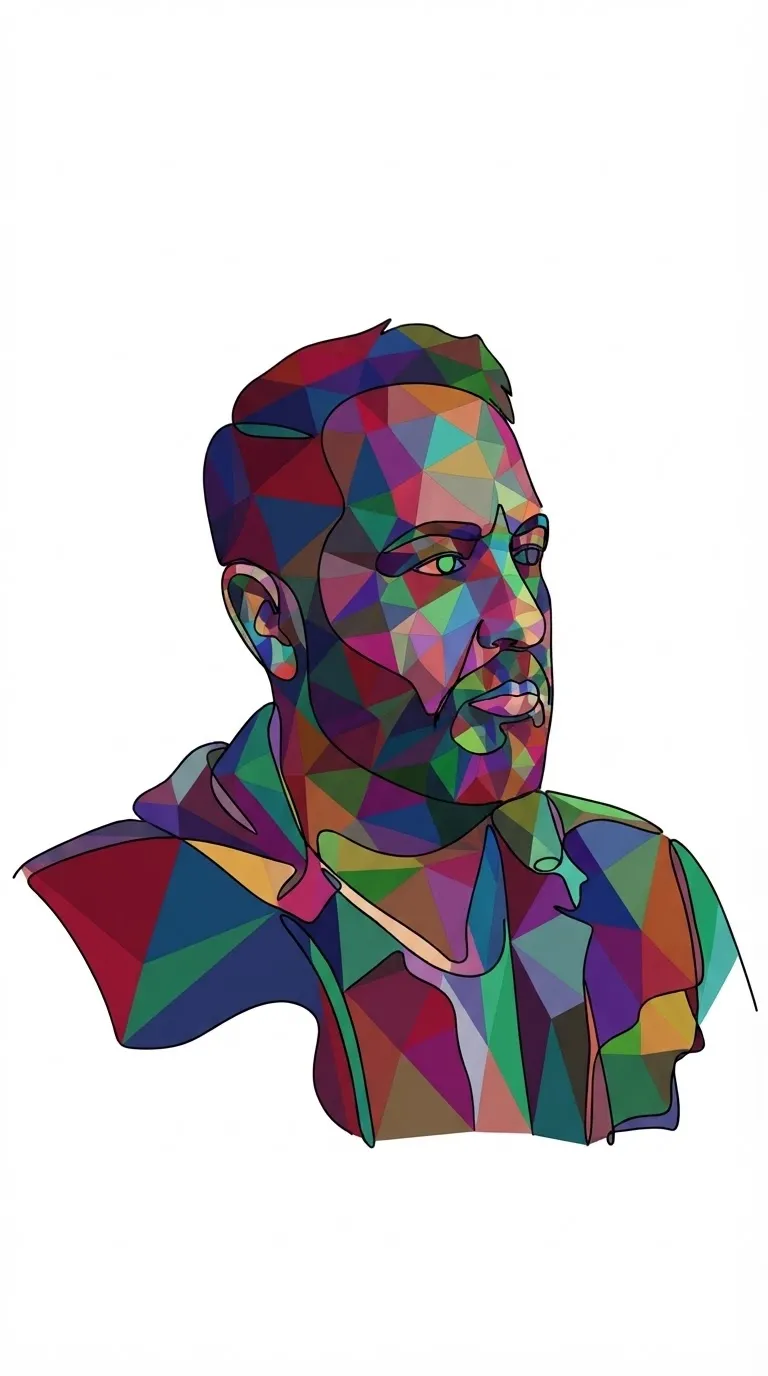
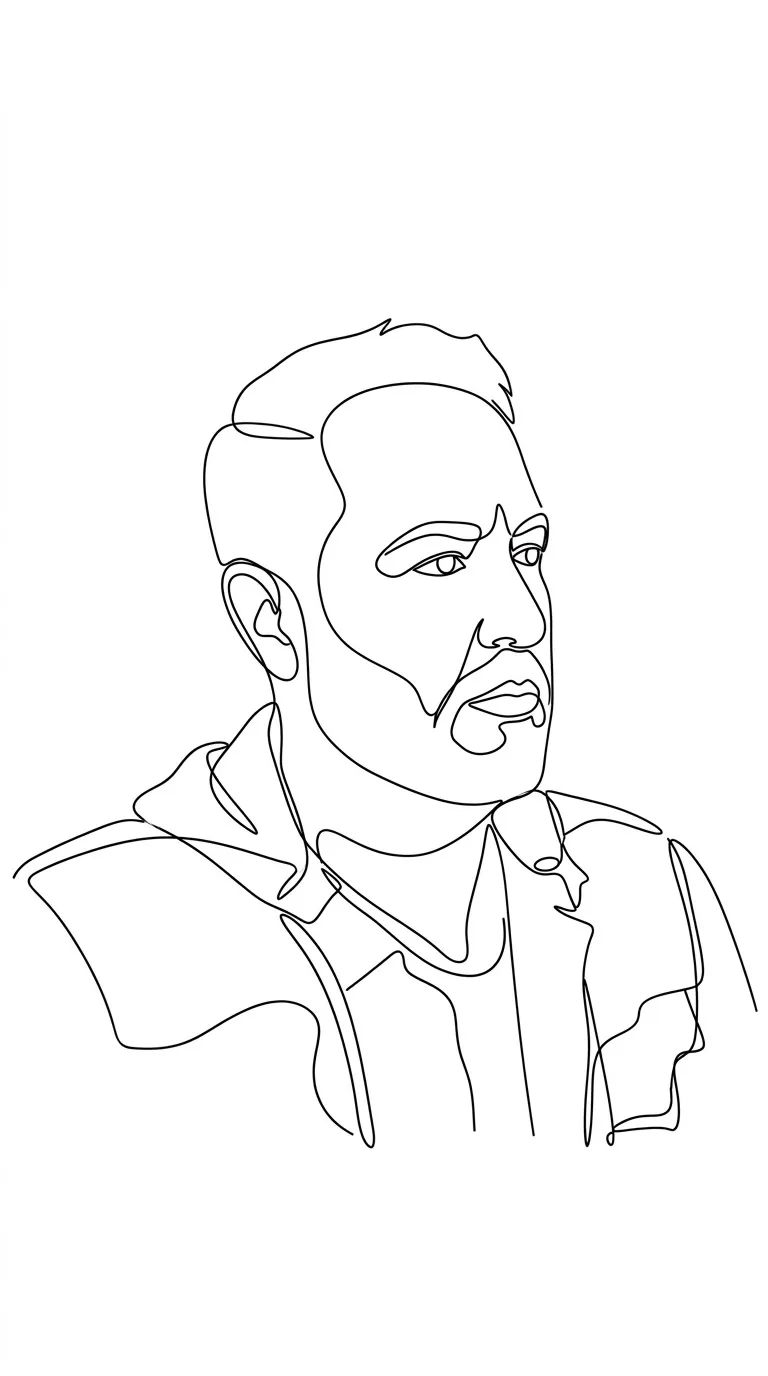
Create a minimalist, logo-inspired continuous-line vector drawing of a customizable subject, using a different color for each polygon.
Example outputs

Prompt template
- Format
- Text Parameterized
- Inputs
- subject (text) · Required color (text) · Required
- Outputs
- vector_style_image (image)
Create a minimalist continuous-line drawing of ${subject} in a clean 2D vector style. Use a single uninterrupted outline, with a different color from ${color} for each polygon. Place it on a pure white background with a simplified silhouette, smooth flowing curves, elegant proportions, balanced negative space, and a modern abstract aesthetic. Use a logo-inspired composition. Do not use fills, shadows, textures, or extra details.Replace the ${…} placeholders with your values
before using this prompt. See parameters
and defaults below
Parameters
Replace each placeholder with your own value, or use its default when one is provided
${subject}
subject
Required
${color}
color
Required
What you'll create
A single flowing outline reduces the selected subject to an elegant abstract silhouette. Balanced empty space and limited colored linework give it a logo-like vector treatment.
Frequently asked questions
Are solid filled shapes requested?
No. Fills, shadows and texture are excluded.
Can the outline break into many disconnected strokes?
No. It is specified as one uninterrupted line.






Comments
Tried this prompt? Share what you made, compare results, or ask a question