Replace a Face and Create a Glowing Snowman Projection
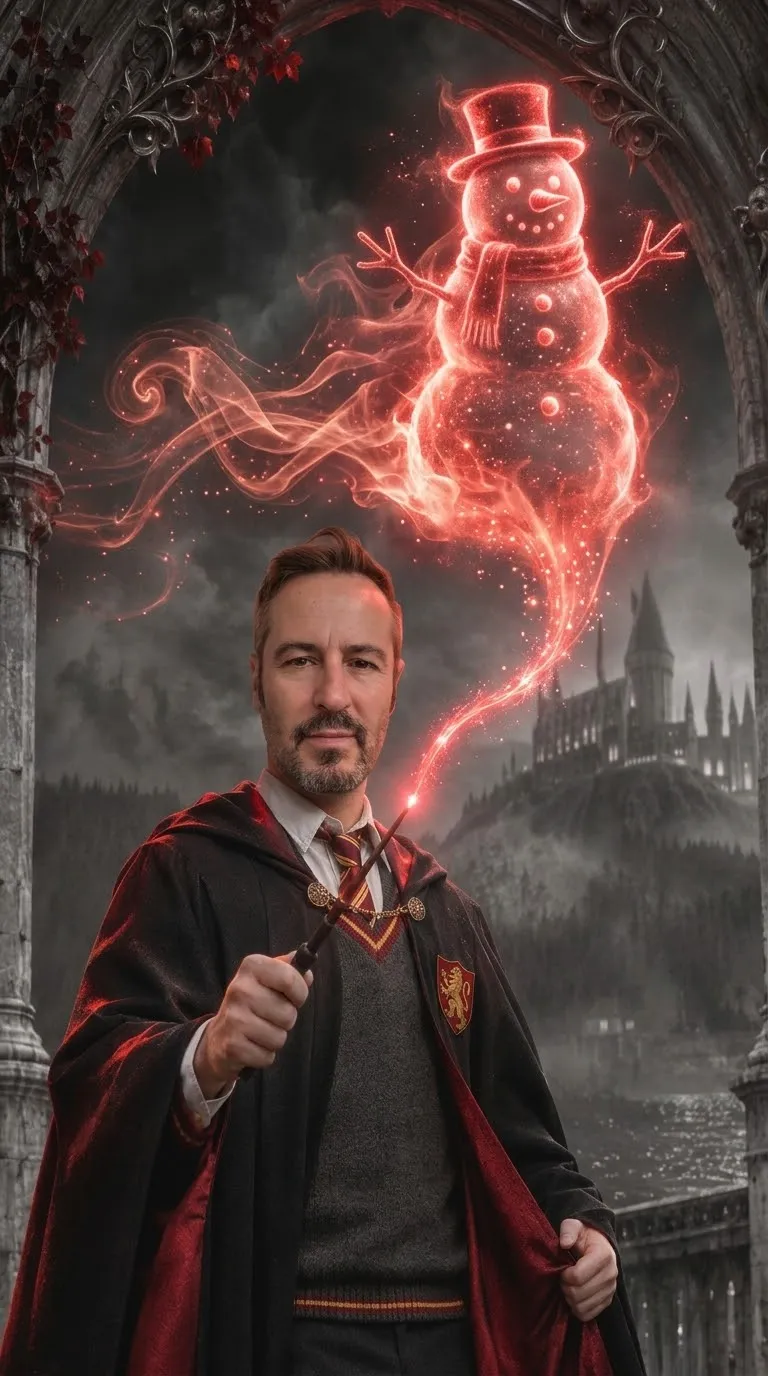
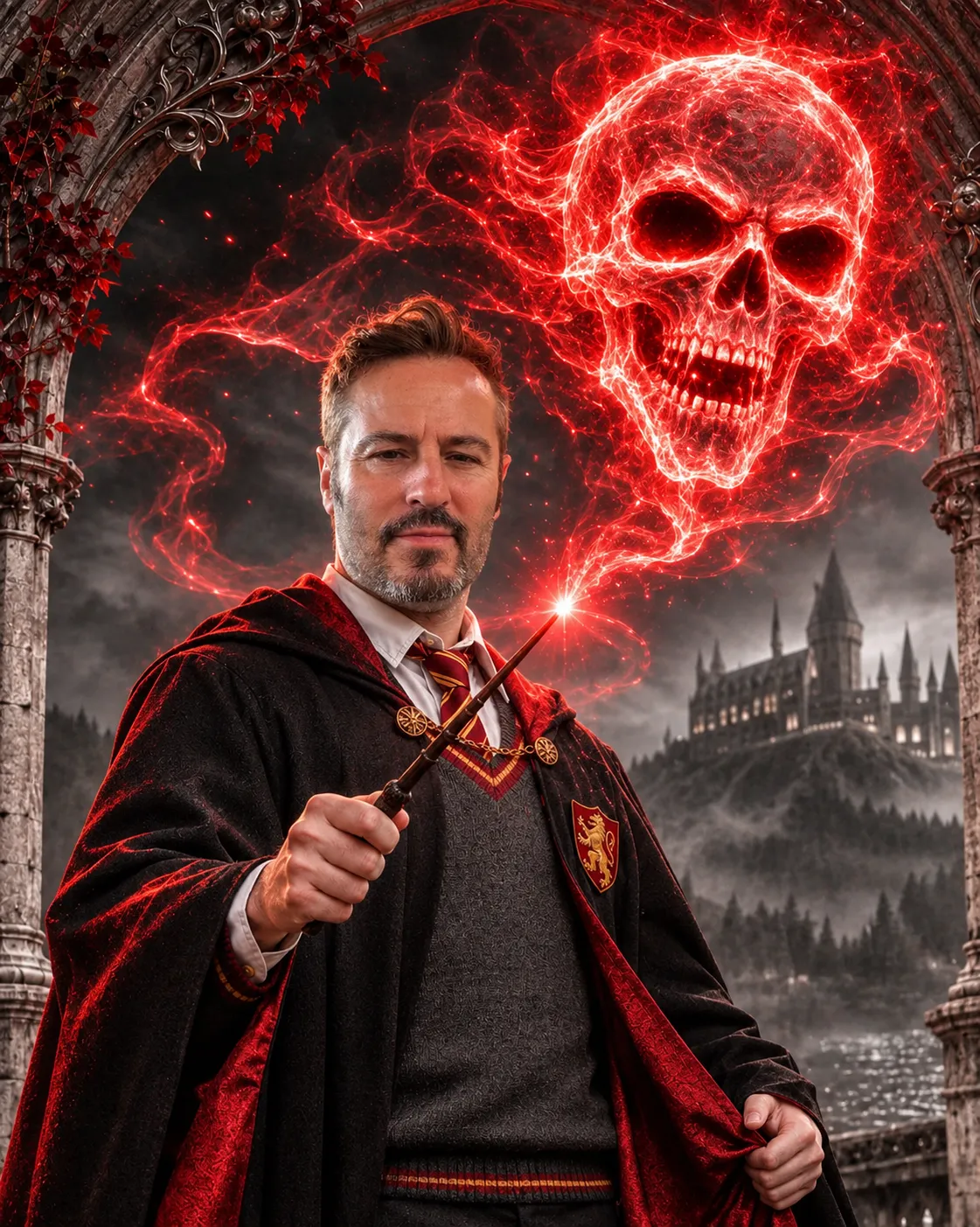
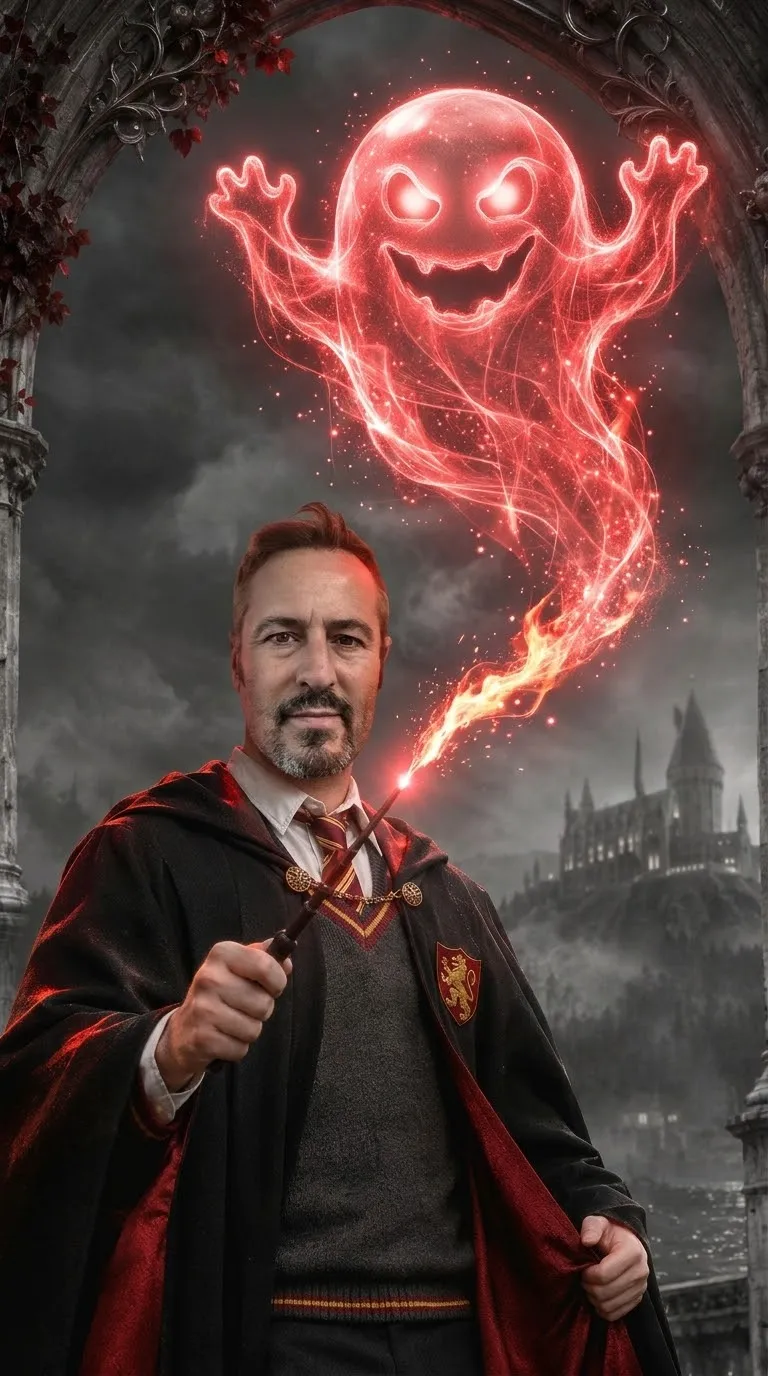
Edit a base image by replacing the subject’s face with the face from a reference photo and changing the wand’s magical projection into a glowing figure represented by an emoji.
Example outputs
Prompt template
- Format
- Text Parameterized
- Inputs
- Base_image (image) · Required Face_reference_photo (image) · Required emoji (text) · Optional · Default: ☃️
- Outputs
- Edited_image (image)
Use the first uploaded image as the base. Replace the face in the first image with the face from the second uploaded photo. Change the wand’s magical projection into a glowing figure representing this emoji: ${emoji:☃️}Replace the ${…} placeholders with your values
before using this prompt. See parameters
and defaults below
Parameters
Replace each placeholder with your own value, or use its default when one is provided
${emoji:☃️}
emoji
Default: ☃️
What you'll create
The base scene gains the second image’s face while the wand’s projection becomes a luminous emoji-inspired figure. The default projection is a snowman.
Usage instructions
Provide the original scene as the first image and the face reference as the second; the first image is the base, and the second supplies the replacement face. Adjust the emoji value to change the wand’s glowing projection; the default is a snowman.
Frequently asked questions
What projection is used by default?
A glowing snowman figure.
Does the instruction replace the whole base scene?
No. It specifies a face replacement and a changed magical projection.



Comments
Tried this prompt? Share what you made, compare results, or ask a question