Fluffy 3D Gradient Letter
Create a cute, expressive 3D cartoon letter with plush fur, a yellow-to-light-red gradient, and a clean studio backdrop.
Example outputs
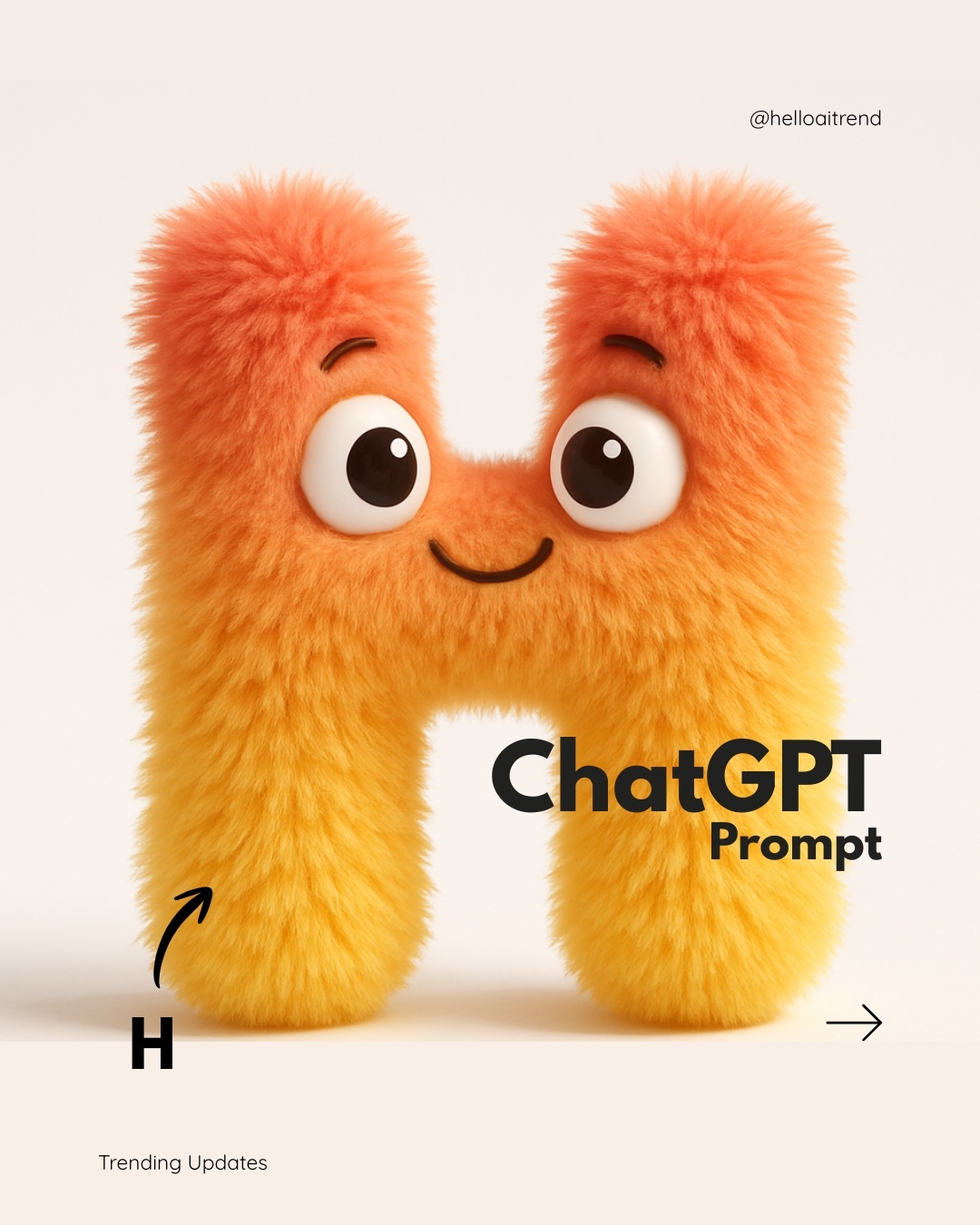
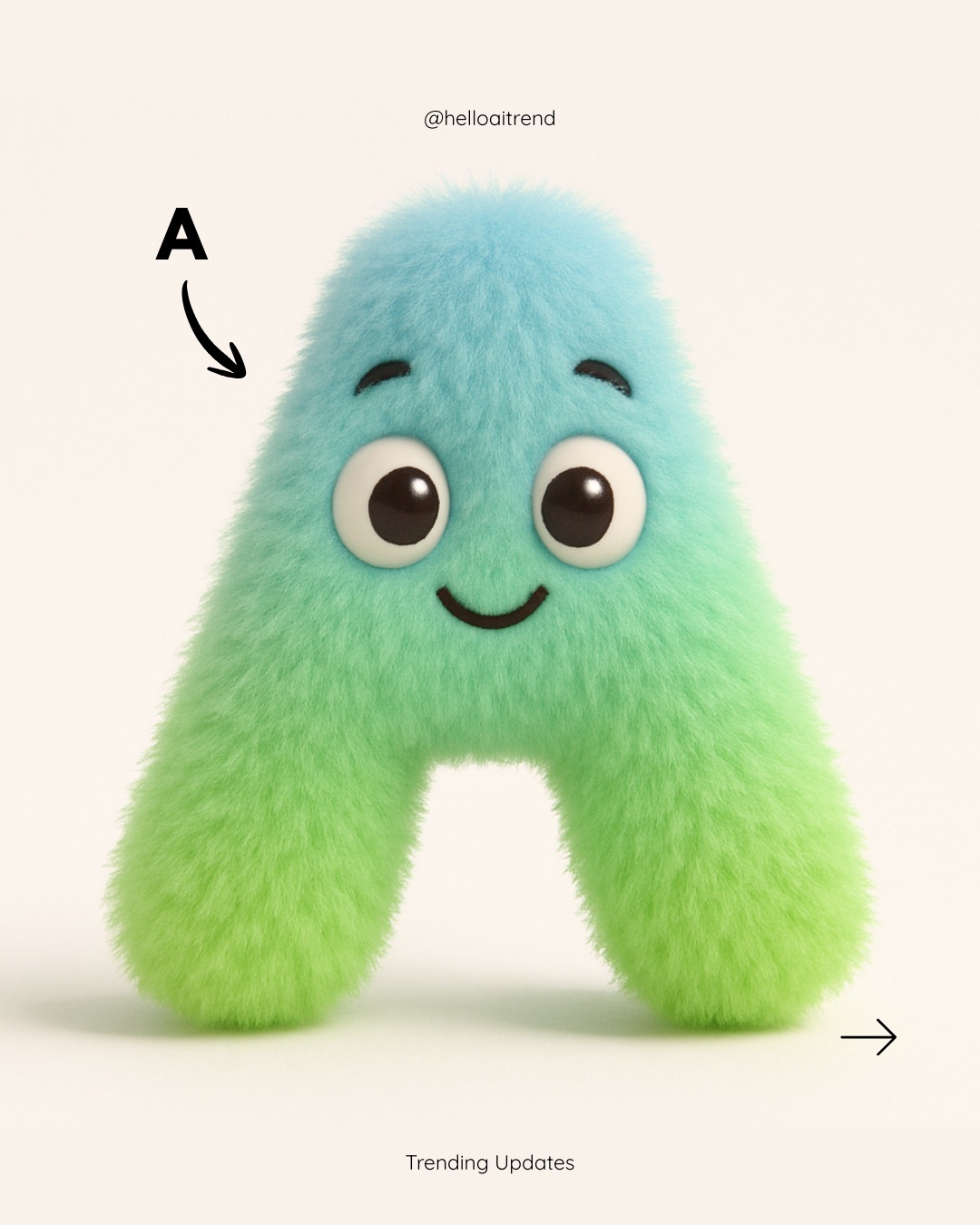
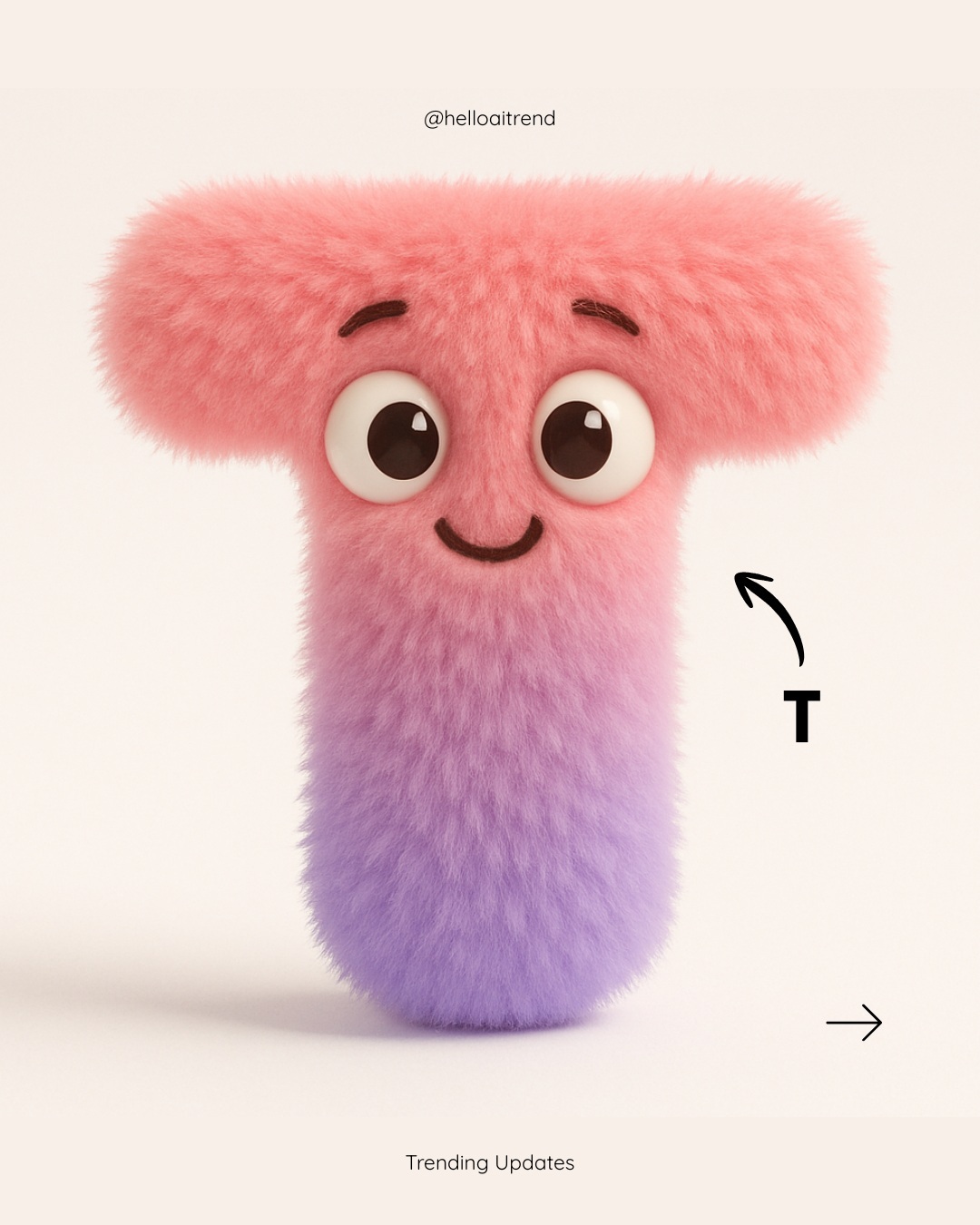
Prompt template
- Format
- Text Parameterized
- Inputs
- letter (text) · Optional · Default: H bottom_color (text) · Optional · Default: yellow top_color (text) · Optional · Default: light red
- Outputs
- Generated_image (image)
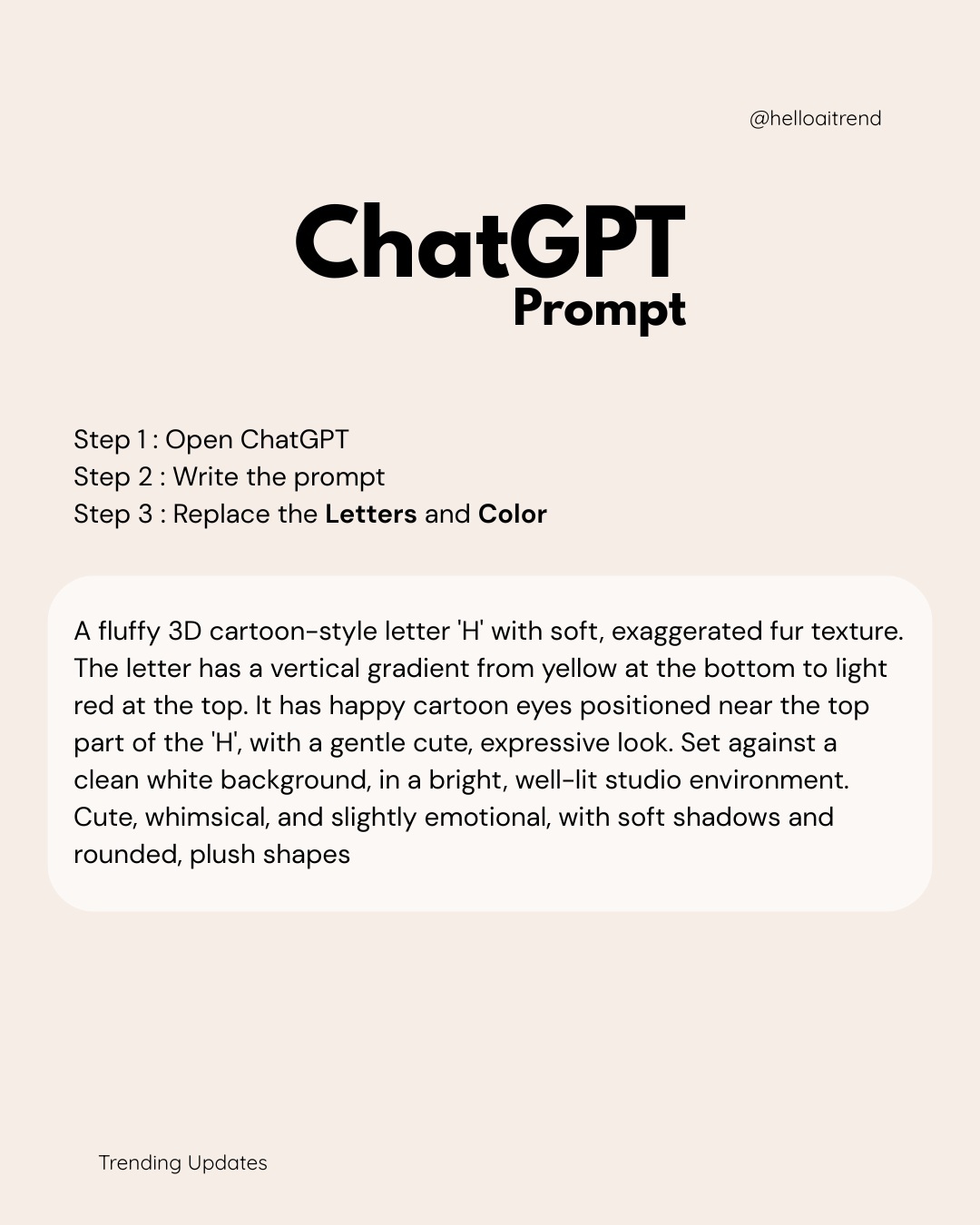
A fluffy 3D cartoon-style letter '${letter:H}' with soft, exaggerated fur texture. The letter has a vertical gradient from ${bottom-color:yellow} at the bottom to ${top-color:light red} at the top. It has happy cartoon eyes positioned near the top part of the letter, with a gentle, cute, expressive look. Set against a clean white background in a bright, well-lit studio environment. Cute, whimsical, and slightly emotional, with soft shadows and rounded, plush shapes.Replace the ${…} placeholders with your values
before using this prompt. See parameters
and defaults below
Parameters
Replace each placeholder with your own value, or use its default when one is provided
${letter:H}
letter
Default: H
${bottom-color:yellow}
bottom-color
Default: yellow
${top-color:light red}
top-color
Default: light red
What you'll create
A rounded, furry letter becomes a cheerful cartoon character with expressive eyes near its top. A vertical gradient moves from yellow to light red by default, while soft studio shadows separate the plush form from the white background.
Usage instructions
Frequently asked questions
Can I make a plain letter without cartoon eyes?
Yes. Remove the sentence requesting happy cartoon eyes while retaining the letter, fur texture and gradient directions. Otherwise the template includes the expressive face as part of the character.

Comments
Tried this prompt? Share what you made, compare results, or ask a question