Cinematic Extreme-Close-Up Portrait Wallpaper
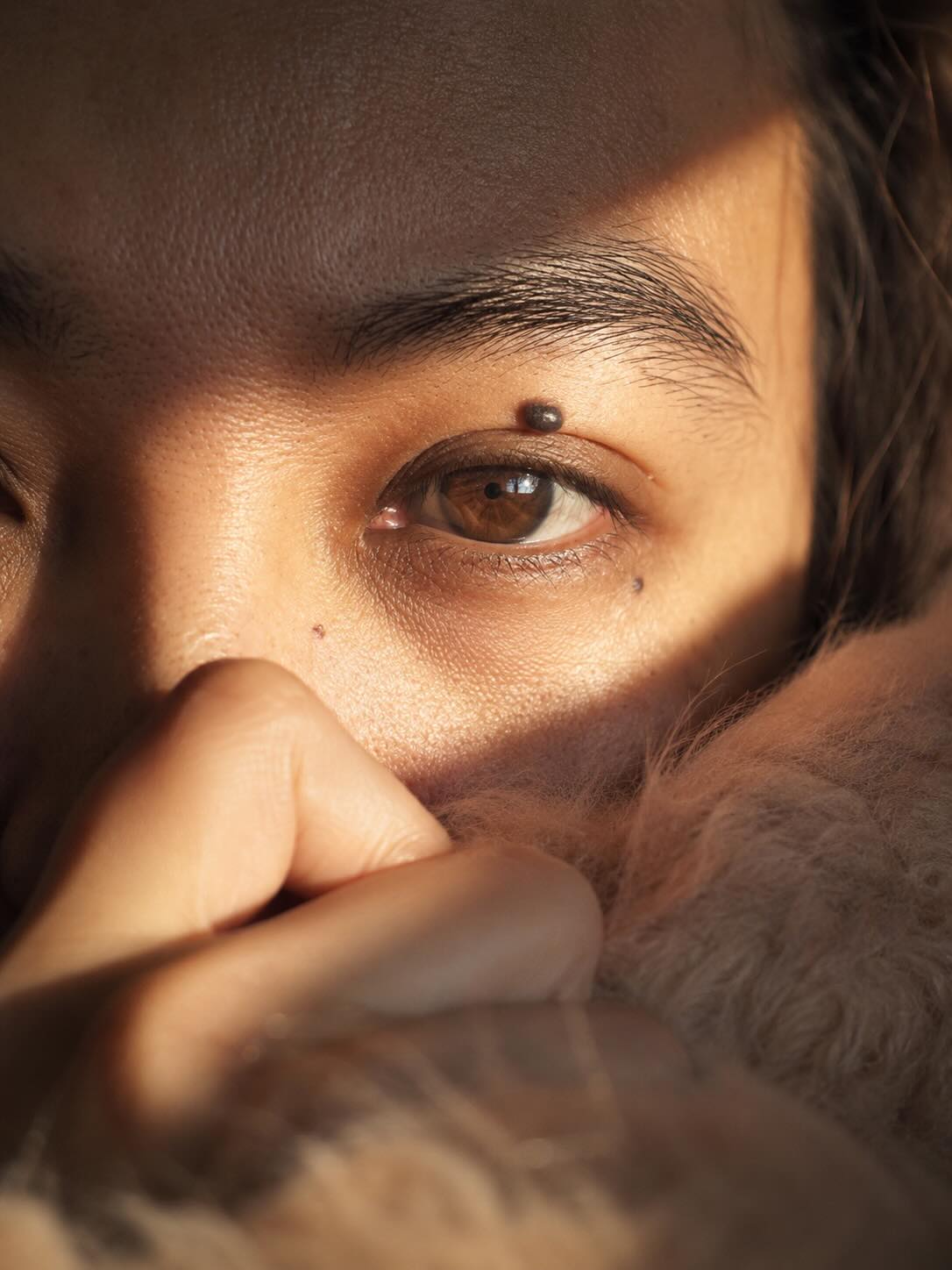
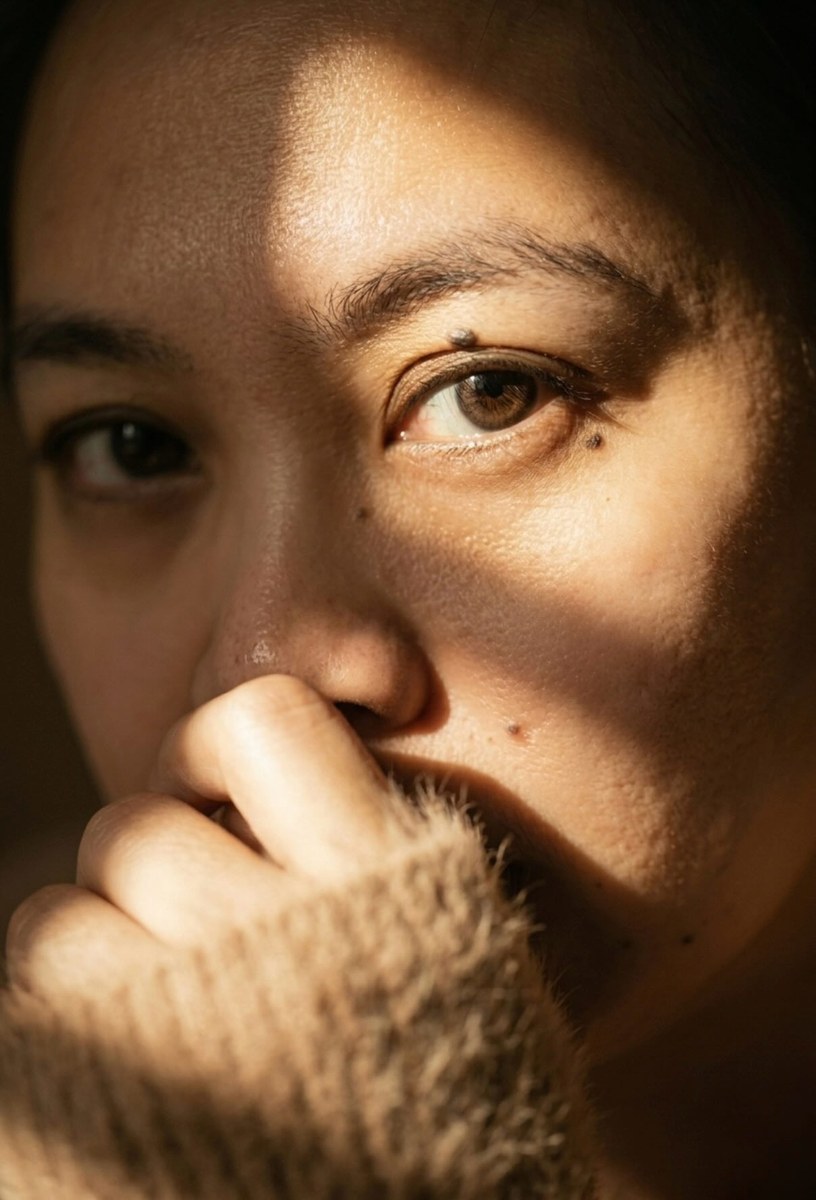
Create a photorealistic cinematic macro portrait from a reference image, preserving the subject’s face and emphasizing one expressive eye, dramatic sunlight, and a soft, intimate foreground.
Example outputs
Prompt template
- Format
- Text Parameterized
- Inputs
- Reference_image (image) · Required eye_color (text) · Optional · Default: amber brown aspect_ratio (text) · Optional · Default: 2:3
- Outputs
- Generated_portrait (image)
Using the provided reference image, create an ultra-detailed, intimate cinematic photographic portrait without changing the subject’s original face. Frame an extreme close-up, with one very expressive ${eye-color:amber brown} eye as the main focus and the surrounding skin texture clearly visible. The subject covers the lower half of their face with one hand, gently resting it on soft, furry light-brown or pale-brown angora clothing. Let the clothing create a softly blurred foreground with a bokeh effect. The subject wears soft brown contact lenses.

Use dramatic, directional natural sunlight, like afternoon golden hour: a strong, harsh beam strikes the upper face, casting sharp, deep diagonal shadows across the nose and lower cheek for intense chiaroscuro. Make the visible eye the sharpest focal point with hyper-realistic detail; use very shallow depth of field so the hand and background appear softly blurred and glowing.

Use a warm palette of desaturated sepia and rich earthy tones, with bright light and a slight dark-orange glow emerging from behind the soft clothing. The mood is contemplative, secretive, and introverted. Render photorealistically with fine grain and light halation.

--ar ${aspect-ratio:2:3} --v 5.2 --style photorealism --cinematic macro shot --intense lighting --shallow depth of field. Keep the original aspect ratio.
Replace the ${…} placeholders with your values
before using this prompt. See parameters
and defaults below
Parameters
Replace each placeholder with your own value, or use its default when one is provided
${eye-color:amber brown}
eye-color
Default: amber brown
${aspect-ratio:2:3}
aspect-ratio
Default: 2:3
What you'll create
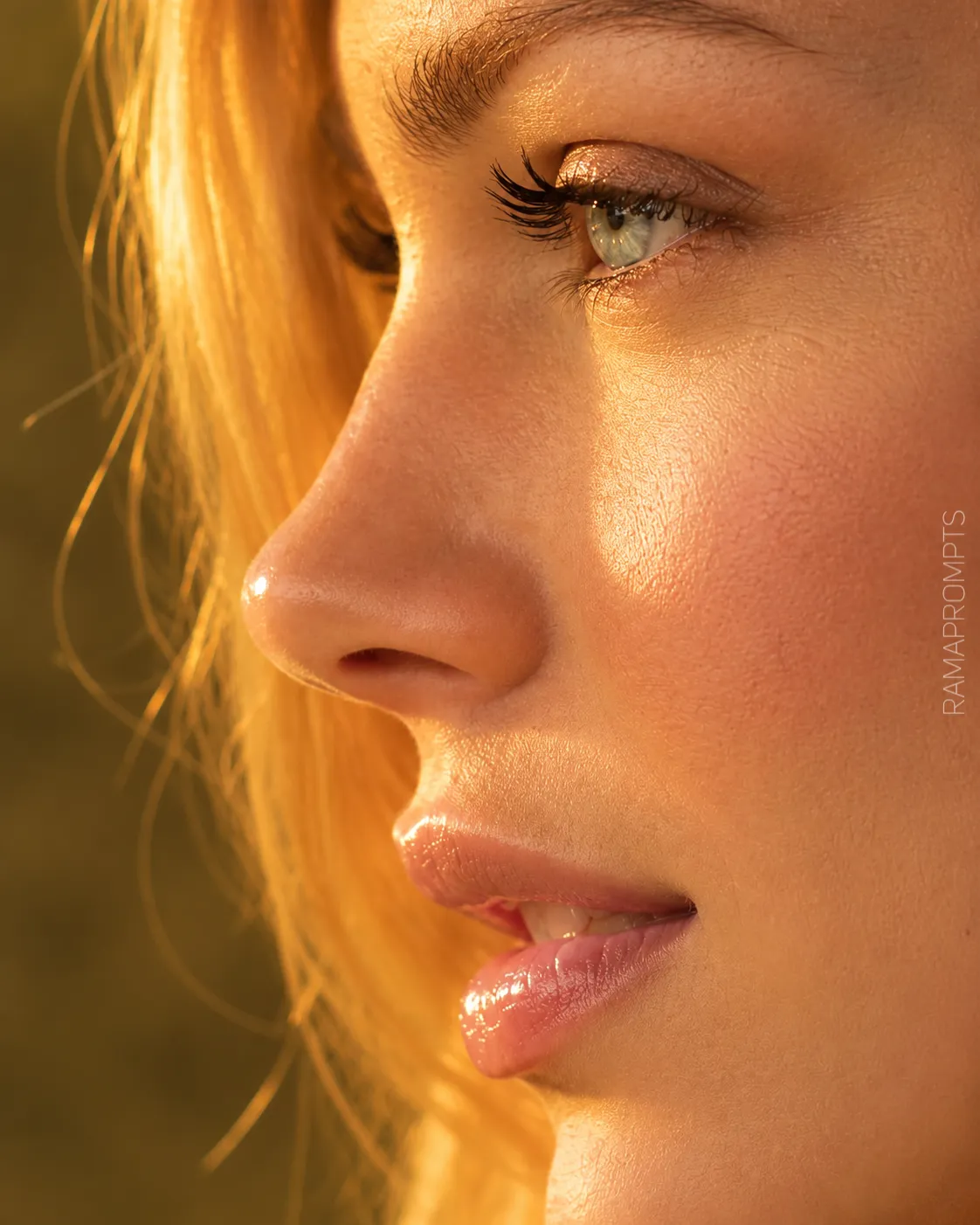
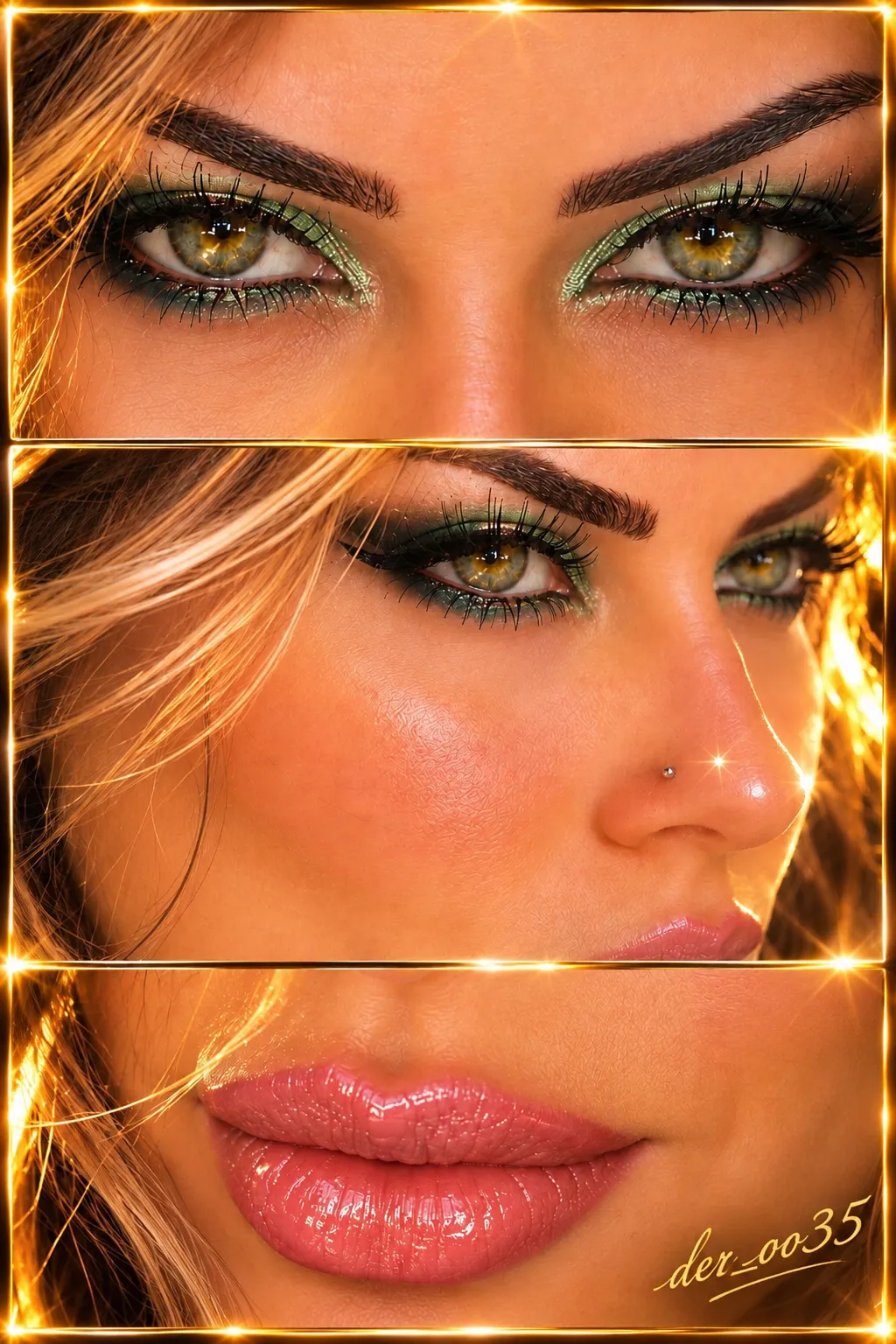
A subject covers the lower face with a hand while hard golden light cuts across the visible eye and upper face. Sepia and earthy tones deepen the intimate crop.
Frequently asked questions
What is the sharpest focal point?
The visible eye is sharply detailed while the hand and background remain softly blurred.




Comments
Tried this prompt? Share what you made, compare results, or ask a question