Photo and Risograph Split-Panel Print
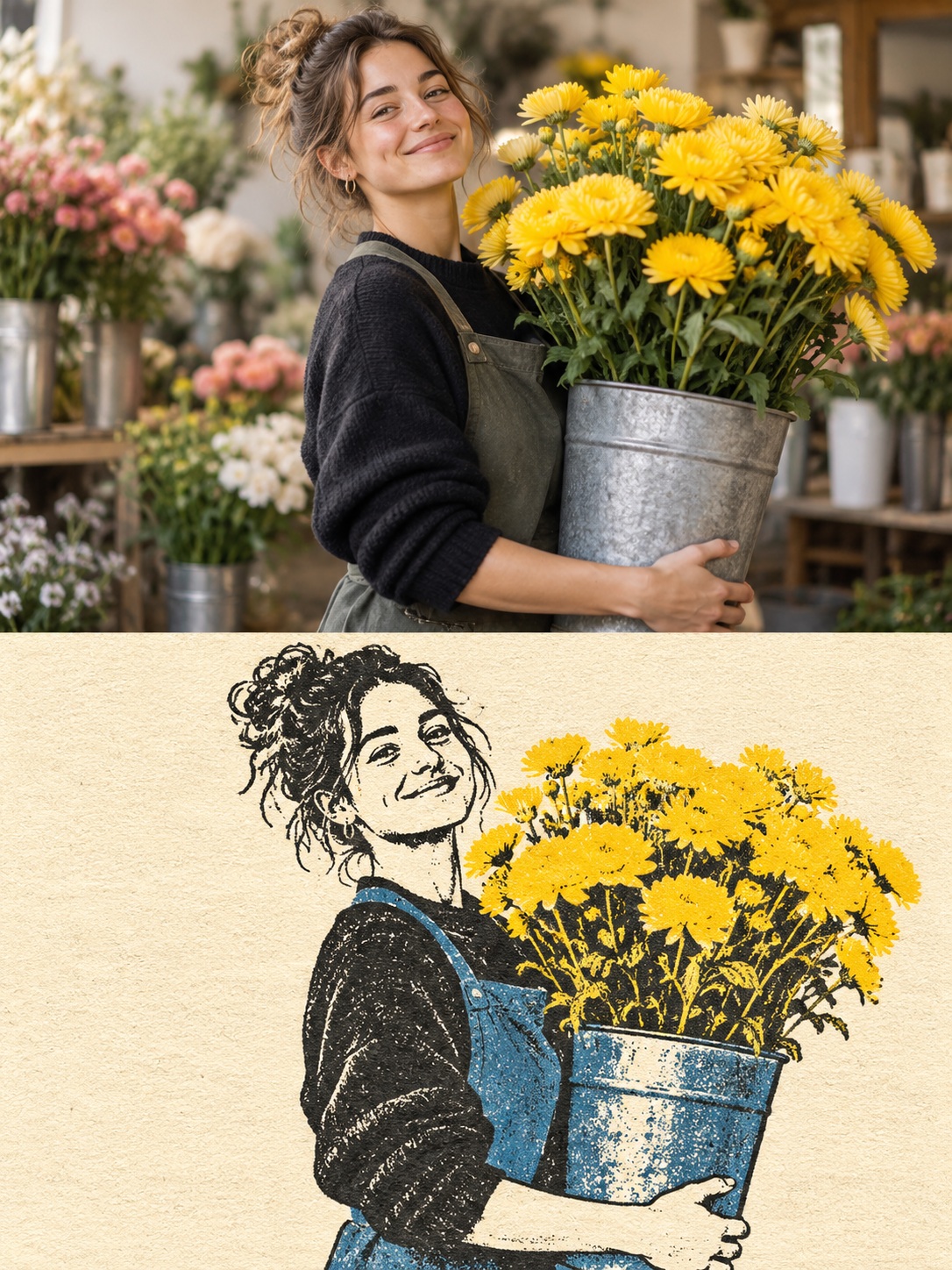
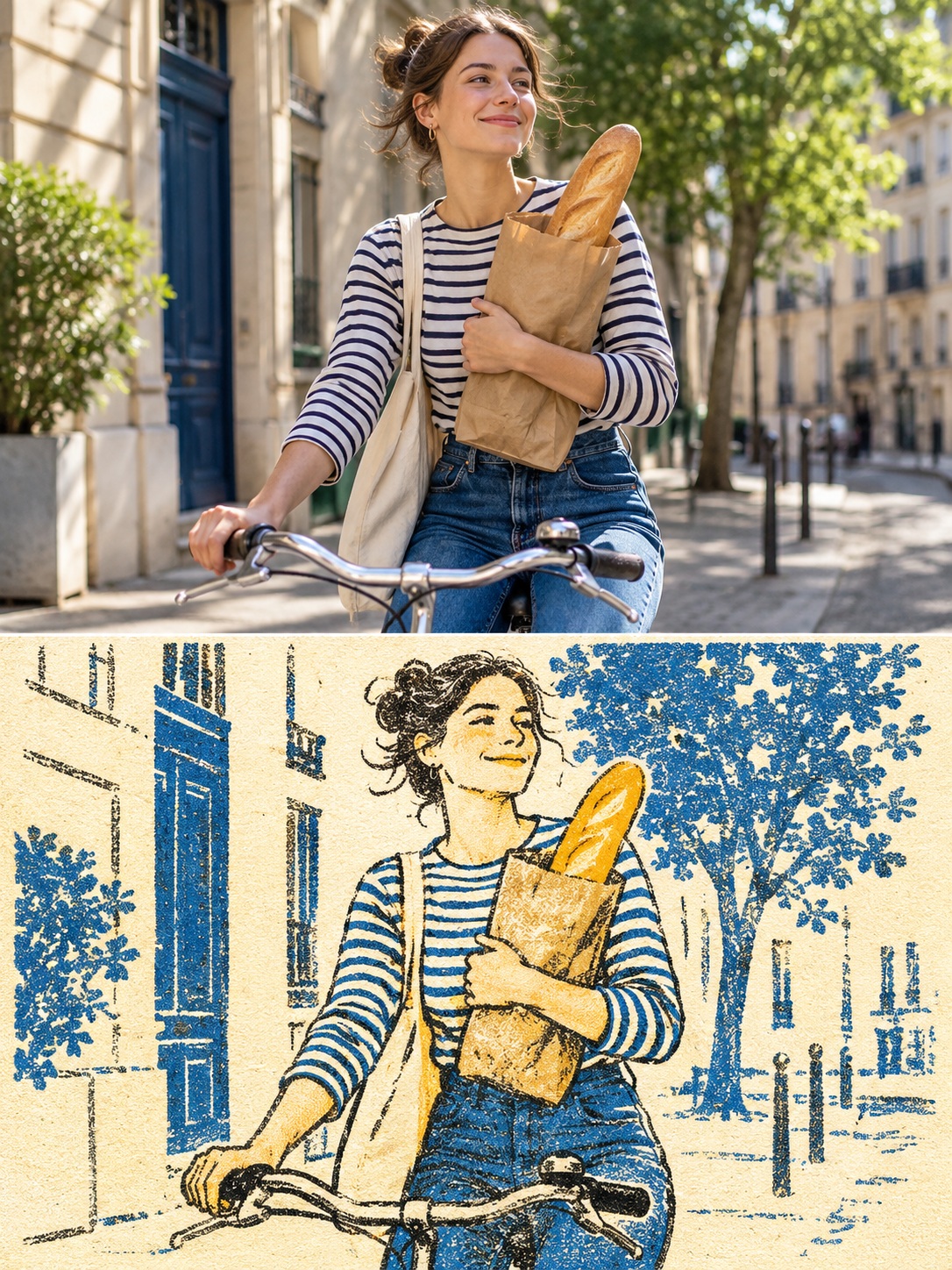
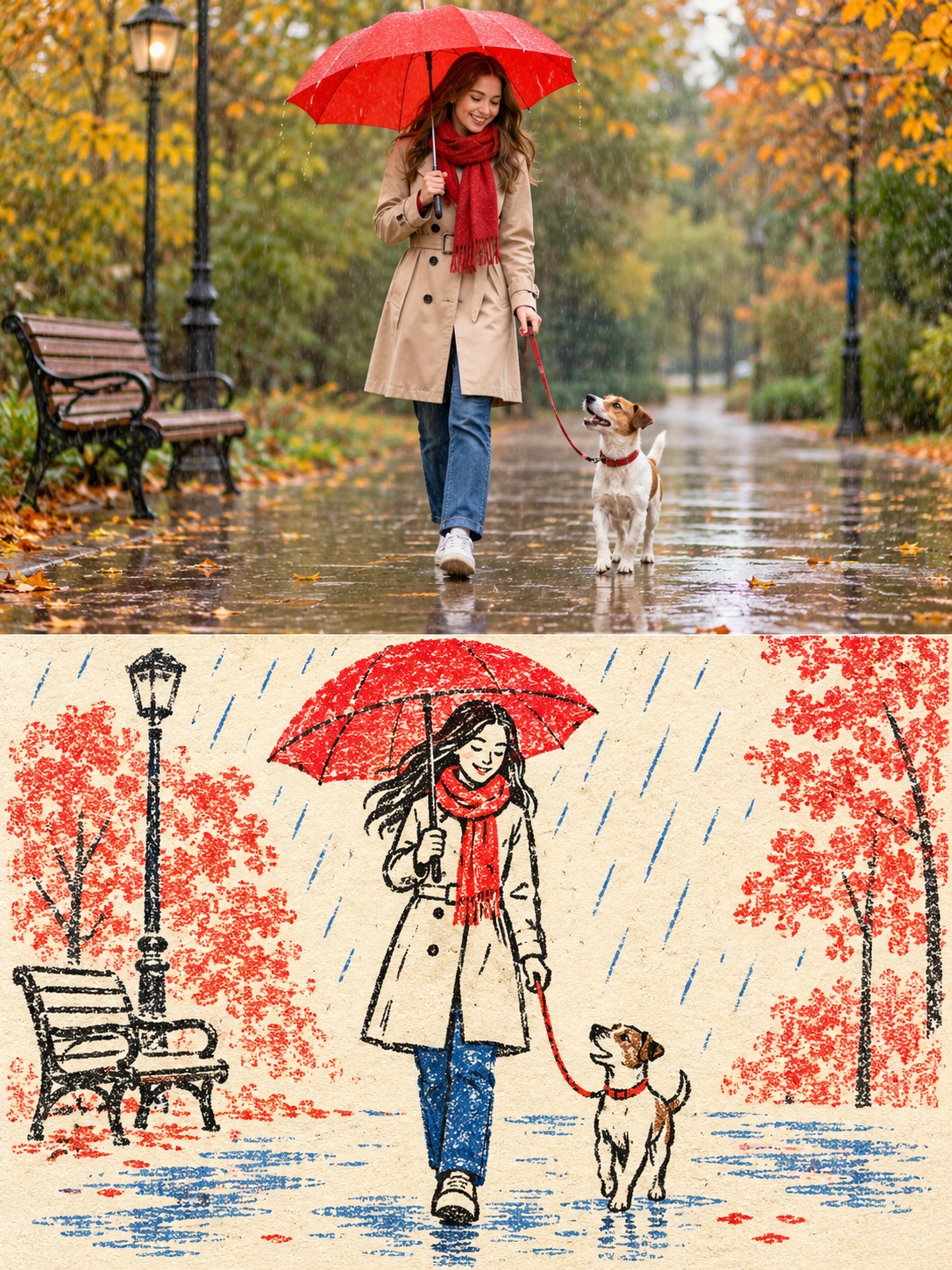
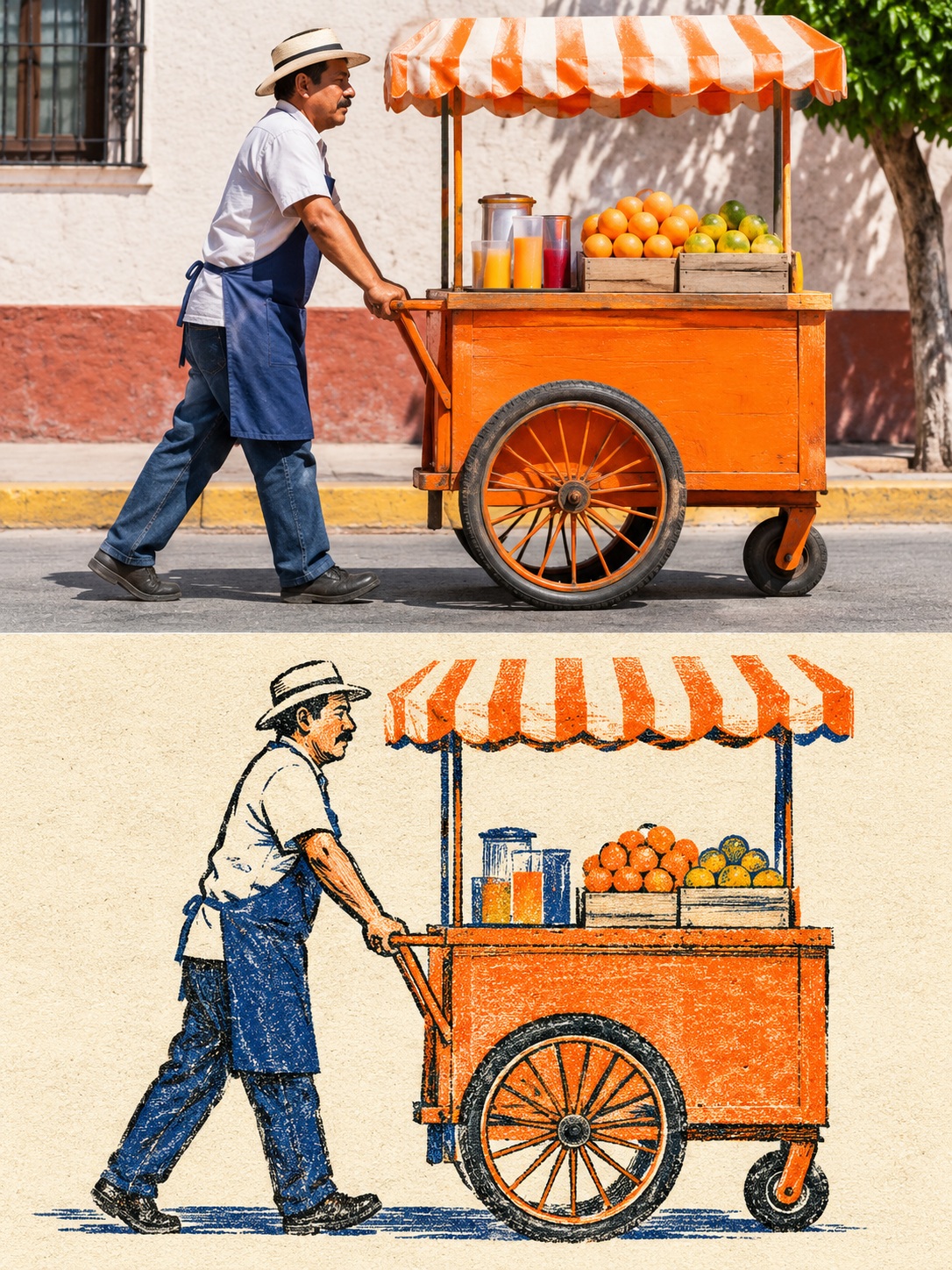
Create a 3:4 split-panel image pairing a photo of your chosen subject with a matching naive risograph illustration. Customize the subject while keeping the pose and framing consistent across both halves.
Example outputs
Prompt template
- Format
- Text Parameterized
- Inputs
- subject (text) · Required
- Outputs
- split_panel_image (image)
3:4, equal halves. Top: photo of ${subject}. Bottom: same scene as naive risograph on ivory paper, rough black lines, two muted inks and grain. Match pose and framing. No text.Replace the ${…} placeholders with your values
before using this prompt. See parameters
and defaults below
Parameters
Replace each placeholder with your own value, or use its default when one is provided
${subject}
subject
Required
What you'll create
This prompt creates a 3:4 image divided into equal halves, with a photo of the chosen subject above a matching risograph-style scene. The lower panel uses ivory paper, rough black lines, two muted ink colors, and grain, with no text.
Usage instructions
Frequently asked questions
What should I put in the subject field?
Choose a subject or everyday scene; both panels should depict that same scene.


Comments
Tried this prompt? Share what you made, compare results, or ask a question