Santorini Blue Dome Split-Panel Watercolor
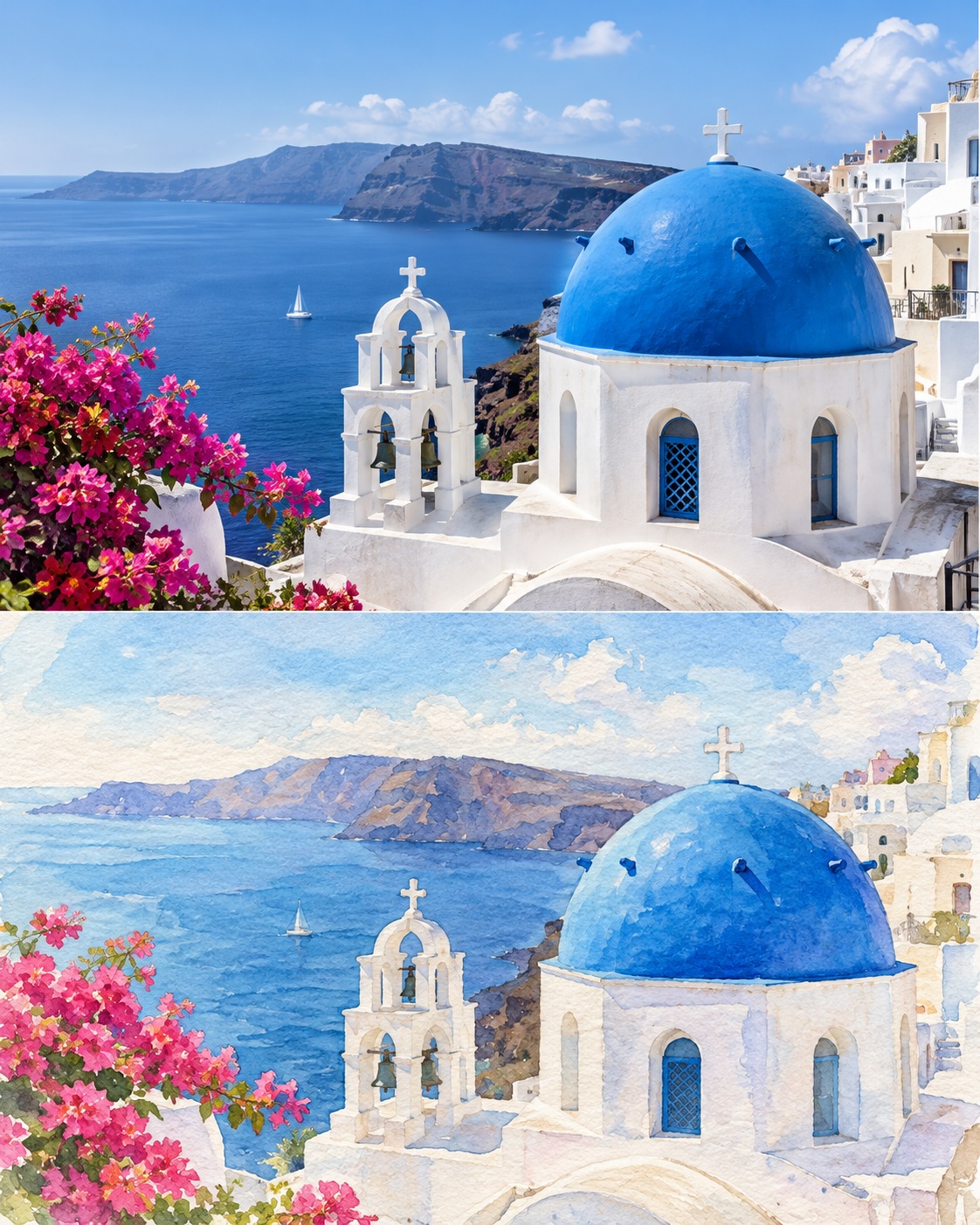
Pair a photorealistic view of a Santorini blue dome above the sea with a watercolor interpretation of the same scene. The scene can be changed while retaining the matched composition.
Example outputs
Prompt template
- Format
- Text Parameterized
- Inputs
- scene (text) · Optional · Default: Santorini blue dome above the sea
- Outputs
- Santorini_travel_journal_image (image)
Create a 4:5 image divided into equal top and bottom panels. Top: photorealistic ${scene:Santorini blue dome above the sea}, soft daylight. Bottom: the same scene as a travel-journal watercolor, with translucent washes on textured paper. Match viewpoint and framing; no text.Replace the ${…} placeholders with your values
before using this prompt. See parameters
and defaults below
Parameters
Replace each placeholder with your own value, or use its default when one is provided
${scene:Santorini blue dome above the sea}
scene
Default: Santorini blue dome above the sea
What you'll create
This prompt creates a 4:5 image pairing a soft-daylight view of a Santorini blue dome above the sea with a travel-journal watercolor. Equal top and bottom panels share the same viewpoint and framing
Usage instructions
The scene input defaults to a Santorini blue dome above the sea and can be replaced with another view. Keep the viewpoint and framing matched so the two panels depict the same scene
Frequently asked questions
Why should both panels use the same viewpoint and framing?
Matching them lets the watercolor panel interpret the same Santorini scene shown in the photorealistic panel



Comments
Tried this prompt? Share what you made, compare results, or ask a question