Create a Branded Video from a Storyboard
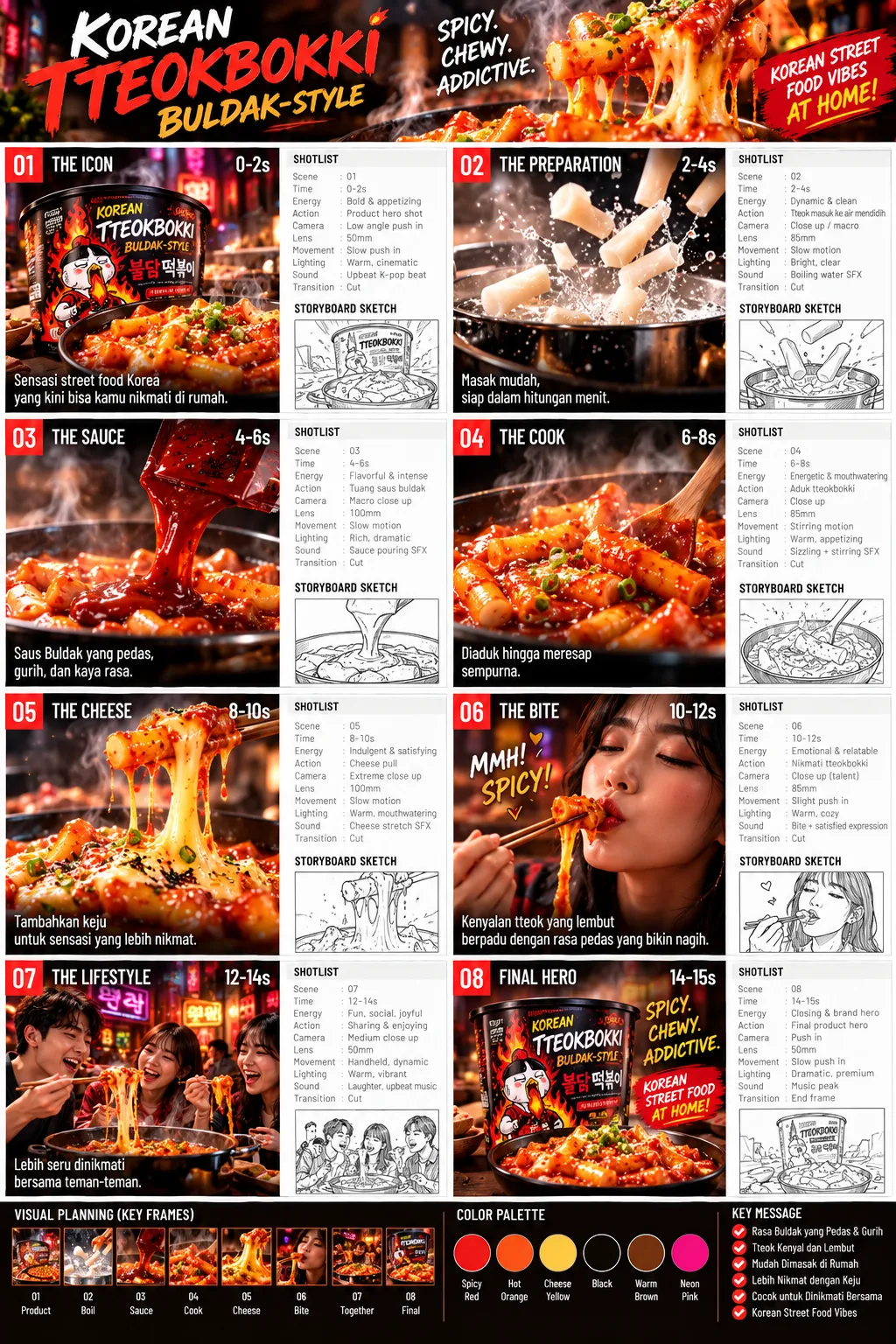
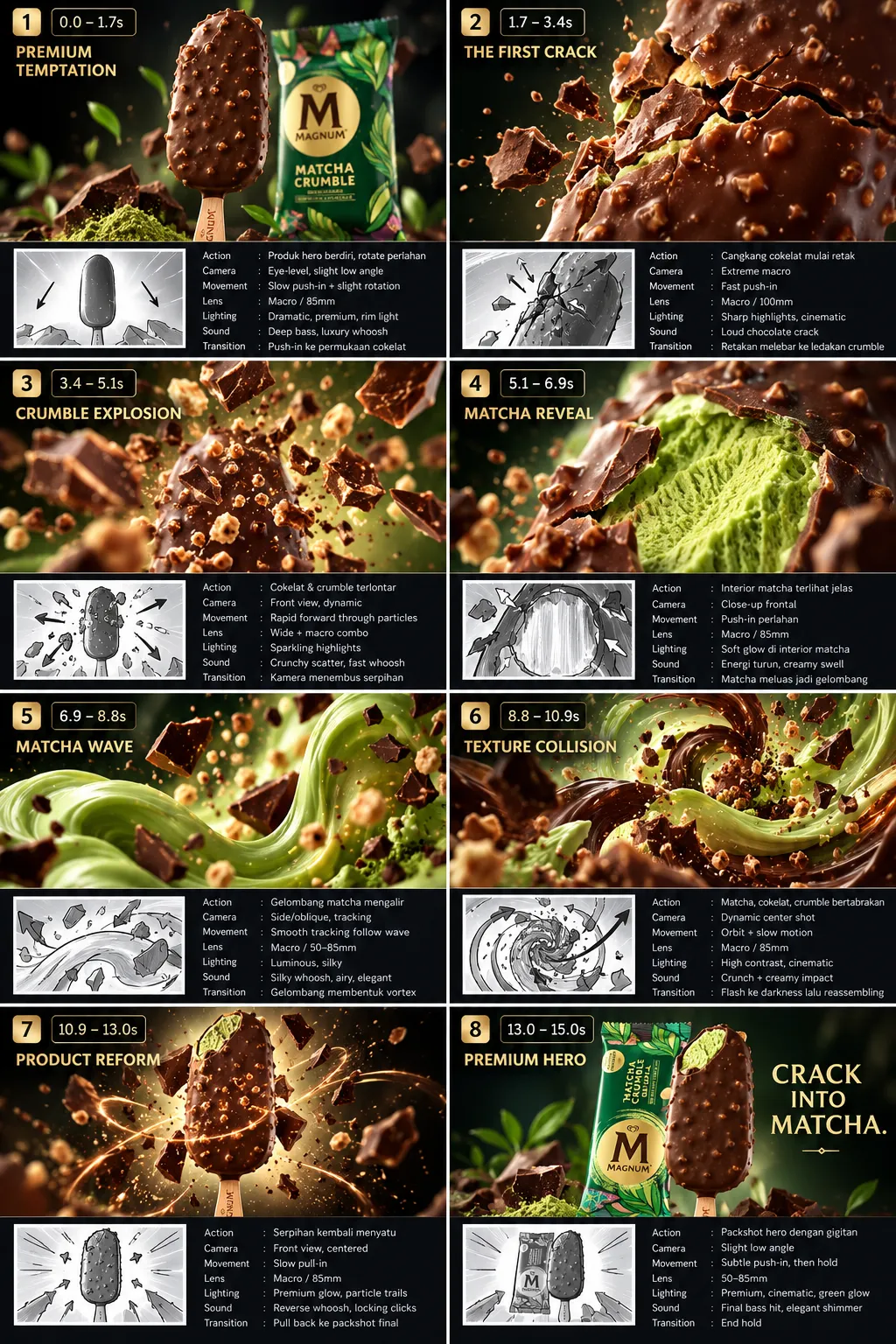
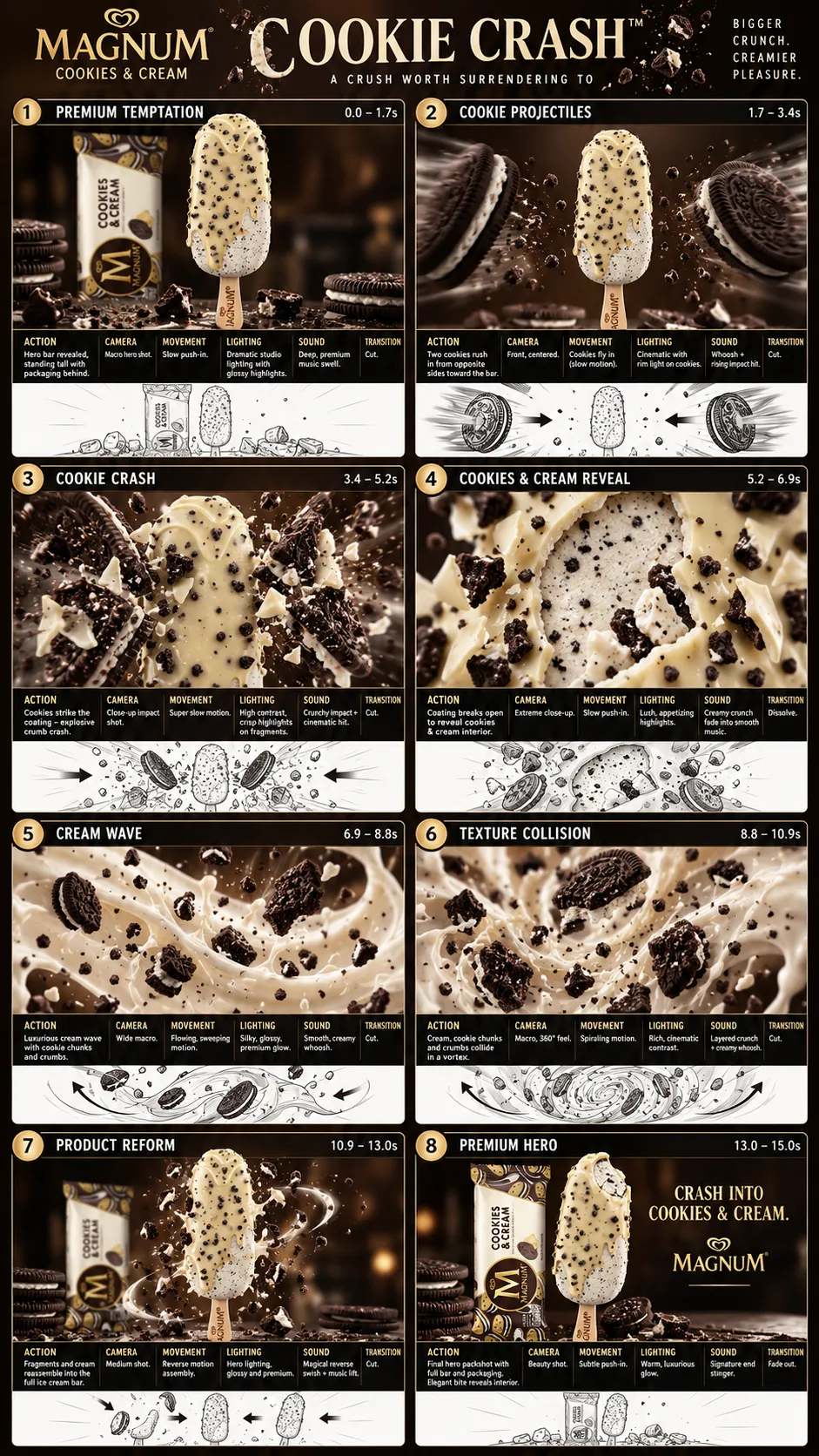
Generate a storyboard with timecodes, camera angles, and sound instructions, then animate each shot into a video.
Example outputs
Prompt template
- Format
- Text Parameterized
- Inputs
- brand (text) · Optional · Default: The North Face
- Outputs
- Storyboard (image, text) Video (video)
Create a video for ${brand:The North Face}. First generate a storyboard with timecodes, camera angles, and sound instructions for each shot. Then animate each storyboard shot into a video.Replace the ${…} placeholders with your values
before using this prompt. See parameters
and defaults below
Parameters
Replace each placeholder with your own value, or use its default when one is provided
${brand:The North Face}
brand
Default: The North Face
What you'll create
A complete storyboard sets shot timing, camera angles and audio for the chosen brand. Each planned shot is then animated into video.
Frequently asked questions
Does animation precede planning?
No. The storyboard is created first.
What is the default brand?
The North Face.




Comments
Tried this prompt? Share what you made, compare results, or ask a question