Cinematic Editorial Mood Collage with Handwritten Typography
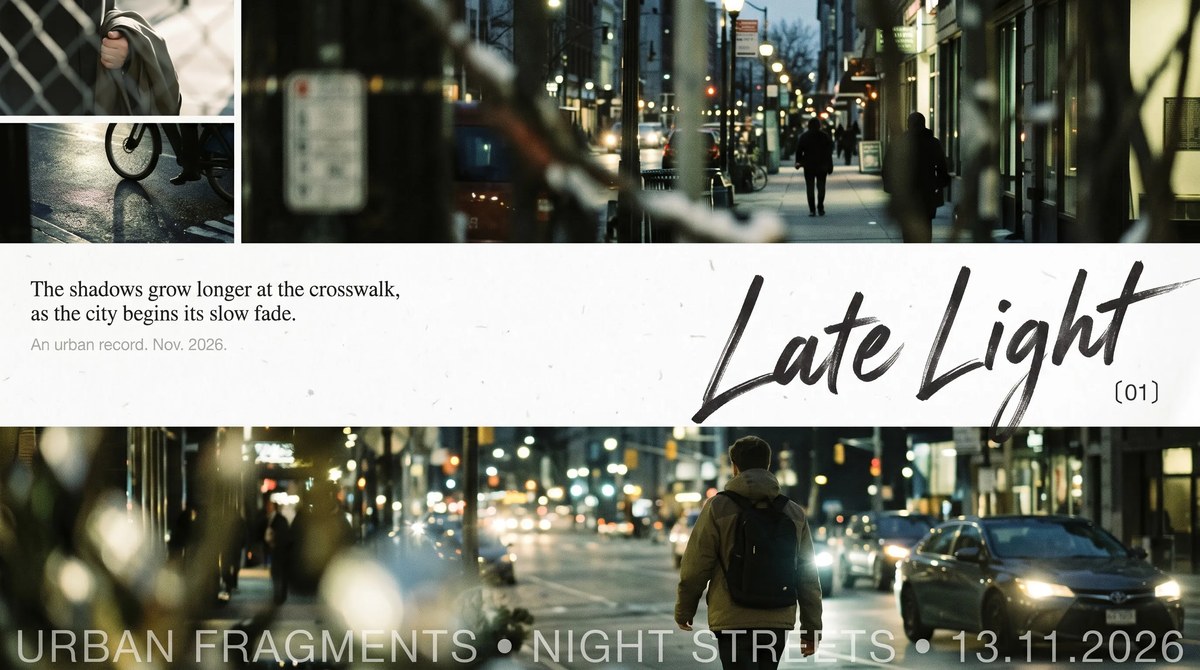
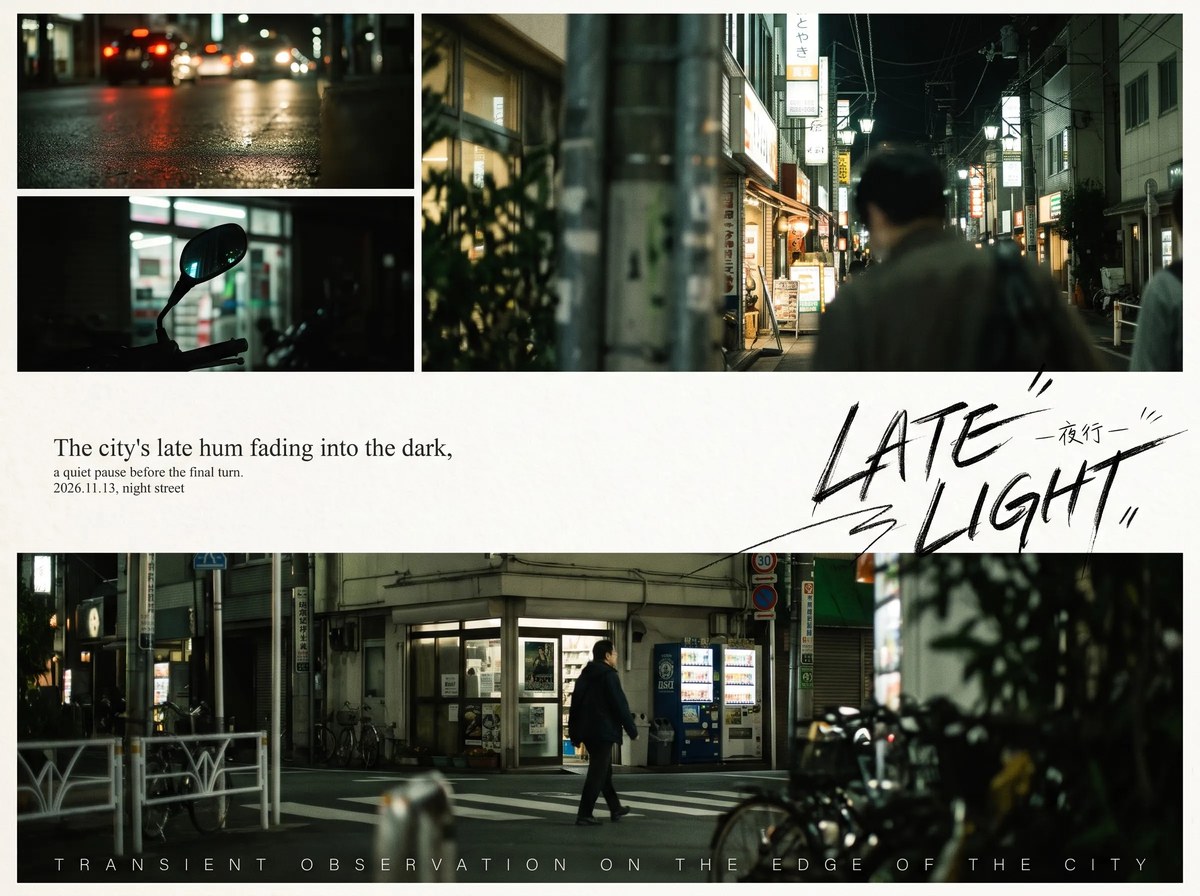
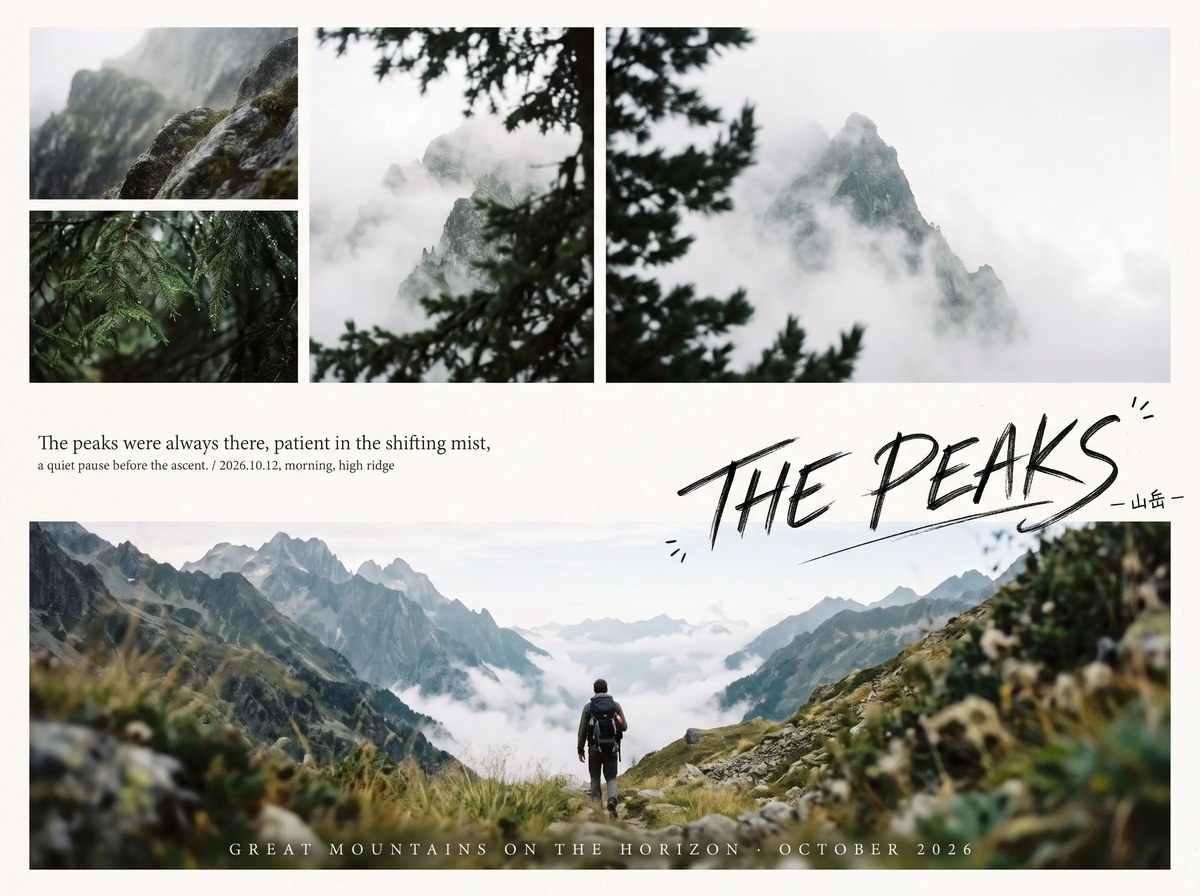
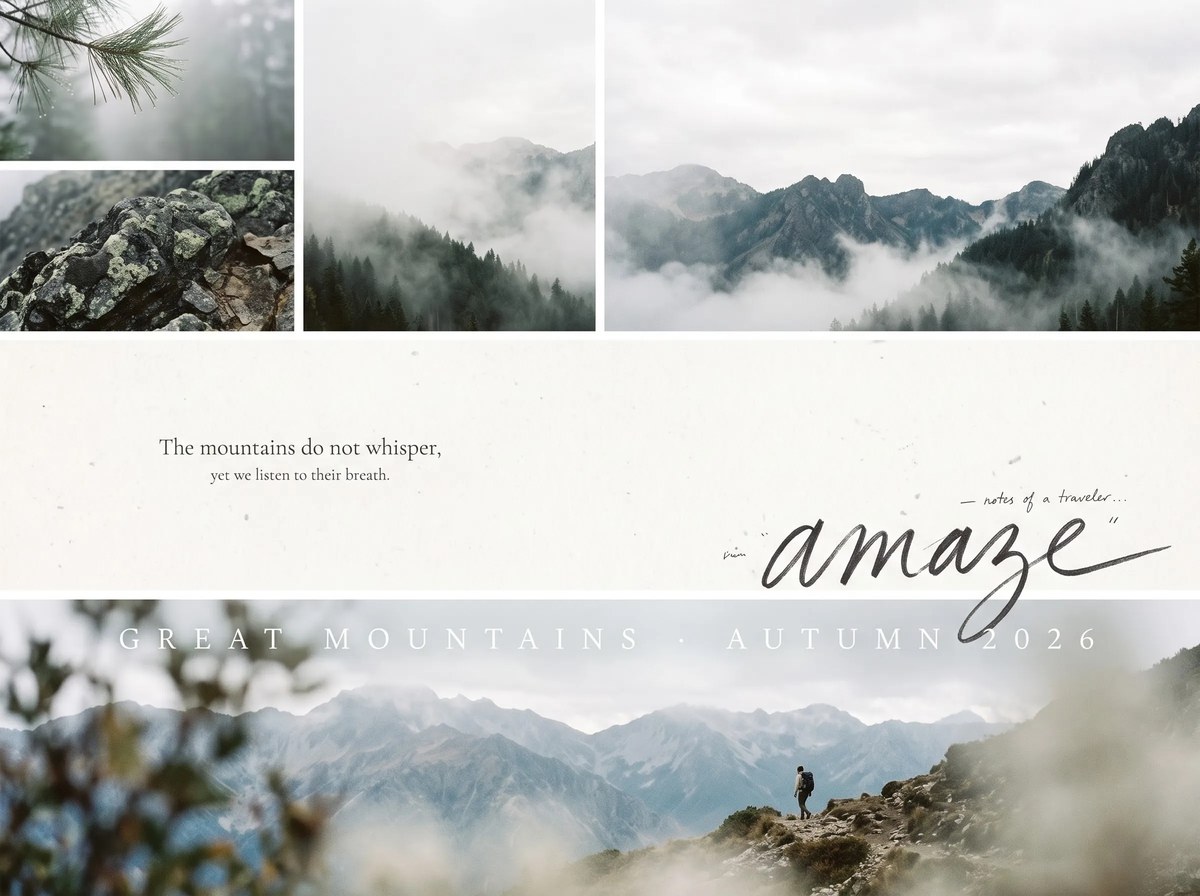
Create a cinematic editorial collage that pairs softly layered photographic fragments with a spacious paper-texture pause and expressive handwriting. Customize the scene cues and provide the characters, objects, dates, and short copy to weave into the composition.
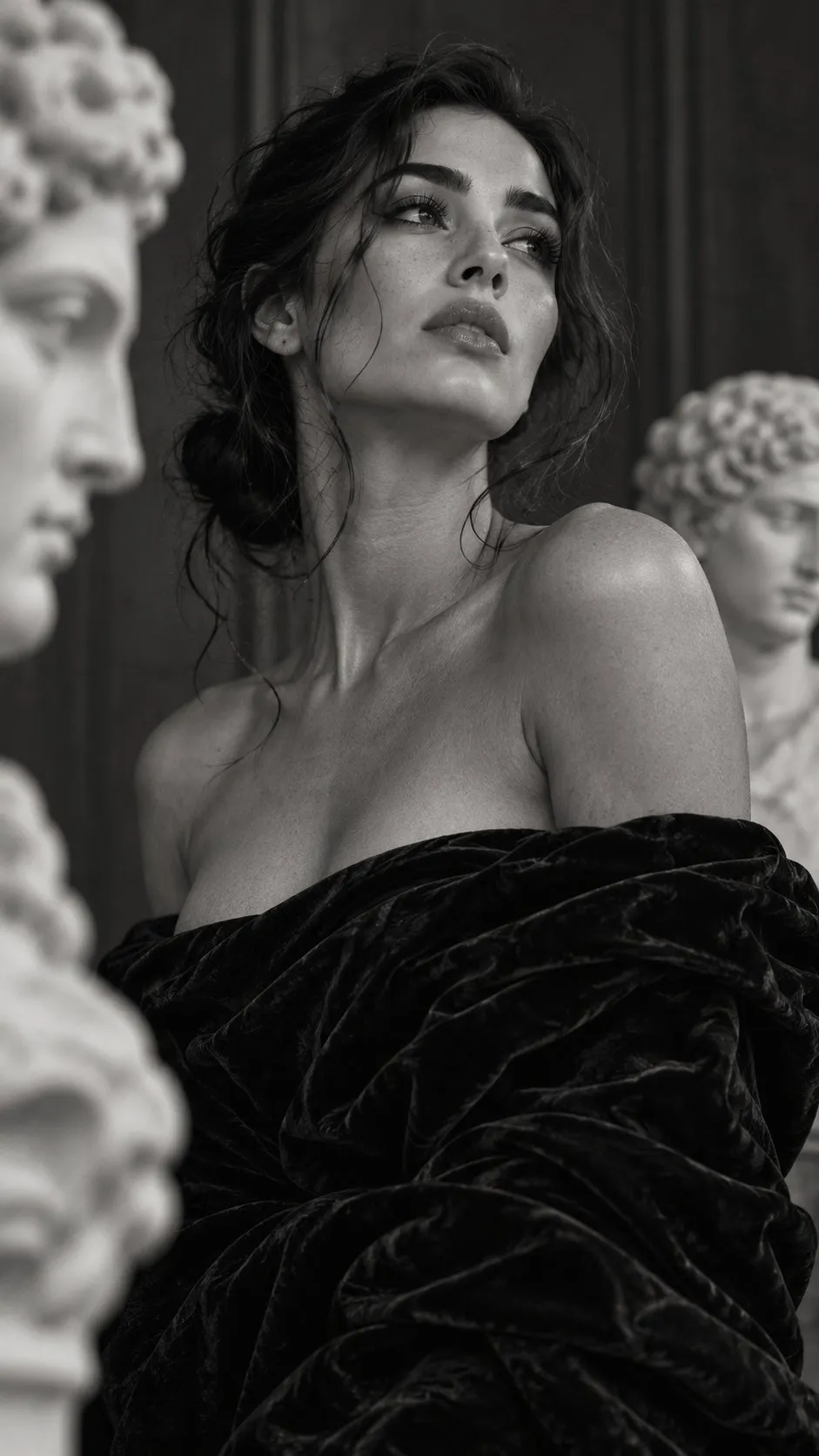
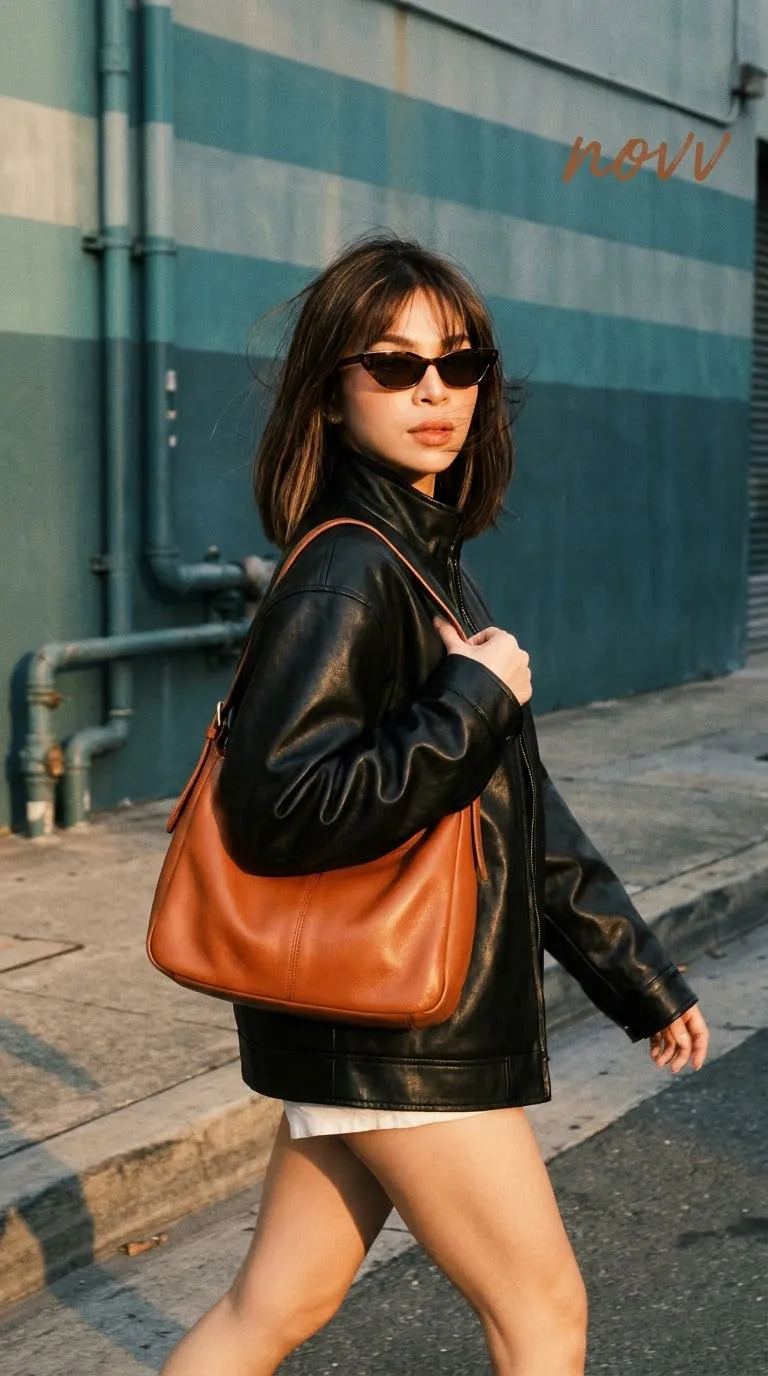
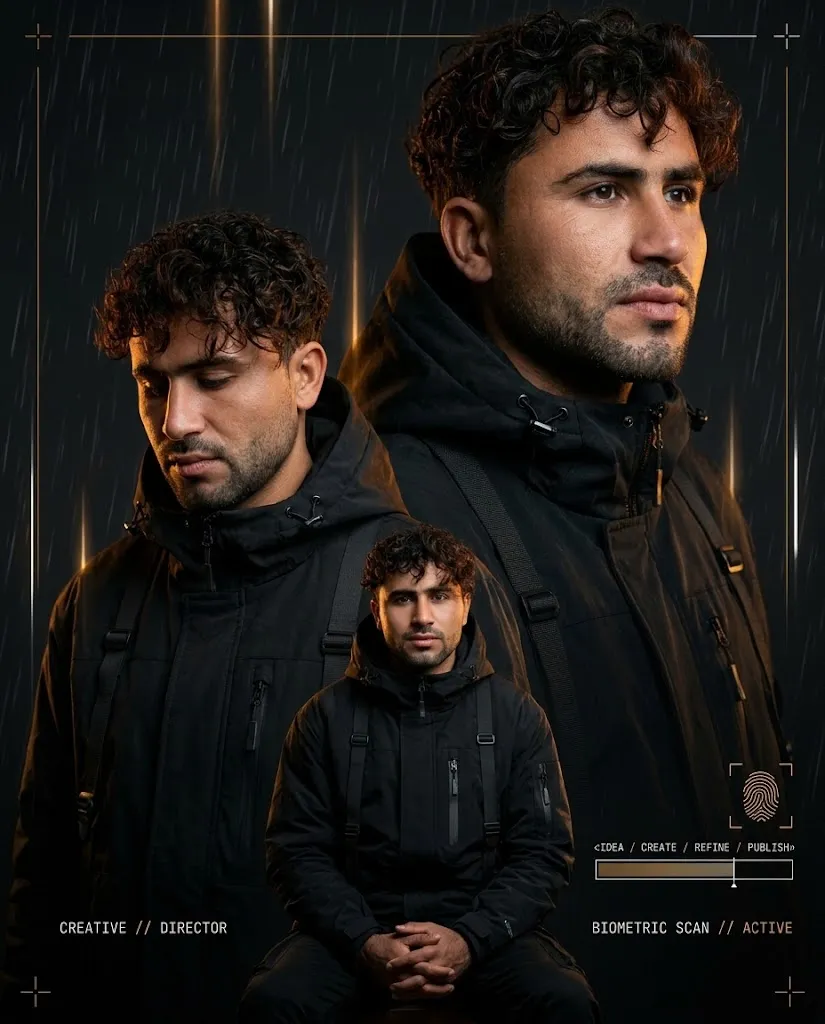
Example outputs
Prompt template
- Format
- Text Parameterized
- Inputs
- Scene (text) · Optional · Default: Late Light, urban, night, mountain,nature, some fog,cinematic, your best vibe, best place, all you love, etc. Text_content (text) · Required scene_cues (text) · Optional · Default: Late Light, urban, night, mountain,nature, some fog,cinematic, your best vibe, best place, all you love, etc.
- Outputs
- Editorial_mood_collage (image)
Create a cinematic editorial mood collage using ${scene-cues:Late Light, urban, night, mountain,nature, some fog,cinematic, your best vibe, best place, all you love, etc.} and the supplied characters, environments, objects, dates, and short sentences. Organize the composition as a narrative of “partial perception – blank pause – complete entry.”

At first glance, show two sets of soft images at the top and bottom, separated by a large area of white paper. Place a small amount of black text in the central space to create a quiet but distinct editorial pause.

Build the upper section as an asymmetrical three-frame collage: stack two close-up fragments on one side and place a larger, immersive fragment on the other. Use bold cropping that lets edges, foreground shadows, or repeated small shapes partially obscure the subject, establishing the atmosphere through scattered glimpses. In the lower section, let a broad main scene carry the theme. Show characters or central objects facing away, seen from the side, or in action rather than posed. Retain enough environment and foreground bokeh to give the scene the feeling of a casual record.

Keep the central white space airy. Place two levels of short sentences at the upper left: a restrained book-like main sentence, followed by a smaller, lighter, tightly spaced line. Set an oversized, freely written title at the lower right, with shifts in stroke weight, slightly dry edges, open letterforms, loose connections, a long finishing stroke, and a diagonal extension. Add a few small comments, quotation marks, or emphasis marks that suit the spelling and writing system of the text. Keep glyphs legible and oriented in the text’s natural reading direction. Do not force continuous writing to break its connections; use spacing and density to create rhythm where the writing system permits.

Overlay a line of formal, high-contrast display text along the edge of the bottom image, where it is light or washed by highlights. Use wide kerning where the script allows it; otherwise create a similar sense of air through word spacing, line length, and thin strokes.

Unify the image with light film tones: natural daylight, yellow-green and low-saturation cyan, milky highlights, low contrast, and fine grain. Create foreground softness and light fog through natural depth of field. Keep the white background subtly tactile, with extremely faint paper fibers and printing-gray marks, while allowing an imperfect, unfinished quality. Use narrow white dividers to connect the photographic collage and paper surface, so the softness of the photography contrasts with the decisiveness of black handwriting.

Avoid commercial-grade sharpening, rich filters, perfect centering, evenly sized columns, excessive decoration, fake distressing, strong gradients, and plastic-like smoothing.
Replace the ${…} placeholders with your values
before using this prompt. See parameters
and defaults below
Parameters
Replace each placeholder with your own value, or use its default when one is provided
${scene-cues:Late Light, urban, night, mountain,nature, some fog,cinematic, your best vibe, best place, all you love, etc.}
scene-cues
Default: Late Light, urban, night, mountain,nature, some fog,cinematic, your best vibe, best place, all you love, etc.
What you'll create
Create an editorial mood collage that moves from fragmented photographic glimpses to a broad, immersive scene, with a generous white-paper pause between them. Use restrained black copy, oversized expressive handwriting, and soft, low-contrast film tones with fine grain.
Usage instructions
Frequently asked questions
How should text in a non-Latin writing system be handled?
Keep glyphs legible and follow the language’s natural reading direction. Preserve connected forms in continuous writing, and use spacing or line length to create rhythm where appropriate.
Can the scene or mood be changed?
Yes. Adjust the scene cues to guide the characters, environments, objects, and atmosphere while keeping the requested collage structure.






Comments
Tried this prompt? Share what you made, compare results, or ask a question