Moonlit Witch and Dark Lord Portrait
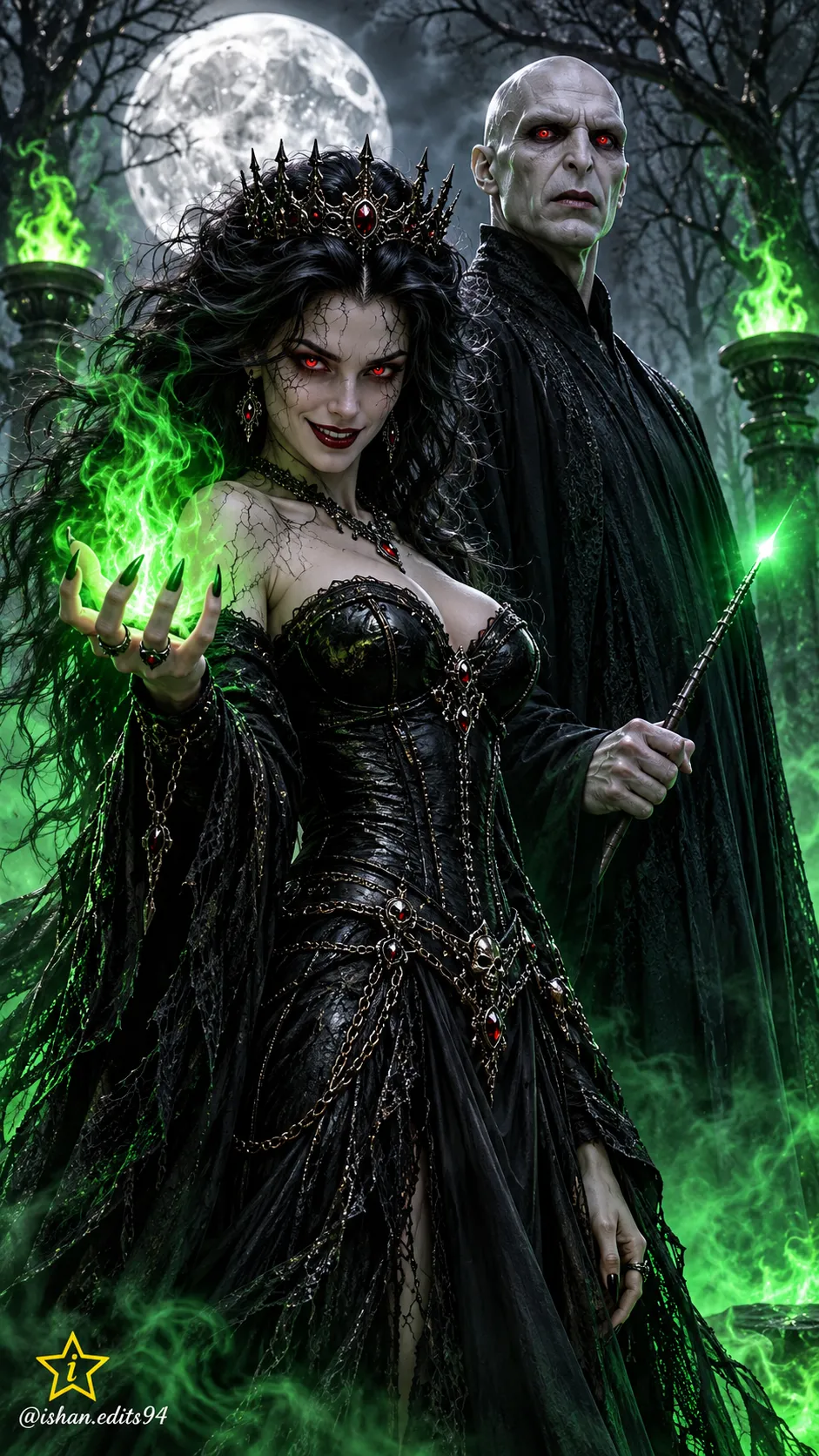
Create a vertical dark-fantasy horror portrait featuring a witch and a dark lord in a moonlit forest. The watermark text is customizable, with the source wording retained as its default.
Example outputs
Prompt template
- Format
- Text Parameterized
- Inputs
- Face_reference_image (image) · Required watermark (text) · Optional · Default: @ishan.edits94
- Outputs
- Portrait (image)
Create a dark-fantasy cinematic portrait in a vertical 9:16 composition. Show a terrifyingly beautiful witch with long, wild black hair, cracked pale skin, glowing red eyes, and a sinister smile, wearing a tight black leather corset gown. She holds glowing green magical fire in her clawed hand. Beside her stands a tall, bald, pale dark lord with red eyes, wearing a long black robe and holding a wand with a glowing green tip.

Set the scene in a dark, moonlit forest with bare trees and a full moon. Green flames burn in stone braziers, and green magical mist covers the ground. Use a cinematic horror-fantasy style, hyper-realistic detail, and 8K resolution.

Use the uploaded image as the face reference. In the bottom left, add a small star with a stylish letter "i" inside it, and place the text "${watermark:@ishan.edits94}" beneath it in a cursive font.
Replace the ${…} placeholders with your values
before using this prompt. See parameters
and defaults below
Parameters
Replace each placeholder with your own value, or use its default when one is provided
${watermark:@ishan.edits94}
watermark
Default: @ishan.edits94
What you'll create
Create a vertical, hyper-realistic cinematic horror-fantasy portrait of a witch holding green magical fire beside a dark lord with a glowing wand. Set them in a moonlit forest with green flames and ground mist, and add the specified star emblem and cursive watermark.
Usage instructions
Frequently asked questions
What should the reference image control?
Use the uploaded image as the face reference for the picture.
Can I change the watermark text?
Yes. Replace the watermark text input; its default is @ishan.edits94.



Comments
Tried this prompt? Share what you made, compare results, or ask a question