Fawn-Print Faux-Fur Product Render
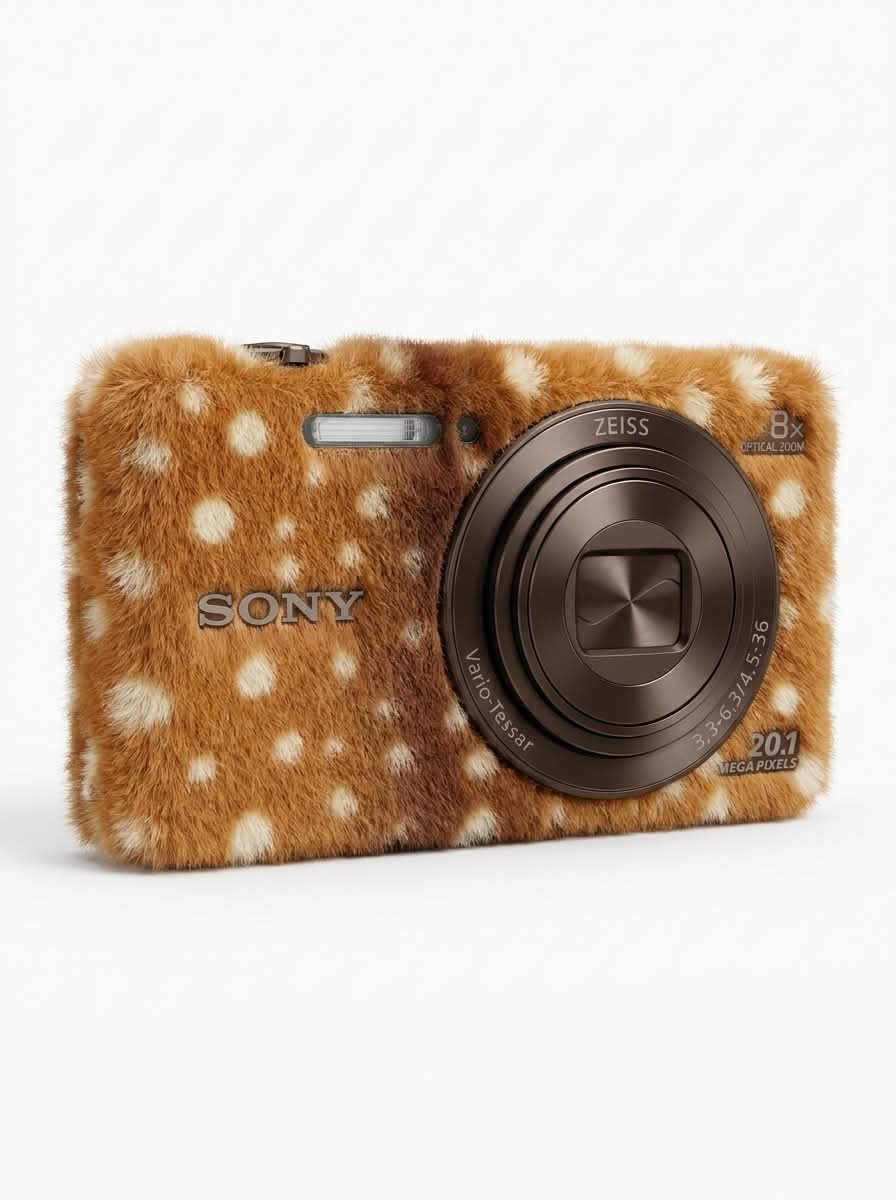
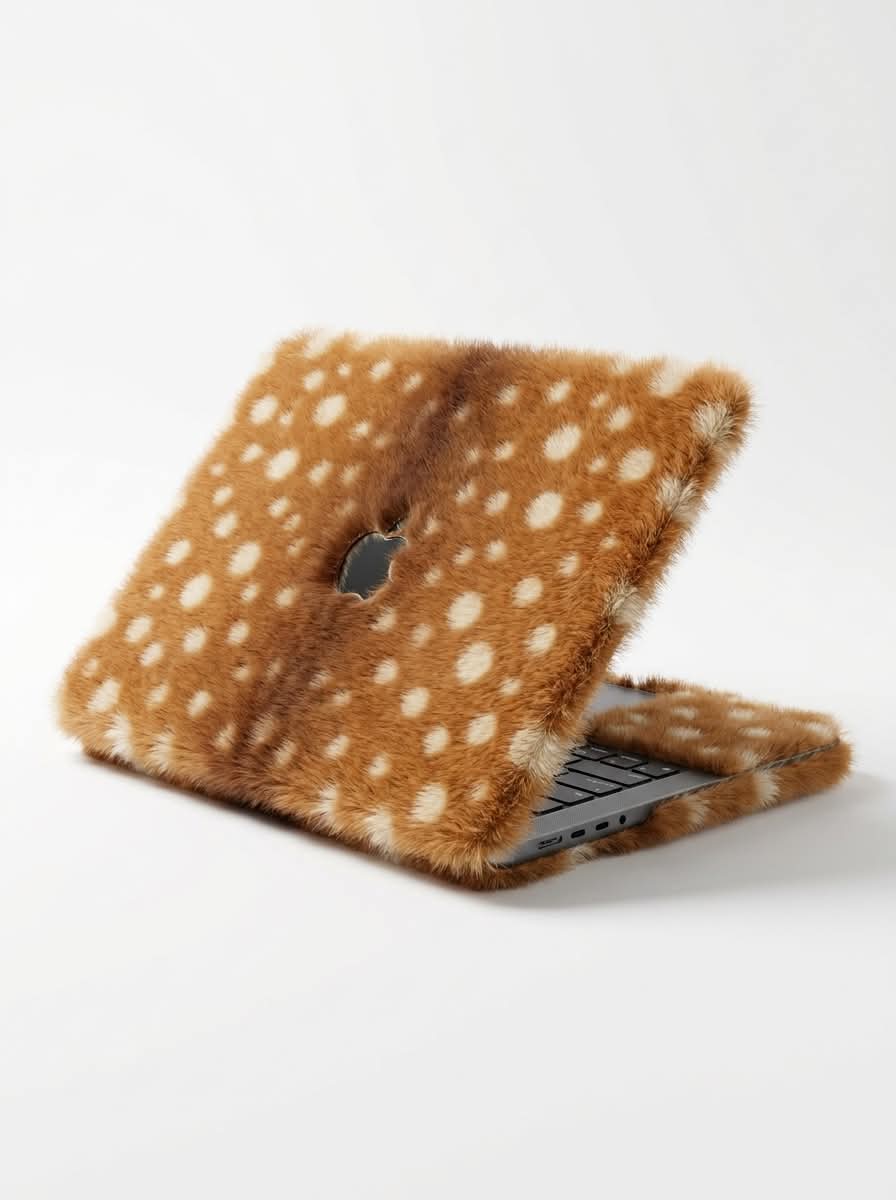
Transform a product from an uploaded photo into a soft, fawn-print faux-fur object while preserving its original shape and functional details. The prompt specifies a centered studio render on white with soft lighting and detailed fur texture
Example outputs
Prompt template
- Format
- Text
- Inputs
- Uploaded_product_photo (image) · Required
- Outputs
- Transformed_product_render (image)
Transform the product shown in the uploaded photo into a soft plush object fully covered in short, dense faux fur with a fawn (baby deer) print: warm caramel-brown base, slightly darker brown gradient along the center, and scattered round creamy-white spots of varying sizes. Keep the exact shape, proportions, and silhouette of the original product—only replace the surface material with fur. Fur fibers are fine, fluffy, and slightly uneven at the edges, creating a soft fuzzy outline.

Any inner or functional parts (paper, screen, metal details, buttons) stay in their original material for contrast.

Studio product shot, pure white seamless background, soft diffused lighting from above, subtle soft shadow under the object, front-facing 3/4 view, centered composition, ultra-realistic 3D render, tactile hyper-detailed fur texture, cozy minimalist aesthetic, 8k.
What you'll create
Create a centered 3D product render that preserves the uploaded product’s shape and functional details while giving its exterior a caramel-brown faux-fur coat with creamy-white fawn spots. Present it against a seamless white background with soft overhead lighting and a subtle shadow
Usage instructions
Upload a photo of the product to provide its shape and functional details. The prompt changes the exterior surface while retaining inner or functional parts in their original materials; to adjust the look, revise the fawn-print colors or spot description while keeping those preservation constraints


Comments
Tried this prompt? Share what you made, compare results, or ask a question