Extend a Video with a 10-Second Story Continuation
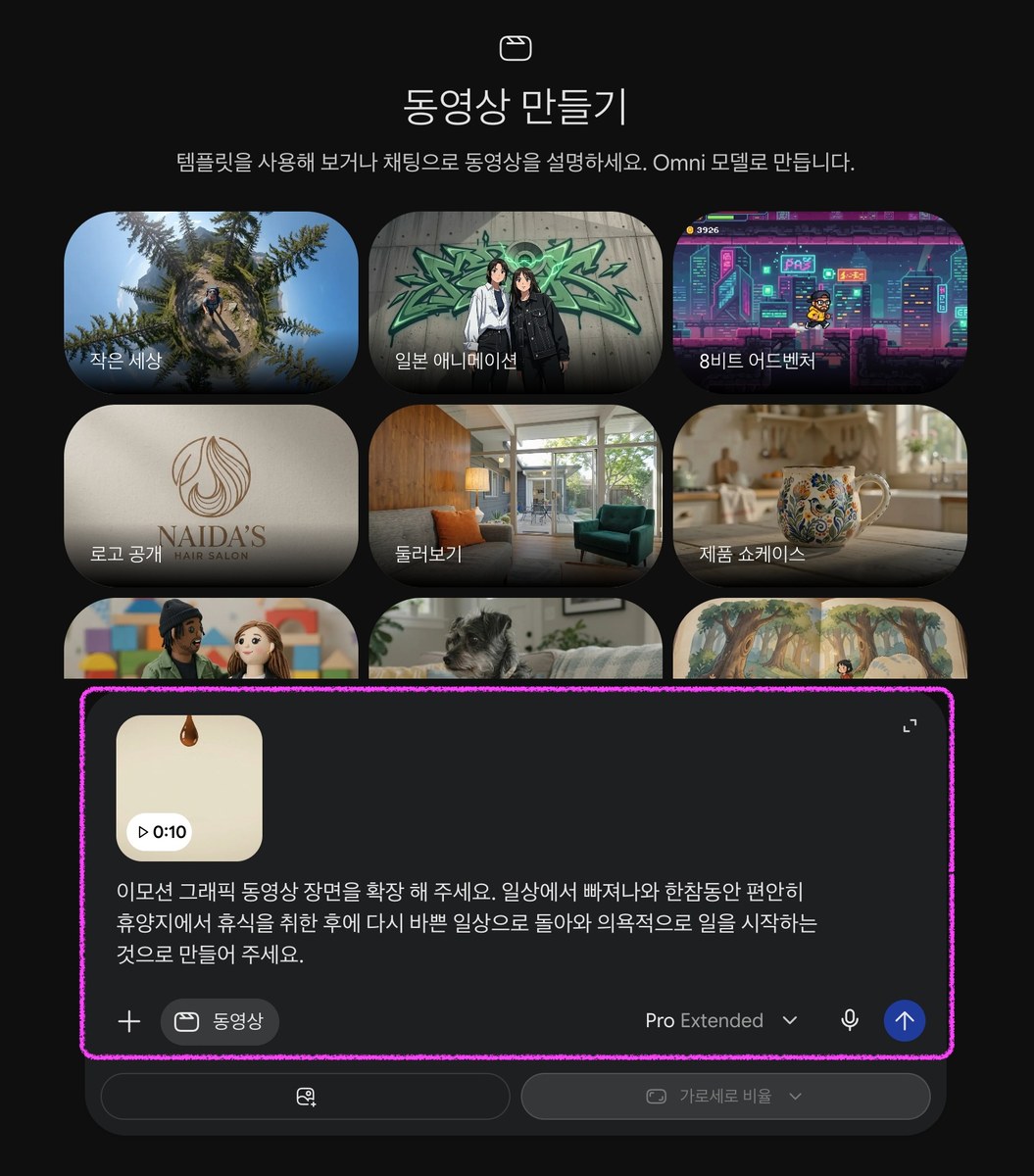
Use Gemini video mode with an existing 10-second clip to generate a 10-second continuation that follows the supplied story.
Example outputs
Prompt template
- Format
- Text Parameterized
- Inputs
- source_video (video) · Required continuation_story (text) · Optional · Default: After relaxing fully at a resort, return energized and begin new work.
- Outputs
- extended_video (video)
Continue the uploaded video for the next 10 seconds. Pick up naturally from its ending and preserve continuity with the original. Show this next part of the story: ${continuation-story:After relaxing fully at a resort, return energized and begin new work.}Replace the ${…} placeholders with your values
before using this prompt. See parameters
and defaults below
Parameters
Replace each placeholder with your own value, or use its default when one is provided
${continuation-story:After relaxing fully at a resort, return energized and begin new work.}
continuation-story
Default: After relaxing fully at a resort, return energized and begin new work.
What you'll create
A continuation picks up from the original ending and carries the supplied next story beat forward while preserving visual continuity.
Frequently asked questions
What is the default story direction?
The default moves from resort relaxation to an energized return to work.
Comments
Tried this prompt? Share what you made, compare results, or ask a question