3D Pop-Out Editorial Photo
Transform a reference photo into a premium editorial image with a realistic pop-out depth effect.
Example outputs
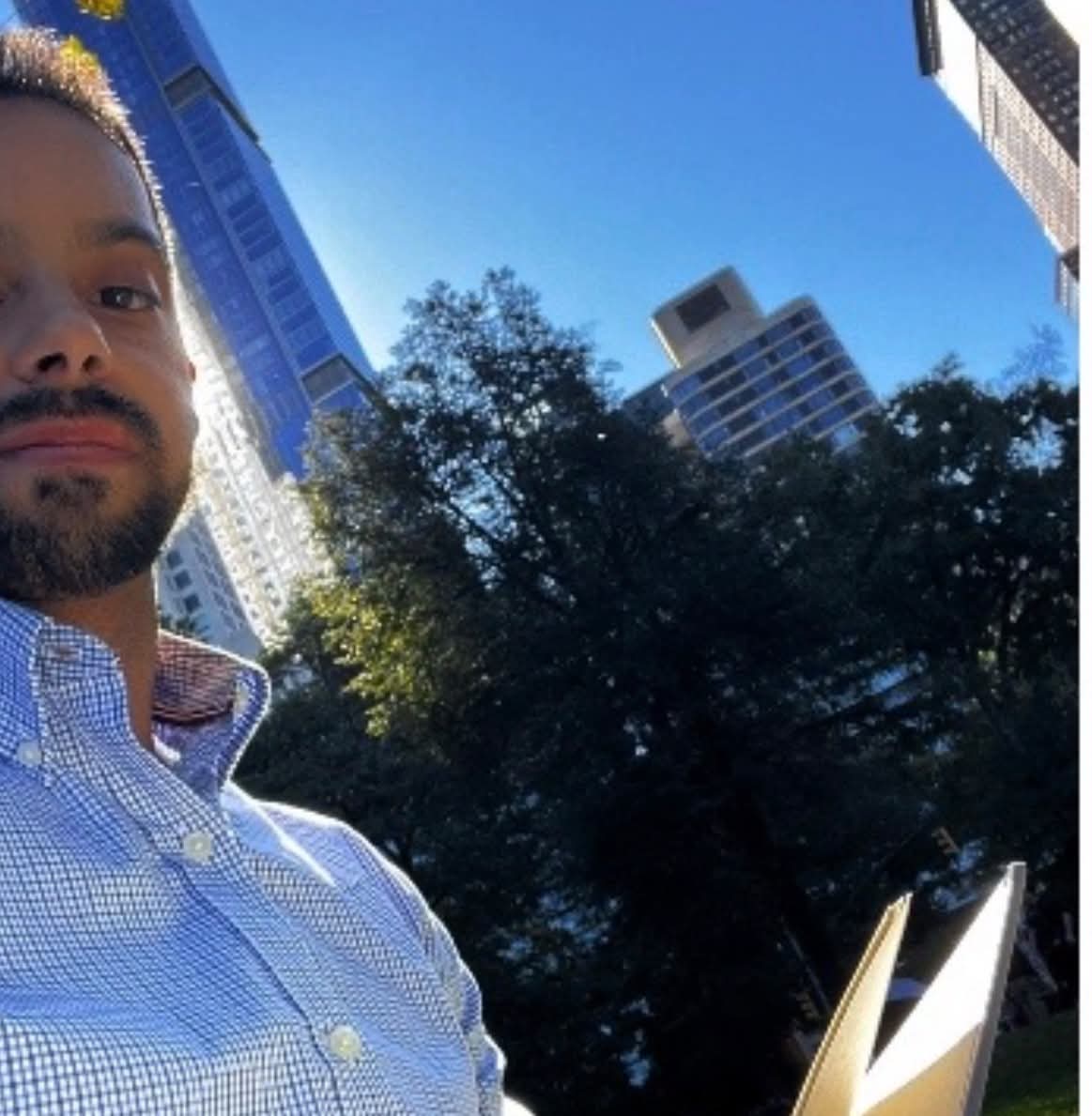
Prompt template
- Format
- Text
- Inputs
- Reference_photo (image) · Required
- Outputs
- Transformed_editorial_photo (image)
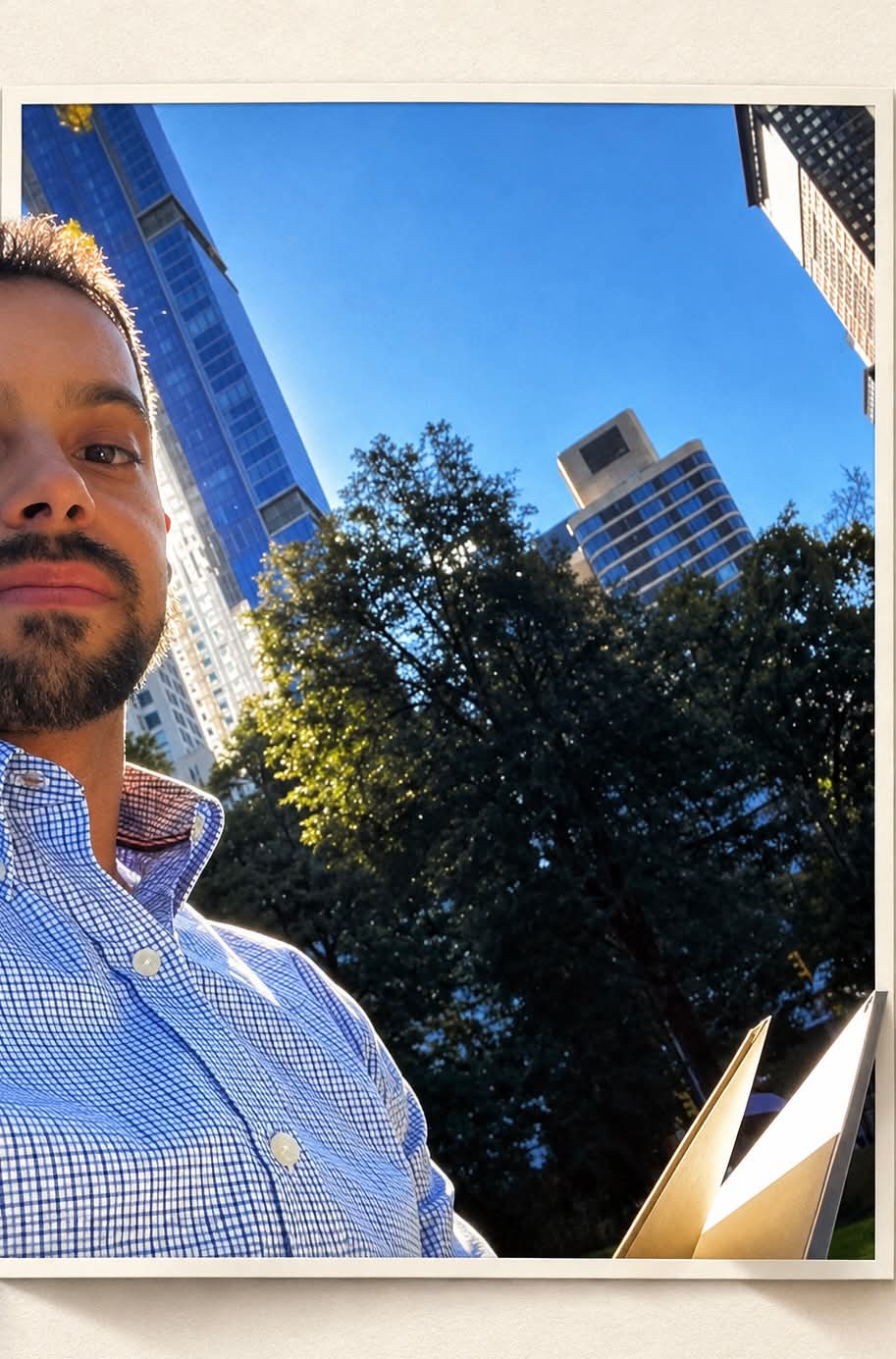
Transform the provided reference photo into a premium 3D pop-out editorial photograph. Place the original image inside a vertical rectangular photo frame on a warm, off-white textured paper background.

Make the main subject and foreground elements break naturally out of the frame, creating realistic 3D depth, with parts extending beyond the borders. Preserve the subject's exact identity, face, pose, clothing, original environment, colors, and all important details.

Add realistic soft shadows, natural lighting, subtle film grain, and photorealistic textures. Use minimal luxury art direction, an elegant composition, and a seamless depth illusion. Create a high-end photographic result in a vertical 3:4 format.

Do not add text, logos, or extra objects.
What you'll create
The original scene sits within a vertical rectangular photo frame on warm textured paper. Foreground details and the subject project beyond its edges with realistic shadows and natural light.
Frequently asked questions
Can extra props be introduced?
No; the source forbids new text, logos and objects.




Comments
Tried this prompt? Share what you made, compare results, or ask a question