Disney Pixar-Style 3D Profile Avatar from Two Photos
Create a centered, head-and-shoulders 3D avatar using two reference photos, with a white background and soft studio lighting.
Example outputs
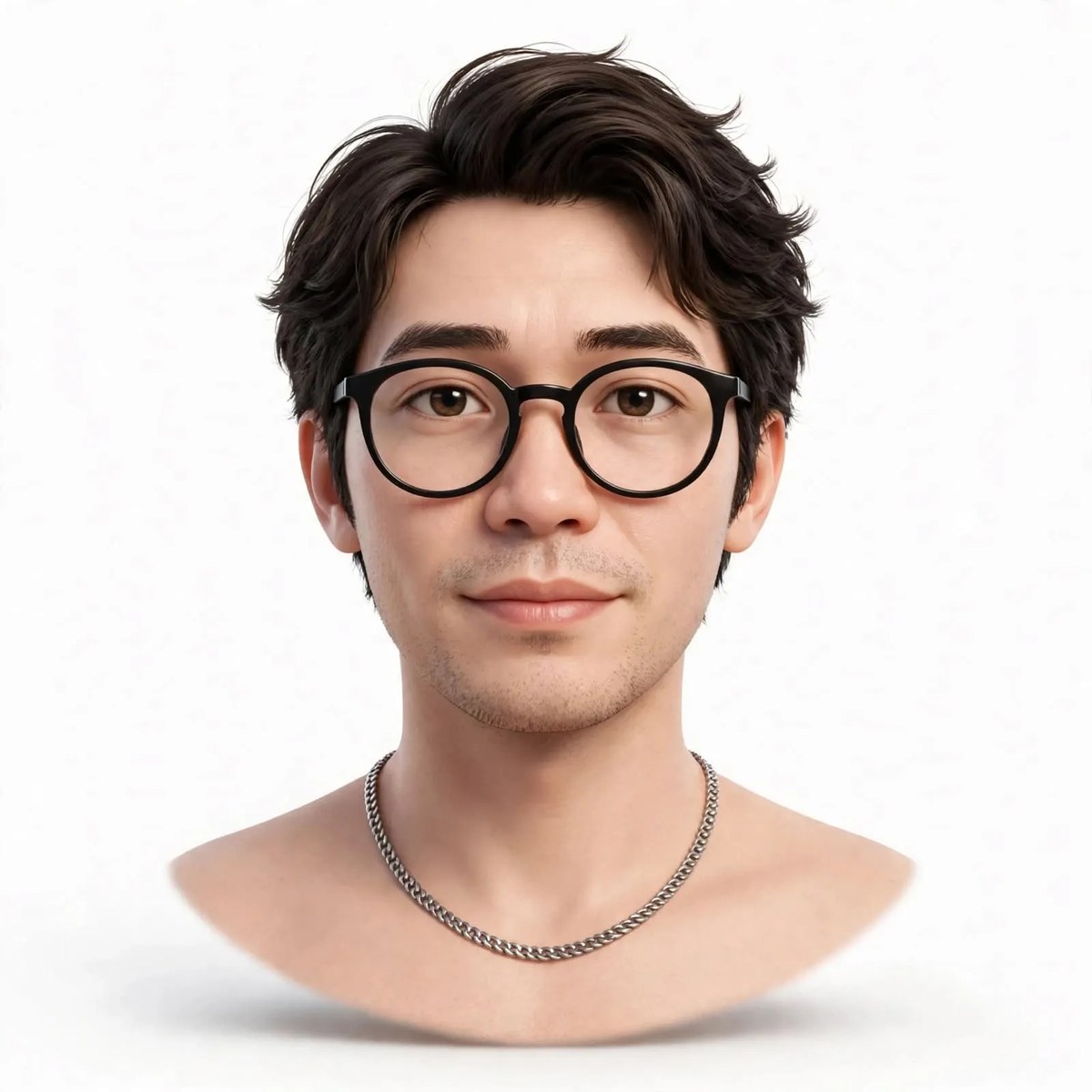
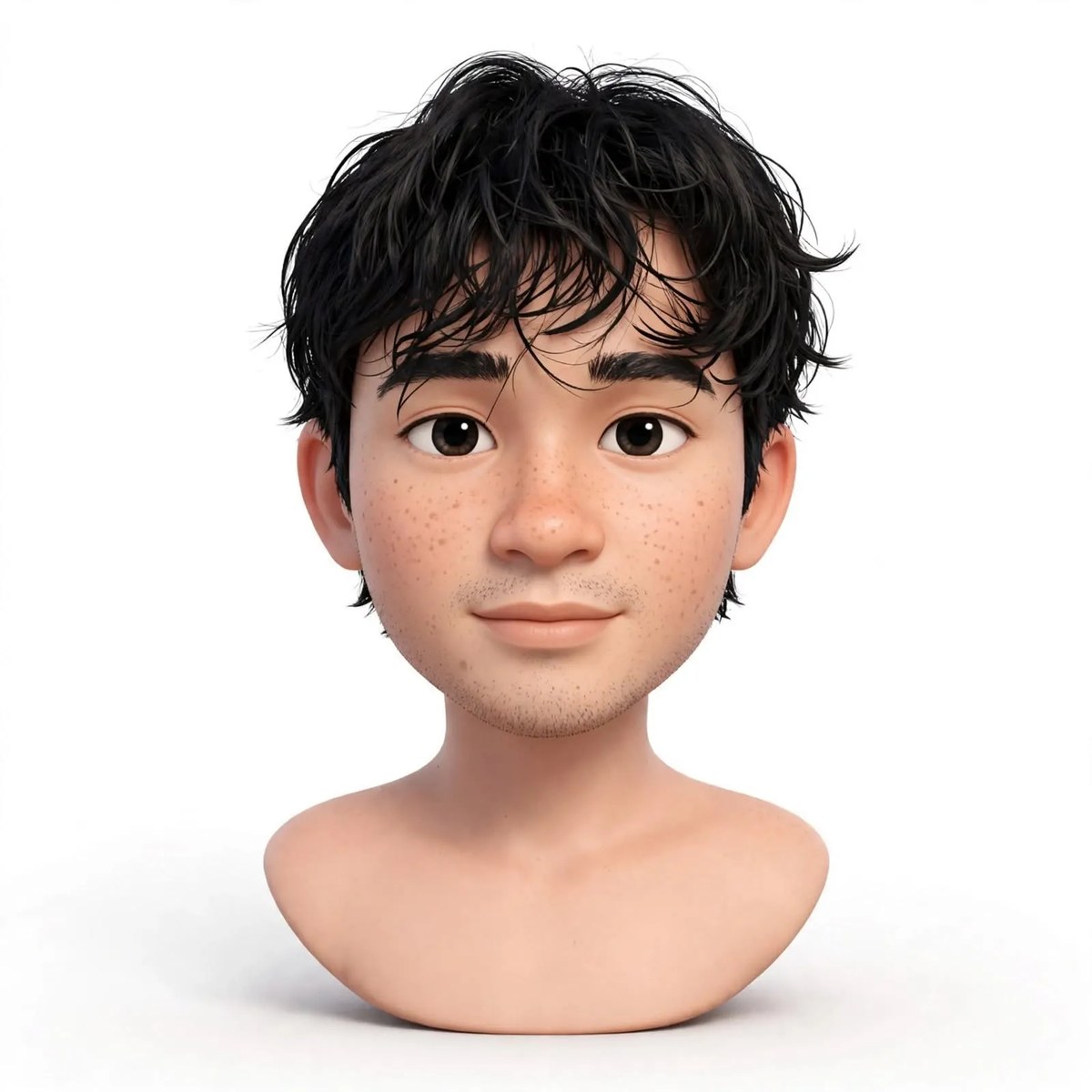
Prompt template
- Format
- Text
- Inputs
- TwoReferencePhotos (image) · Required
- Outputs
- ProfileAvatar (image)
Create a single 1:1 Disney Pixar-style 3D avatar using the two supplied photos as references. Preserve the person’s identity. Show only the head and shoulders as a small, centered bust, with generous white padding, a softly rounded lower edge, and a subtle soft shadow. Use a white background, fair skin tones that are not warm or yellowish, and soft studio lighting. Make the avatar suitable for a WhatsApp profile picture.What you'll create
A small head-and-shoulders cartoon bust sits on white with a rounded lower edge and soft shadow. Generous surrounding space creates a square profile-picture composition.
Frequently asked questions
Is the avatar meant to fill the entire square?
No. It remains a small centered bust with generous white padding.
What color cast is excluded?
The brief avoids warm or yellowish skin coloration.




Comments
Tried this prompt? Share what you made, compare results, or ask a question