Photorealistic Chibi Animal Deflecting Flying Barbie Dolls
Transform a target into a chibi-like furry subject in a photographic composite, bracing against flying Barbie dolls.
Example outputs

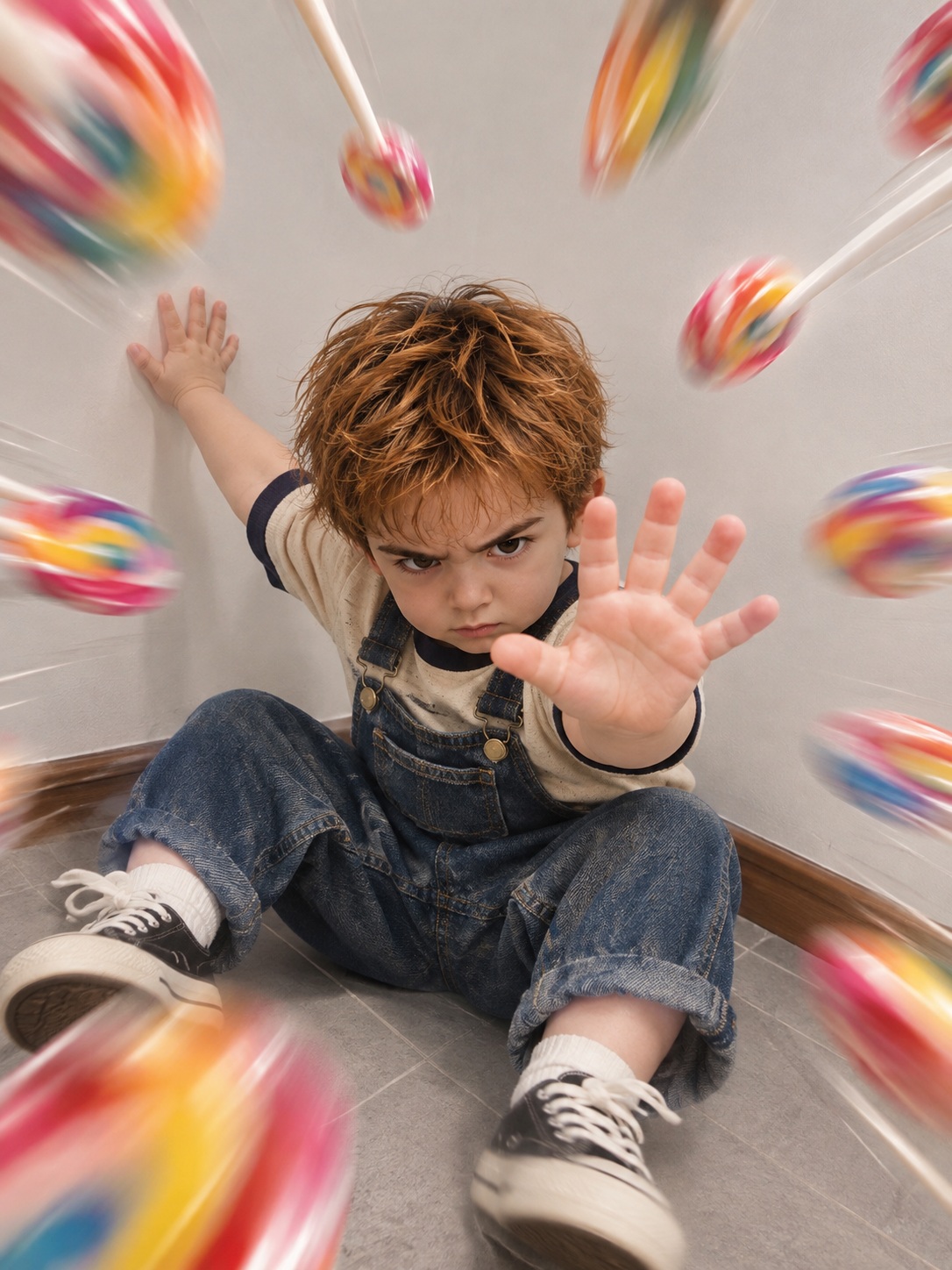
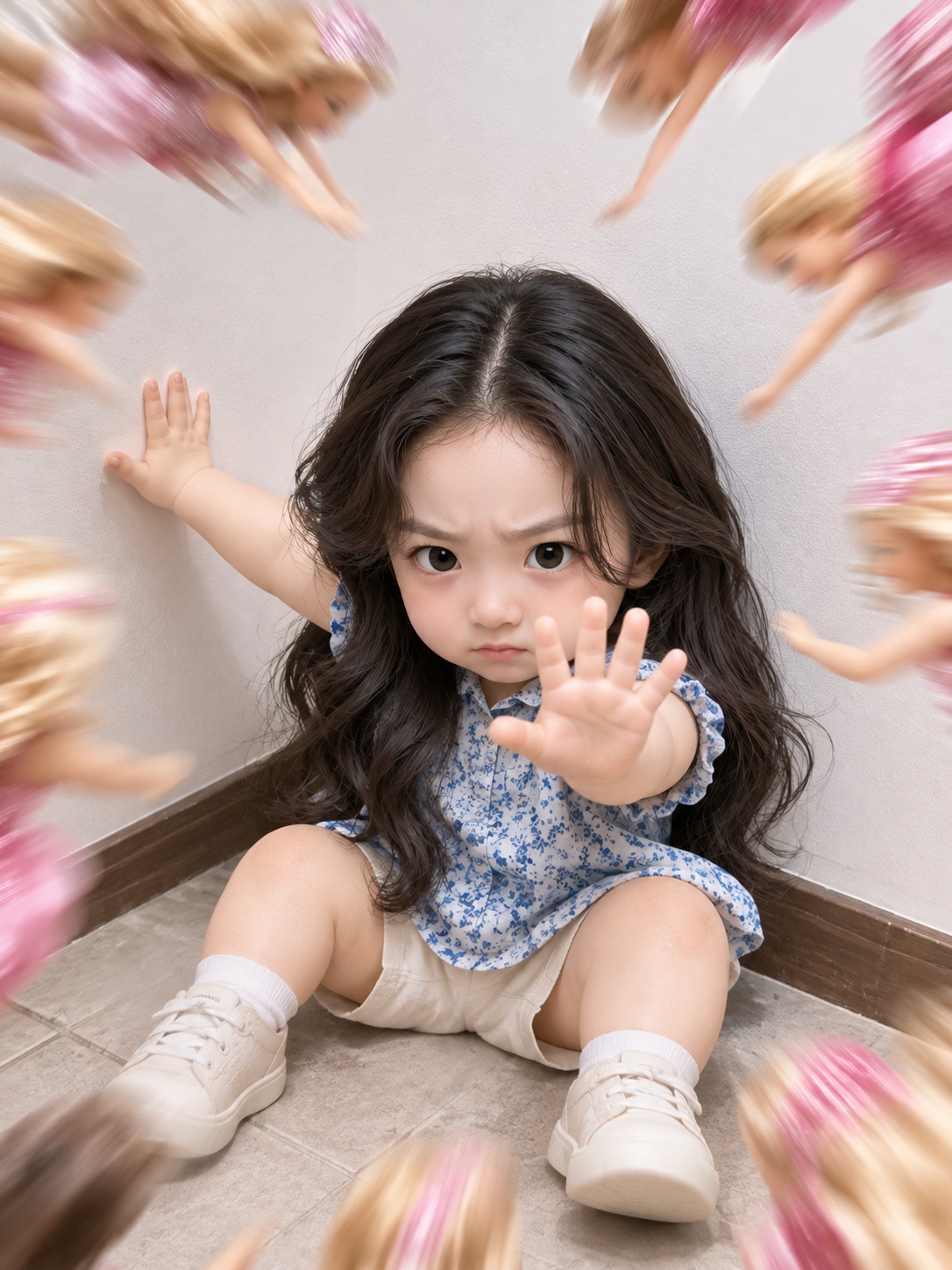
Prompt template
- Format
- Text Parameterized
- Inputs
- Target (image) · Required Object (text) · Optional · Default: Barbie dolls
- Outputs
- Photographic_composite (image)
Transform the target into a photorealistic chibi version with round eyes and plump, short limbs.

[Frame]
Use a vertical 0.75:1 canvas. Compose a diagonal view of an indoor floor meeting the wall on the right. Place the target large in the lower center, leaving generous open wall space above its head. Objects (${object:Barbie dolls}), cropped by the frame edges, fly inward toward the center from all sides, creating a circular sense of pressure.

[Style and texture]
Create a crisp, natural-light photographic composite. Keep the soft gray-white tiled floor, matte white wall, and brown patterned baseboard. Preserve the target’s identity and facial features, but exclude the source photo’s original lighting and background. Render its fur as smooth, realistic short fur. Give the objects bright highlights and strong directional motion blur, with greater blur and size in the foreground.

[Target]
Seat the target low on the floor, supporting its weight with its hind feet. Extend one forepaw diagonally up toward the left, close to the wall. Raise the other forepaw toward the camera to block the incoming objects, showing its paw pads and toes. Tilt the body slightly to the right. Lower the head and have the target glare at the incoming objects with a determined, furrowed expression.
Replace the ${…} placeholders with your values
before using this prompt. See parameters
and defaults below
Parameters
Replace each placeholder with your own value, or use its default when one is provided
${object:Barbie dolls}
object
Default: Barbie dolls
What you'll create
A small-limbed figure stands low in the frame as objects fly inward from all edges. White walls, gray tiles and a patterned brown baseboard surround the lowered head and furrowed expression.
Usage instructions
Provide the target photo whose identity and facial features should be preserved; its original lighting and background will not be used. The incoming objects default to Barbie dolls, which you can change with the object input. The prompt fixes a vertical 0.75:1 composition, so adjust the object choice rather than the framing if you want a different visual emphasis.
Frequently asked questions
What objects fly toward the character by default?
Barbie dolls.
What expression is specified?
A determined glare with a furrowed brow.


Comments
Tried this prompt? Share what you made, compare results, or ask a question