Create a The Sims 4 CAS Character Page
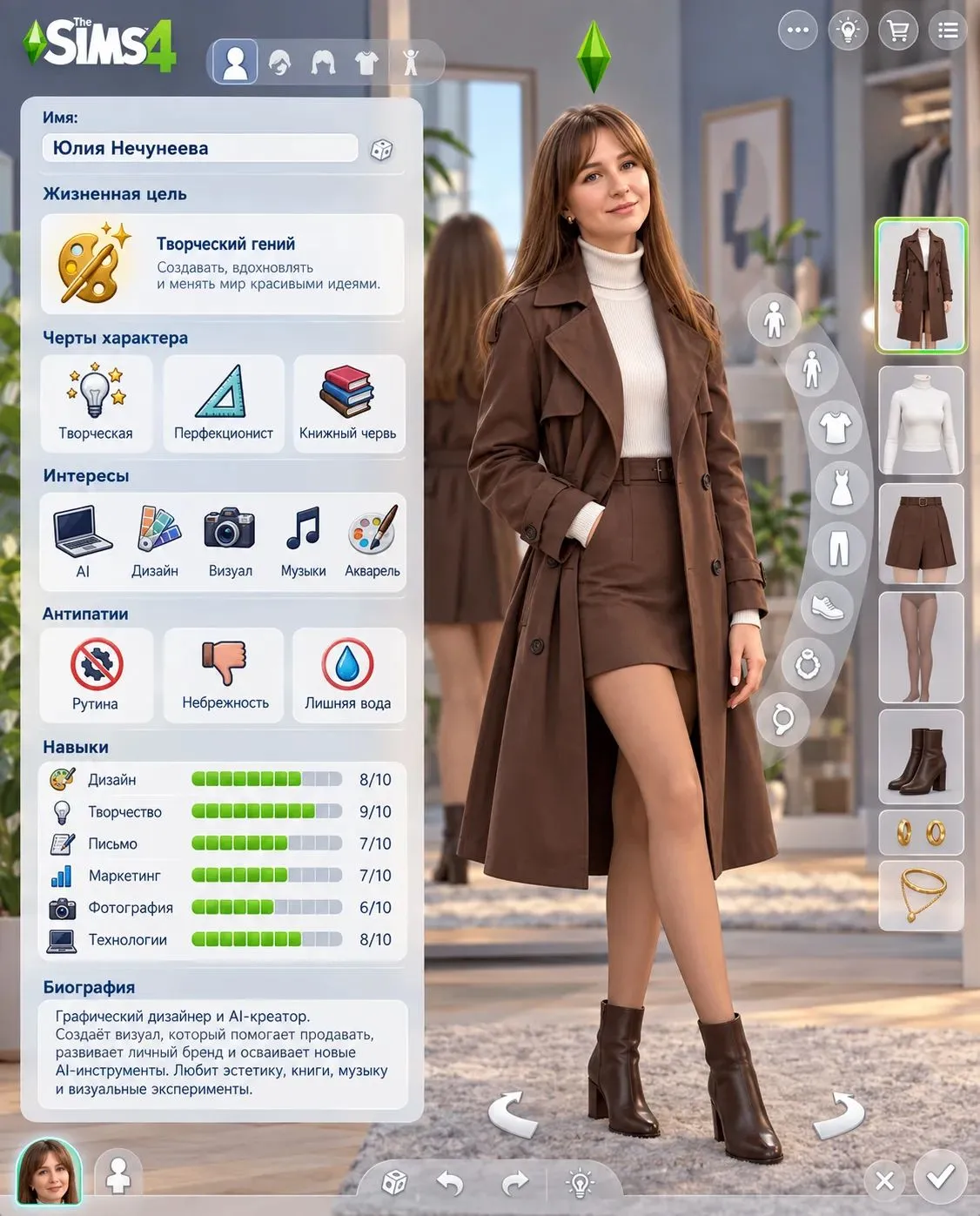
Turn your photo into a personalized The Sims 4 character and CAS screen, with short Russian labels and personal details drawn from your chat. The result includes the character’s appearance, clothing, traits, skills, interests, and biography
Example outputs
Prompt template
- Format
- Text Parameterized
- Inputs
- Personalizedization (image) · Required Personal_context (text) · Required
- Outputs
- The_Sims_4_CAS_character_page (image)
Create a The Sims 4 character based on my photo. Preserve my recognizable appearance and clothing, but depict me as a female Sim with high-quality custom content: detailed hair and skin, soft lighting, and a natural pose. Create a CAS page with the full-body character on the right and panels on the left, including a plumbob and the game interface. Add a name, life aspiration, personality traits, interests, dislikes, six skills with levels, and a short biography. Fill in all details based on information about me in this chat, including ${personal-context}, without copying the references. Keep the labels short and in RussianReplace the ${…} placeholders with your values
before using this prompt. See parameters
and defaults below
Parameters
Replace each placeholder with your own value, or use its default when one is provided
${personal-context}
personal-context
Required
What you'll create
Create a full-body The Sims 4 Sim based on the user’s photo, retaining recognizable features and clothing while giving the character detailed hair and skin, soft lighting, and a natural pose. Present the Sim in a CAS interface with Russian labels and personal character details drawn from the chat
Usage instructions
Frequently asked questions
How should the personal details affect the page?
Use information from the chat to fill in the name, life aspiration, traits, interests, dislikes, six skill levels, and short biography


Comments
Tried this prompt? Share what you made, compare results, or ask a question