Dramatic Mirror Selfie with Cinematic Color and Light
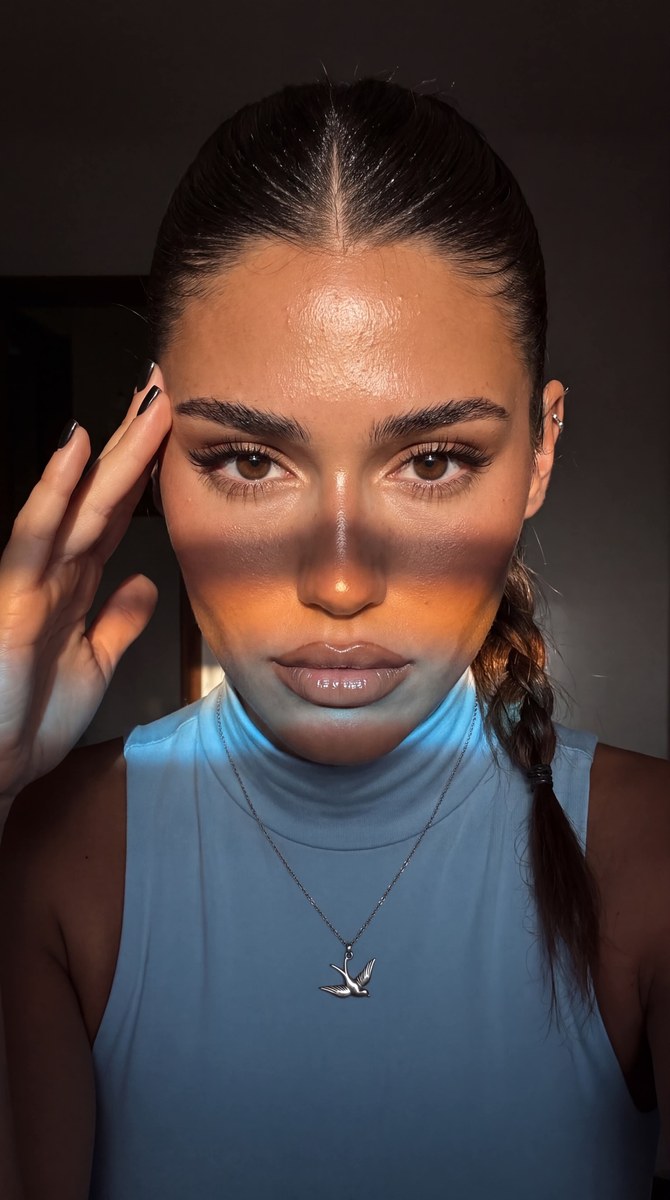
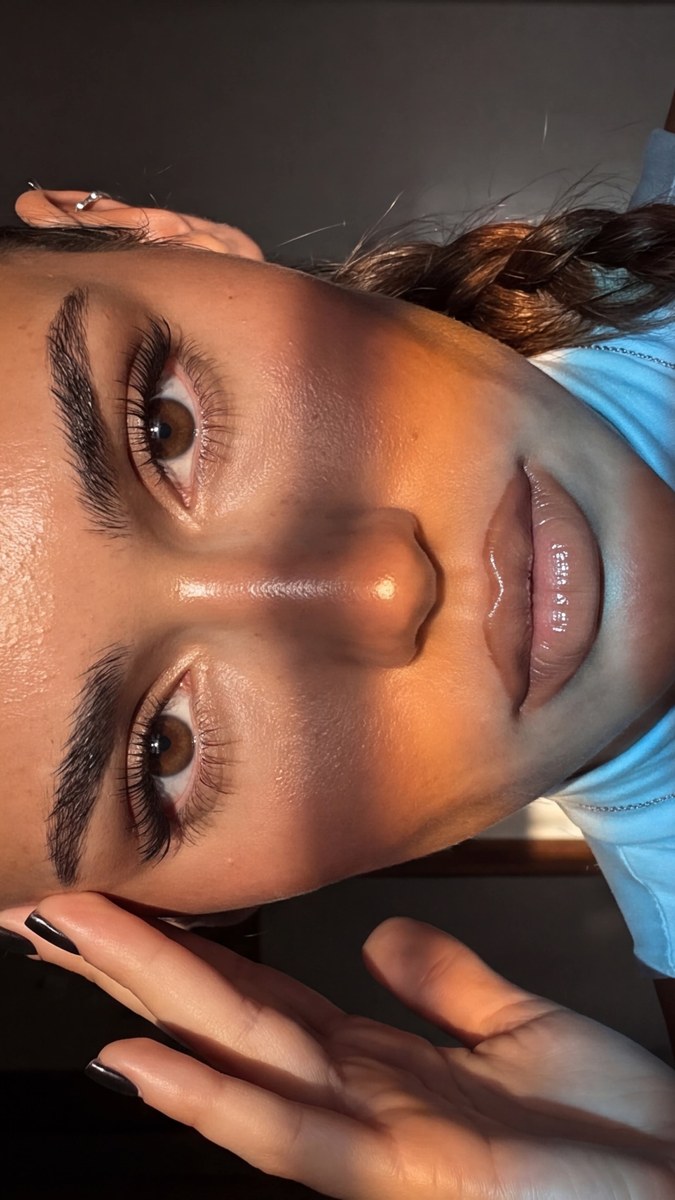
Create a highly realistic, intimate mirror selfie with dramatic cinematic lighting, rich shadows, and detailed soft-glam makeup.
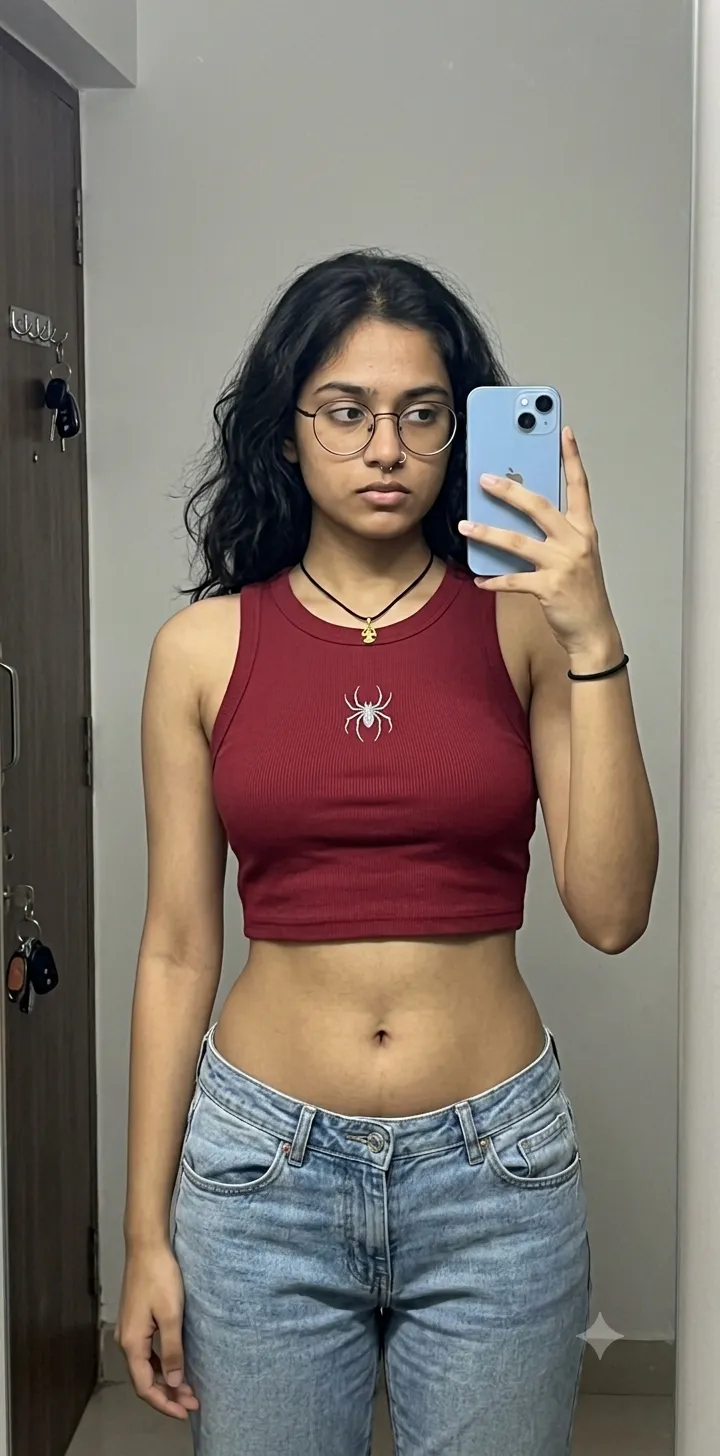
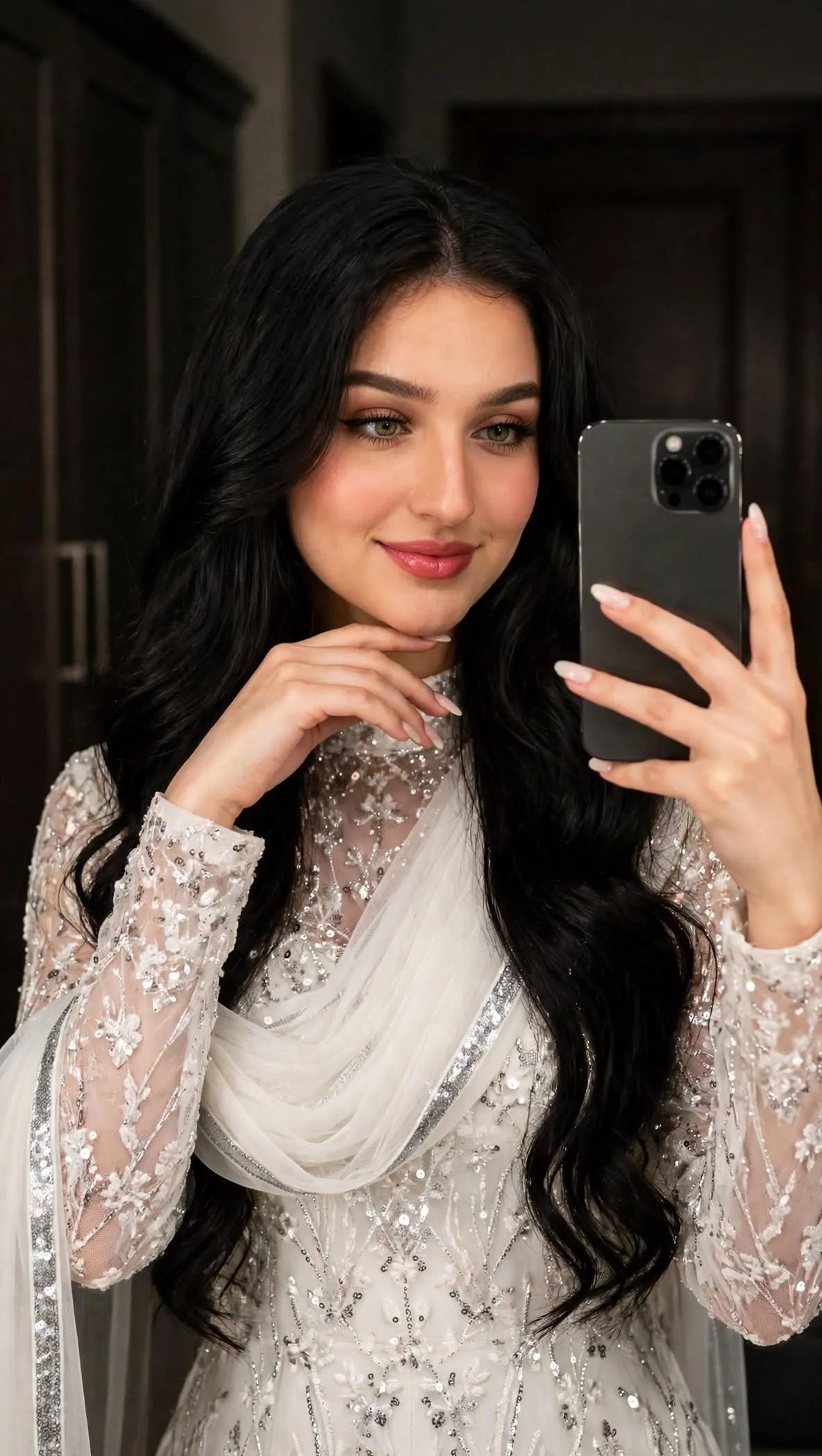
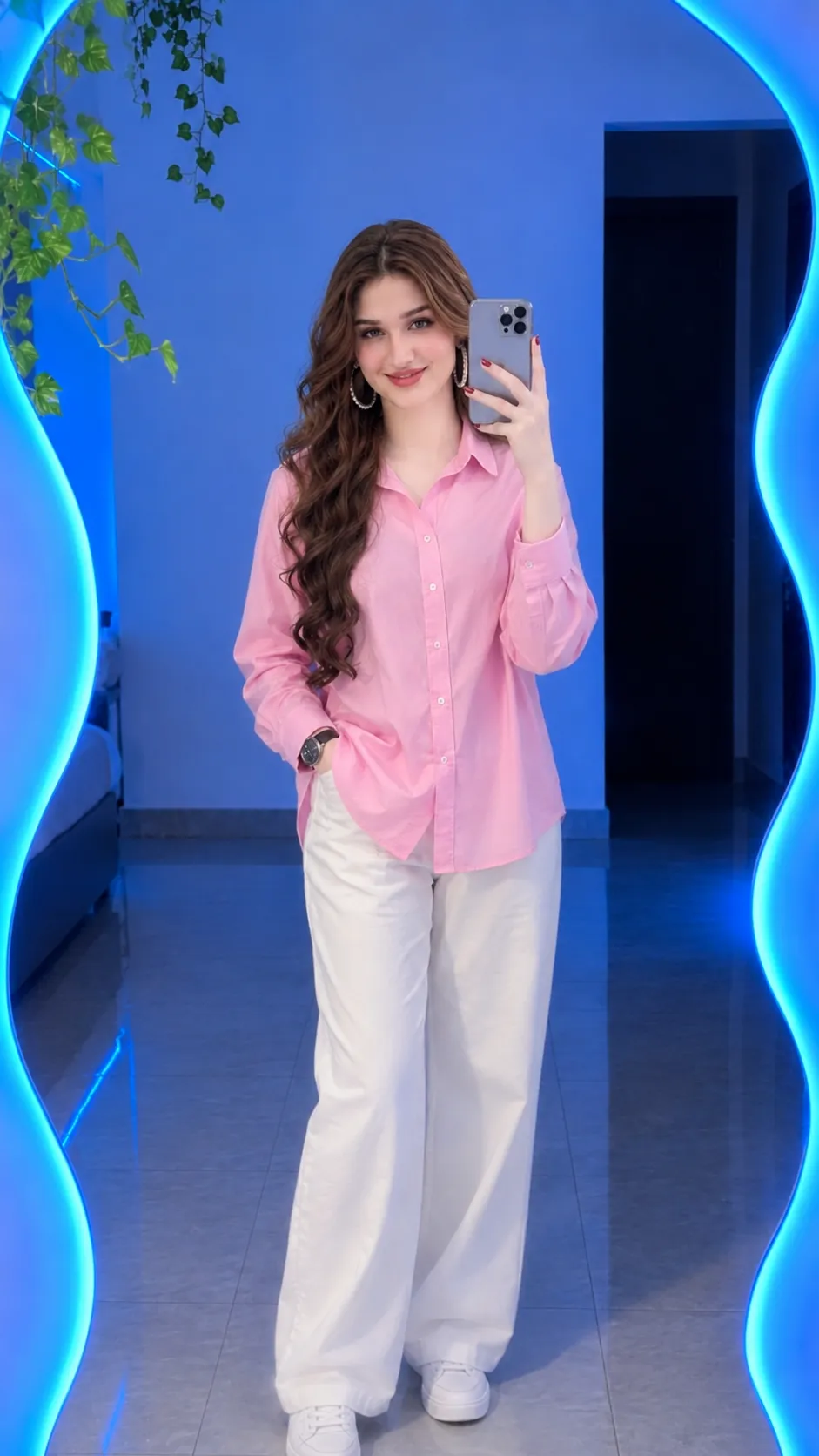
Example outputs
Prompt template
- Format
- Text
- Inputs
- Reference_photo (image) · Required
- Outputs
- Photographic_selfie (image)
Create a photo without changing the subject’s facial features. Use an extreme close-up focused on expressive eyes with clear irises. Make it look like a casual selfie taken with an iPhone 17 Pro Max, not a posed studio portrait. Use cinematic film grain, high detail in all textures, realistic skin with visible pores, and no plastic-like appearance or heavy smoothing. Produce a highly realistic image. The source specifies both 4K and 8K image quality.

Use a rich, restrained palette dominated by dark brown, espresso, black, olive, and warm tones, contrasted with warm, slightly tanned, luminous skin. Make the clothing, atmosphere, location, and other elements harmonize in a refined monochrome palette. Keep the image candid and lifelike, with deliberately lowered exposure and dramatic shadows.

The subject has a sleek high ponytail with a center part, and the ponytail is braided. Makeup: brushed-up brows with individually drawn hairs; a matte foundation that preserves natural pores and realistic skin texture; thick, individually distinguishable lashes with a fox-eye effect; large, expressive, almond-shaped eyes with a lifting effect and clear irises; and soft, glossy soft-glam makeup. Give the subject full, glossy lips with sharply defined edges and beige lipstick with a matte finish.

Add a minimalist cartilage piercing on one ear and a silver necklace with a bird-shaped pendant. Dress the subject in a very pale, light sky-blue sleeveless spandex turtleneck. She takes a mirror selfie in a three-quarter profile, looking sensually toward the camera. Her short, square nails are black, and the fingers of one hand touch her temple.

LIGHTING — FOLLOW PRECISELY: Use complex cinematic lighting in a dark room. The main source is a narrow, hard, directional beam of warm daylight falling from the side and slightly in front. It brightly illuminates the upper face—the forehead, bridge of the nose, cheekbones, and eye area—and reveals the natural contours of the skin, with bright highlights on the forehead, nose, and cheekbones.

A broad horizontal band of colored light crosses the lower face, like sunlight passing through a color filter or reflecting off a surface. It crosses the cheeks, the area around the nasolabial folds, and the lips. Its center is a saturated warm amber-orange, transitioning smoothly to cool blue-white light at the edges. Keep the band’s boundaries soft and slightly blurred while its geometry remains distinct. Make the light look like a physically natural projection, not a painted effect.

Keep the lower face, neck, and chest mostly in deep, cool shadow, with a few fine warm reflections on the neck and shoulders. Maintain strong contrast between lit areas and shadows, with localized dramatic lighting, deep black shadows, and pinpoint highlights. Do not illuminate the whole face evenly.

EXPOSURE AND COLOR GRADING: Deliberately underexpose the image. Use deep graphite, black, and cool gray tones. Contrast warm golden-bronze skin with cool blue highlights. Apply cinematic color grading with saturated but refined hues and soft film grain.
What you'll create
A reference-guided face fills an extreme close frame beneath a sleek ponytail. Natural pores, warm skin and cool highlights stand against a deliberately underexposed espresso-and-graphite atmosphere.
Usage instructions
Provide the reference photo whose facial features should be preserved. The prompt specifies both 4K and 8K; if the image tool requires one resolution, choose which to prioritize. You can adjust the scene’s mood by changing the amber-to-blue balance or the depth of the shadows.
Frequently asked questions
Is the lighting evenly spread over the whole face?
No. Localized light and deep shadows are required.
Is the output resolution specified consistently?
No. Both 4K and 8K appear in the source.



Comments
Tried this prompt? Share what you made, compare results, or ask a question