Oil-Painting Portrait Identity Replacement
Replace a painted portrait's facial identity using a second reference image, with deep black hair while preserving the original composition and brushwork. Produce a 4K image.
Example outputs
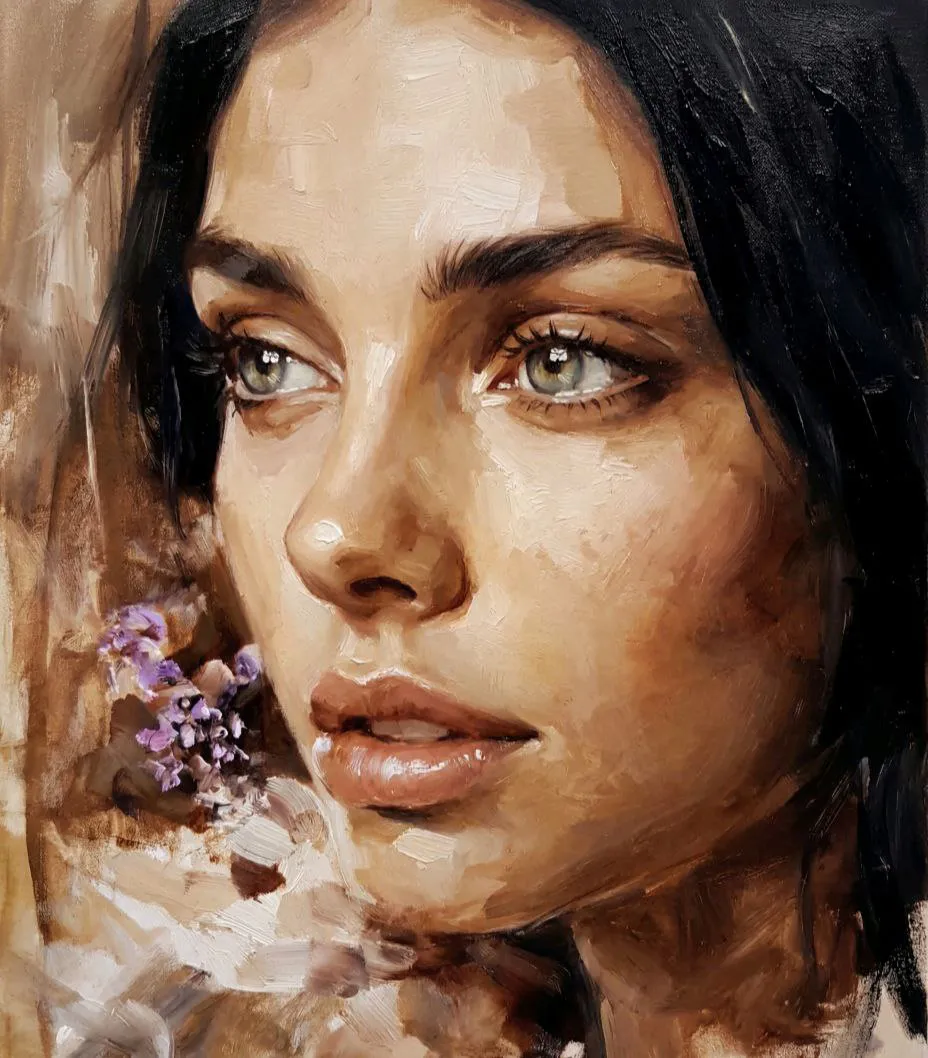
Prompt template
- Format
- Text
- Inputs
- img1 (image) · Required img2 (image) · Required
- Outputs
- edited_portrait (image)
@img1 = source frame
@img2 = face identity

Generate a frame from @img1 .
Replace the original face in @img1 with the face identity from @img2 .
Change the hair color to natural deep black.
Keep everything else from @img1 unchanged.

Preserve from @img1 :
same close-up portrait crop, same three-quarter facial angle, same gaze direction, same expression, same painterly oil-brush style, same thick brushstrokes, same textured surface, same warm brown-beige palette, same soft abstract background, same highlights in the eyes, same glossy lips, same visible earring, same overall mood.

Use from @img2 :
facial identity, face shape, eyes, nose, lips, skin features.

Change only:
face identity and hair color to natural deep black.

The result must look like the person from @img2 rendered in the exact setup and painterly style of @img1 , with black hair instead of the original hair color.

Negative prompt:
change nothing except face identity and hair color, no angle change, no gaze change, no expression change, no style change, no brushstroke change, no palette change except hair, no earring change, no background change, no lighting change, no crop change, no beauty retouch, no glam boost, no identity drift, no double face, no asymmetrical features, no warped features, no text, no watermark
What you'll create
The second reference face appears in the original three-quarter close-up with glossy lips and visible earring. Thick oil strokes and brown-beige texture remain intact, with hair changed to deep black.
Generation settings
Advanced settings
- Negative prompt
- change nothing except face identity and hair color, no angle change, no gaze change, no expression change, no style change, no brushstroke change, no palette change except hair, no earring change, no background change, no lighting change, no crop change, no beauty retouch, no glam boost, no identity drift, no double face, no asymmetrical features, no warped features, no text, no watermark
Frequently asked questions
Does the painting become smooth photography?
No. Original brushstrokes and textured surface stay preserved.
What palette change is permitted?
Only the hair becomes natural deep black.


Comments
Tried this prompt? Share what you made, compare results, or ask a question