Hyperrealistic Portrait from Two Reference Photos
Create a hyperrealistic 4:3 portrait using one reference for composition and another for facial identity. Customize the aspect ratio while retaining the specified look and photographic details
Example outputs
Prompt template
- Format
- Text Parameterized
- Inputs
- First_reference_image (image) · Required Second_reference_image (image) · Required aspect_ratio (text) · Optional · Default: 4:3
- Outputs
- Portrait (image)
Create a hyperrealistic photo in ${aspect-ratio:4:3}.

The woman has doll-like, expressive facial features and an even skin tone with a velvety texture. Her figure is petite and slim, with an hourglass shape and an extremely narrow waist.

Makeup: Use black, Eastern-inspired cat-eye eyeliner that elongates the eyes, with long lashes in a fox-eye or ray-like effect. Give her matte, velvety lipstick.

Hair: Give her a beautiful, voluminous blowout-style hairstyle, with lift at the roots, very long hair, and a few strands falling across her face. Match the hair color to the second reference image.

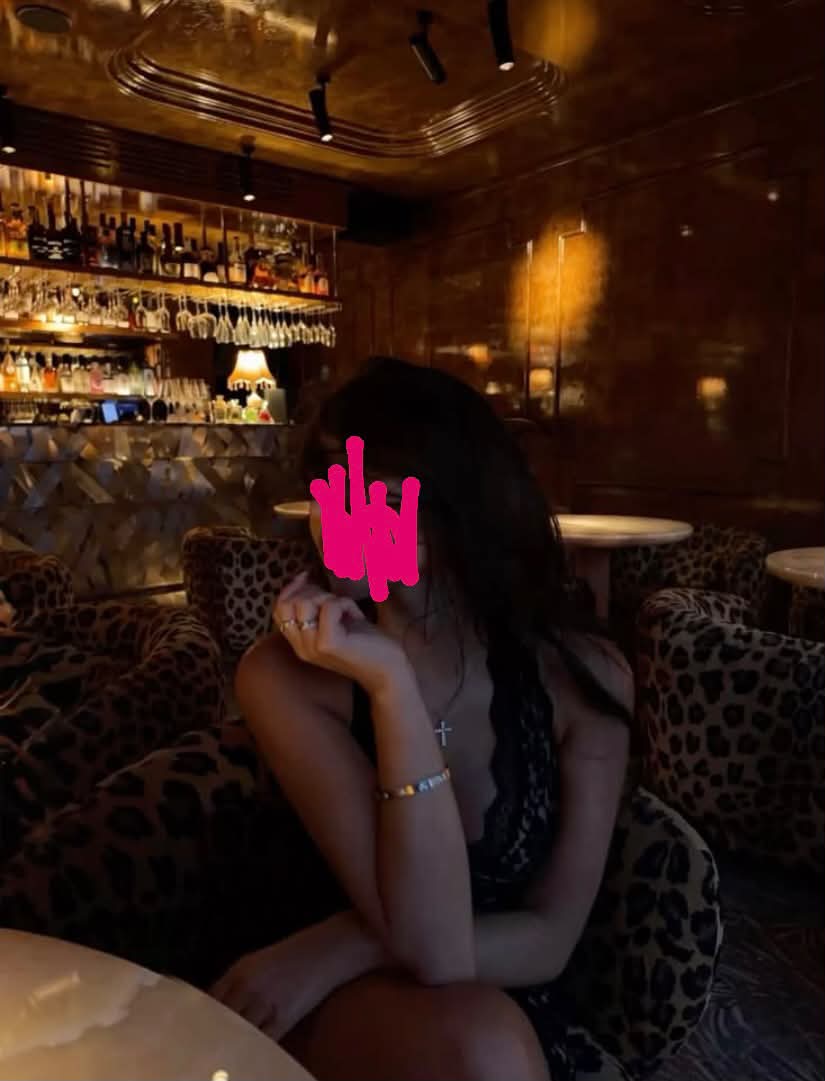
Use the first image as an exact reference for the composition, pose, overall atmosphere, background, and look. Use the second image as a reference for my face, facial features, eye and brow shapes, and skin structure. Preserve my individuality and natural facial proportions. Make the result as photorealistic as possible, without an artificial AI look, plastic skin, excessive retouching, or anatomical distortions. Choose an expression suited to the composition; she should look away from the camera, with her lips slightly parted. Make the photo look as though it was taken on an iPhone 17 Pro. Do not change the woman's appearance or facial features.
Replace the ${…} placeholders with your values
before using this prompt. See parameters
and defaults below
Parameters
Replace each placeholder with your own value, or use its default when one is provided
${aspect-ratio:4:3}
aspect-ratio
Default: 4:3
What you'll create
This prompt creates a hyperrealistic portrait of a woman with a petite hourglass figure, very long voluminous hair, and defined eye and lip makeup. The first reference guides the pose, composition, background, and overall look, while the second guides her facial features, skin structure, and hair color
Usage instructions
Frequently asked questions
What does each reference image control?
The first reference guides the composition, pose, atmosphere, background, and overall look. The second guides facial identity, features, skin structure, and hair color


Comments
Tried this prompt? Share what you made, compare results, or ask a question