The Sims 2 CRT Gameplay Portrait
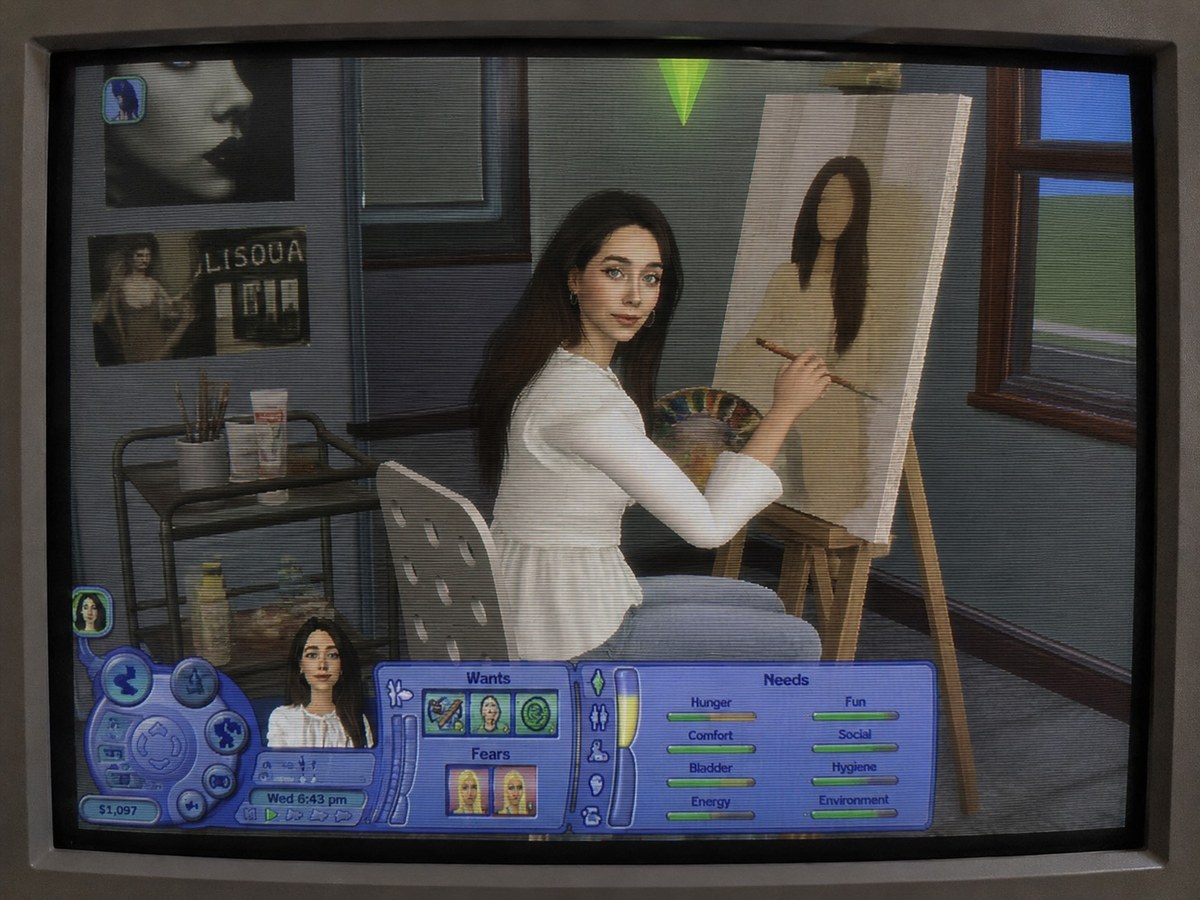
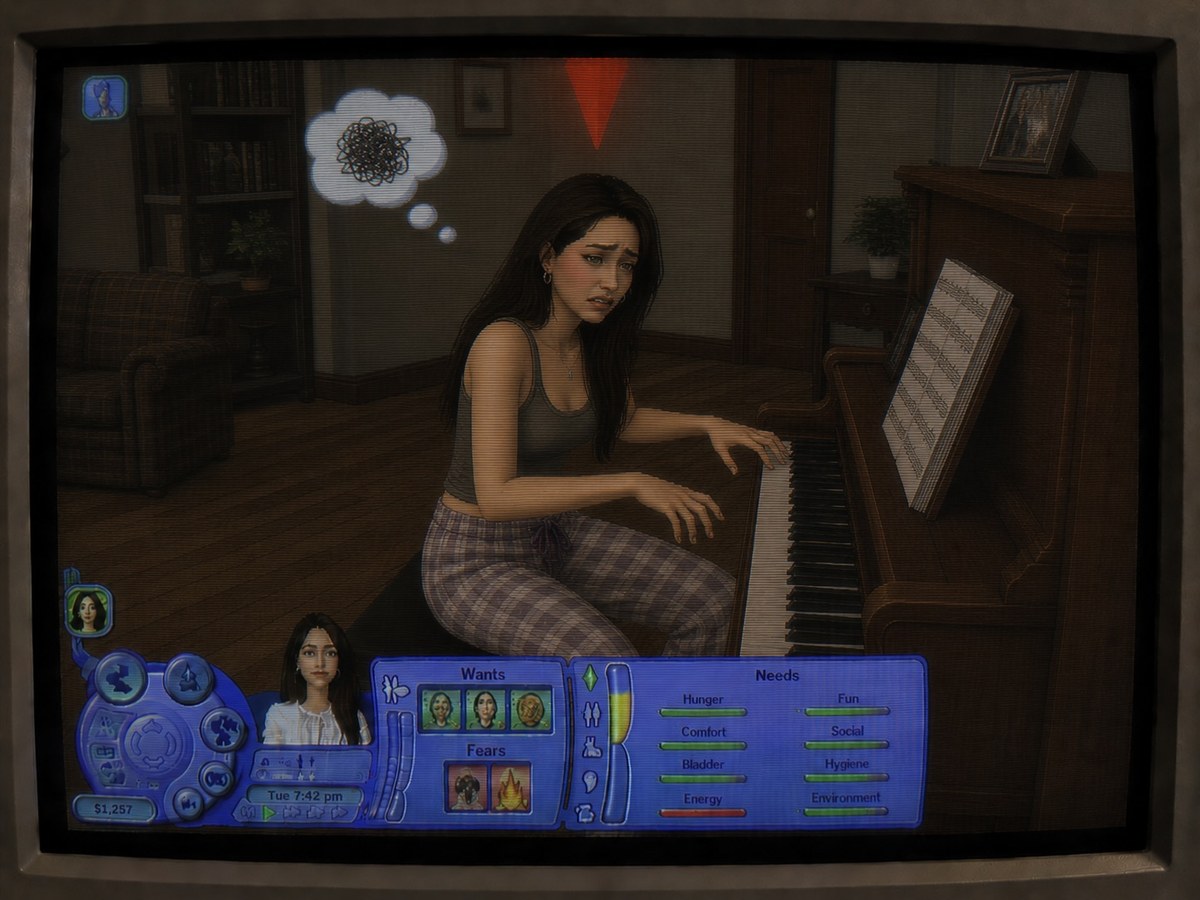
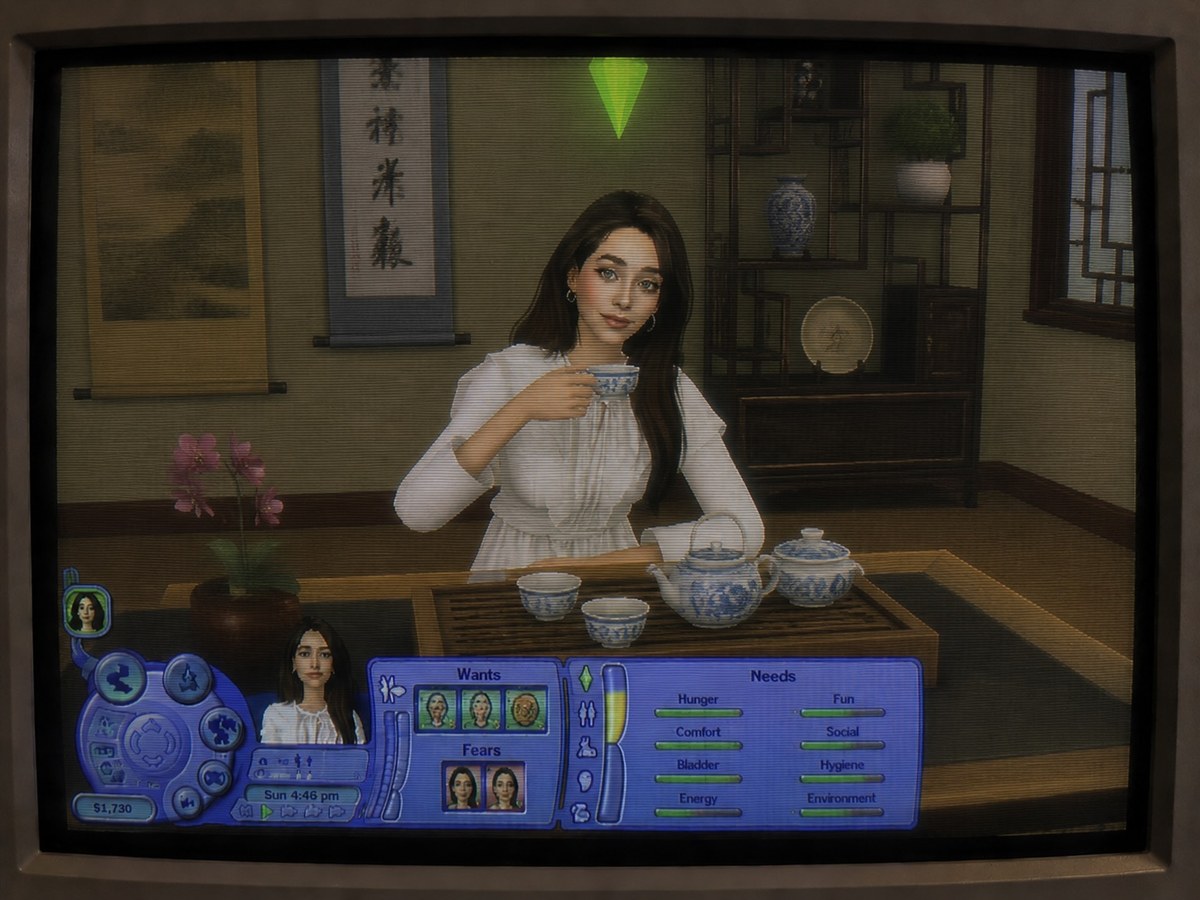
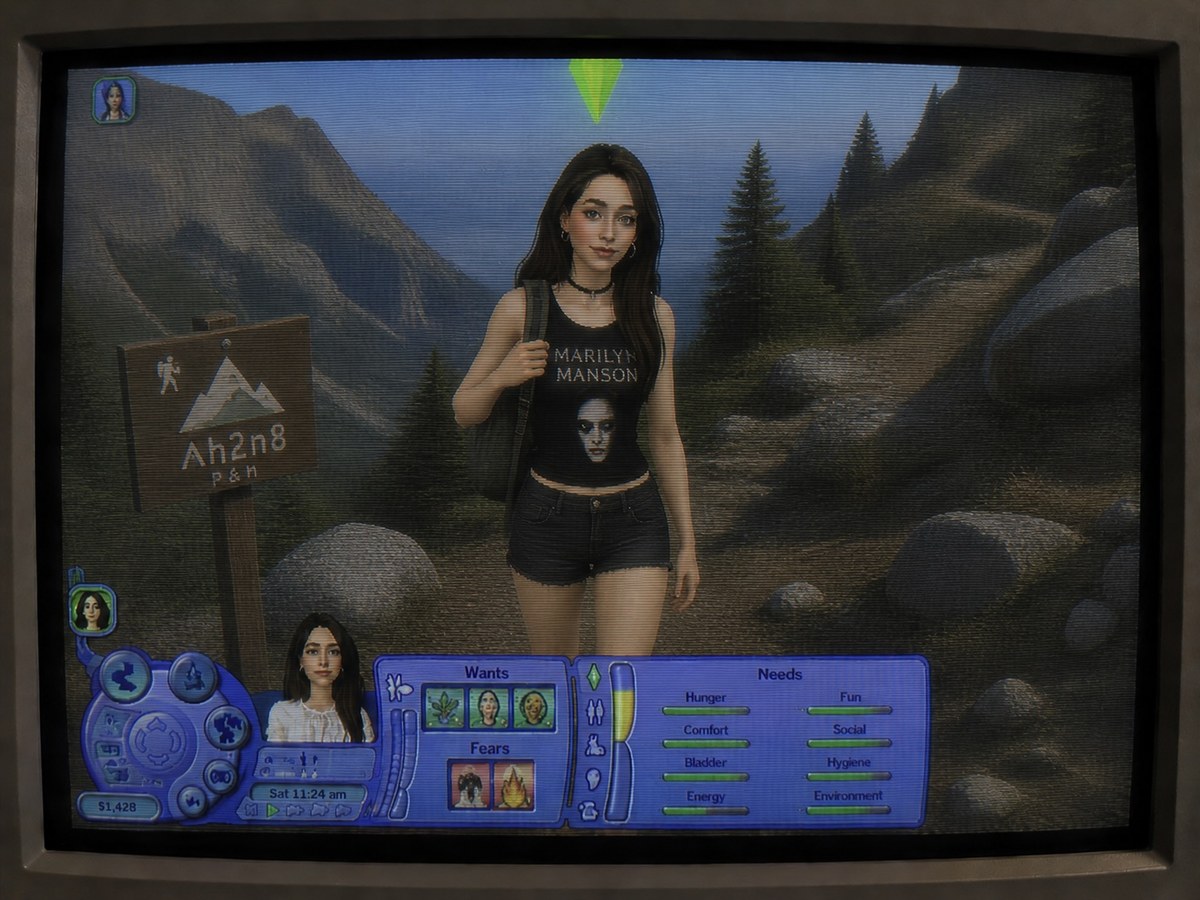
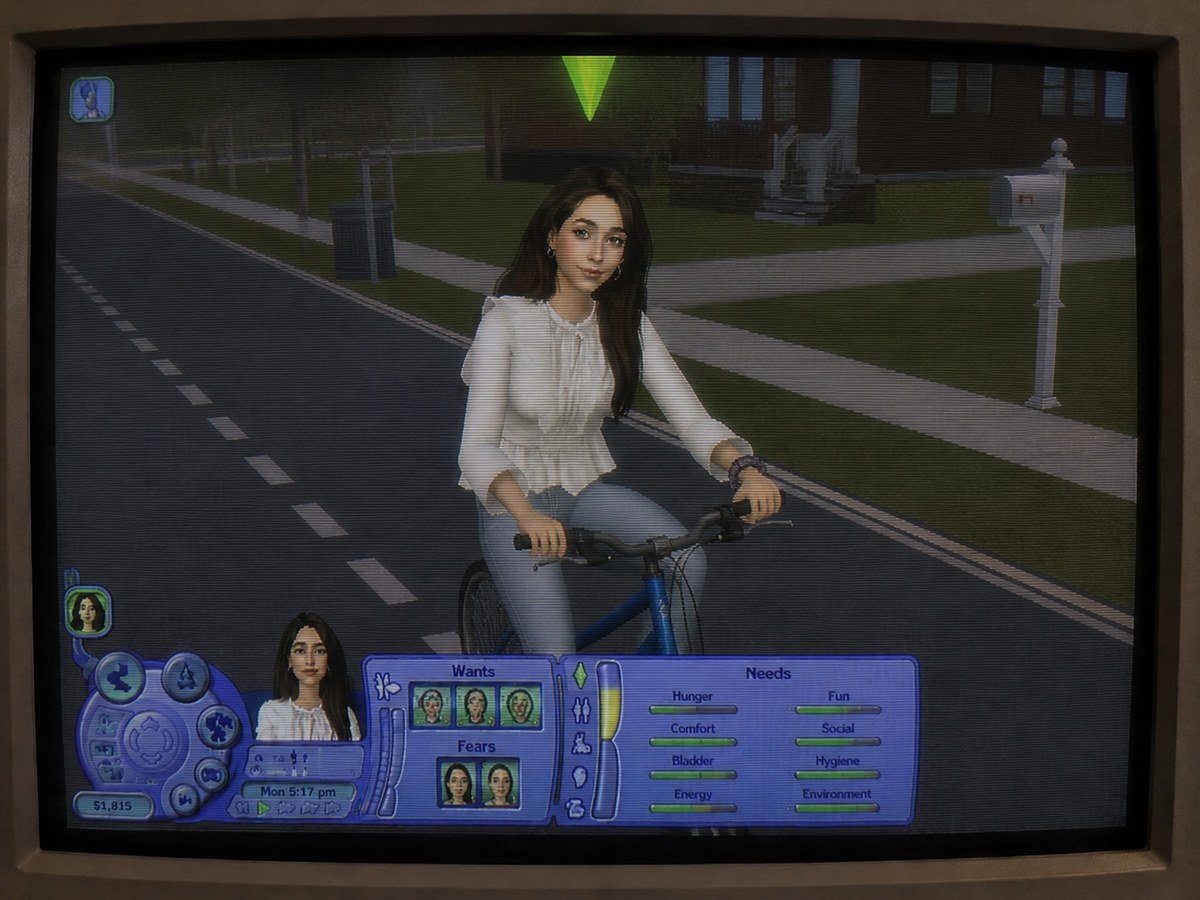
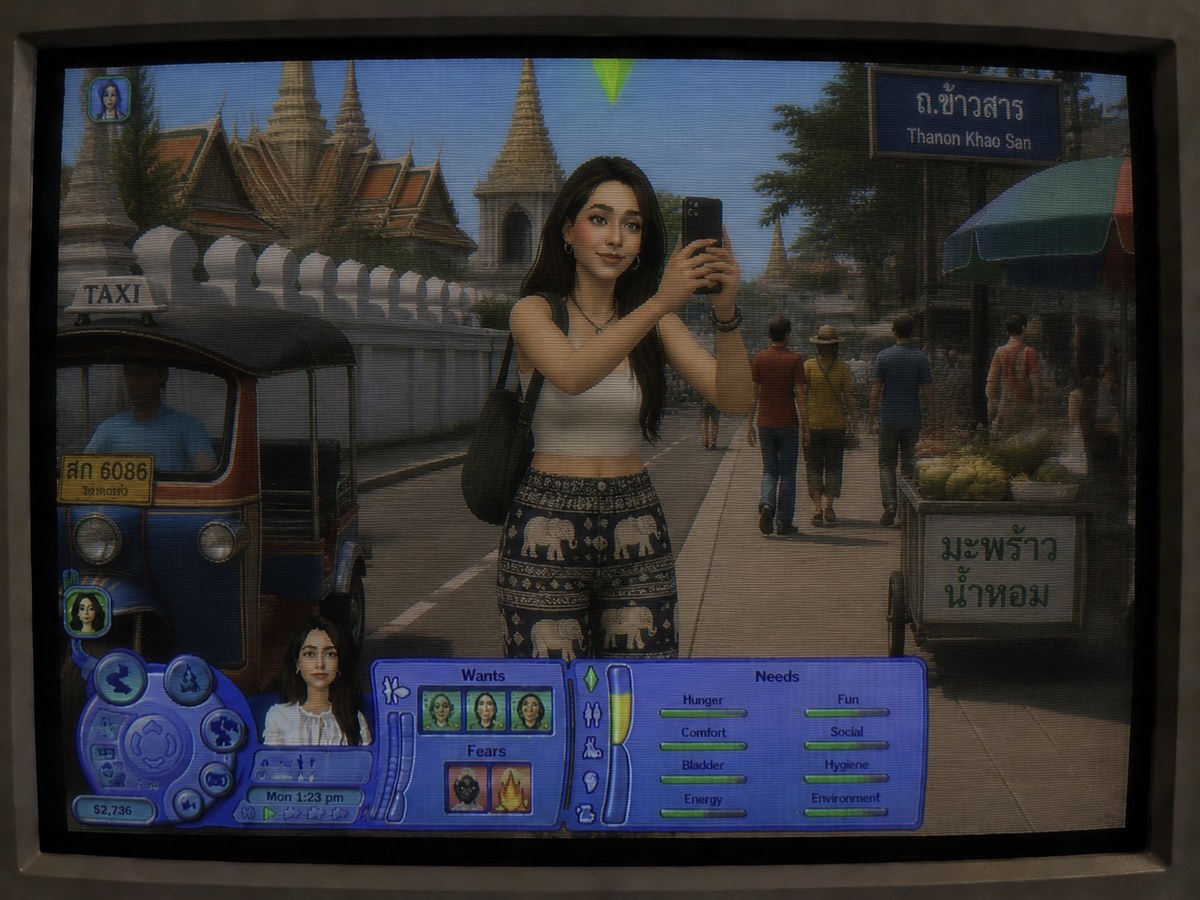
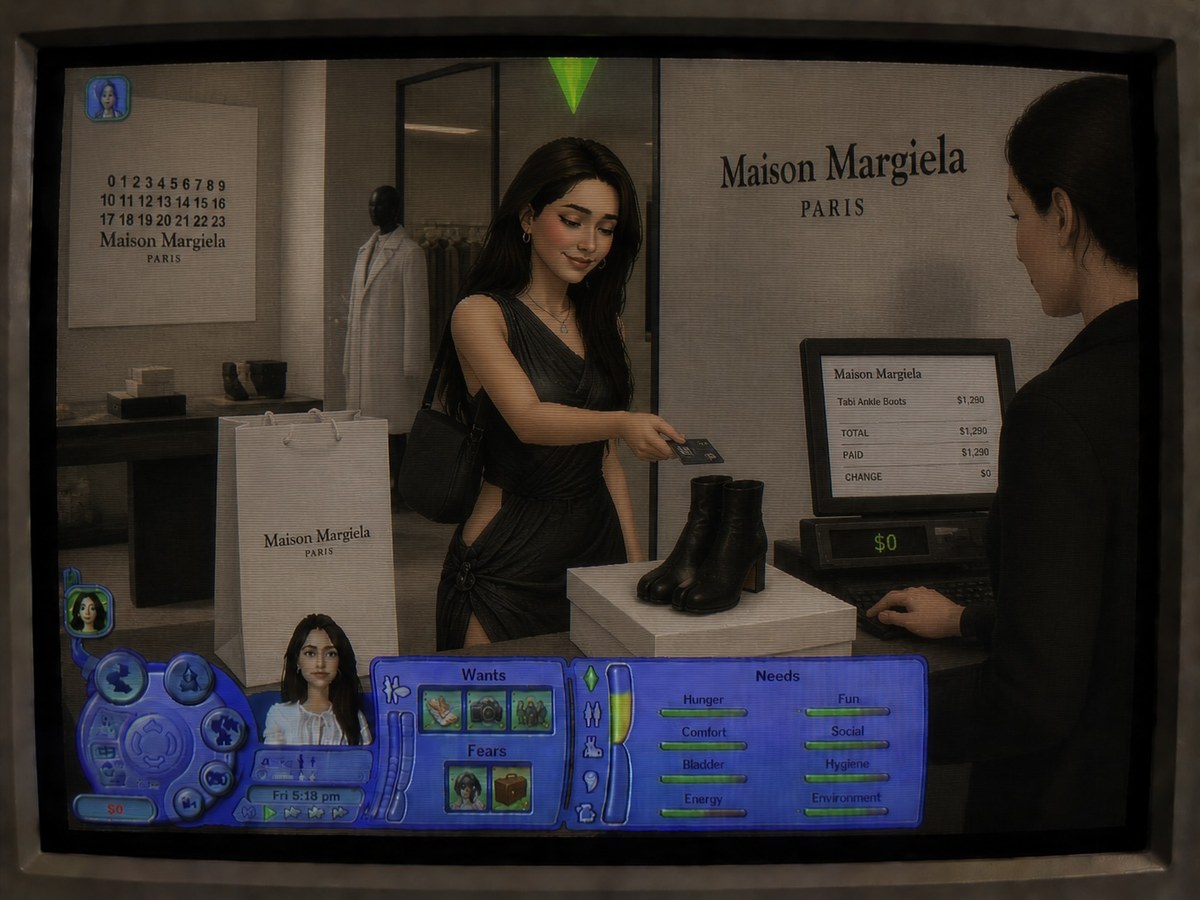
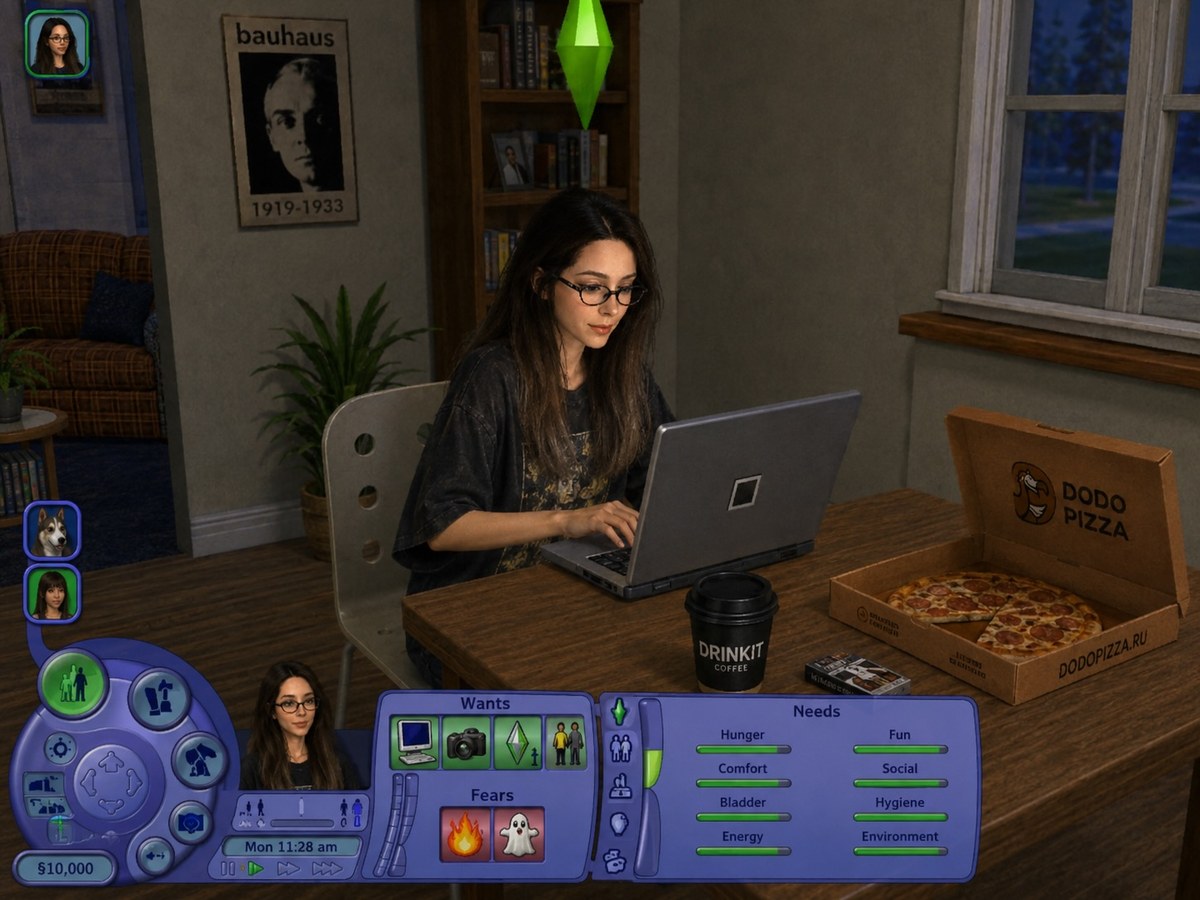
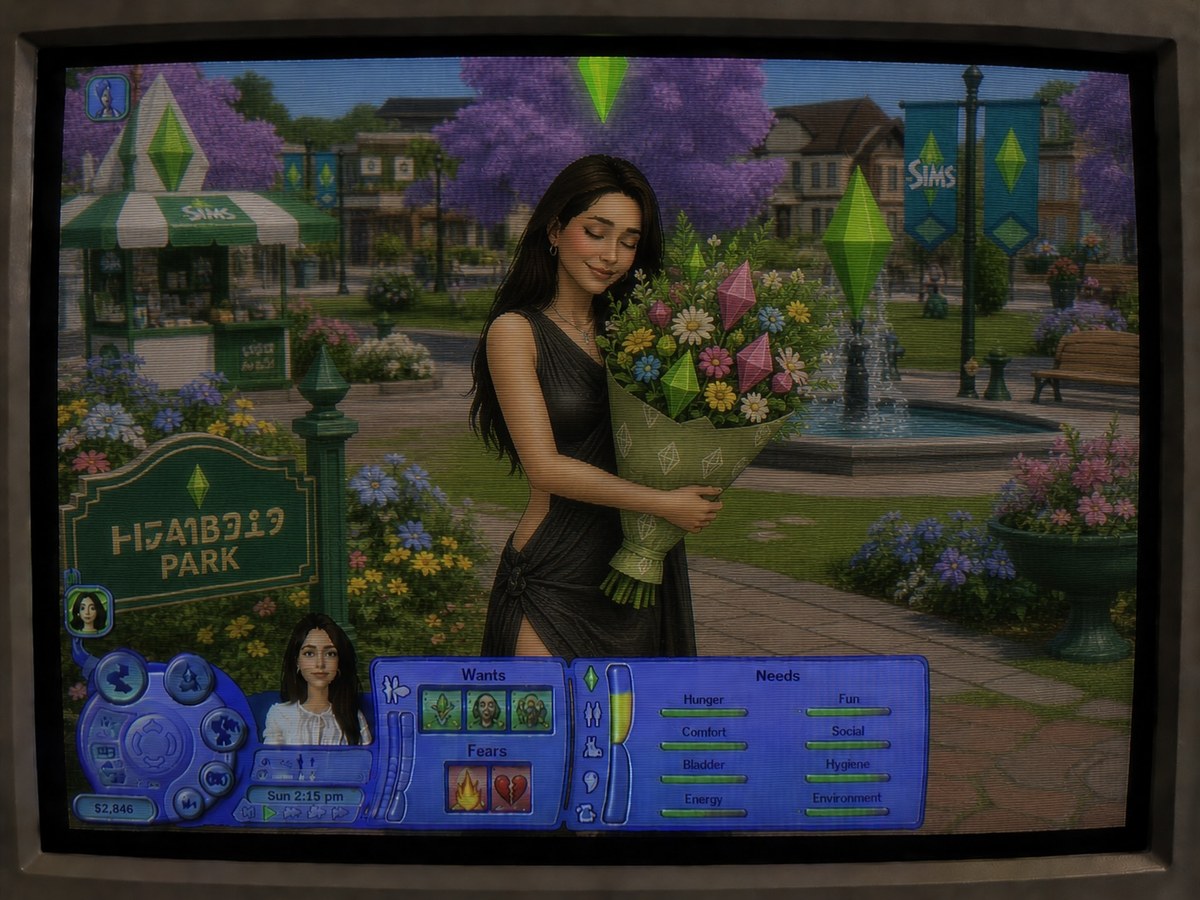
Transform a person in a reference photo into a recognizable, human-looking Sims 2 character in a randomly chosen everyday gameplay scene, rendered as a nostalgic CRT monitor photo.
Example outputs
Prompt template
- Format
- Text
- Inputs
- person_reference (image) · Required
- Outputs
- gameplay_portrait (image)
Turn the person in the attached photo into a recognizable The Sims 2 character while keeping her human-looking and identifiable. Place her in a different randomly chosen everyday The Sims 2 scene with each generation, as if capturing a spontaneous gameplay moment.

Use the authentic look of a The Sims 2 screenshot: low-poly 3D graphics, a classic green plumbob, the real Sims 2 UI, awkward candid gameplay framing, and an early-2000s interior. Make the result look like a photo of an old analog computer monitor, with CRT scanlines, moiré, slight blur, screen glow, noise, low contrast, and a nostalgic 2000s feel.
What you'll create
The reference person becomes a recognizable low-poly Sim in a randomly chosen everyday scene. Scanlines, glow, moire and soft screen noise frame classic game UI and a green plumbob.
Frequently asked questions
Does the scene repeat every time?
No. A different everyday scene is chosen.
What gives the image its analog-screen finish?
CRT scanlines, moire, blur and screen glow.



Comments
Tried this prompt? Share what you made, compare results, or ask a question